About
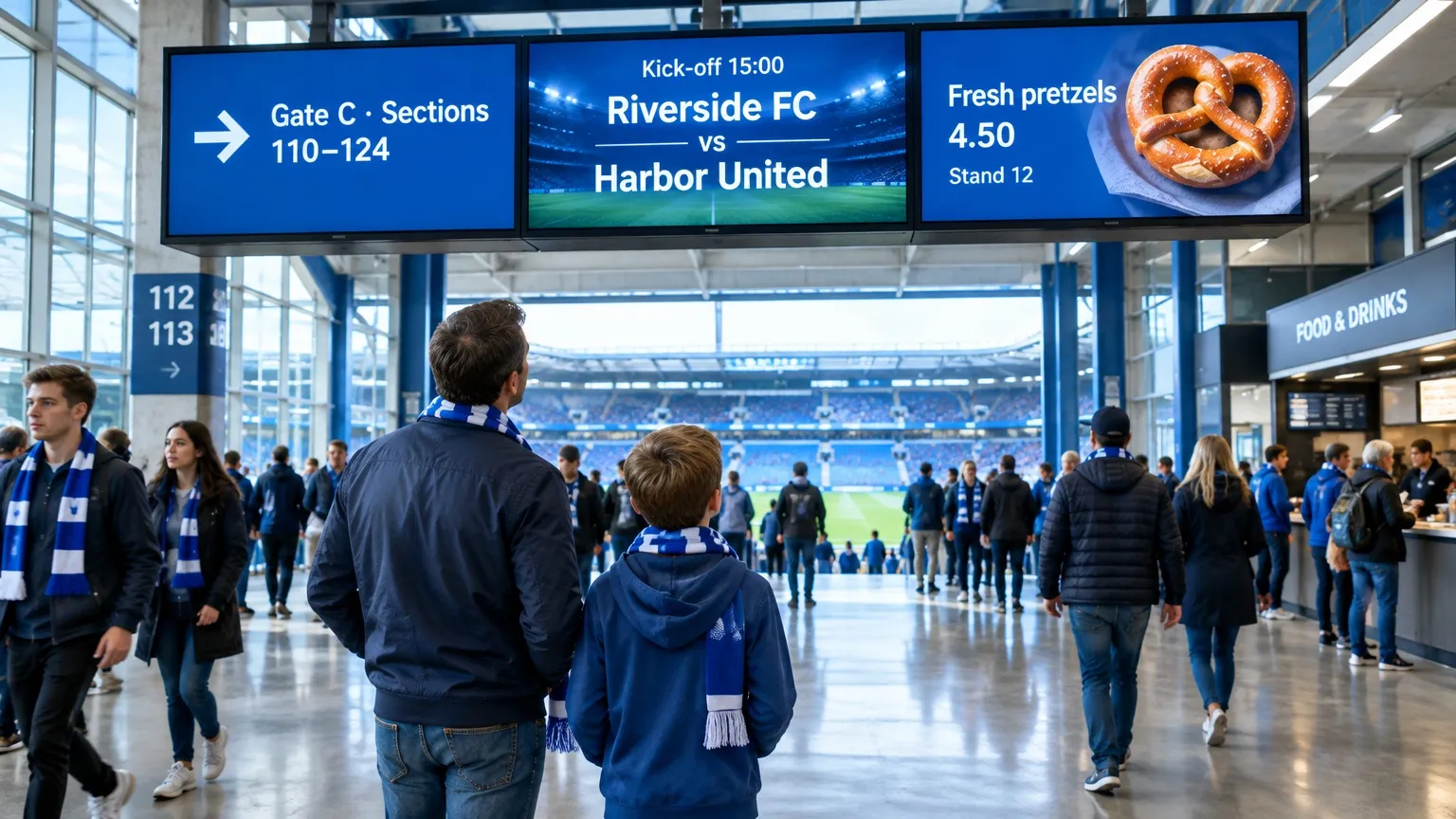
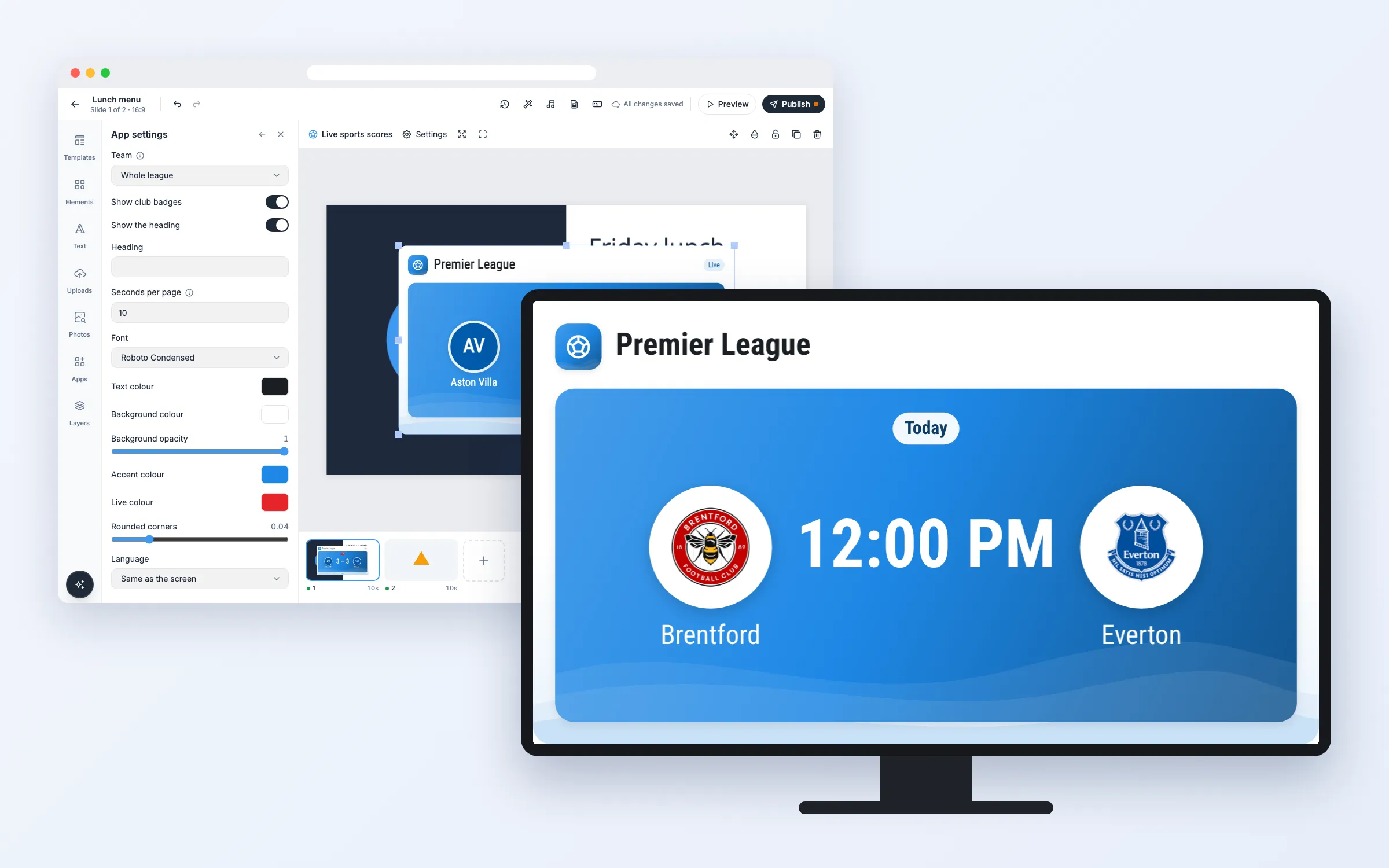
Show live football scores, the coming fixtures and the league table on your screens. Pick a league, or one team to follow its matches and mark it in the table. While a match is on, screens update every 30 seconds by themselves. Nine layouts in clean cards: six large enough to read across a bar, and three small cards to place beside your other content. On the Pro and Ultimate plans.
Get Started
Everything here starts in the editor: open your playlist and the slide. The editor saves by itself (“All changes saved”). When you’re done, click Publish.
Set up the scores
Add live sports scores to a slide
- Click Apps, and click Live sports scores under Feeds and text (or type “sports” in Search apps)
- The scores are added in the middle of the slide, and App settings opens
- Pick one of the nine Layouts
- Choose the League or cup
Follow one team
- Under Team, pick the team. The list shows the teams of the league you chose
Scoreboard and Scores then show only that team’s matches, with its next match under the score, and Table marks its row. Choose Whole league to show every match again.
Show the league table
- Pick the Table layout, or Board, which shows scores, fixtures and the table in turn
When the table doesn’t fit, screens show it a page at a time. Cups show a table only in their group or league phase.
Options
Click the scores on the slide to change these in App settings.
| Option | What it does |
|---|---|
| Layouts | Scoreboard (one match large on a coloured card: the live ones in turn), Scores (live scores and results), Fixtures, Table, Ticker row or Board (scores, fixtures and table in turn, dark). And three small cards to place beside other content: Match card (one match), Mini table (the top of the table, or the rows around your team) and Mini scores (a short list of scores) |
| League or cup | Premier League to start with |
| Team | Whole league, or one team of the league |
| Days of fixtures | 1 to 21, 7 to start with, for Fixtures and Board |
| Show club badges, Show the heading | On to start with |
| Heading | Your own heading. Empty shows the league’s name, or the team’s when you follow one |
| Seconds per page | 4 to 60, 10 to start with, when not everything fits. All screens turn the page together |
| Speed | Slow, Normal or Fast, for the Ticker row |
| Font | Roboto Condensed to start with, or one of your team’s fonts |
| Colors | Text colour; Background colour and Background opacity for the background behind the cards (the cards follow it, at 0 they sit right on your slide); Accent colour for the coloured card, icons and pills; Live colour |
| Rounded corners | For every layout |
| Language | Same as the screen, or one of 12 languages |
FAQ
Which plans include Live Sports Scores?
Pro and Ultimate.
Which leagues and cups are there?
Premier League, La Liga, Bundesliga, Serie A, Ligue 1, UEFA Champions League, UEFA Europa League, UEFA Conference League, EFL Championship, FA Cup, Scottish Premiership, Eredivisie, Primeira Liga, Belgian Pro League, Süper Lig, Danish Superliga, Eliteserien, Allsvenskan, MLS, Liga MX, Brasileirão Série A, FIFA World Cup, UEFA Euro and UEFA Nations League.
How live are the scores?
While a match is on, screens ask for the score every 30 seconds, and the minute goes on by itself in between. When no match is on, they check again shortly before the next kick-off.
Which time zone are kick-off times in?
Each screen’s own, so a screen in New York and one in London both show the local kick-off time.
What if the screen goes offline?
It keeps showing the last scores, fixtures and table it had, for up to a day.
Do my screens need an update?
No. Screens show the scores like other web apps, on the players you already have.