



Banking
Engage customers while they wait and promote your financial products.
Digital signage software for logistics
Show dock schedules, delays, wayfinding and safety alerts on the screens you already have. Manage all from one dashboard.
Whether you run one warehouse or a network of hubs and plants, Play adapts to how your goods and people move.
Keep goods moving from the dock door to dispatch with clear, current information.
Show platform changes, delays and service notices where passengers wait.
Keep material flowing to the line with live schedules and safety reminders.
Put the right message on the right screen at every step, so teams always know where to go, what is next and what changed.
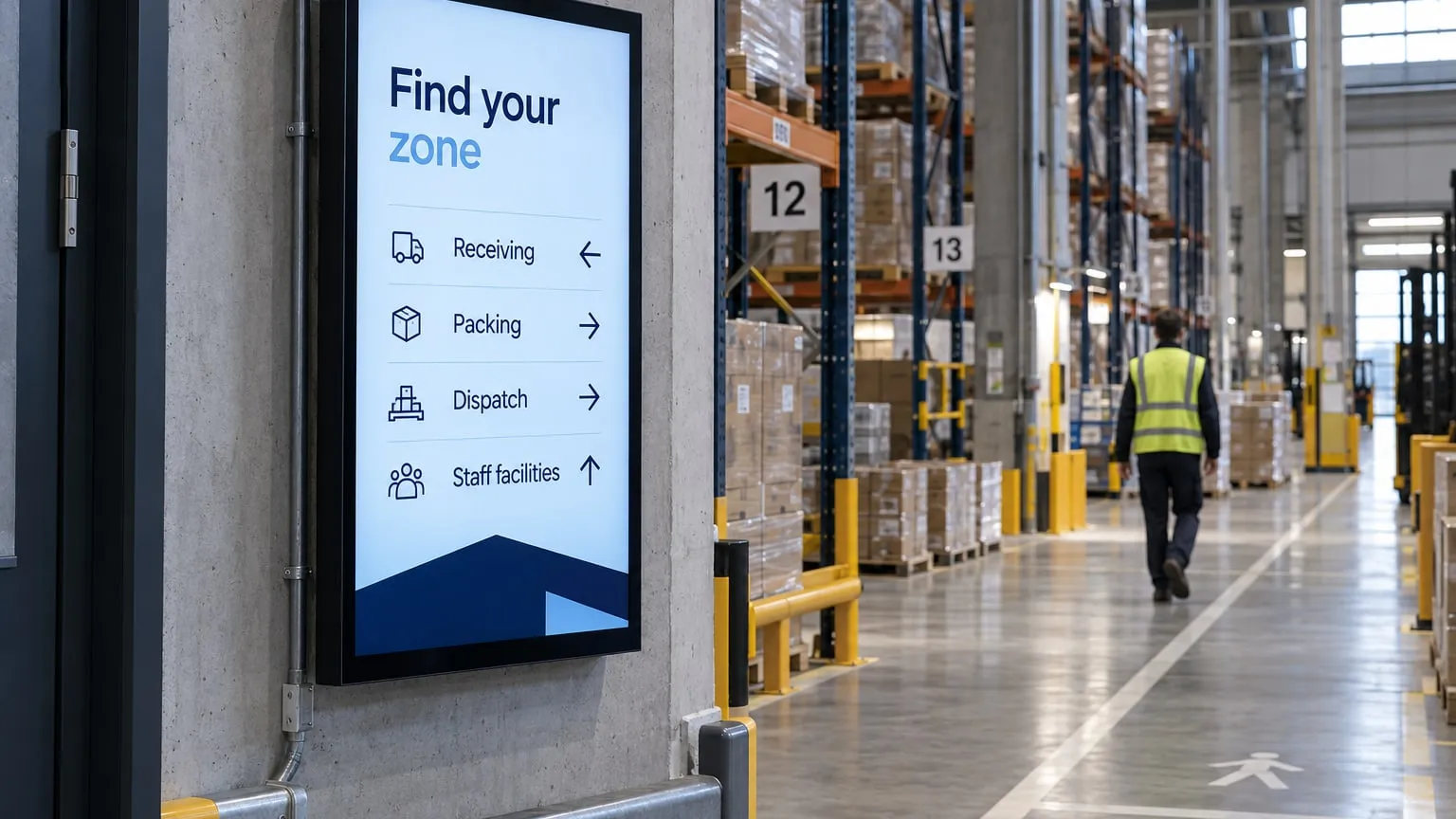
01 · Entrance
Directory screens point staff and visitors to receiving, packing and dispatch.
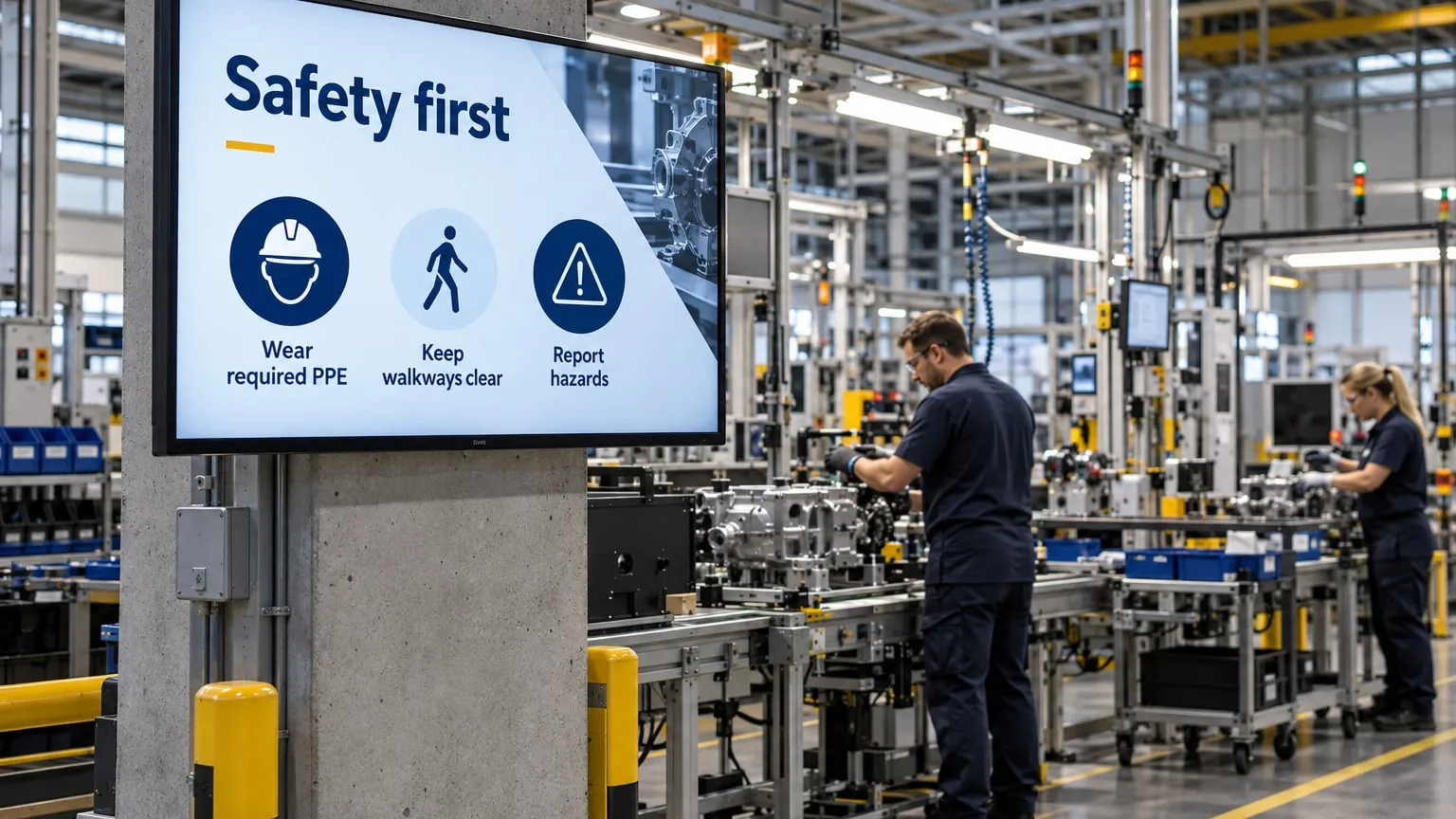
02 · Production floor
PPE reminders, hazard alerts and shift notices where work happens.
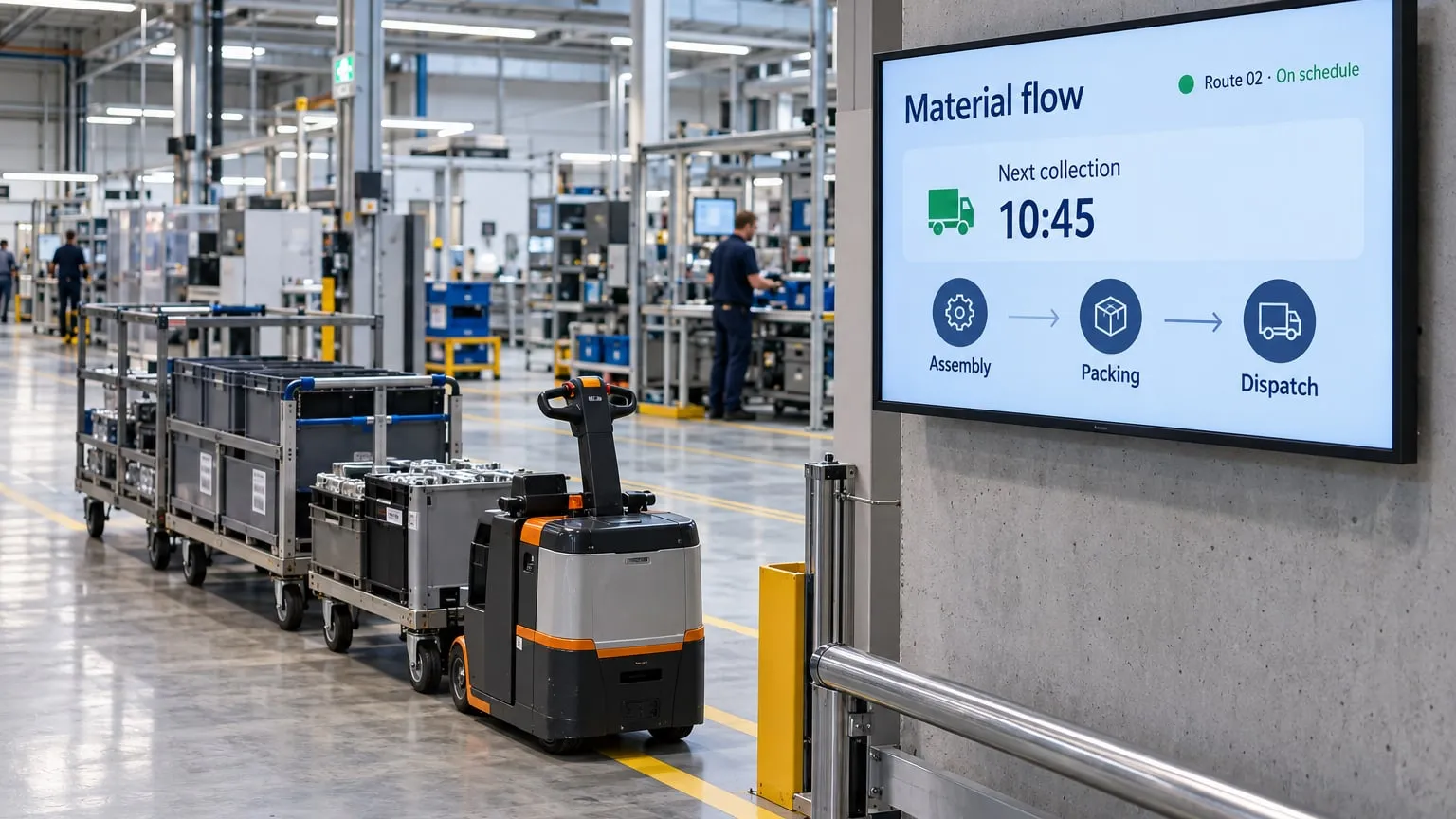
03 · Material flow
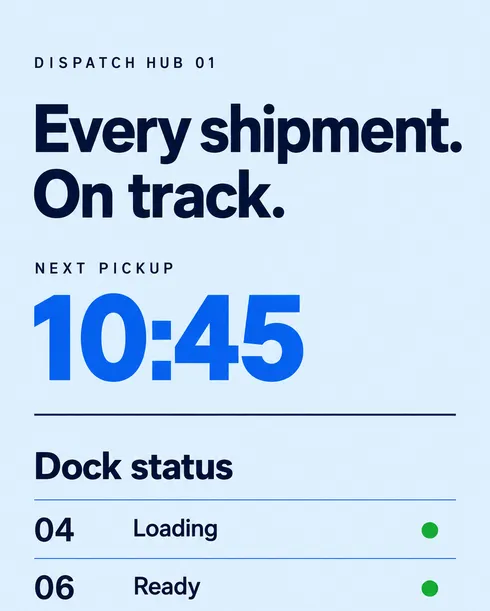
Live pickup times from your web page, feed or Google Sheet.
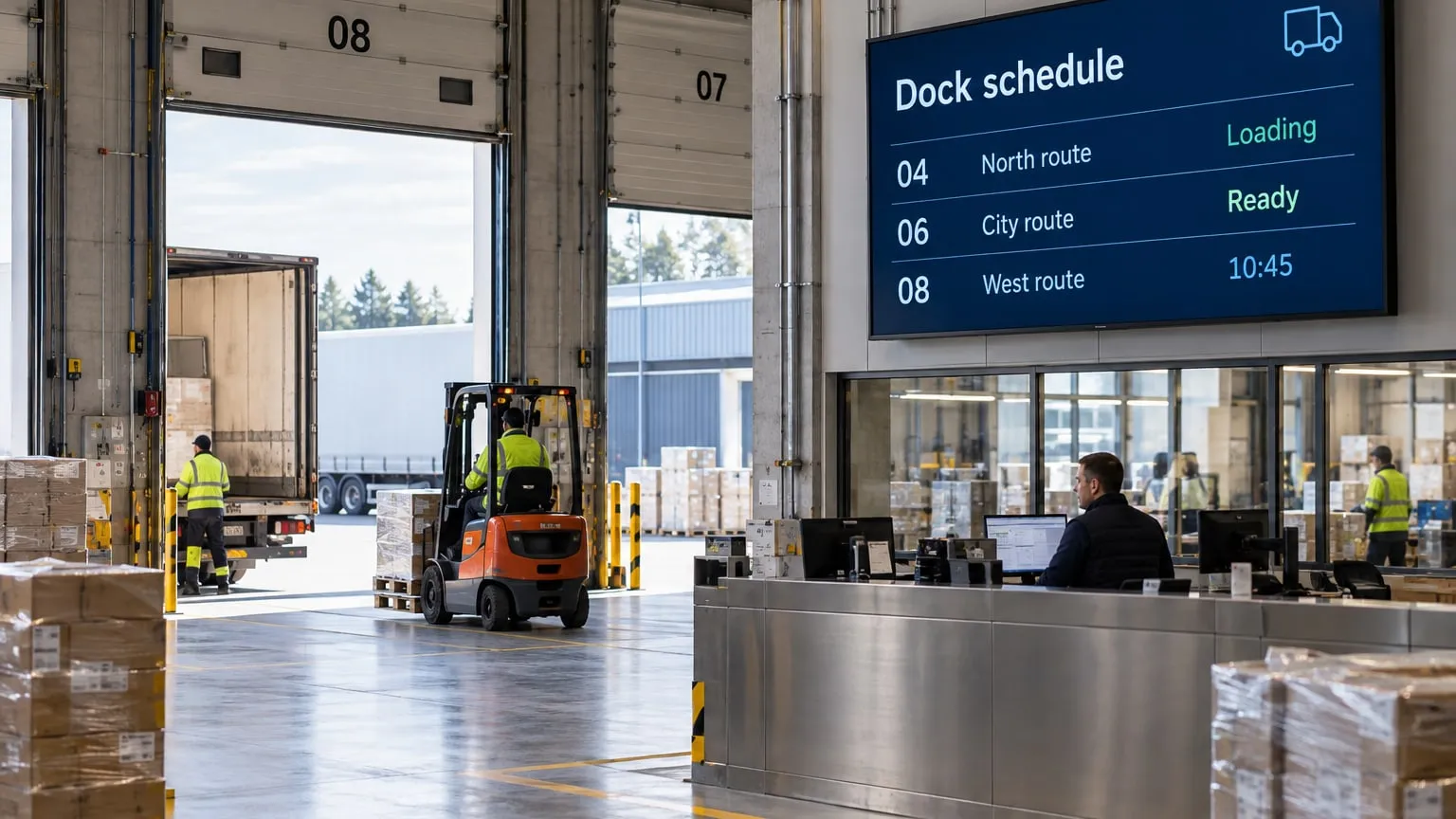
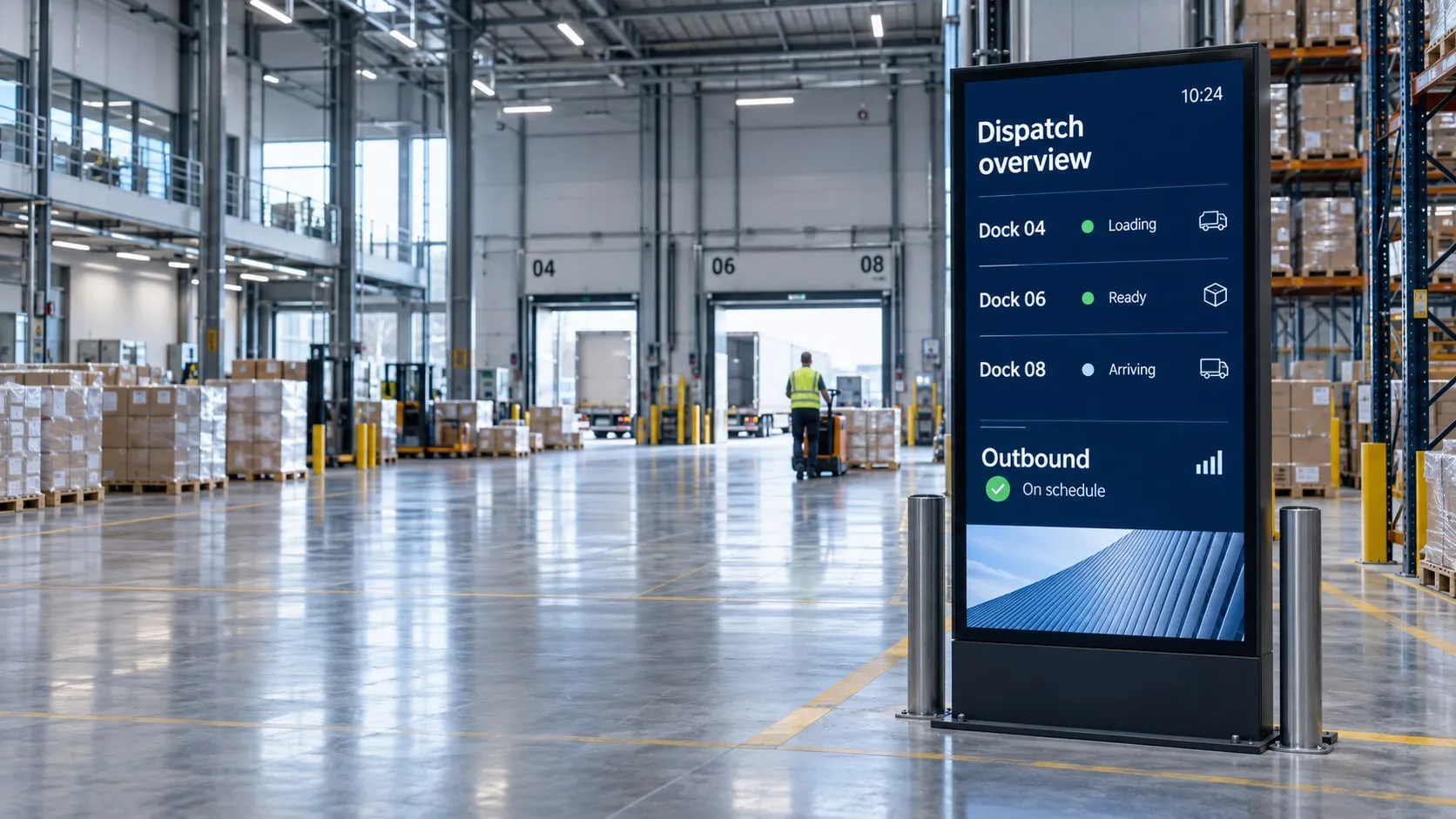
04 · Loading dock
Show which trucks are loading, ready or arriving at each dock.
No credit card required. Start with one screen in a warehouse or hub and grow from there.
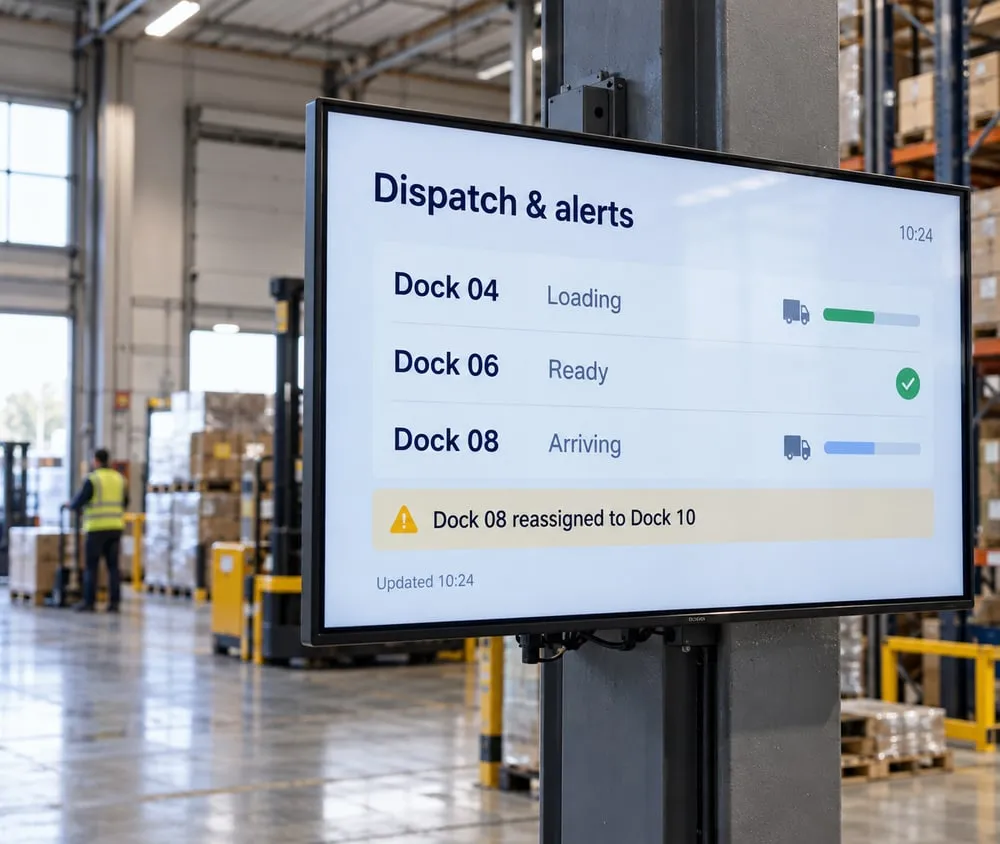
Pull dock schedules and delays from a web page, RSS feed or Google Sheet, add weather and Waze traffic, and switch every screen to emergency information when it matters.
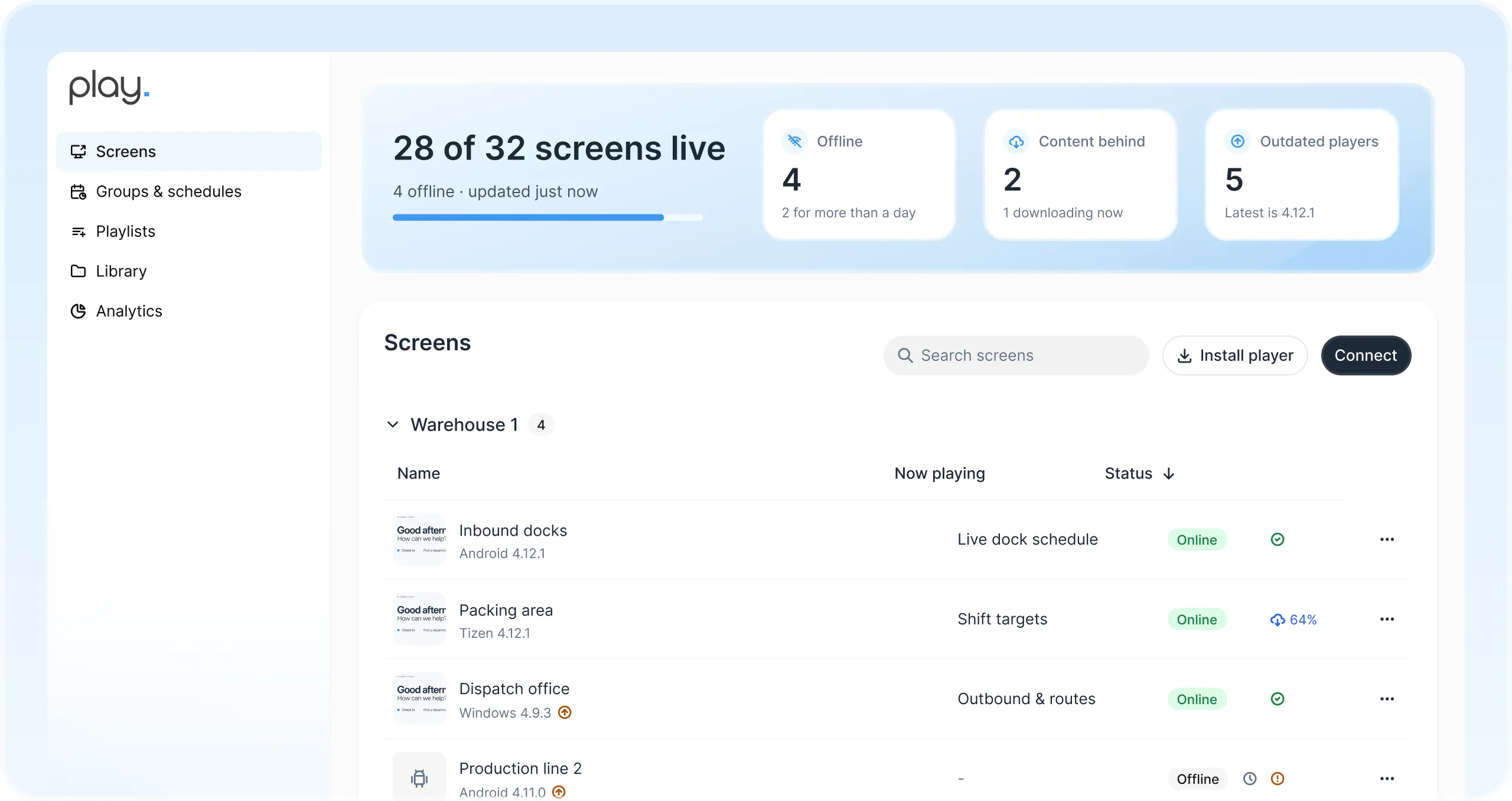
Manage every screen across warehouses, plants and transit hubs from one web dashboard. See at a glance which screens are online.
Give team members their own roles and share playlists with view, edit or publish rights.
Switch every screen to emergency information, with CAP protocol support.
Plan content by day, week or month, from shift changes to night service info.
Content is stored on the player, so screens keep running when the network drops.
Get notified when a screen goes offline, before your team sees a blank display.
Run partner ads at transit hubs and show advertisers exactly when they played.
Pair a smart TV, media player or LED wall you already own.
Start from a ready-made template or design your own.
Send it to one dock or every screen in your network.
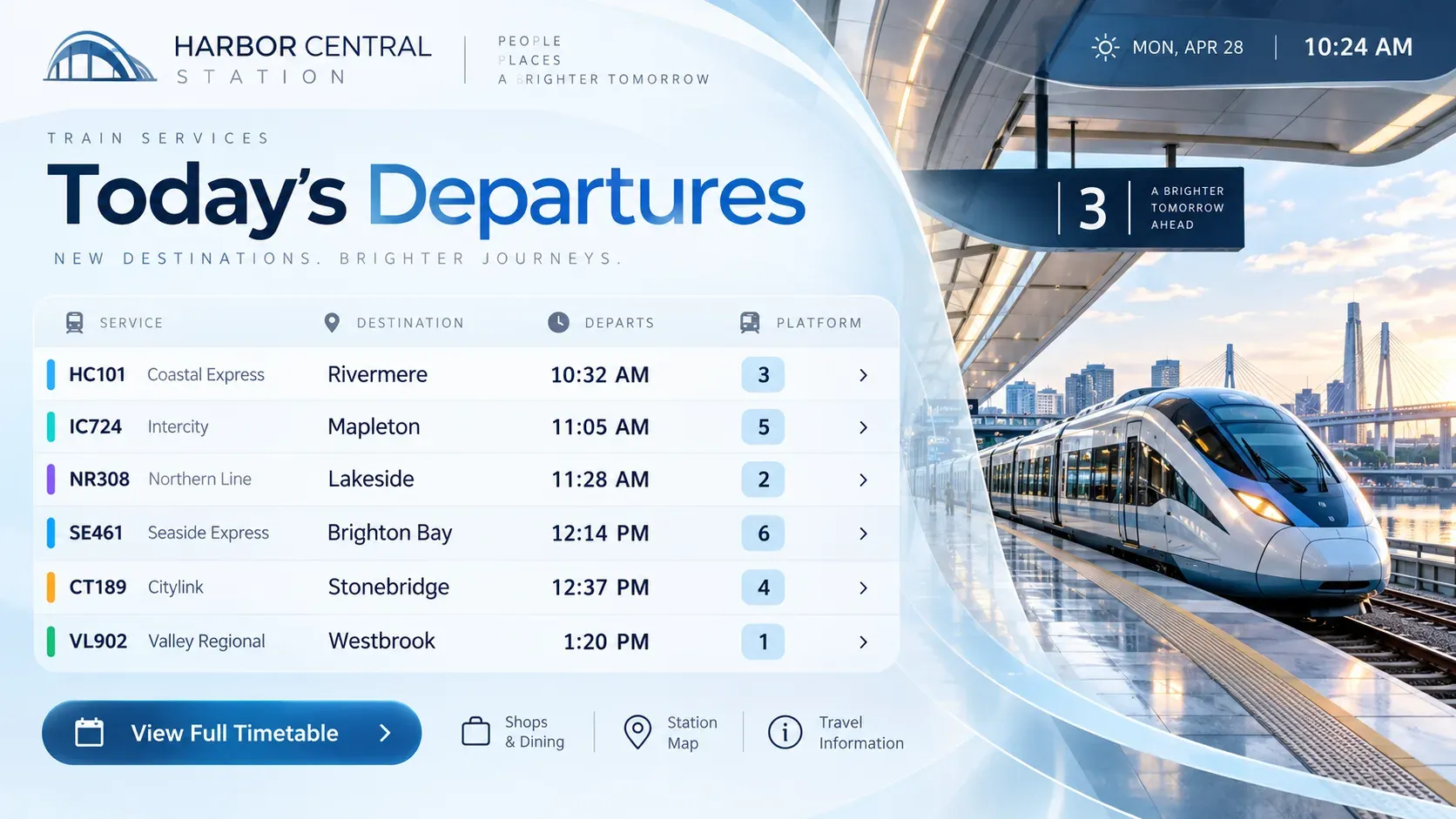
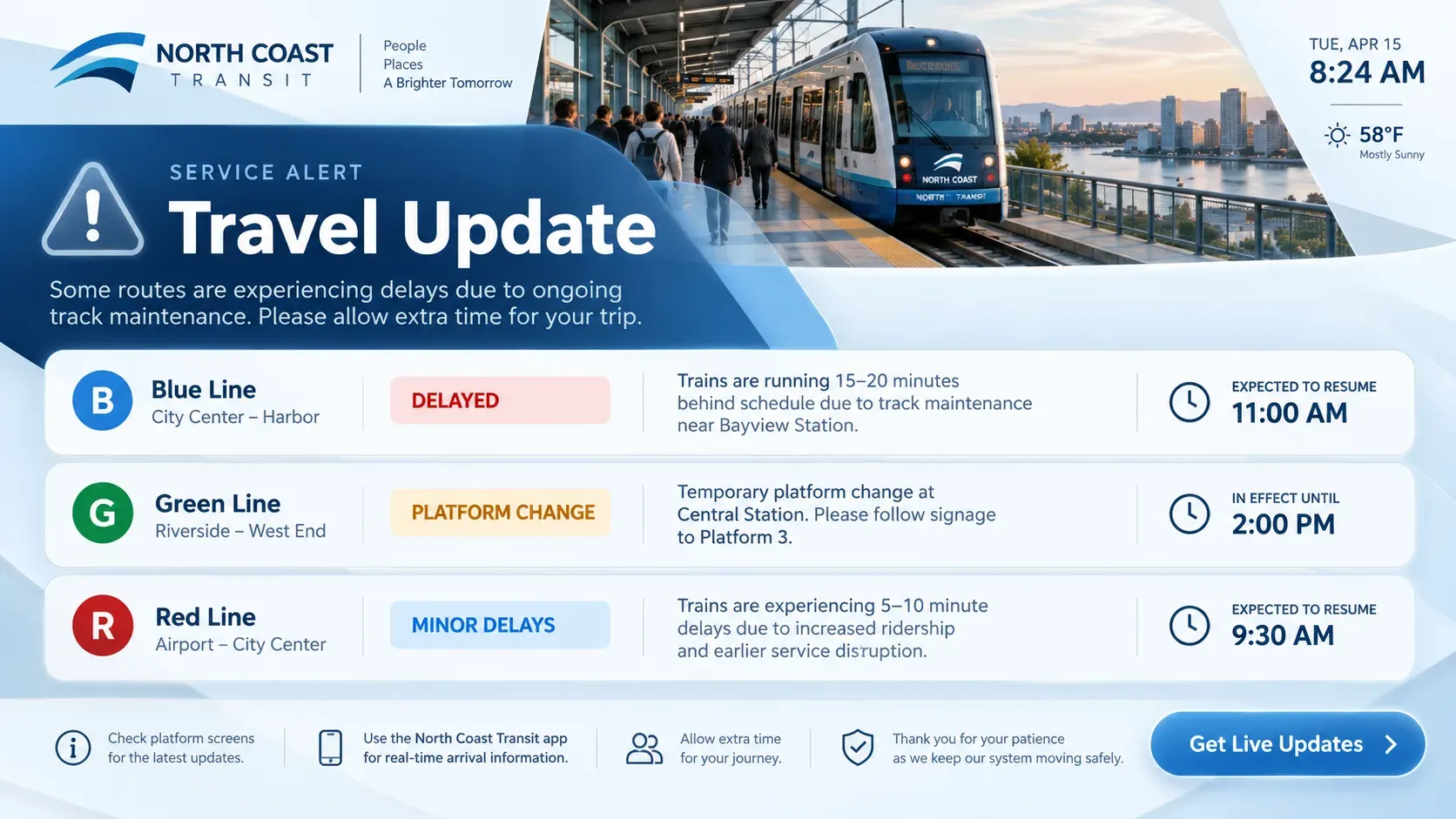
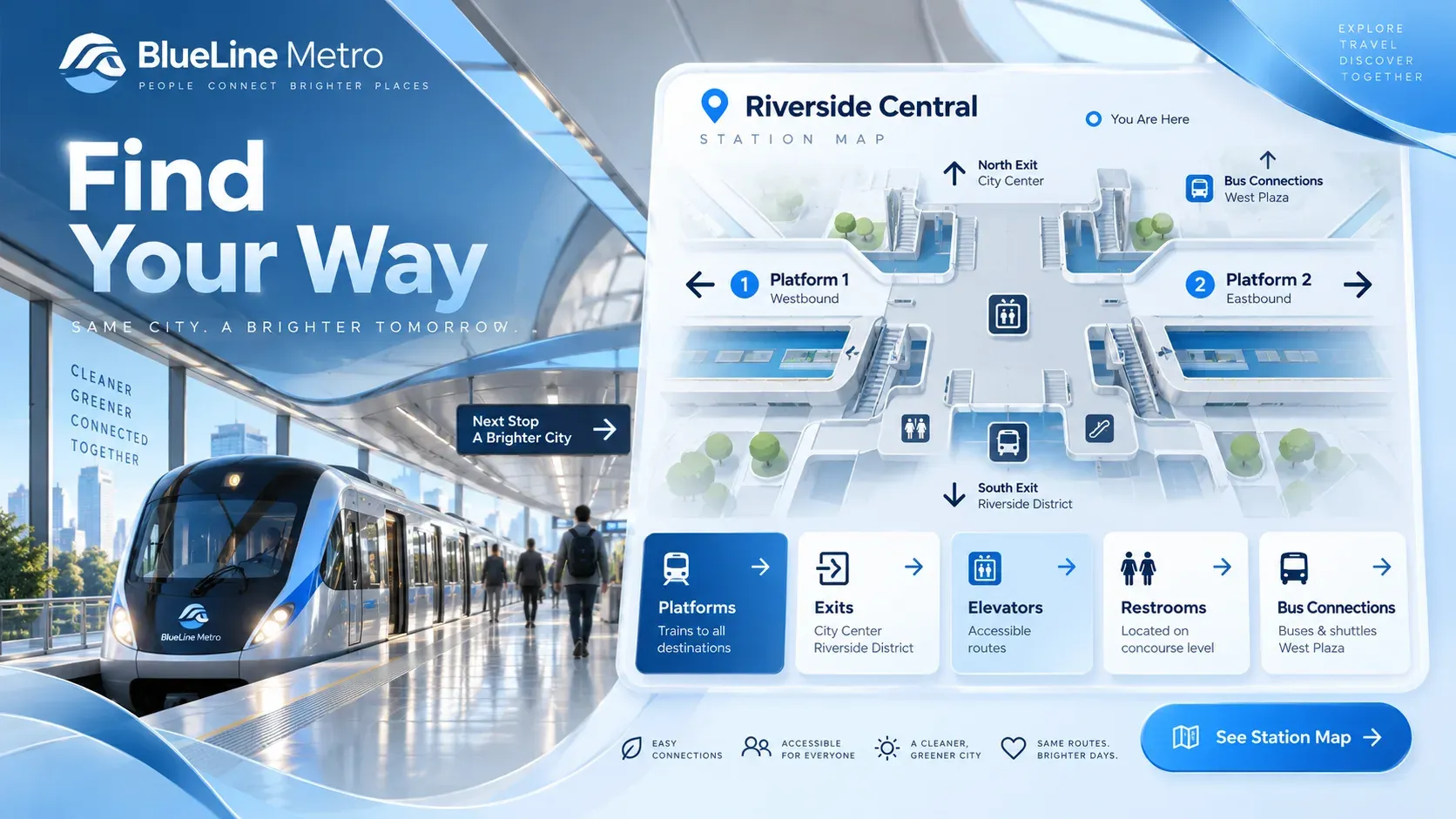
Use Play’s templates as a starting point for departures, service updates, station maps, safety notices, arrivals and ticket apps. Change colors and text, then publish.

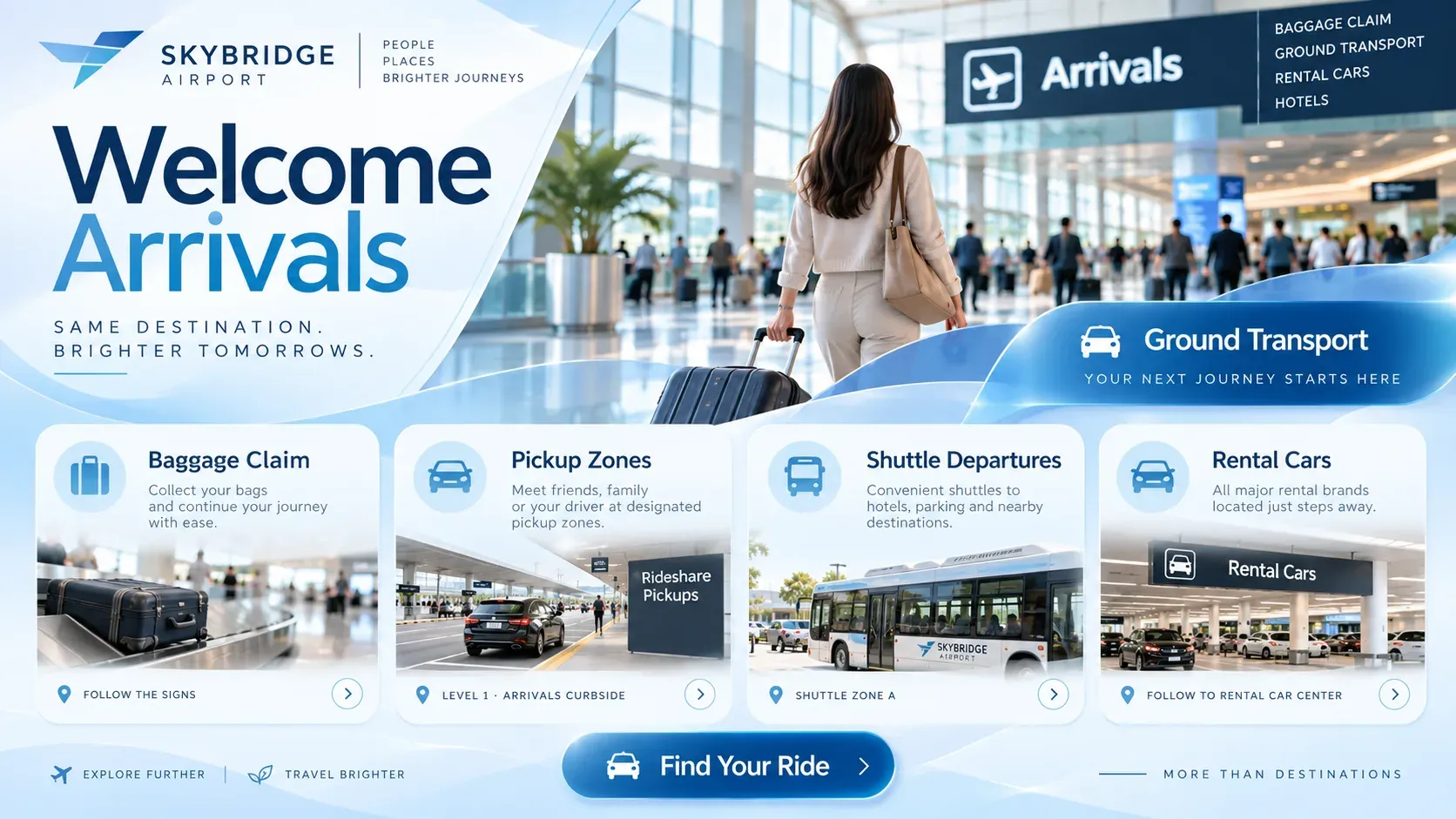

It's been running for years with zero issues.
Engage customers while they wait and promote your financial products.

Schedules, campus news and emergency alerts on every screen.

Menu boards that update in seconds and promote today’s specials.

Wayfinding, health information and shorter perceived wait times.

Welcome guests and promote your services, events and offers.

Ad campaigns you can update in seconds and target to your audience.

Company news, results and celebrations for the whole team.
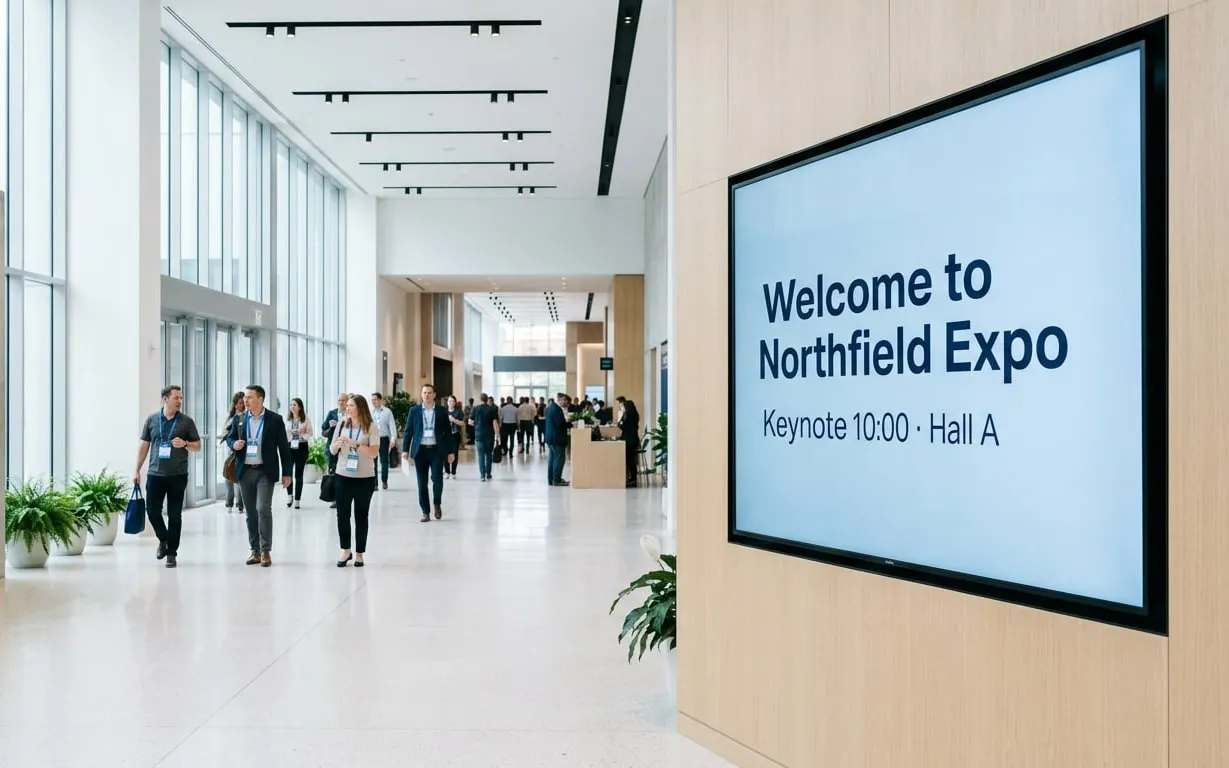
Schedules, directions and sponsor messages for any event.
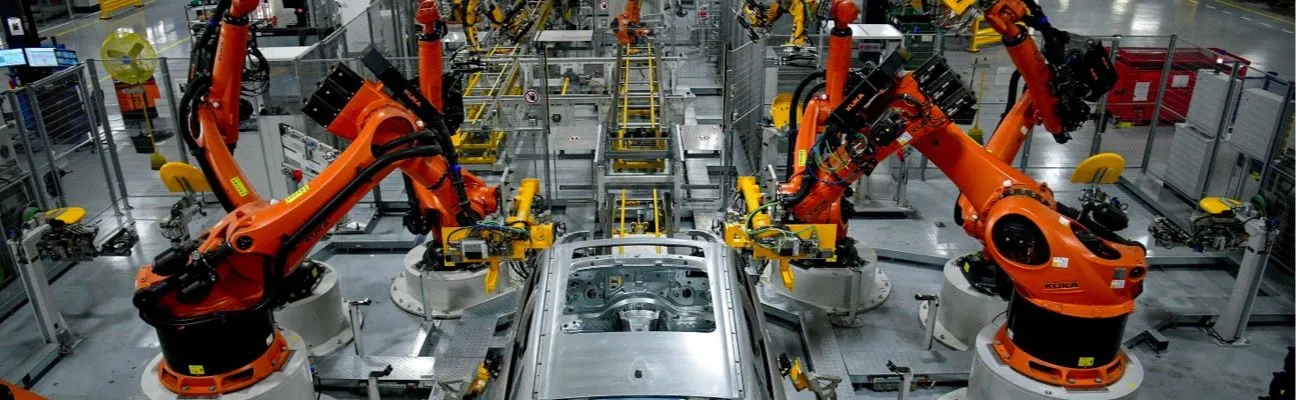
Production figures, safety messages and work instructions.

Showtimes, trailers and concession offers on every screen.

Fuel prices, store offers and extra ad revenue.

Promotions and wayfinding right where shoppers buy.

Class schedules, workout tips and member offers.

Share announcements and bring your congregation together.
Answers to common questions from warehouses, transit hubs and production sites. Need more help? Our team is here 24/7.
For departures, delays, wayfinding, safety and emergency messages, and advertising in stations, airports, terminals and vehicles.
No. Content is stored on the player and keeps playing offline, and updates arrive when the connection is back.
Yes, if your departure data is available as a web page, RSS feed or spreadsheet. Play shows it and refreshes it automatically.
Yes. Ad Cycle (Ultimate) schedules ads in cycles with a set number of showings, and Proof of Play reports show advertisers when their ads ran.
Yes. The Emergency System (Pro) switches screens to emergency content when it is activated, and official CAP alerts, like severe weather or evacuation orders, can take over your normal content.
Still have questions? Contact our support
We use cookies to ensure that we give you the best experience on our website. Learn more about Privacy Policies