Try Play on your computer.
No player or TV needed.
The computer you're using right now can be your first screen. See your content live in a few minutes, then move to a TV whenever you're ready.
Your first screen
in minutes.
No media player, no TV and no credit card. Just this computer.
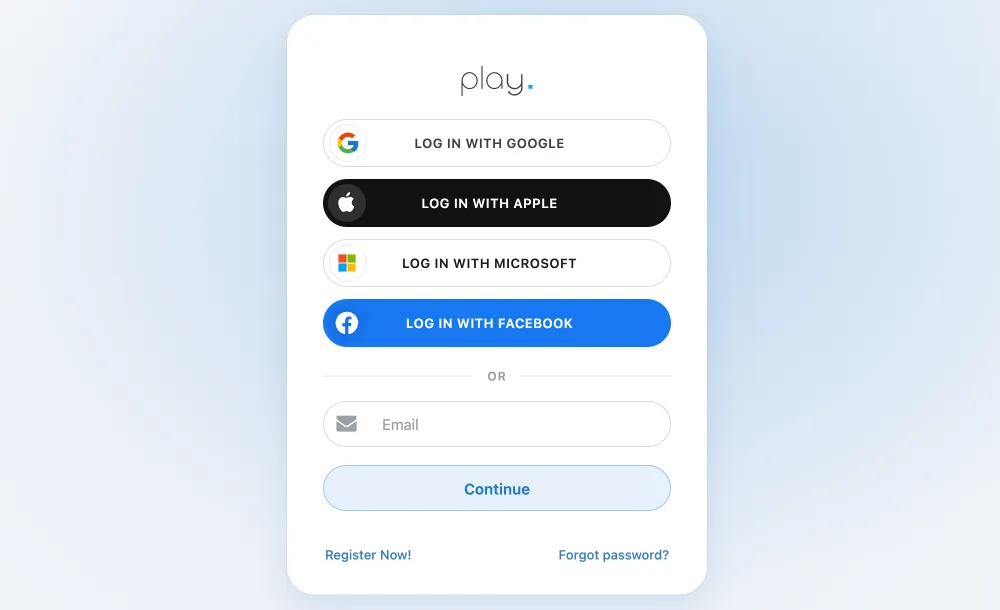
Create your account
Sign up for free. Your first screen is free, with every Pro feature.
See how to create your accountCreate your account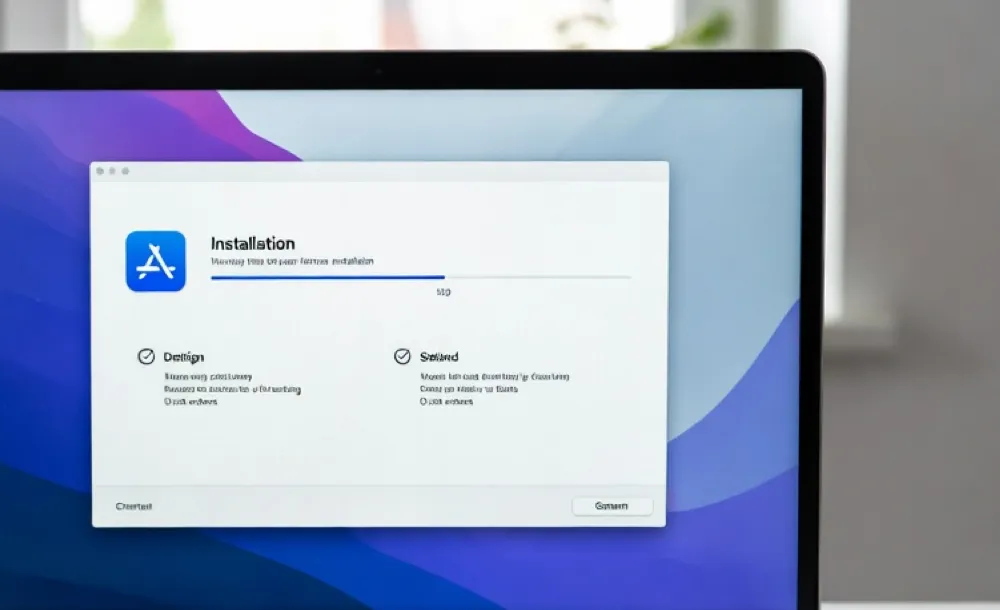
Install the app on your computer
Download the Player App and install it. Your computer becomes your first screen.
You can't install the Player App on a regular phone. Open this page on your computer, or connect a TV or media player with our setup guides. See the setup guides
Other systemsLink your screen
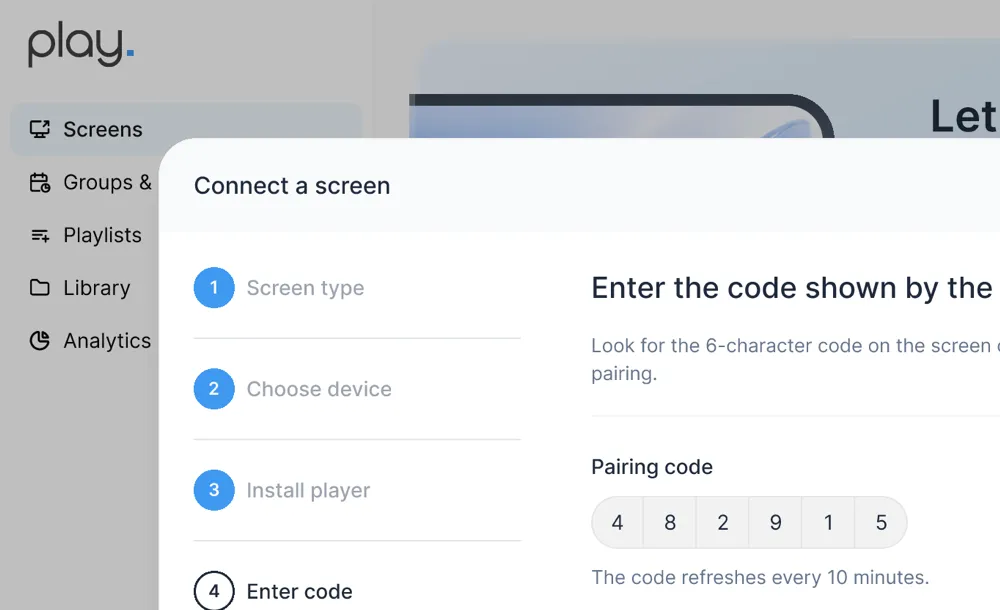
The app shows a 6-digit code. In your dashboard, click Connect screen and enter the code.
See how to link your screenCreate your content
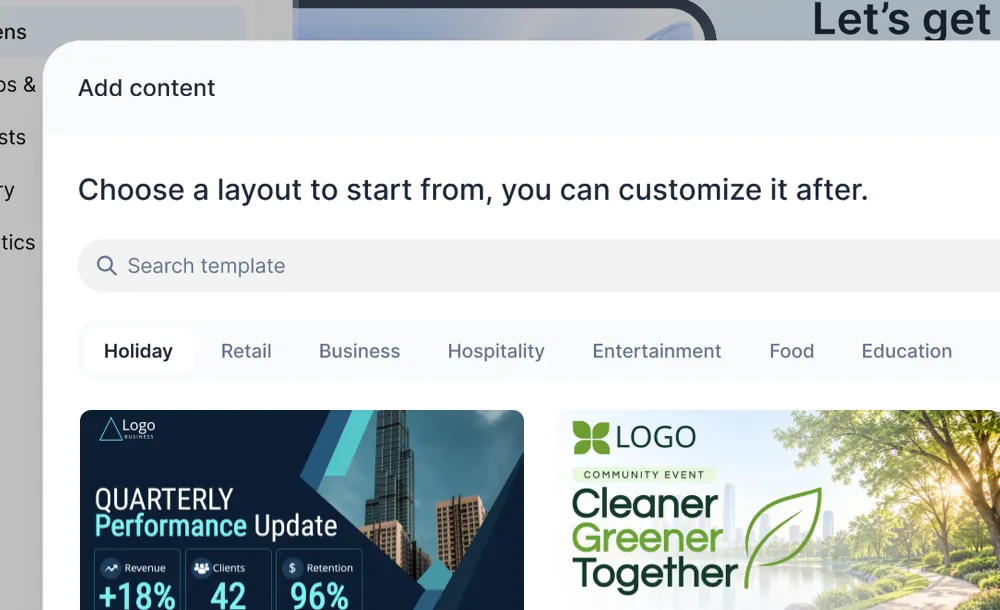
Start from scratch or pick a ready-made template and make it yours.
See how to create contentPublish your content
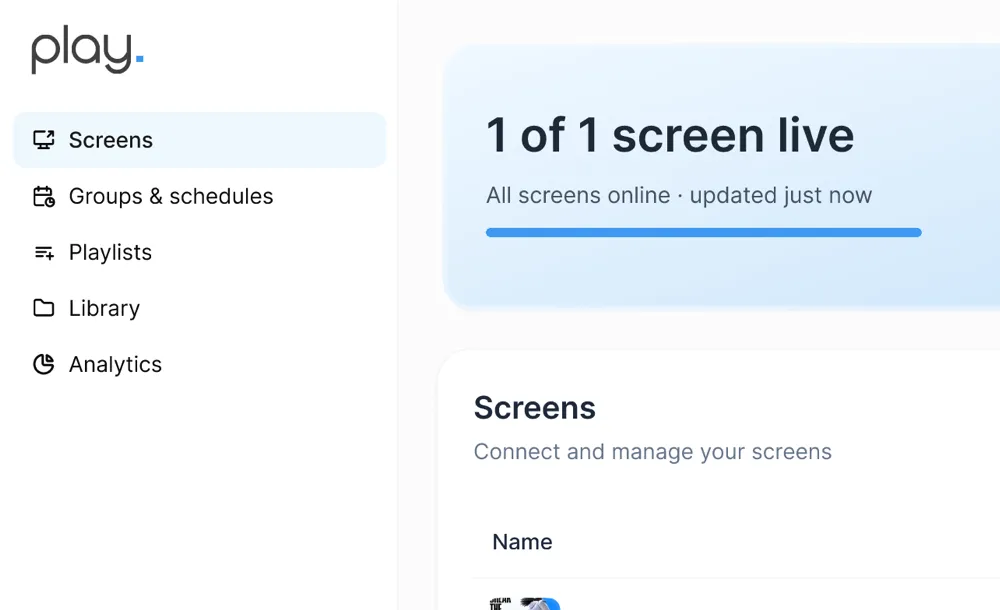
Put your screen in a group, publish your playlist to it and watch it play on your computer.
See how to publishYou're live!
Your content is playing on your computer. When you want it on a TV, pick your device below and follow its setup guide.
Connect a TV
Play runs on the screens
you already have.
When you want to move from your computer to a TV, find your device and follow its setup guide.
 Amazon Fire TV
 Samsung Tizen
 LG webOS
 Google TV
 Android
 Windows
 macOS
macOS Amazon Signage Stick
 BrightSign
 Raspberry Pi
 ChromeOS
 Linux
Linux Google Chromecast
 Apple TV
 Roku
Roku Web player (PWA)
Questions before you start.
Do I need a media player or TV to try Play?
No. Install the Player App on the computer you're using and it becomes your first screen. Link it to your account with the code it shows, and publish your content to it.
Is it free to try?
Yes. Your first screen is free, with every Pro feature, and no credit card is needed. All we ask is that you leave us a review within the first 30 days.
What happens to my free screen when I connect a TV?
Your free screen isn't tied to a device. When your TV is linked, delete the computer screen in your dashboard and the TV becomes your free screen. If you keep both, the second screen is billed.
Which devices can I use for a real screen?
Play runs on most TVs, media players and computers. The five most popular are Amazon Fire TV, Samsung Tizen, LG webOS, Google TV and Android. See all setup guides for the full list.


Liked it? Find the best media player for your TV.
We have done our best to gather all the information you need to make a decision.