

Connect and control all
your screens from one place
Design, schedule and display menus, promotions and announcements
across your screens from anywhere.
Trusted by 2,500+ organizations to run 25,000+ screens across the world
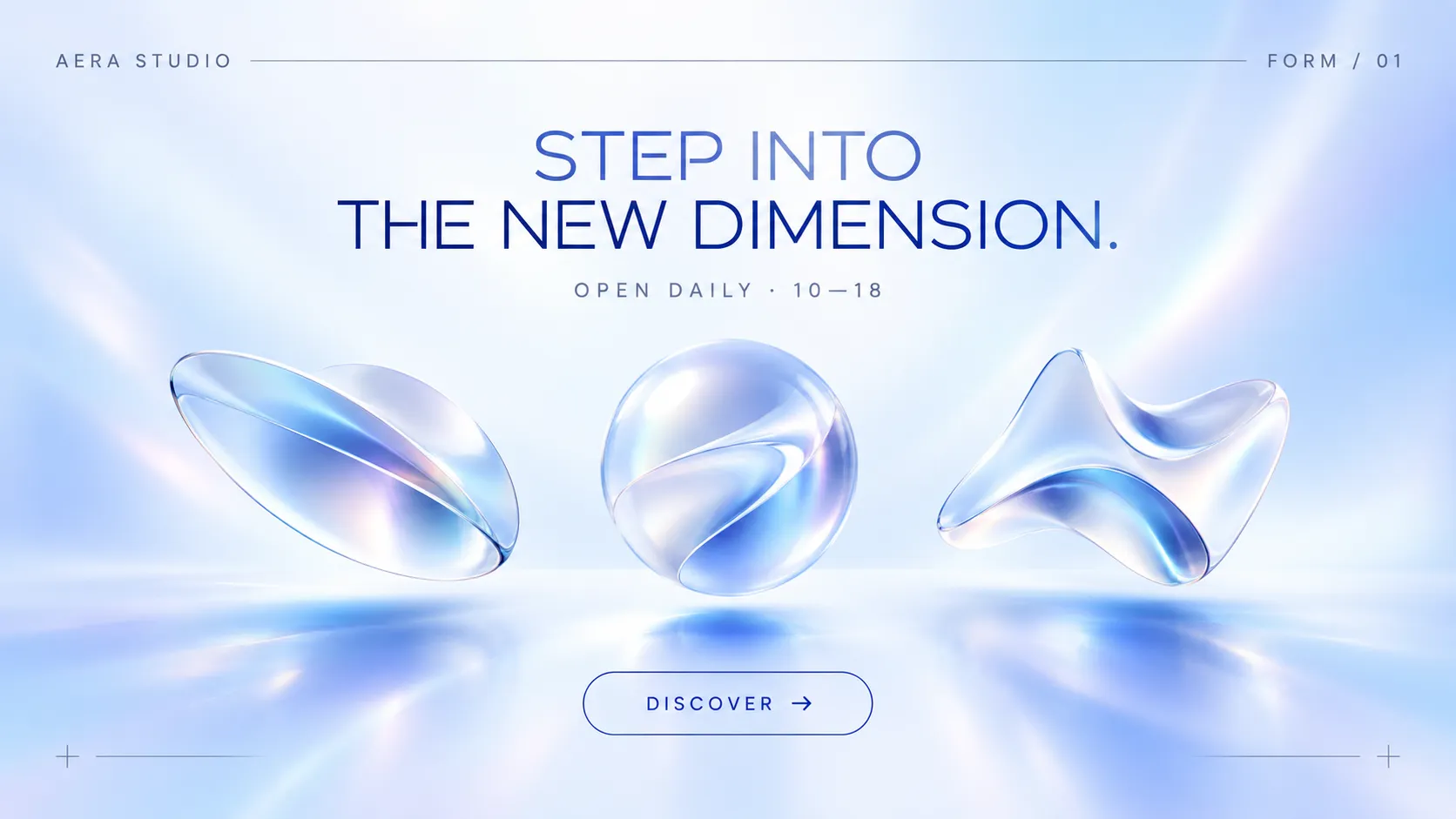



A new form of light campaign
11 screensFirst Bankers Trust
An industry
favourite solution for:

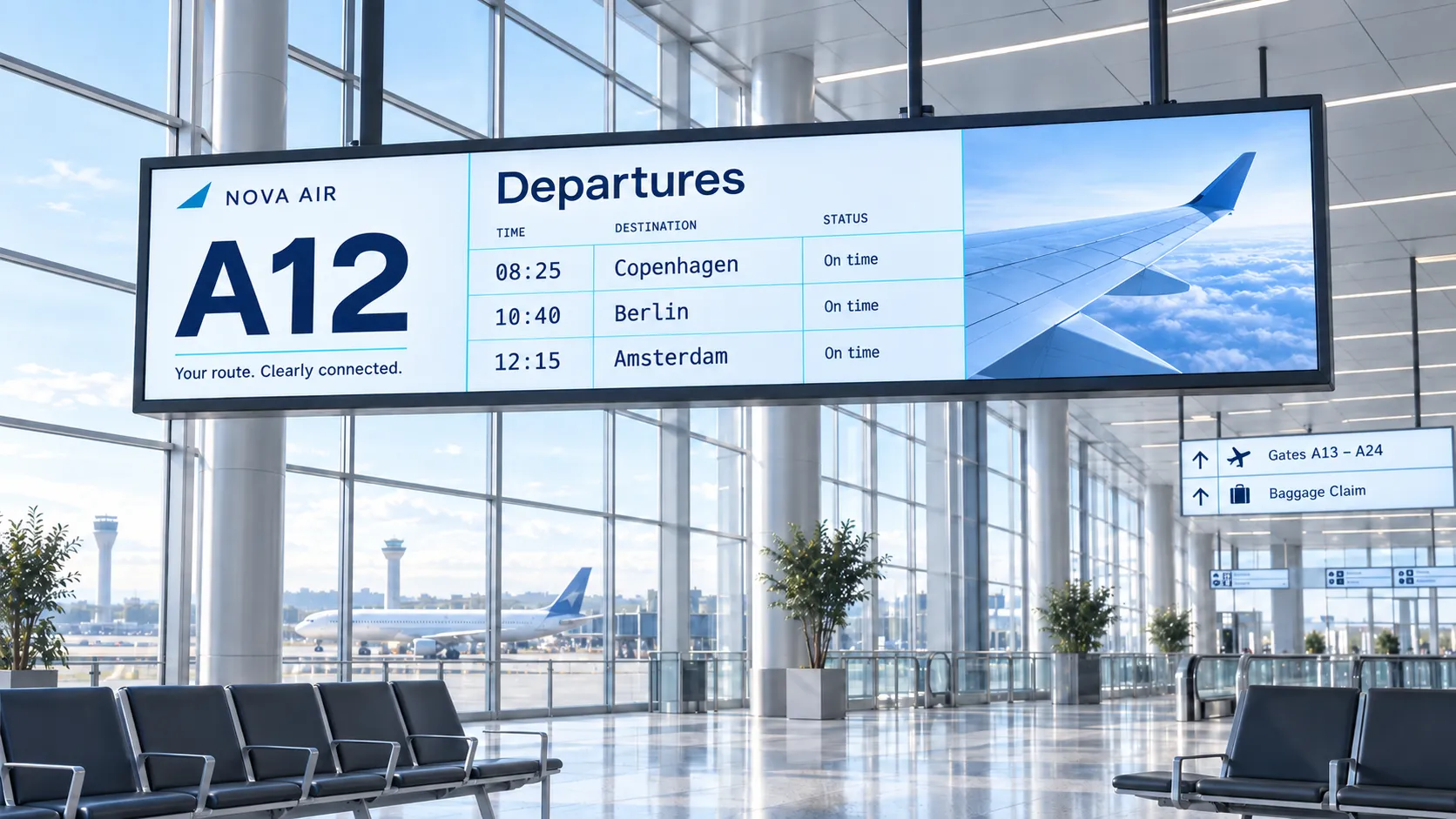
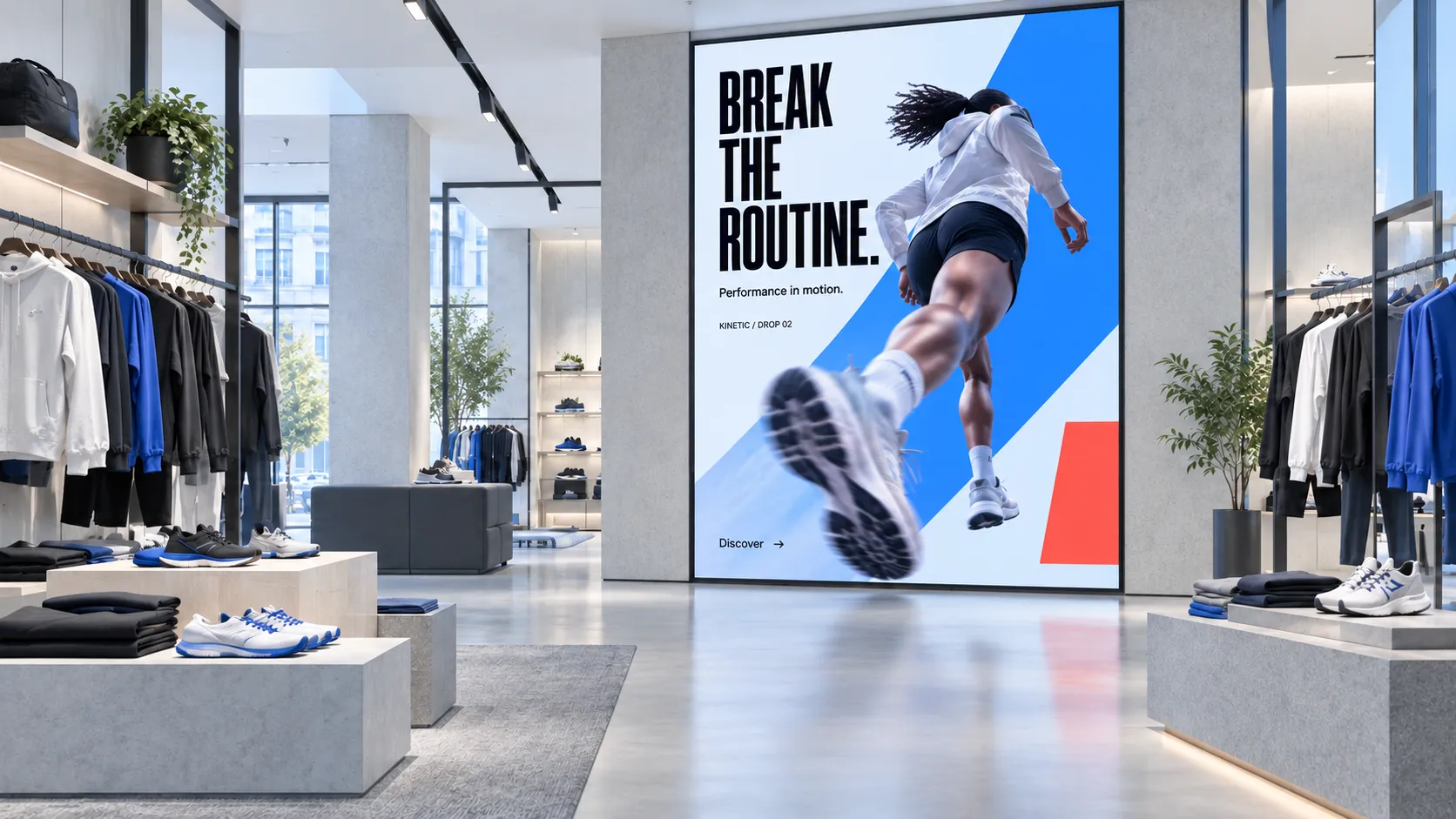
Scale your business
from 1 to 10,000 screens.
Start with one free screen and add more whenever you need them. Groups and schedules keep every location in sync, so one update reaches all your screens.

Your first screen is free.
No credit card required. Just start growing your business and we’ll grow together.

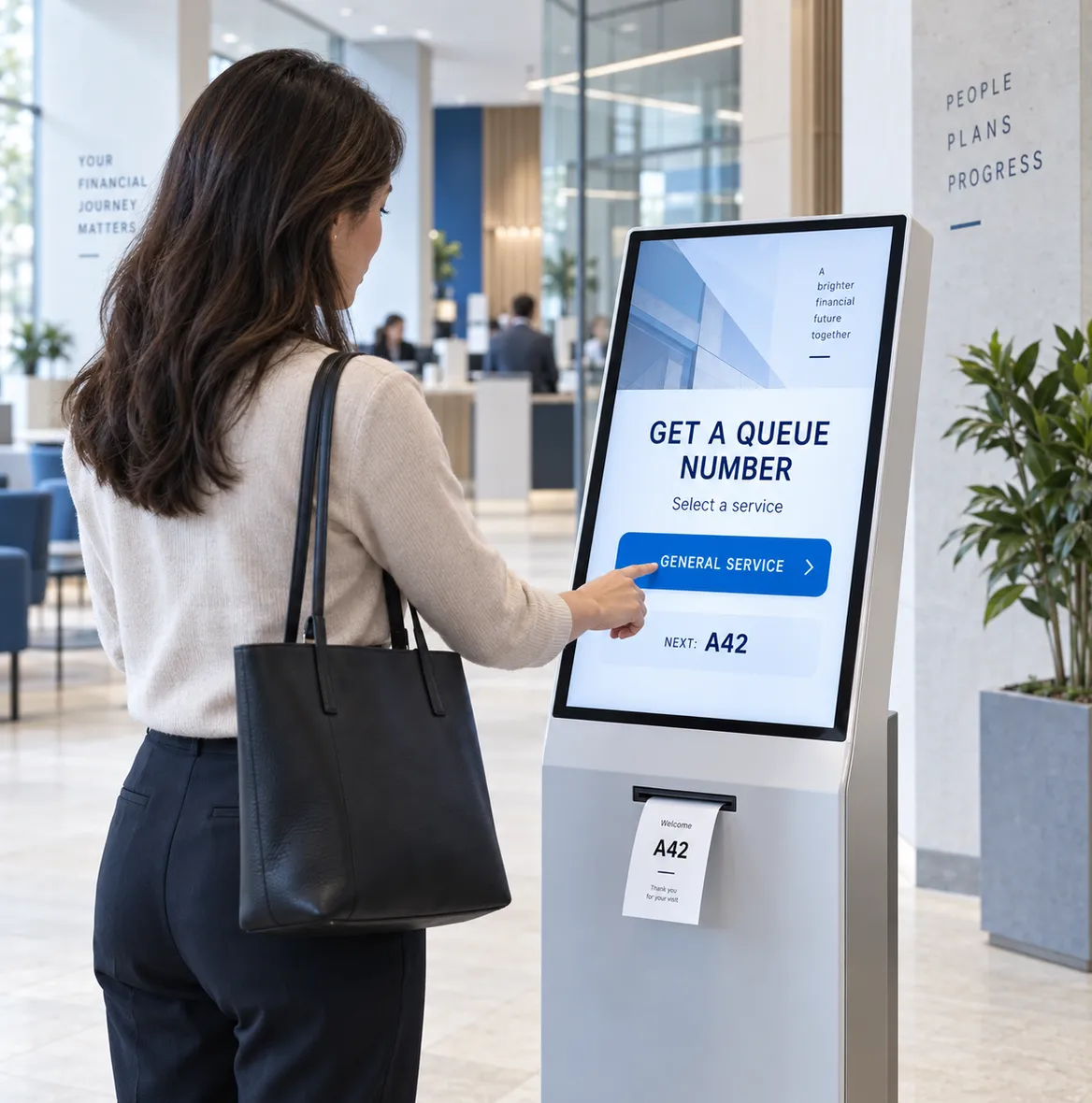
Display interactive,
static or live content.
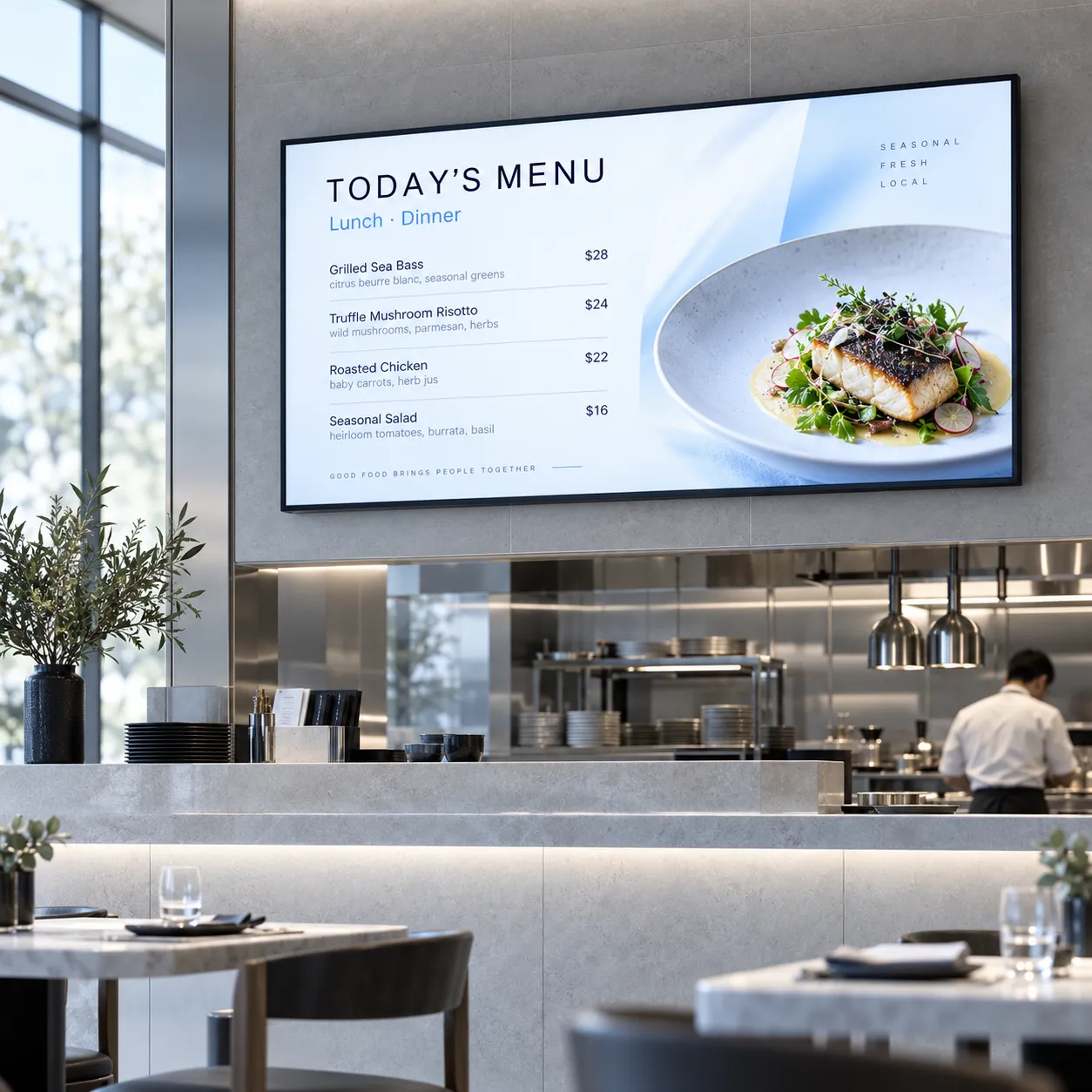
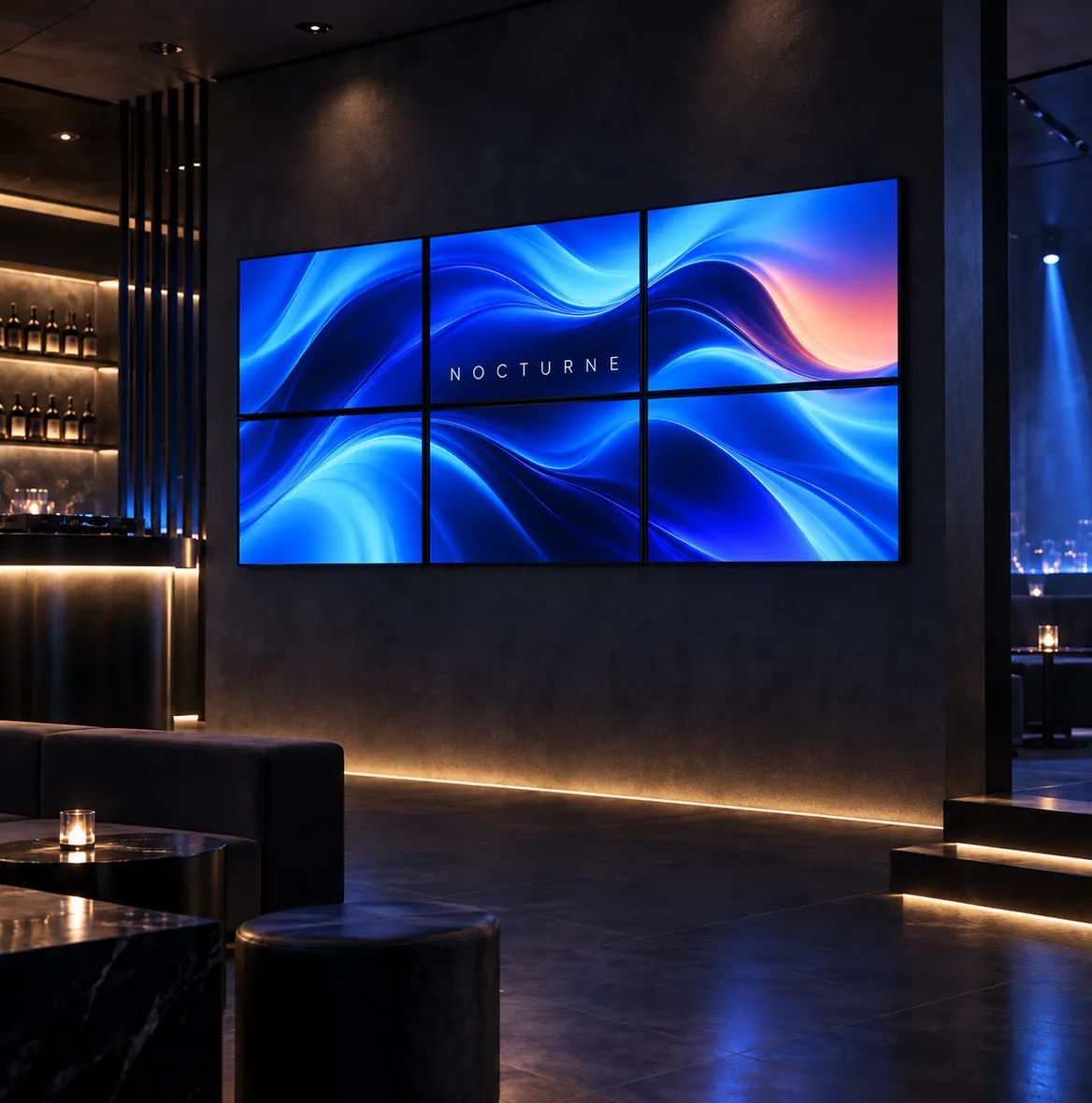
Show images, videos and slideshows, turn touch screens into menus and wayfinders, or bring in live weather, news, websites and dashboards with plugins.
Works with both offline
and online screens.
Your content is stored on the media player, so screens keep playing even when the internet drops. You only need a connection to publish changes.
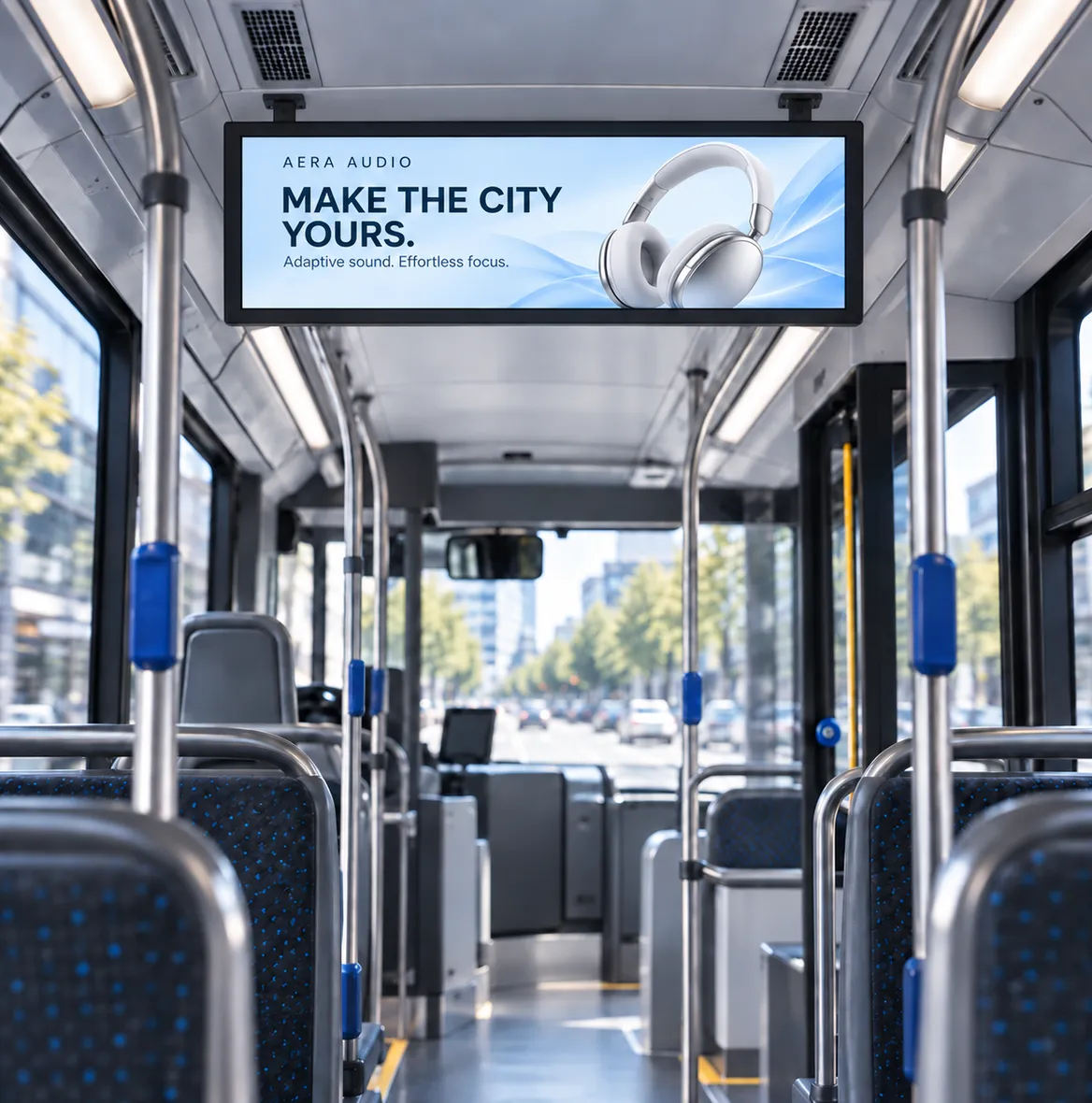
100+ screen types,
officially supported.
Use the screens you already have. Play runs on Samsung and LG smart TVs, Amazon Fire TV, Google TV, Android, Windows, Raspberry Pi and more.
Recommended by
thousands of people.
Rated 4.8 out of 5 on Capterra and 4.9 on Trustpilot.






Play has been a great partner. We have 1000 locations and have been impressed with the ease of use.
KPKeith P.This is the best signage program that I have found that is not complicated to set up
KWKelly W.CaptainGreat and drop-dead easy digital signage solution - have used it for years
KRKevin R.OwnerA highly versatile solution for digital marketing, intuitive and powerful.
DVDaniel V.We can easily setup multiple playlists within portal to allow us to easily update screens with new content.
EJEd J.IT TechnicianOverall, everything is great. It's been running for years with zero issues. Customer support great!
RRobertGovernmentI am a cafe owner and since I switched to digital menus our food and specialty drinks are way up!
LCLaura C.Easy to use for teachers and staff
AVAaron V.Media TechnicianGreat solution for a quick Digital signage setup, seamless with Fire Sticks.
PPatrickSimply Best Digital Signage Solution
ASAidil S.IT ManagerThe ease of use and deployment was great. The system just works. Changes are shown quickly.
TTimFinancialI can change the information displayed on my TV's from any place in the world.
BWBartosz W.Residents Council

Over 1.3 million
content assets
shown worldwide.
- Organizations use Play to manage their screen networks.
- 2,500+
- Screens connected across businesses worldwide.
- 25,000+
- Countries with Play-powered screens in operation.
- 100+
- Content assets published and displayed through Play.
- 1.3M
Real features that
make your life easier.
Everything you need to create, schedule and keep an eye on the content of all your screens, in one dashboard.
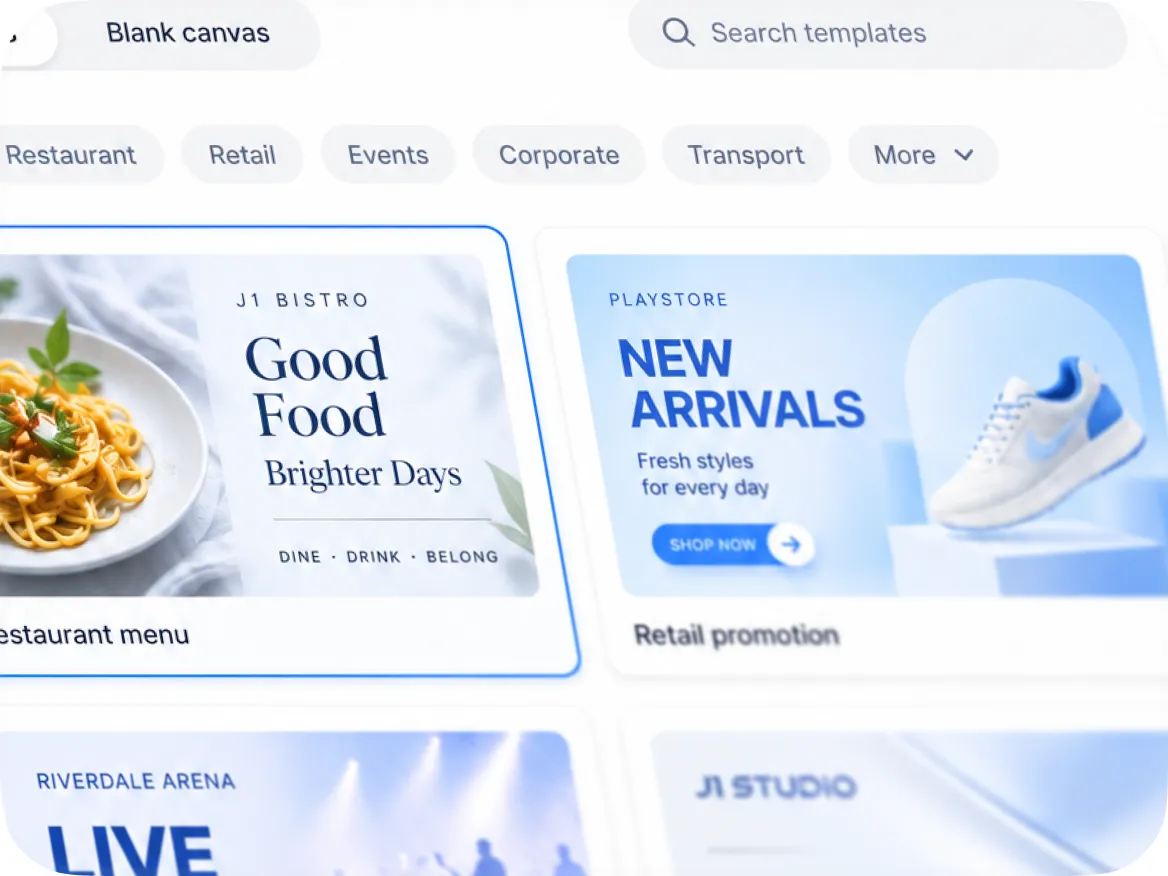
Use templates
or design your own.
Start from a ready-made template for holidays, menus, sales and events, or build your own slides in the drag-and-drop editor. No design skills needed.
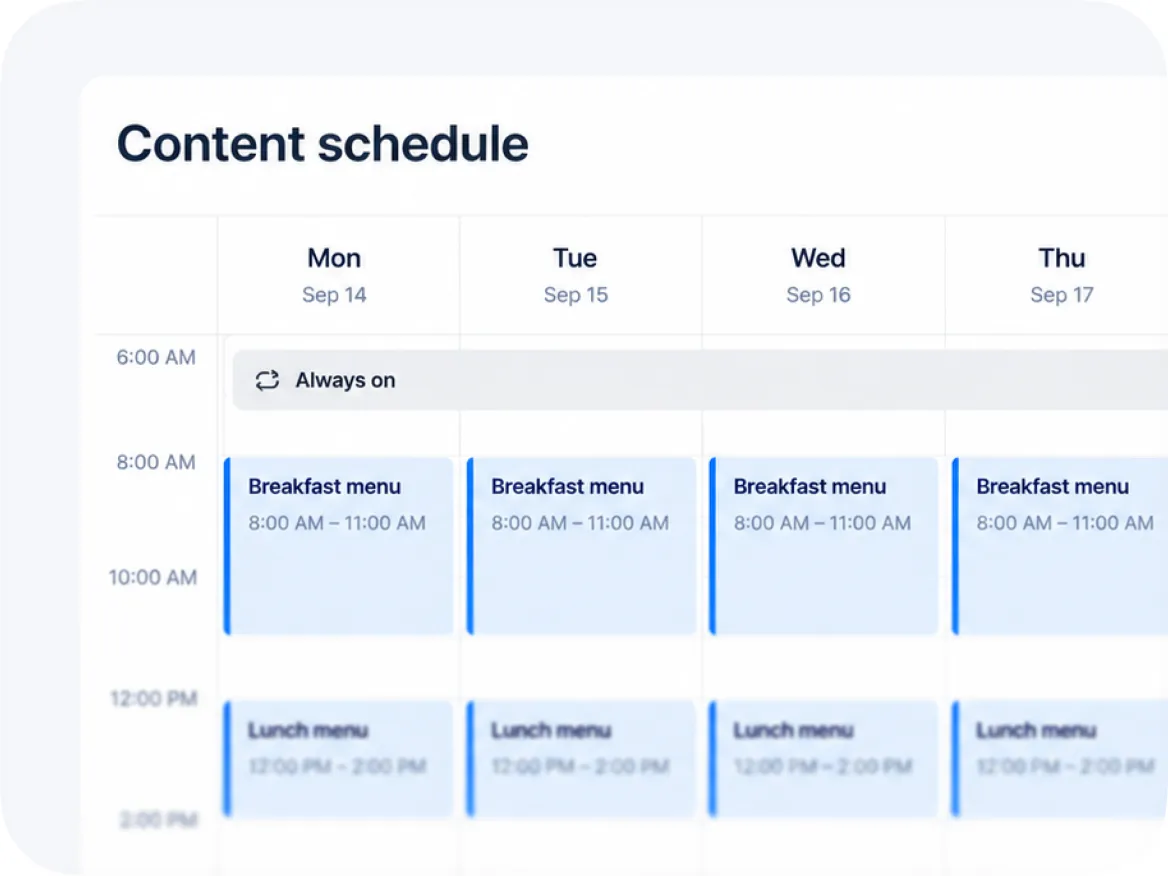
Schedule your content.
Choose which playlist plays when, by time of day, day of the week or date range. Plan weeks ahead and every screen switches on its own.
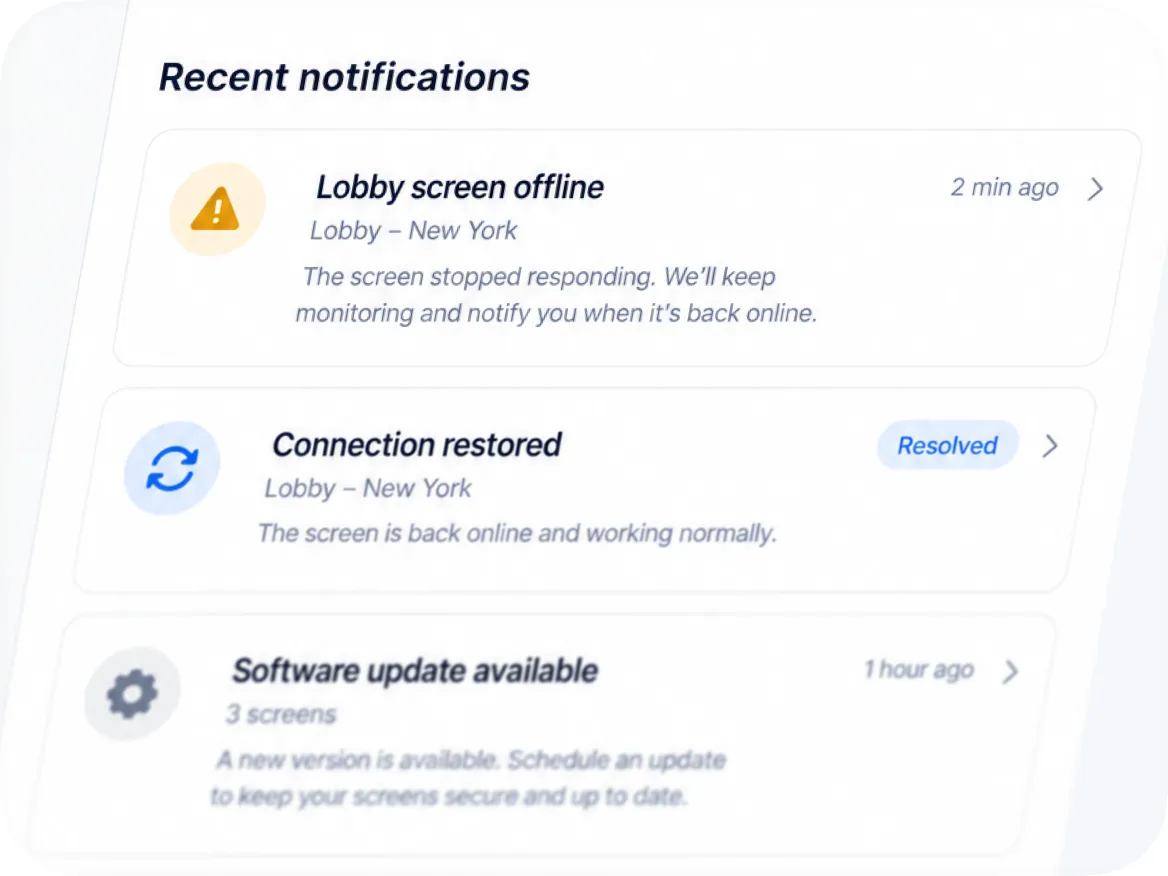
Alerts and notifications
help you avoid downtime.
Get notified the moment a screen goes offline, by e-mail or in Slack or Teams, so you can fix it before anyone notices a blank screen.
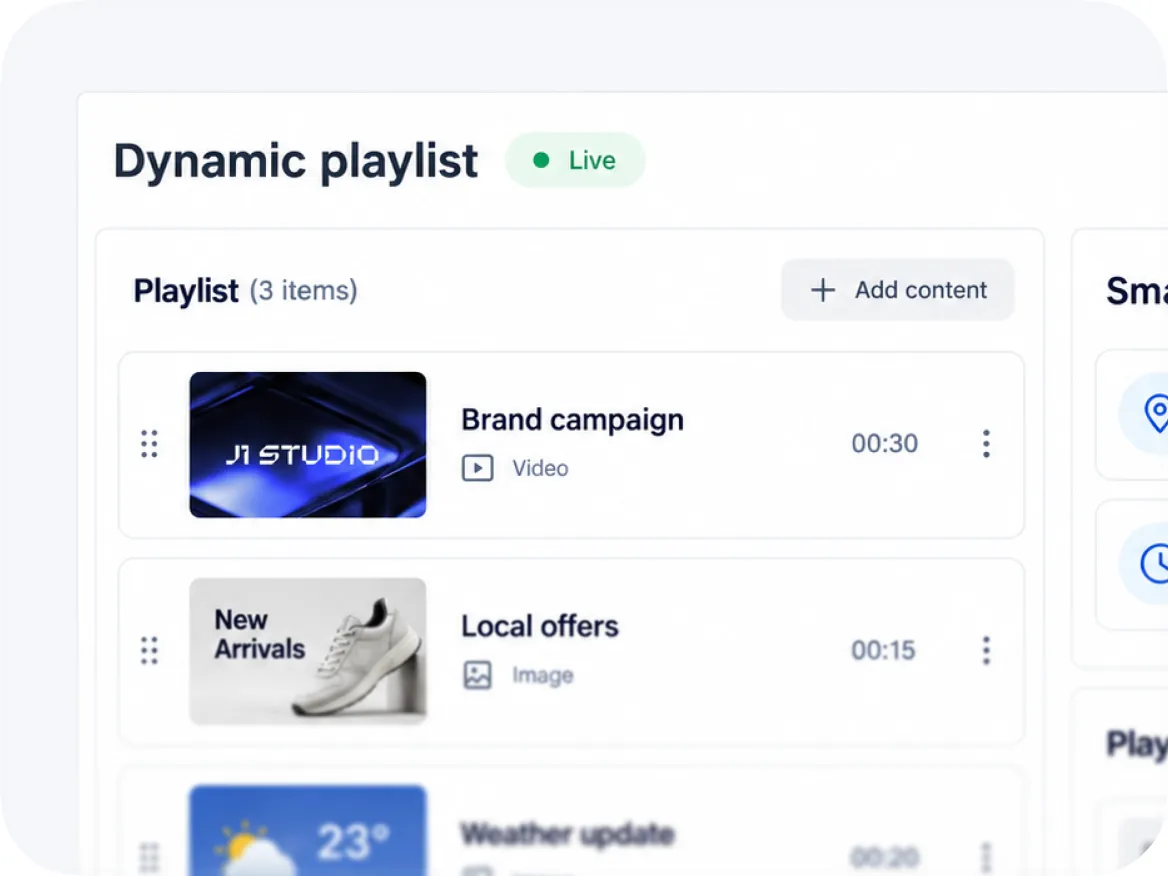
Dynamic playlists
to manage multiple screens.
Combine images, videos and plugins like weather, news and Google Slides in one playlist and show it on as many screens as you like. Change it once and every screen follows.
Any issues? We offer 24/7 human support to all our customers.
- 24/7We’re always here
- Human supportReal experts, not bots
- <2min average replyFast and helpful responses
Frequently asked questions
Find answers to common questions about our platform. If you need further assistance, feel free to reach out to our team.
General
What is digital signage?
Digital signage means showing images, videos, animations and live data on TVs or screens, managed from cloud software. With Play Digital Signage you design and schedule content online, and a media player such as an Amazon Fire TV Stick plays it on your screen, whether you have one screen or thousands worldwide.
How does digital signage work?
Choose a TV or screen, connect a media player such as an Amazon Fire TV Stick, create a Play Digital Signage account, and follow the setup guide. You then design content in the online editor, and it plays automatically on your screens. See how it works, step by step.
Do my screens need to be online all the time?
No. Your published content is stored on the media player, so it keeps playing without internet. You only need a connection to publish changes.
Do I have to use the Play Digital Signage content editor?
No. You can design content in another editor and import it into your Play Digital Signage library. The built-in editor is full-featured and free, though, so we recommend trying it before you pay for another tool.
Can I book a demo of Play Digital Signage?
Yes. Book a free private demo with a Play Digital Signage expert. The demo covers the whole platform and is tailored to your goals.
Pricing
Is Play Digital Signage really free?
Yes, your first screen is free forever, with every Pro feature. Sign up and leave a review within 30 days on Capterra, G2, Trustpilot, Google, Software Advice or GetApp. Additional screens start at $8.00 per screen per month.
Can I pay monthly or annually?
You can pay monthly or annually. If you pay annually, we drop the price by 10%. The annual subscription is prepaid, meaning you pay for a whole year ahead of time. See all plans and prices.
Is support free?
Yes. All customers get free support by email and live chat, 24/7/365. You can also call us between 8 AM and 4 PM Pacific Time, Monday to Friday.
Technical
Which media player should I choose?
It depends on your content, how many hours a day the screen runs, where it hangs and your budget. A smart TV or an Amazon Fire TV Stick is fine for simple slides; for heavy video, live data or 24/7 use, pick a more powerful or professional player. Our guide to choosing a media player helps you find the right one.
What digital signage media players does Play Digital Signage support?
Media players running Windows, macOS, Android, Amazon Fire OS, ChromeOS, BrightSign, Linux and Raspberry Pi. See all supported operating systems.
What smart TVs are supported with Play Digital Signage?
Most smart TVs running Android or Amazon Fire OS, as well as Samsung Tizen and LG webOS smart TVs. See the full list of players.
My smart TV is not supported. What can I do?
Connect a supported media player, such as a Fire TV Stick or Google Chromecast, to the TV with HDMI. It works just as well as a TV that is supported on its own.
Can I buy hardware through Play Digital Signage?
No. Play Digital Signage builds digital signage software and does not sell TVs or media players. We do recommend compatible players and work with good hardware partners. See our recommended players.
Still have questions? Contact our support