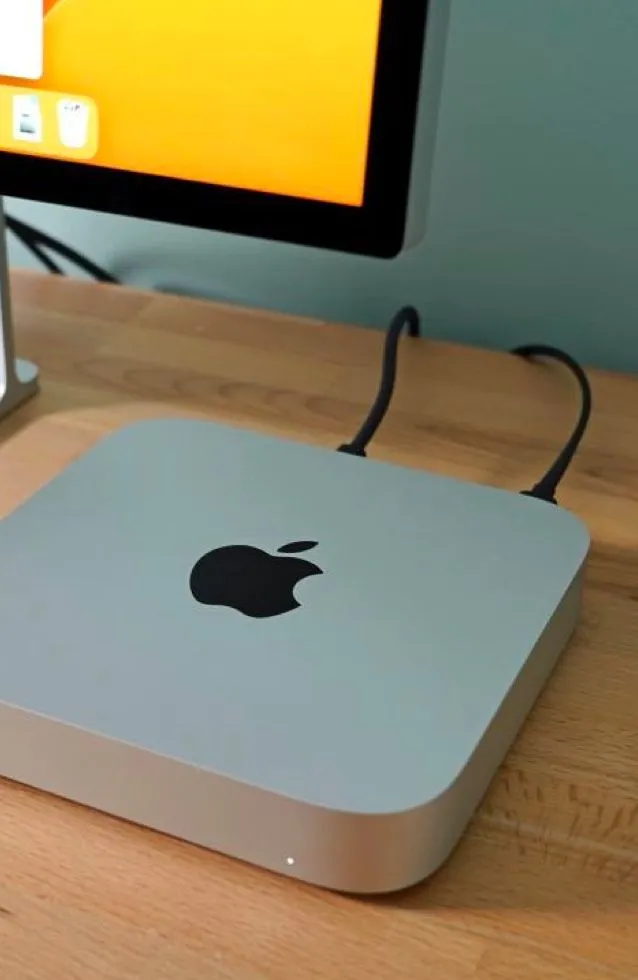
Apple Mac mini with macOS
A high-end, robust digital signage player.
Plenty of ports, memory and performance, plus Apple's security and ease of use. It costs more, but the performance matches the price.
 4K
4K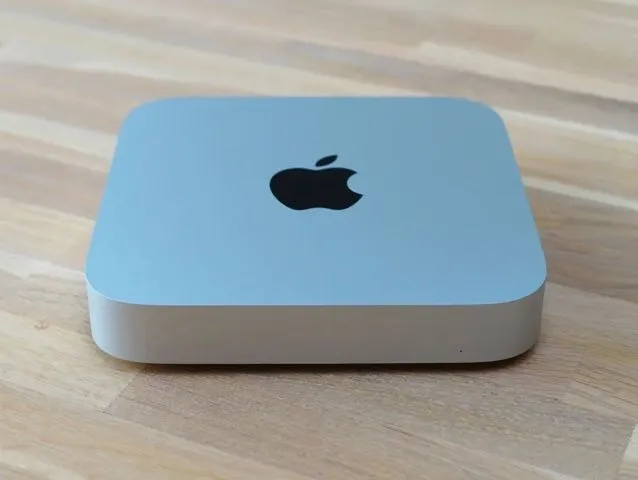
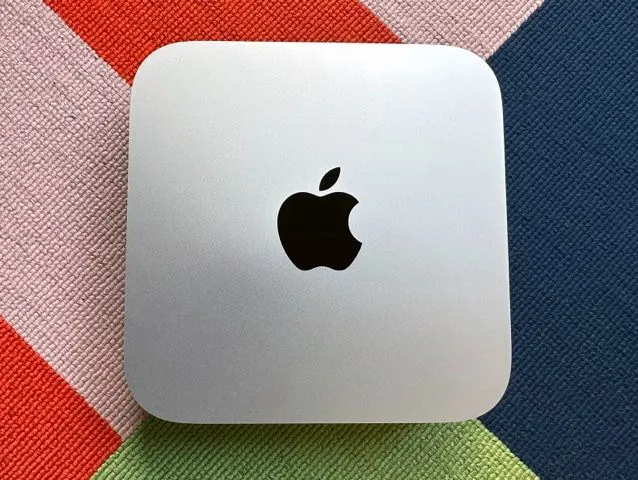
Apple Mac mini for Digital Signage
The Mac mini for digital signage is a high-end solution with top-notch performance. Whichever version of the Mac mini you opt for, you’ll be able to run any digital signage content you can dream up. There aren’t many limitations when it comes to digital signage with Mac mini, except for maybe the price tag which can be out of the budget for small businesses.
Information
- Operating System
 macOS
macOS- Brand
- Apple
- Memory (RAM)
- 8GB
- Storage
- 256GB SSD or more
- Wi-Fi
- Ethernet
- 4K
- Price
- $300 +
- Performance
Performance
- Slide Transitions
- Element Animations
- Ticker Support
- Script Injection
- Screen Capture
- Touch Support
- HD Video
- 4K Video
- Playlist Simple
- Playlist Advanced
- Playlist in Playlist
- Zones
Touch Support
Mac mini provides support for touchscreen capability, allowing businesses to create interactive and engaging digital signage experiences. Whether you're incorporating touch-based interactions for interactive displays or kiosks, Mac mini ensures compatibility with various touchscreen devices. However, it's important to note that for touchscreen functionality, you'll need to pair the Mac mini with a touchscreen-enabled display or external touchscreen device.
Reliability & Security
Reliability and security are important in digital signage, especially for sensitive content, and the Mac mini stands out in this category. Computers running macOS, like the Mac mini, are known for their stability and reliability with built-in security features such as system integrity protection and regular security updates, ensuring uninterrupted performance for digital signage setups.
Advanced Playlists
With Mac mini, the world of digital signage playlists is at your fingertips, offering smooth playback of a wide range of content. From eye-catching static images and engaging text to seamlessly integrated plugins and dynamic animations, Mac mini excels in handling diverse digital signage elements. Whether you're creating visually stunning slideshows, incorporating transitions, or showcasing HD and 4K videos, the versatility of Mac mini ensures businesses can effortlessly bring their digital signage playlists to life.
HD & 4K Video
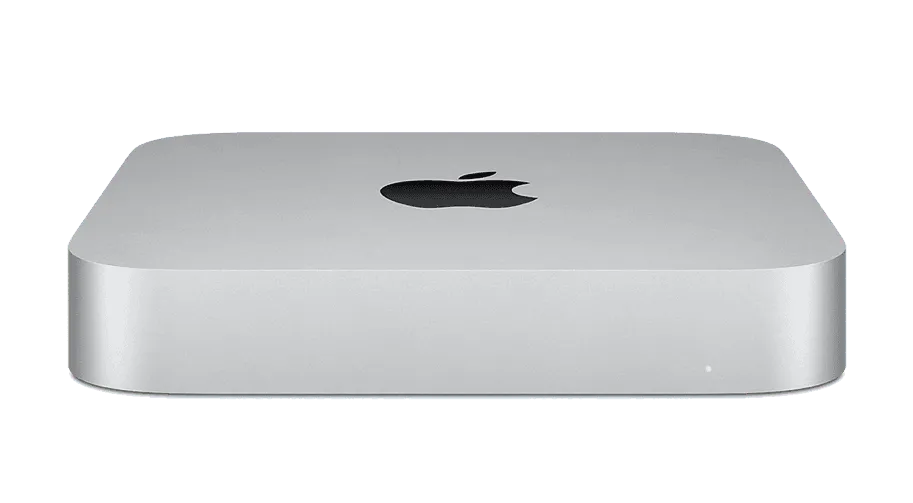
The Apple Mac mini supports both 4K and HD video playback. The Mac mini is equipped with powerful hardware and graphics capabilities that enable smooth playback of high-resolution content. While it provides the performance needed to handle 4K and HD video, it is important to note that you’ll need to pair it with an HD or 4K capable screen to take advantage of its playback power.
Integration with Apple Ecosystem
Opting for a Mac mini in your digital signage setup comes with the distinct advantage of integration within the entire Apple ecosystem. This means that businesses or individuals already accustomed to Apple products, such as iPhones, iPads, and other Mac devices, will experience a familiar workflow. The cohesive integration across Apple devices minimizes onboarding time, allowing users to navigate functionalities without a significant learning curve.
Ready to set up your player?
We think freedom of choice is a great concept, so we’ve made it possible to use Play Digital Signage with almost any player or Smart TV on the market. Below you’ll see which operating systems we support.

Android
Setup guide: Android
Windows
Setup guide: Windows
macOS
Setup guide: macOS
Amazon
Setup guide: Amazon
Chrome
Setup guide: Chrome
Samsung
Setup guide: Samsung
BrightSign
Setup guide: BrightSign
Linux
Setup guide: Linux
Raspberry Pi
Setup guide: Raspberry Pi

We Welcome Your Feedback
Since 2013, our strategy has been to follow your lead when we prioritize and develop new features, plugins and updates. Tell us what you would like to see, and we will listen and make digital signage even better suited to you and your company.
