


Banking
Engage customers while they wait and promote your financial products.
Digital signage software for advertising
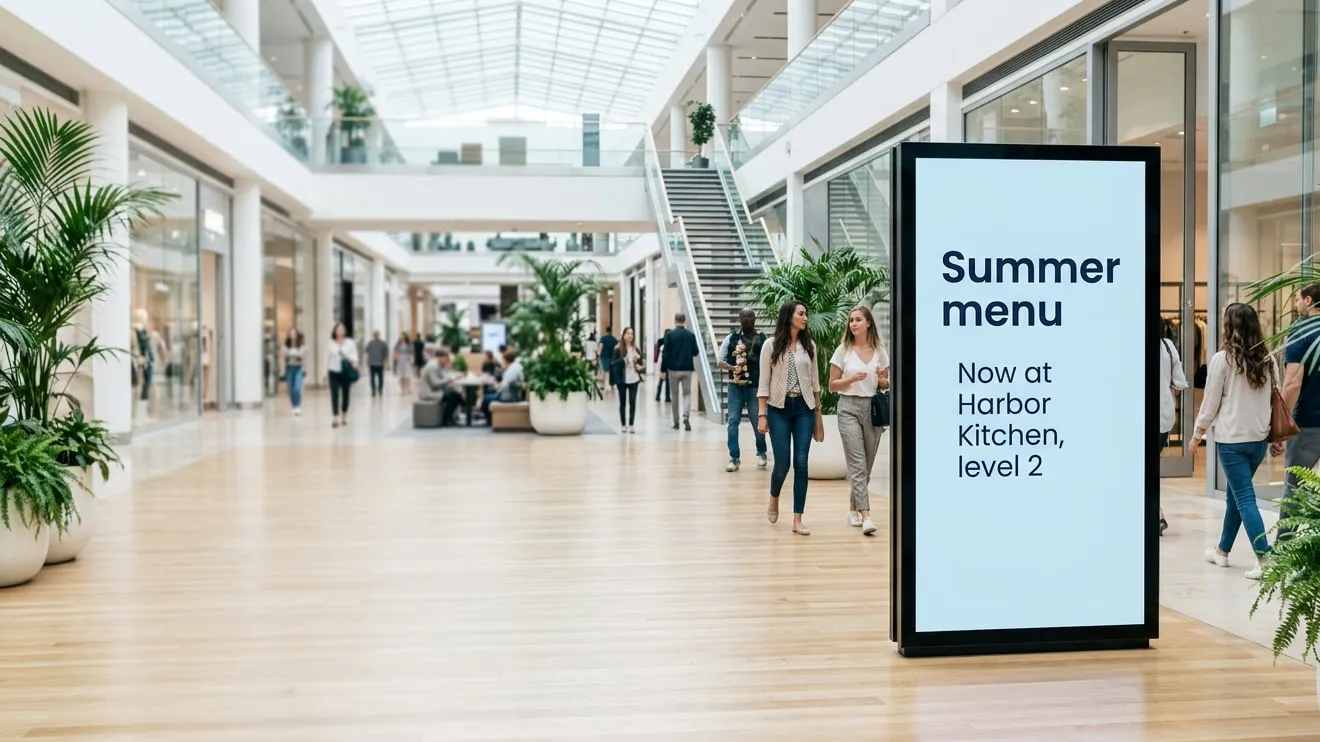
Sell ad space, schedule campaigns and prove every showing on the screens you already have. Manage all from one dashboard.
Whether you run a handful of screens in one mall or a network across the country, Play adapts to how you sell and run ads.
Sell space on screens across a city, a region or a country.
Earn from the screens in your mall, store, gym or station.
Run campaigns across many screens and change them in seconds.
Sell, schedule, target and report from one account, so every advertiser gets the showings they booked.
01 · Booking
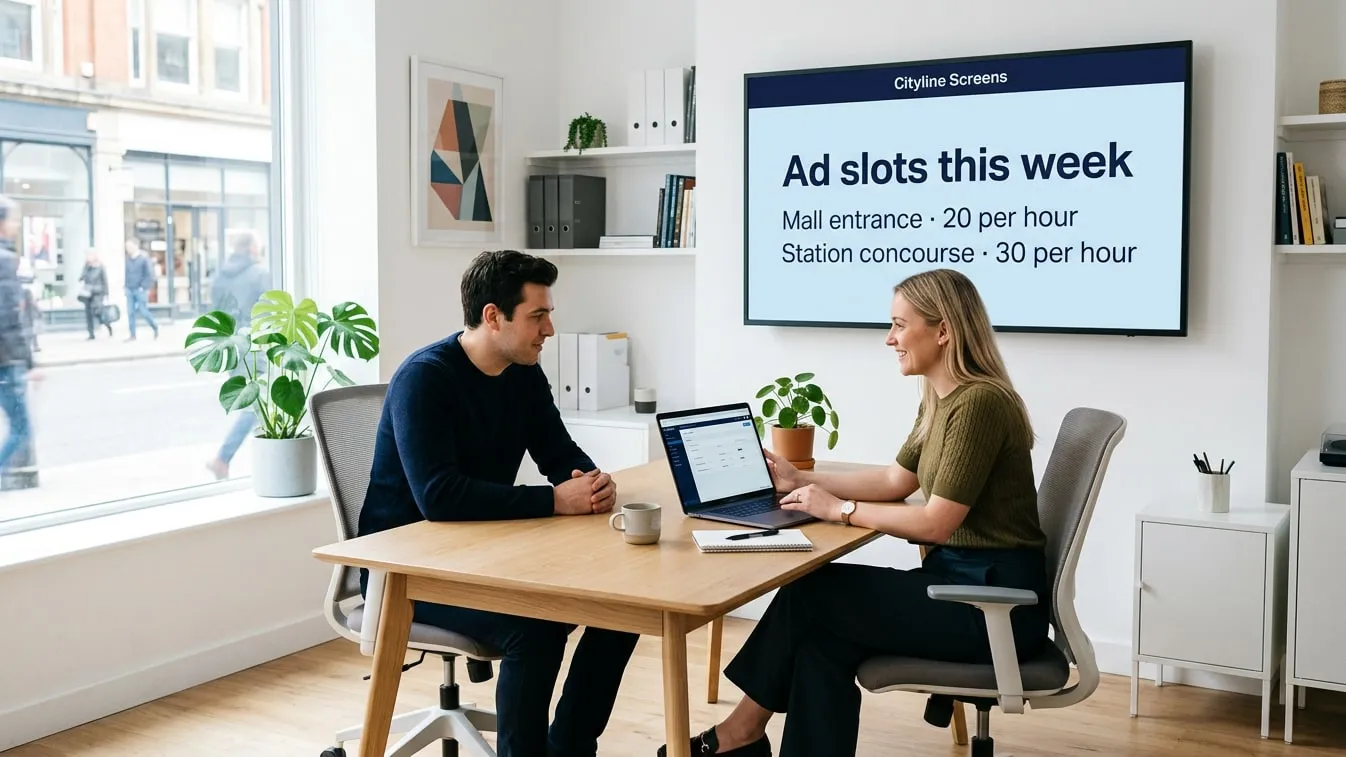
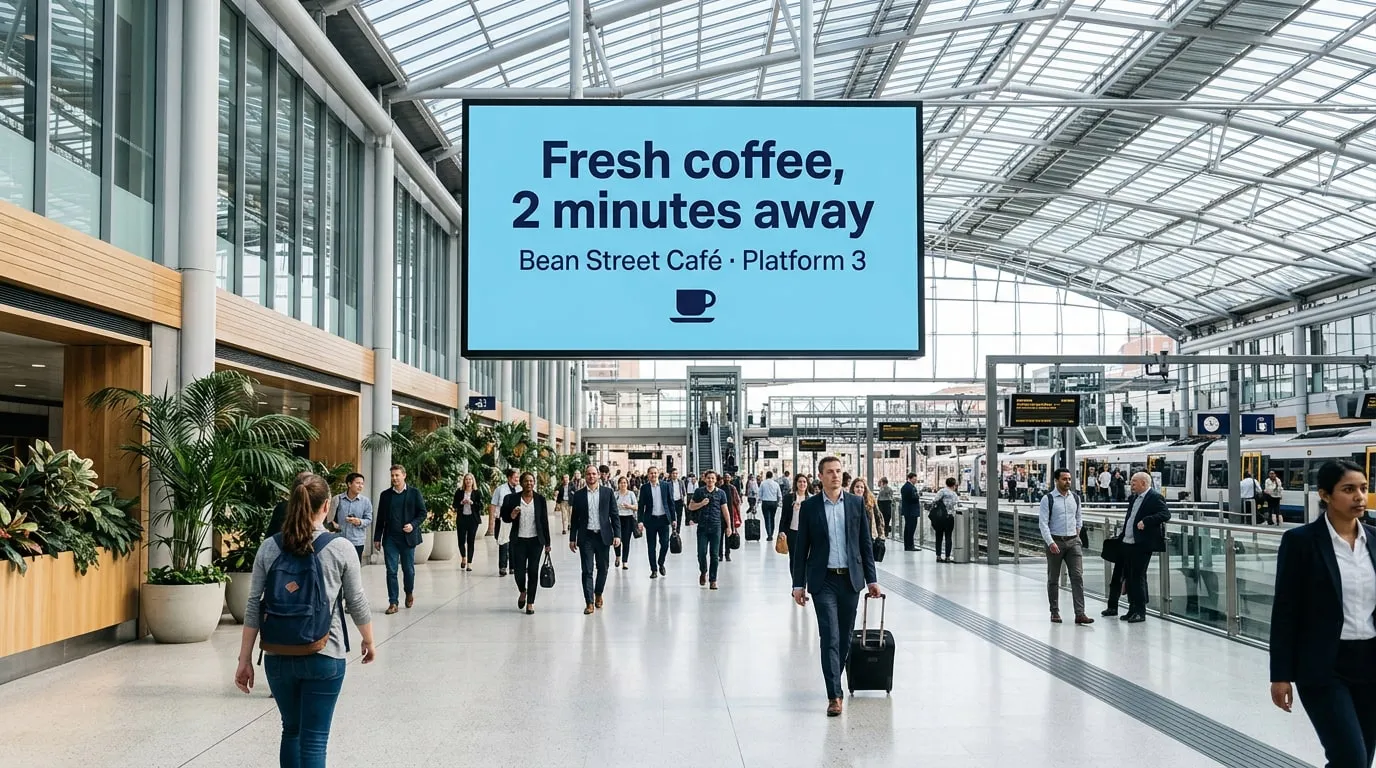
Offer advertisers hourly or daily slots with a set number of showings on the screens you choose.
02 · Scheduling
Each ad plays as often as it was booked, and your own slides fill the time in between.
03 · Targeting
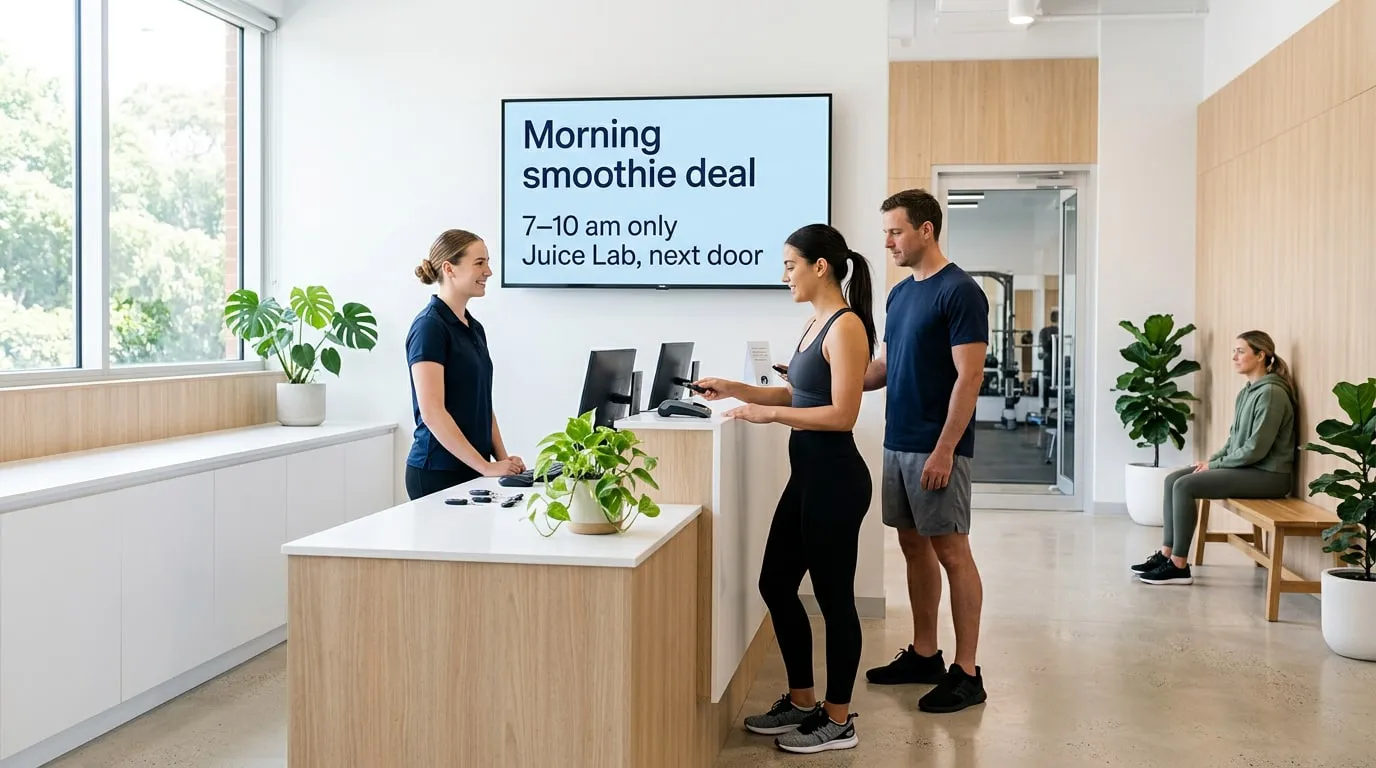
Slide Conditions play an ad only on chosen screens, or at certain hours, days or dates.
04 · Reporting
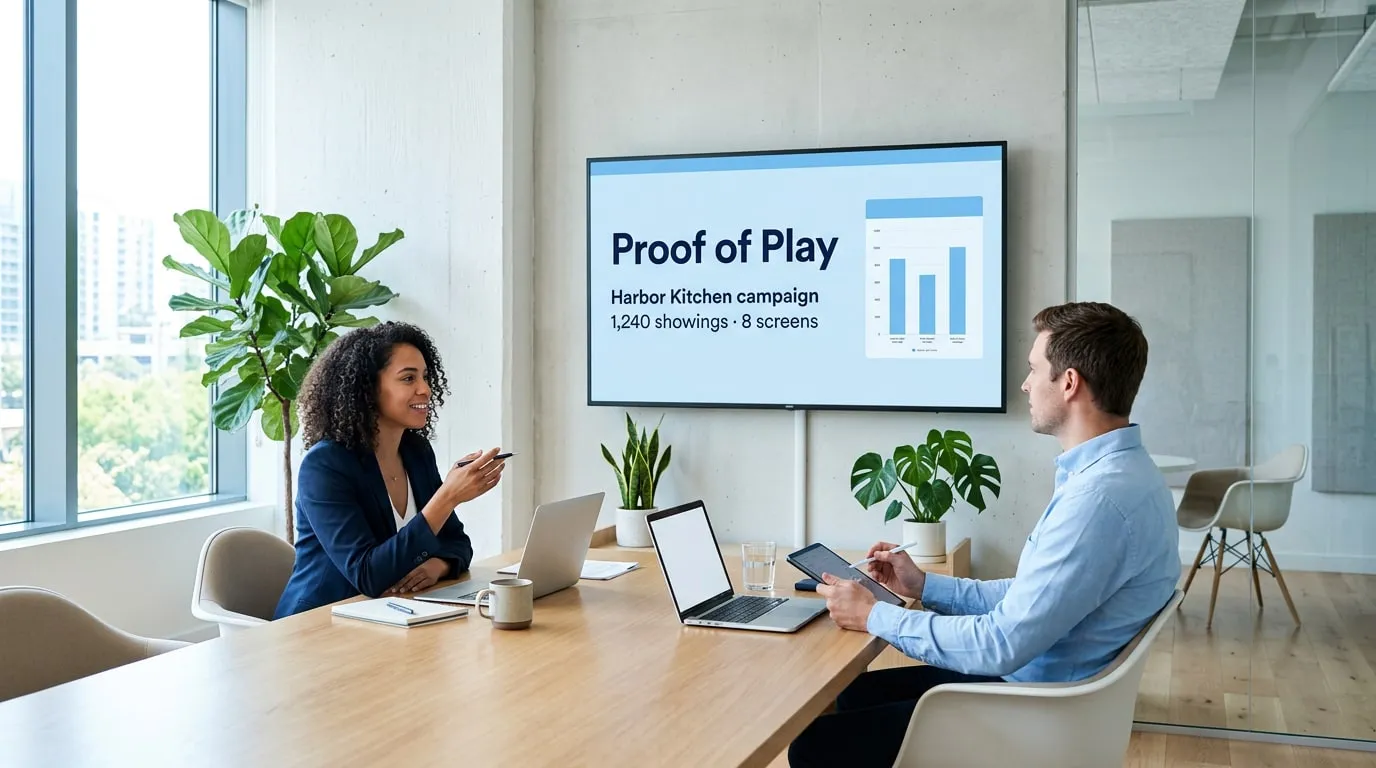
Reports show when, where and for how long each ad ran, ready to share with your advertisers.
No credit card required. Just start growing your business and we’ll grow together.
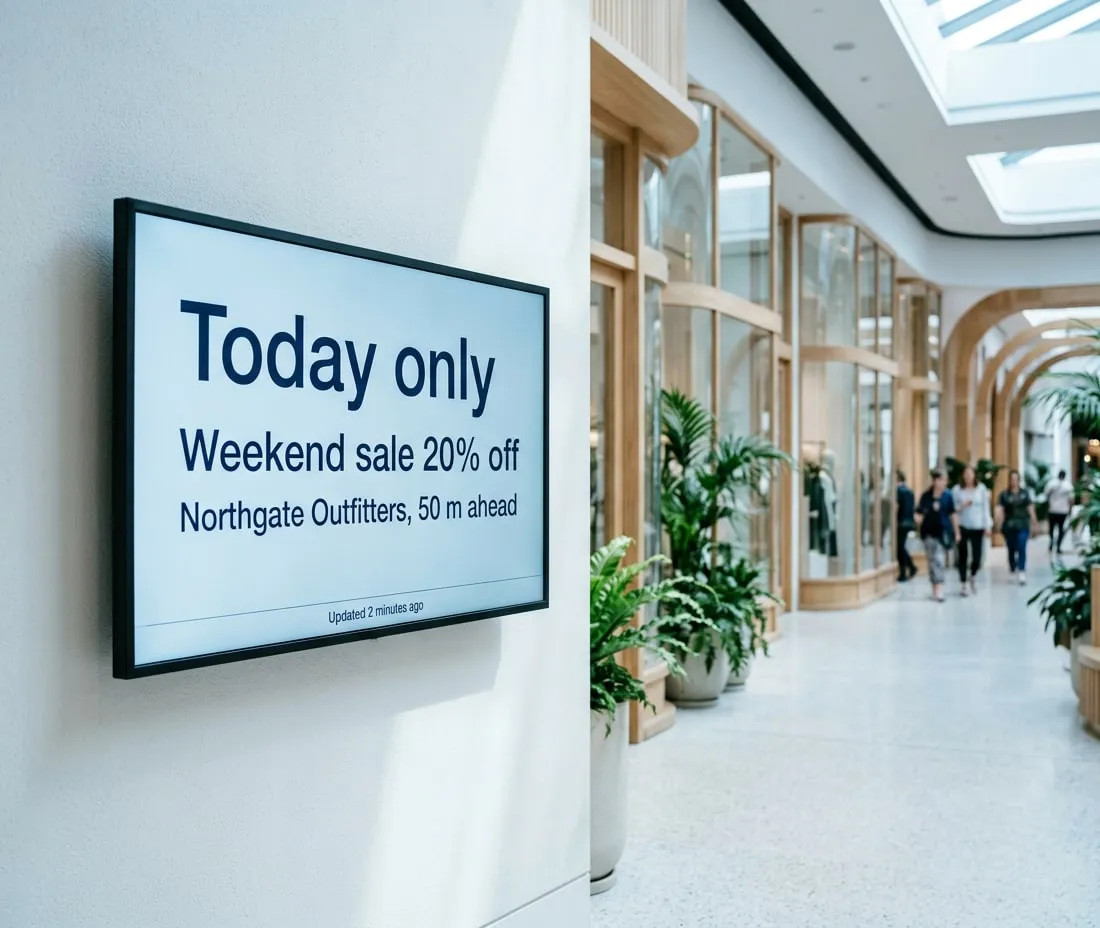
Update an ad on every screen from any browser, with no printing, shipping or hanging posters and no cost per change. Pull live prices and offers from Google Sheets, Power BI, RSS feeds or your website, so every screen stays current.
Manage every screen in every location from one web dashboard. Share playlists with your team and see at a glance which screens are online.
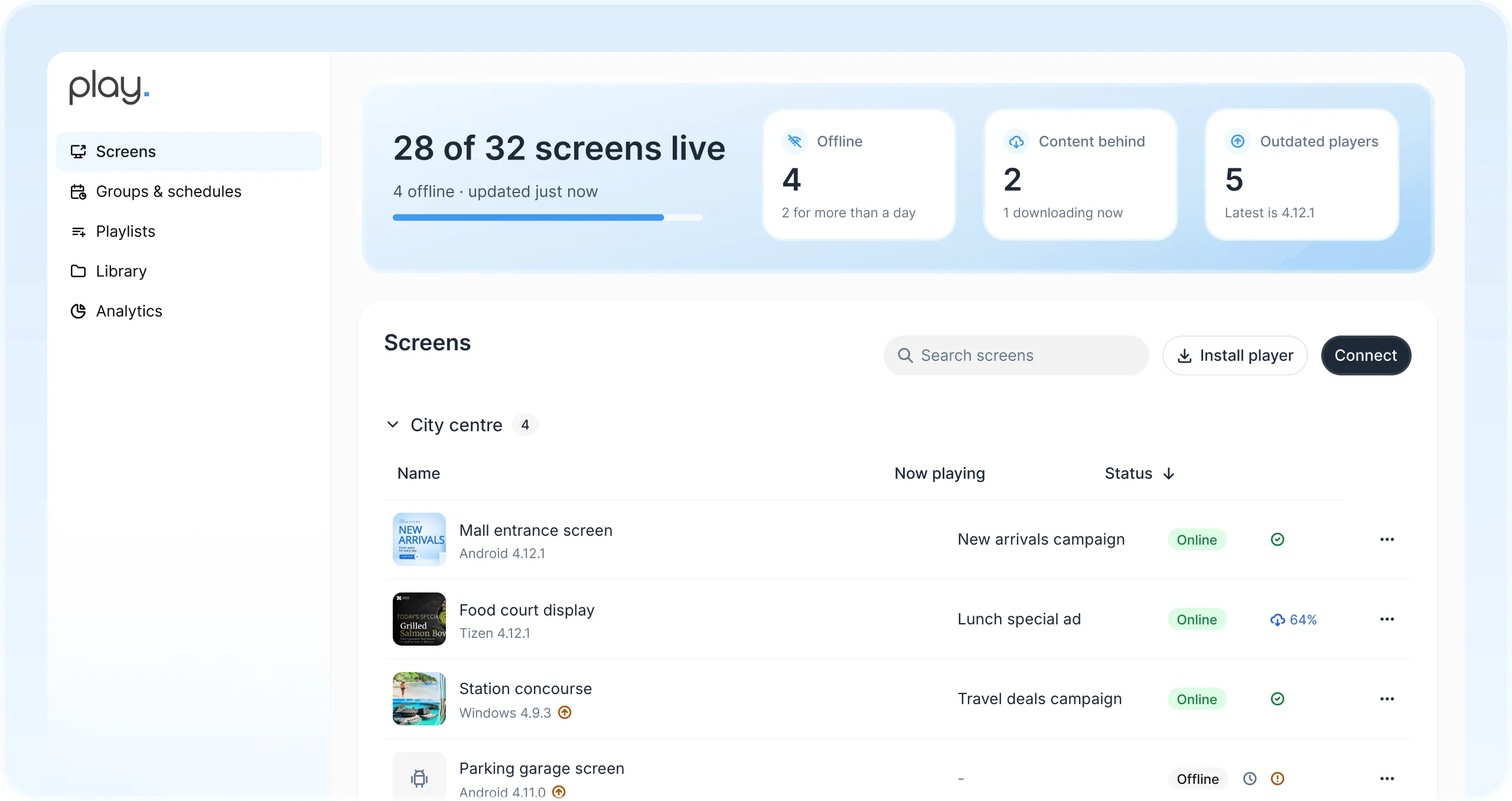
Sell hourly or daily slots with a set number of showings, while your own slides fill the rest.
Reports show when, where and for how long every ad was displayed.
Plan campaigns by time, day and date, and use Slide Conditions to pick the screens and hours.
Give each region or venue its own team with user roles, while you keep the overview of every screen.
Content is stored on every player and keeps running through network outages.
Get notified when a screen goes offline, so you can quickly resolve any outages.
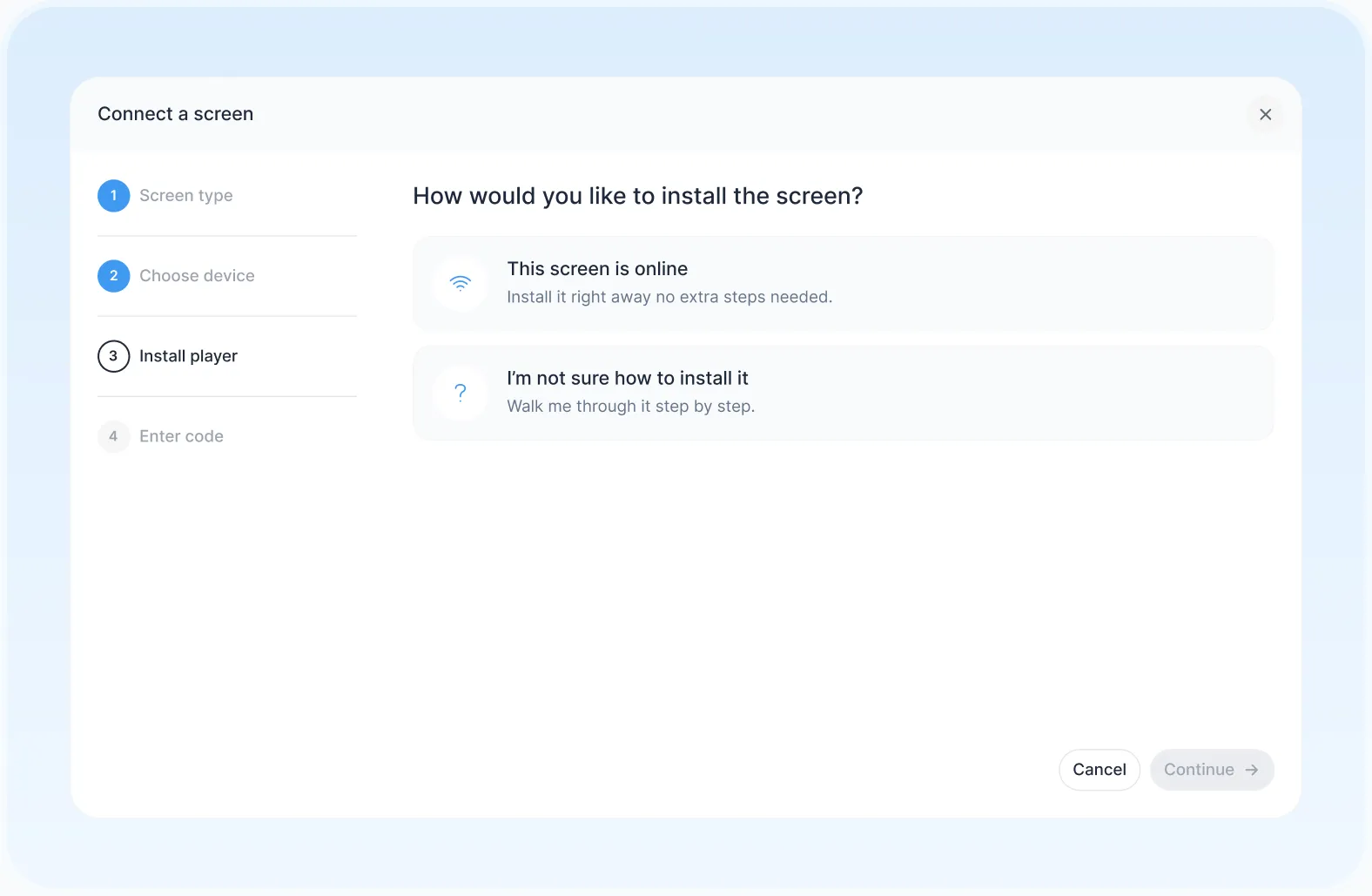
Pair a smart TV, media player or LED wall you already own.
Start from a ready-made template or design your own.
Send a campaign to one screen or your whole network at once.
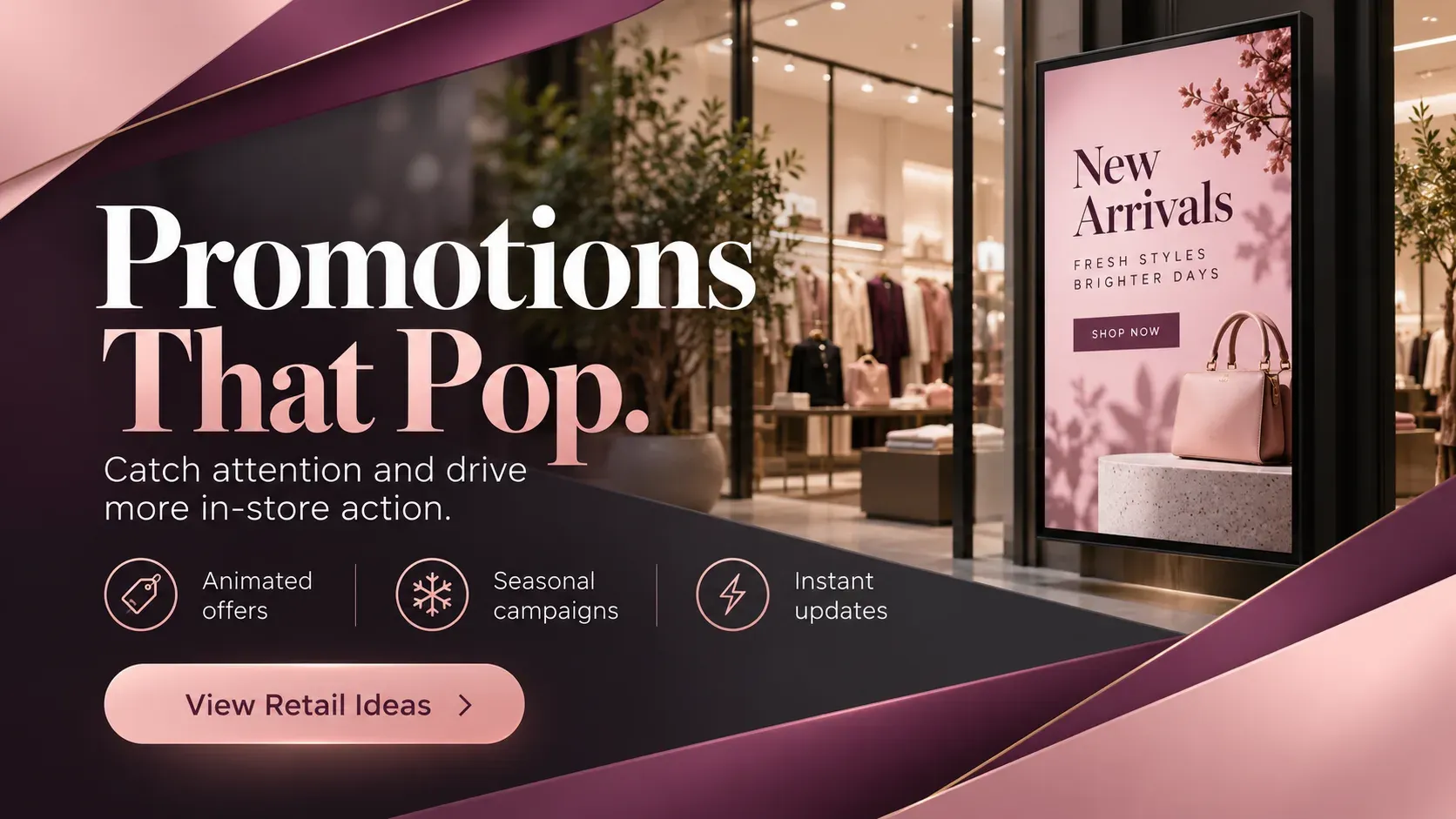
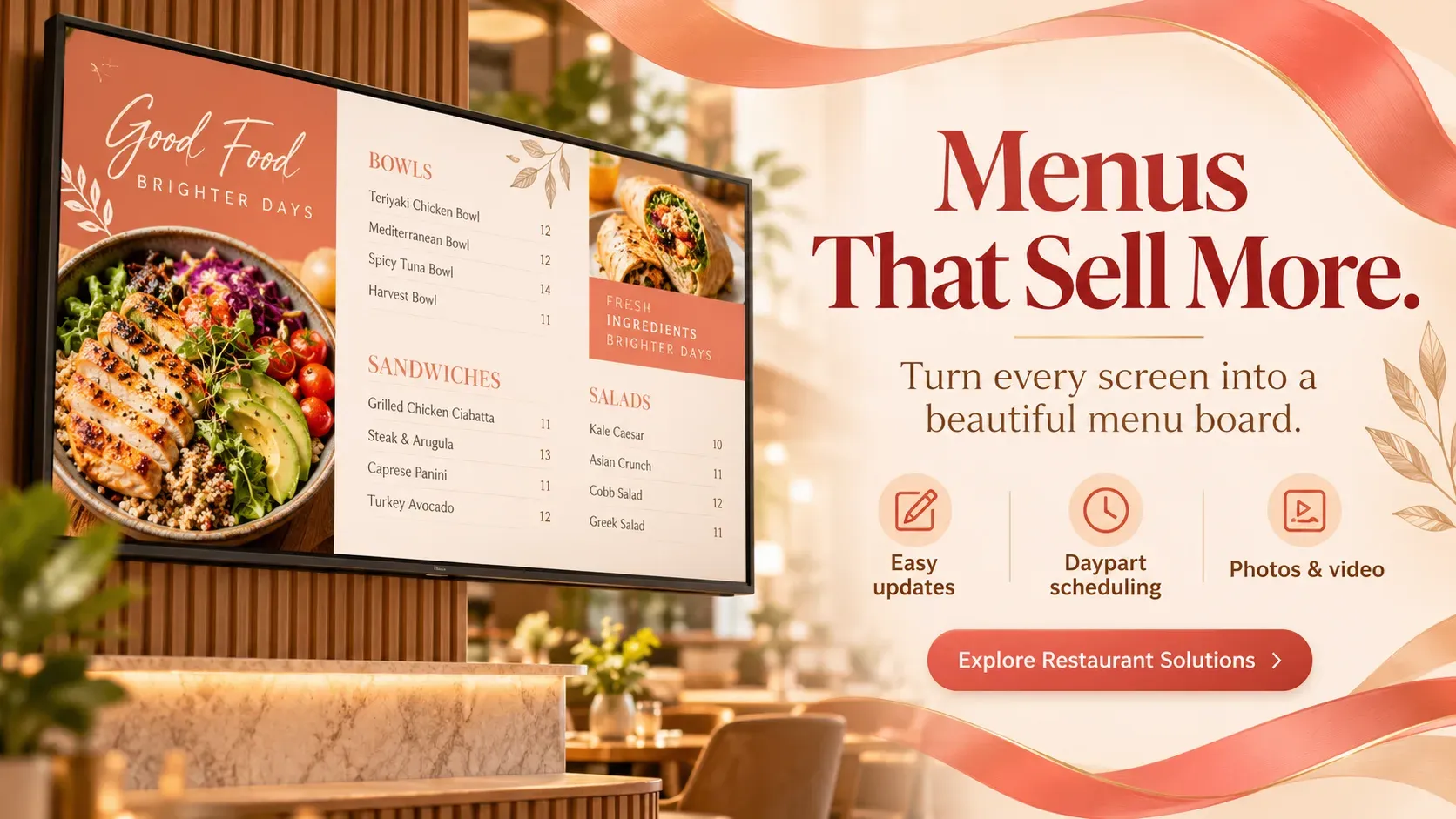
Use Play’s templates as a starting point for your advertisers’ promotions and menus, and for wayfinding and company news. Change colors and text, then publish.
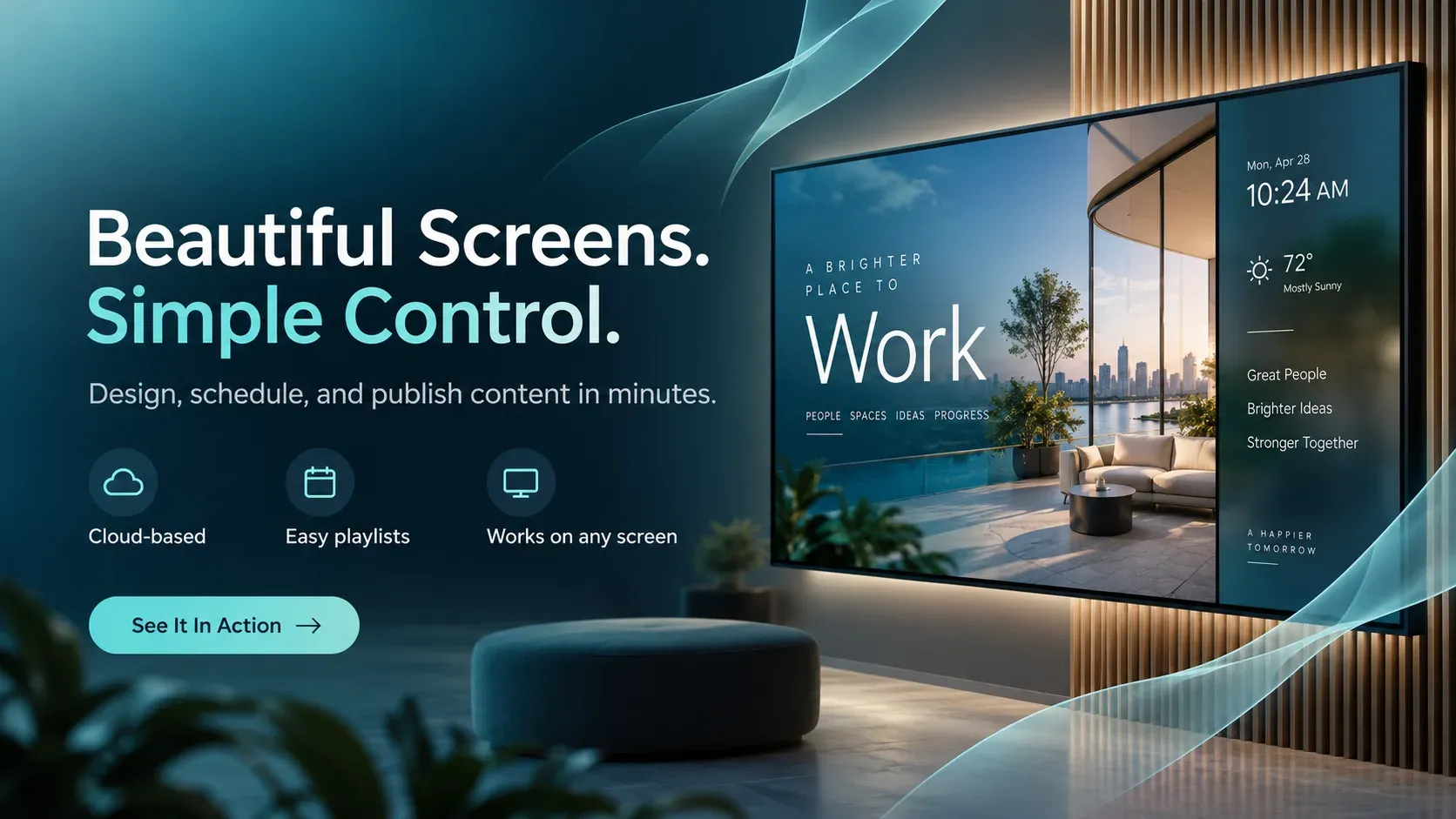
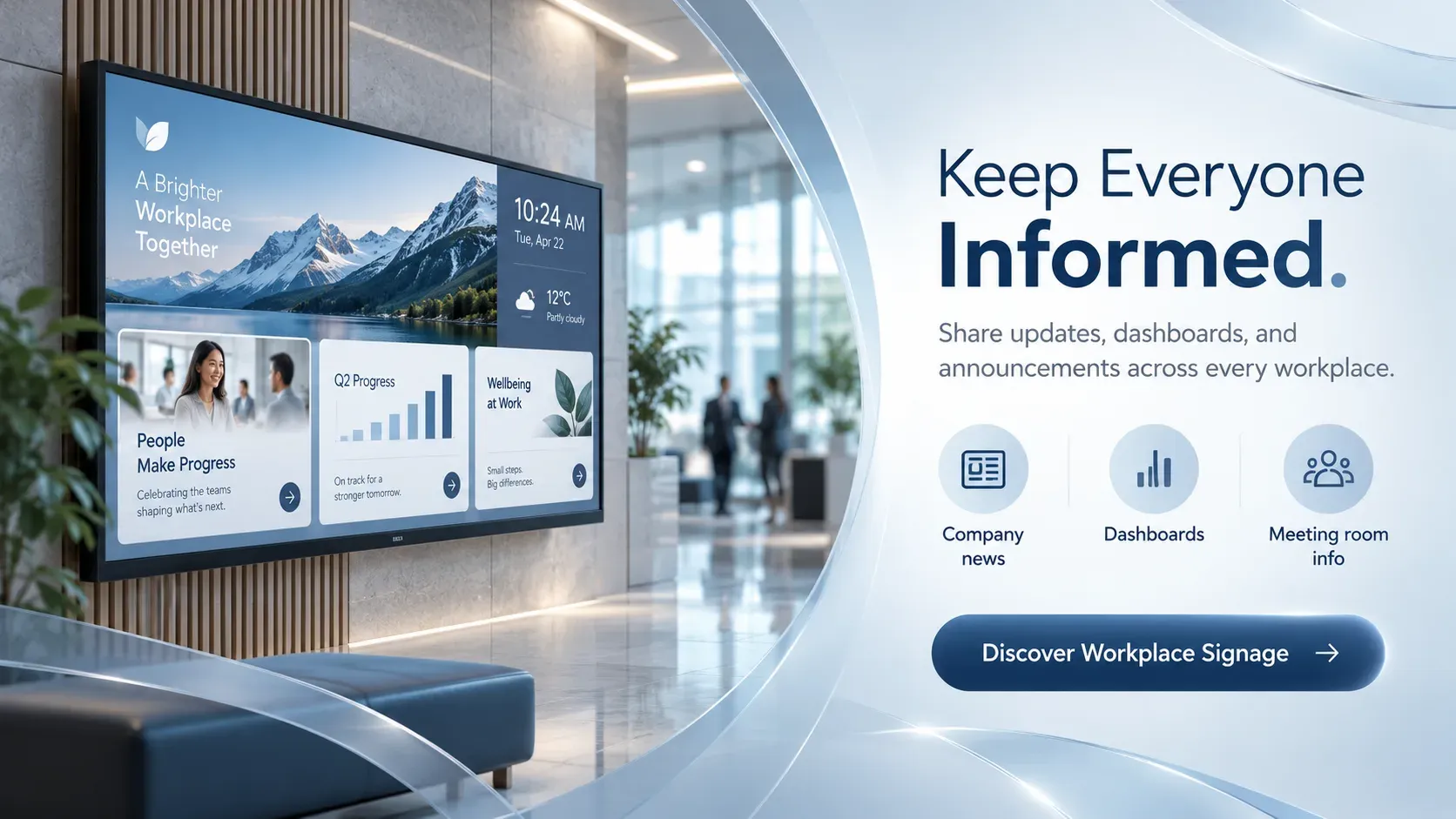
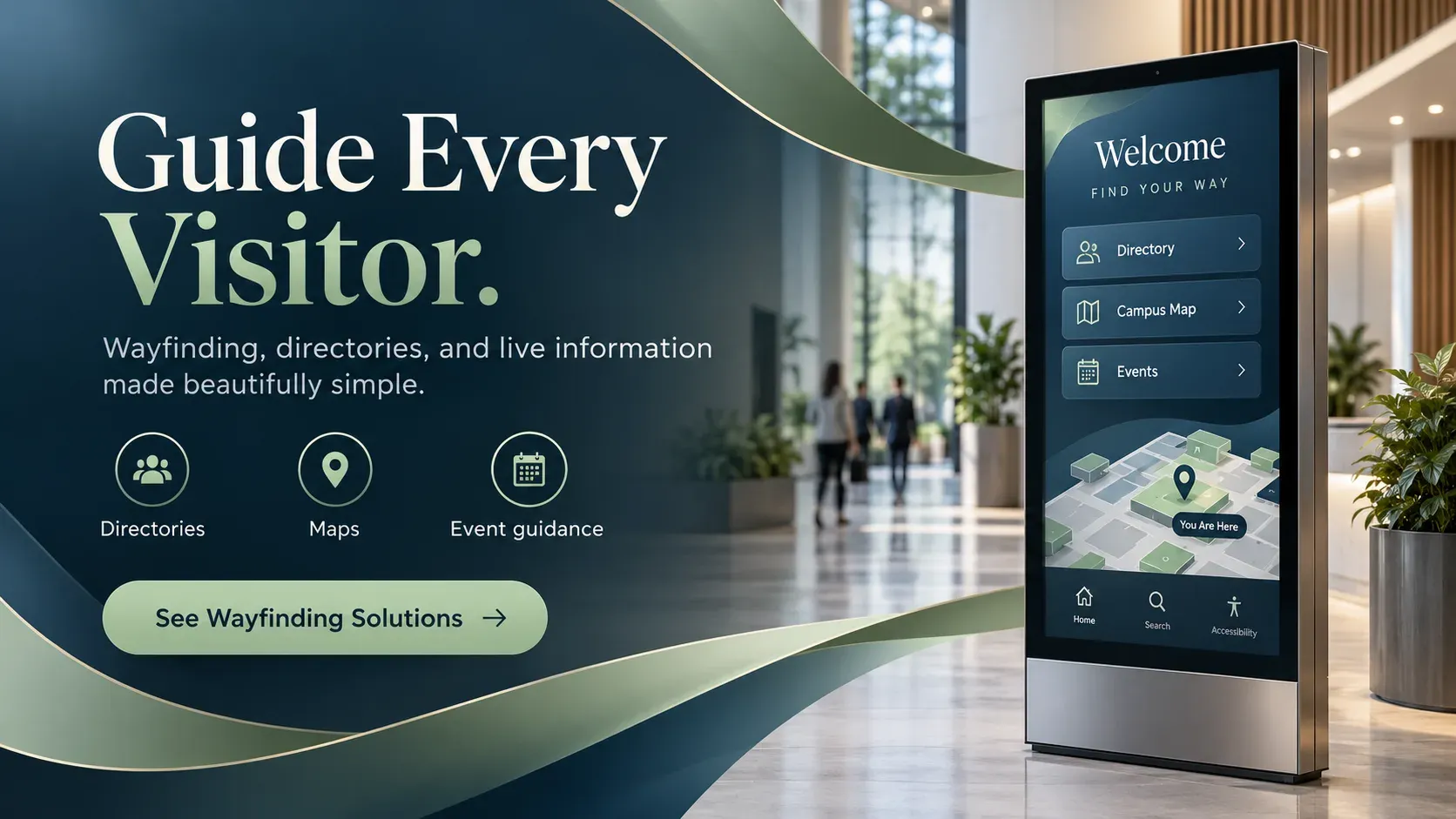
Play keeps our showroom content polished, current, and on-brand.
Engage customers while they wait and promote your financial products.

Schedules, campus news and emergency alerts on every screen.

Menu boards that update in seconds and promote today’s specials.

Wayfinding, health information and shorter perceived wait times.

Welcome guests and promote your services, events and offers.
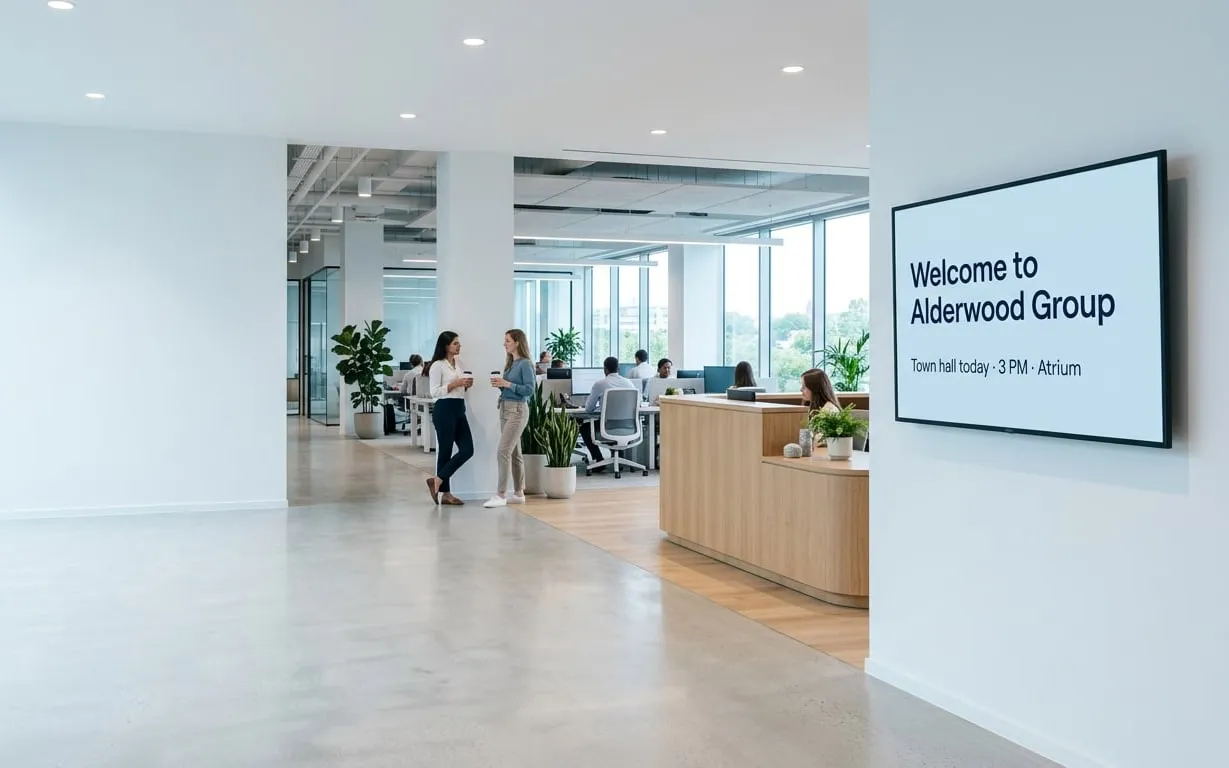
Company news, results and celebrations for the whole team.
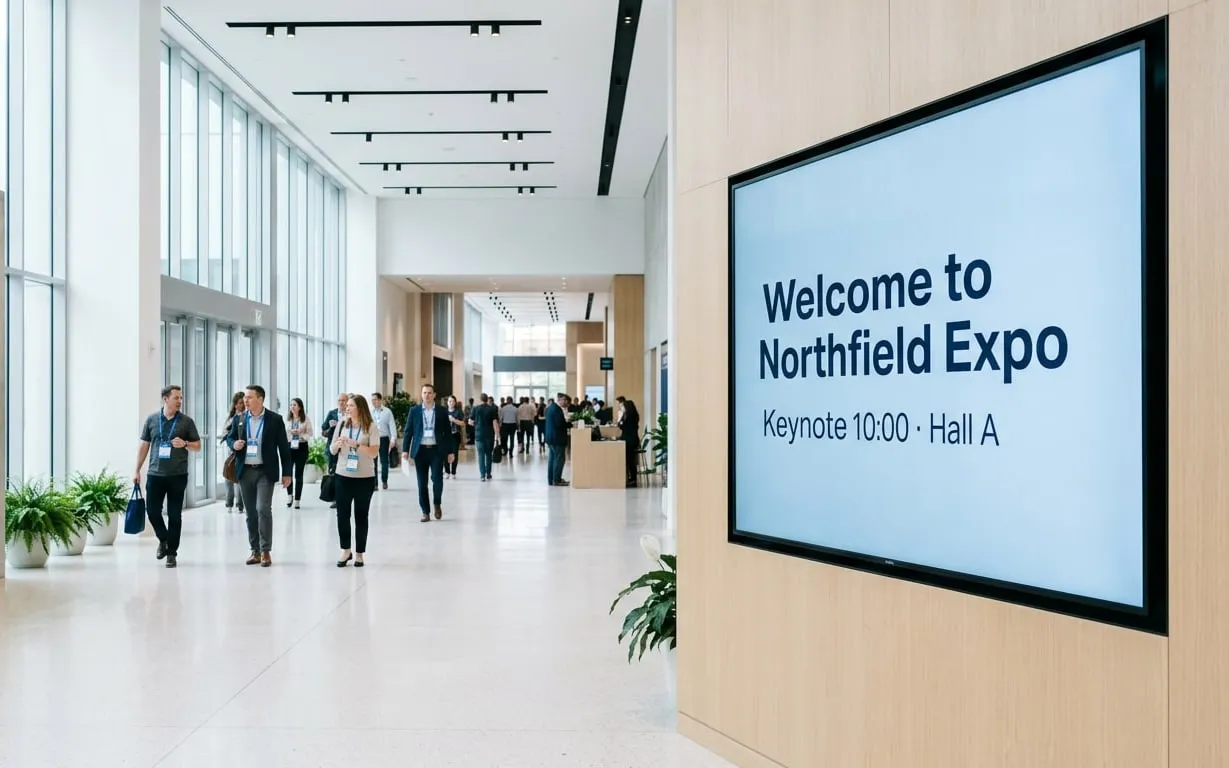
Schedules, directions and sponsor messages for any event.

Production figures, safety messages and work instructions.

Showtimes, trailers and concession offers on every screen.

Fuel prices, store offers and extra ad revenue.
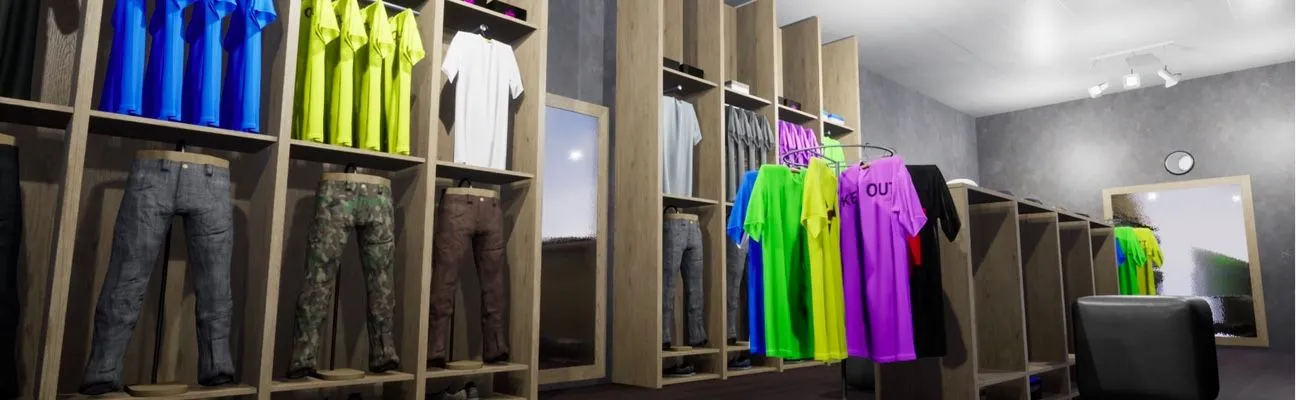
Promotions and wayfinding right where shoppers buy.

Real-time travel updates wherever passengers wait.

Class schedules, workout tips and member offers.

Share announcements and bring your congregation together.
Find answers to common questions about our platform. If you need further assistance, feel free to reach out to our team.
Yes. Ad Cycle, in the Ultimate plan, schedules your advertisers’ ads in hourly or daily cycles with a set number of showings, and fills unused time with your own content.
Proof of Play reports in the Ultimate plan show when, where and for how long every element was displayed, so you can share the numbers with your advertisers.
Yes. Schedule content by time, day and date, and use Slide Conditions (Pro) to play an ad only on certain screens or at certain hours.
Play runs on most media players and smart displays, including Android, Windows, Google TV, Amazon Fire TV, LG webOS, Samsung Tizen, BrightSign and Raspberry Pi. Not sure which one fits? Read our guide to choosing a media player. Your first screen is free.
Yes. AudienceAware, in the Ultimate plan, detects the people in front of a screen, such as their age and gender, and plays content targeted at them.
Still have questions? Contact our support
We use cookies to ensure that we give you the best experience on our website. Learn more about Privacy Policies