

Digital signage app for phones and tablets
The Play app:
your screens,
in your pocket.
The free Play app puts your whole digital signage network on your phone or tablet. See every screen, edit slides and publish changes from anywhere.
- iPhone and iPad app coming soon
New to Play? Create a free account
Works with your Play account. No in-app purchases.
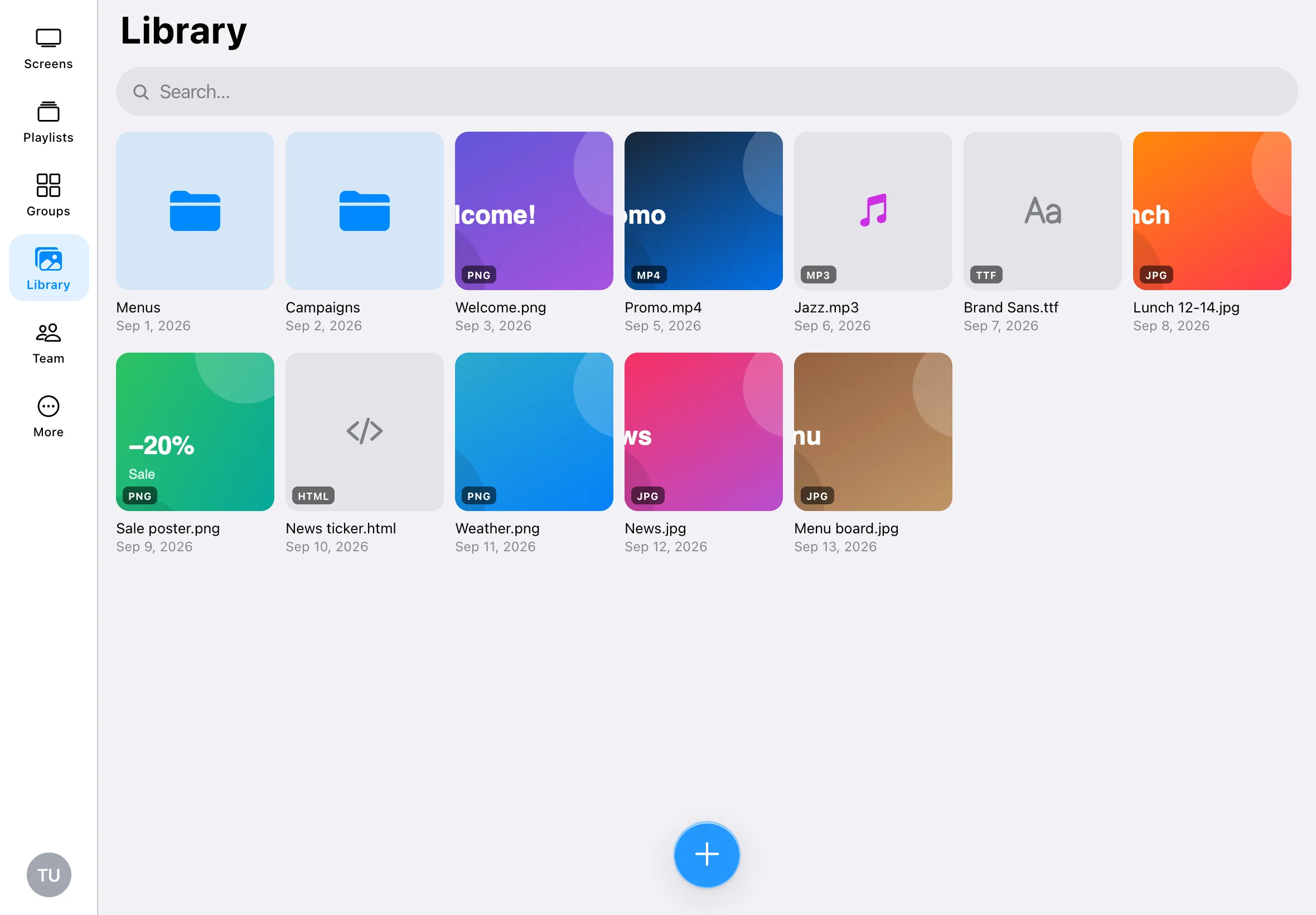
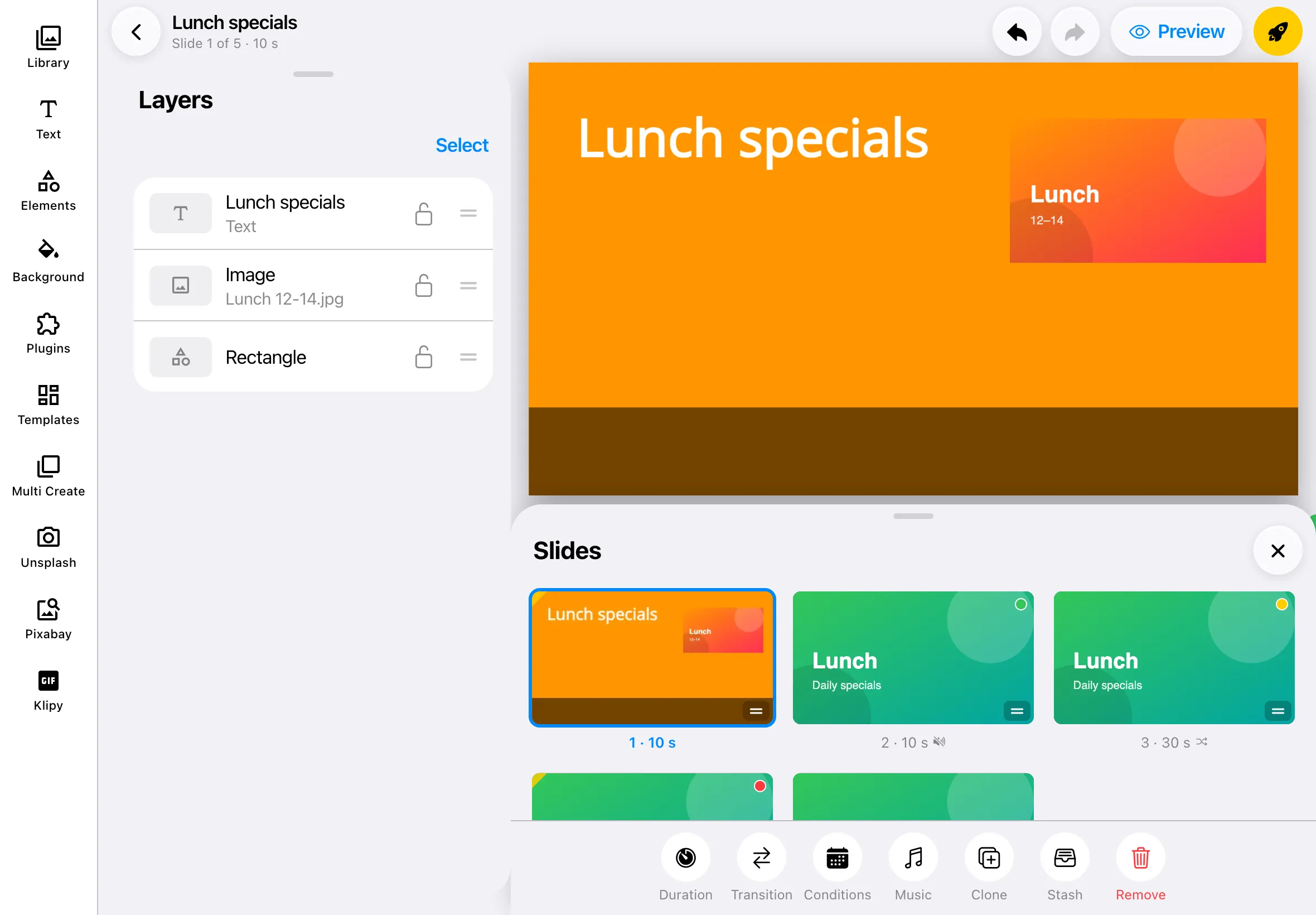
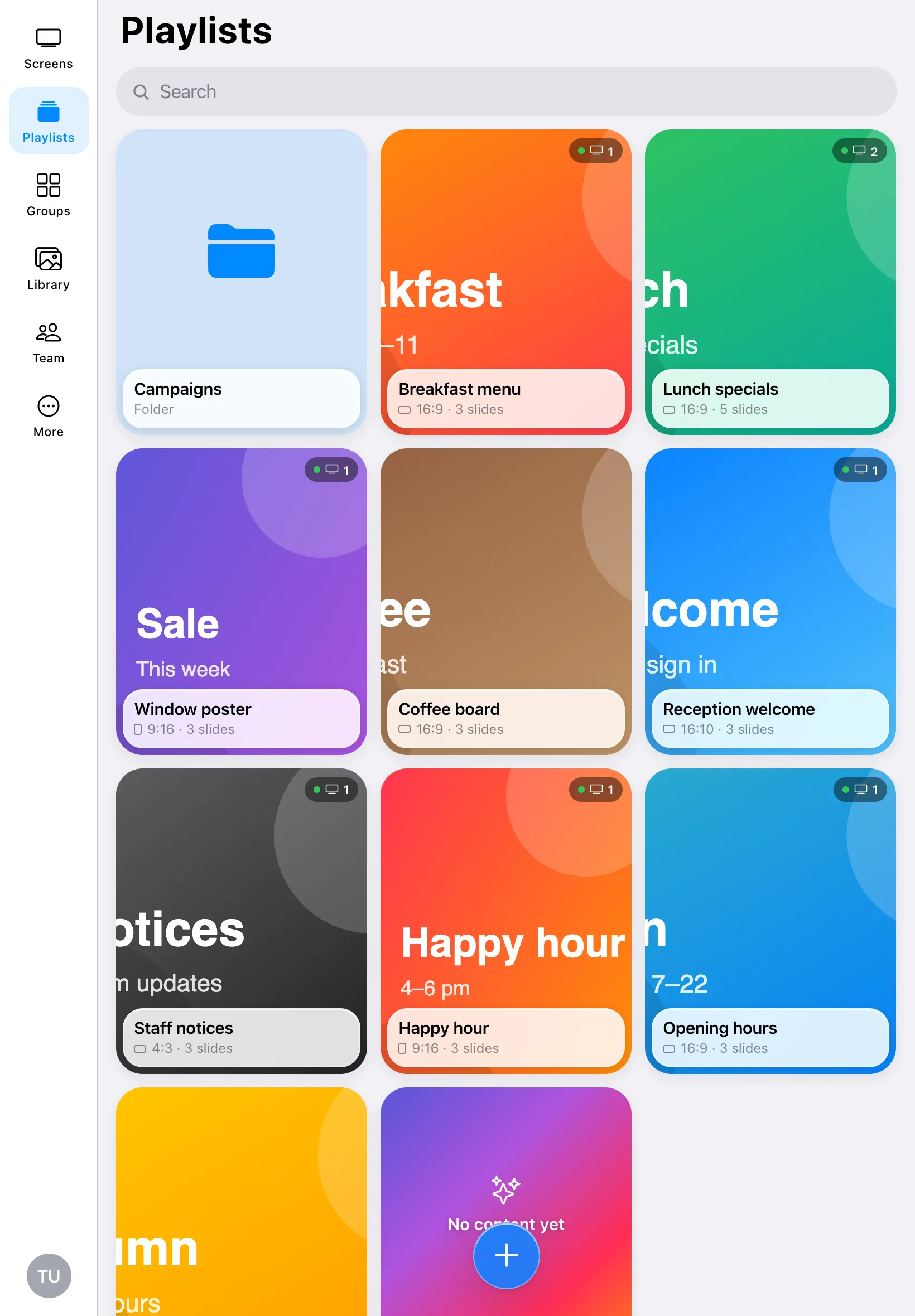
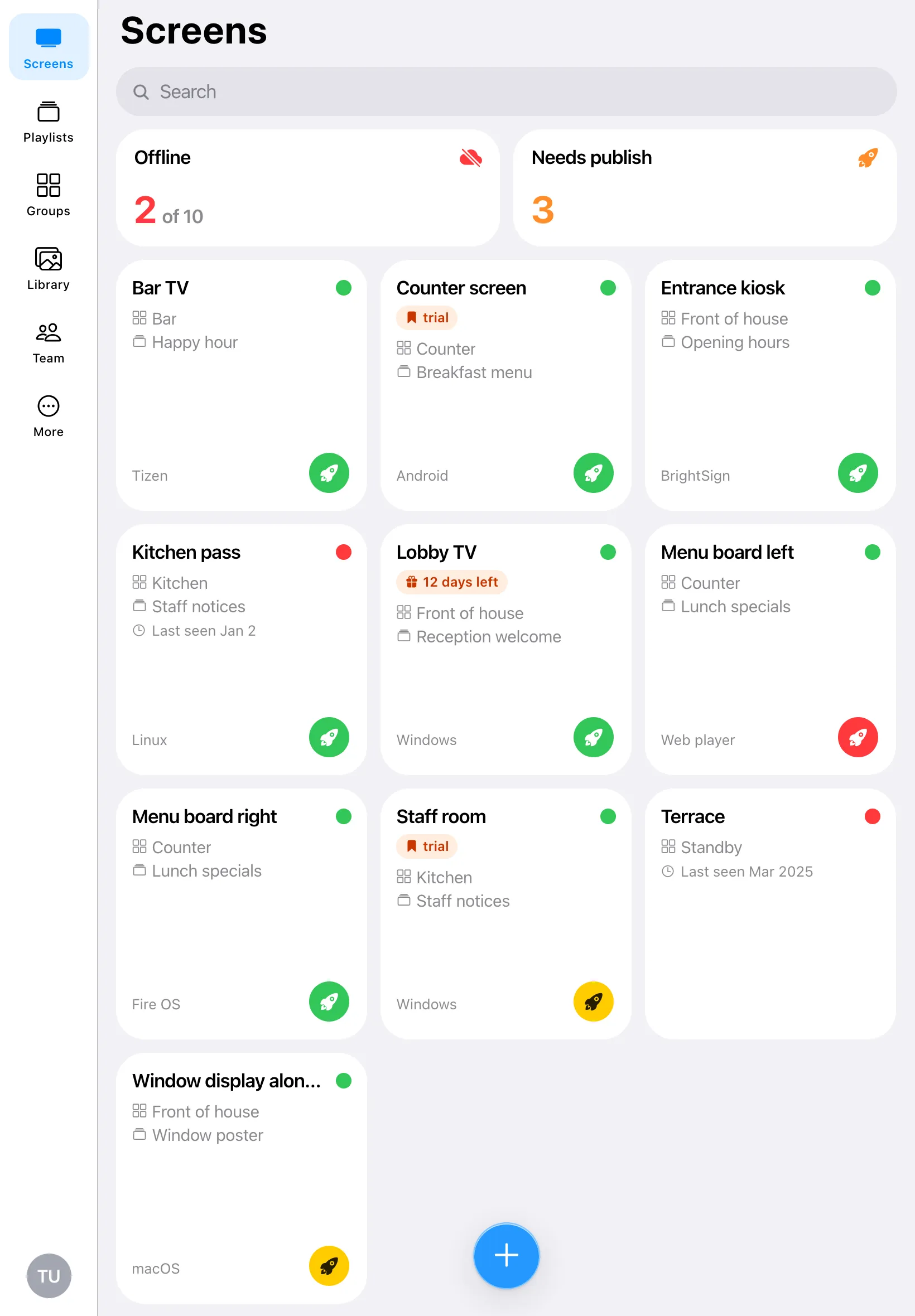
Your whole network,
one tap away.
Everything you need day to day, made for phones and tablets.
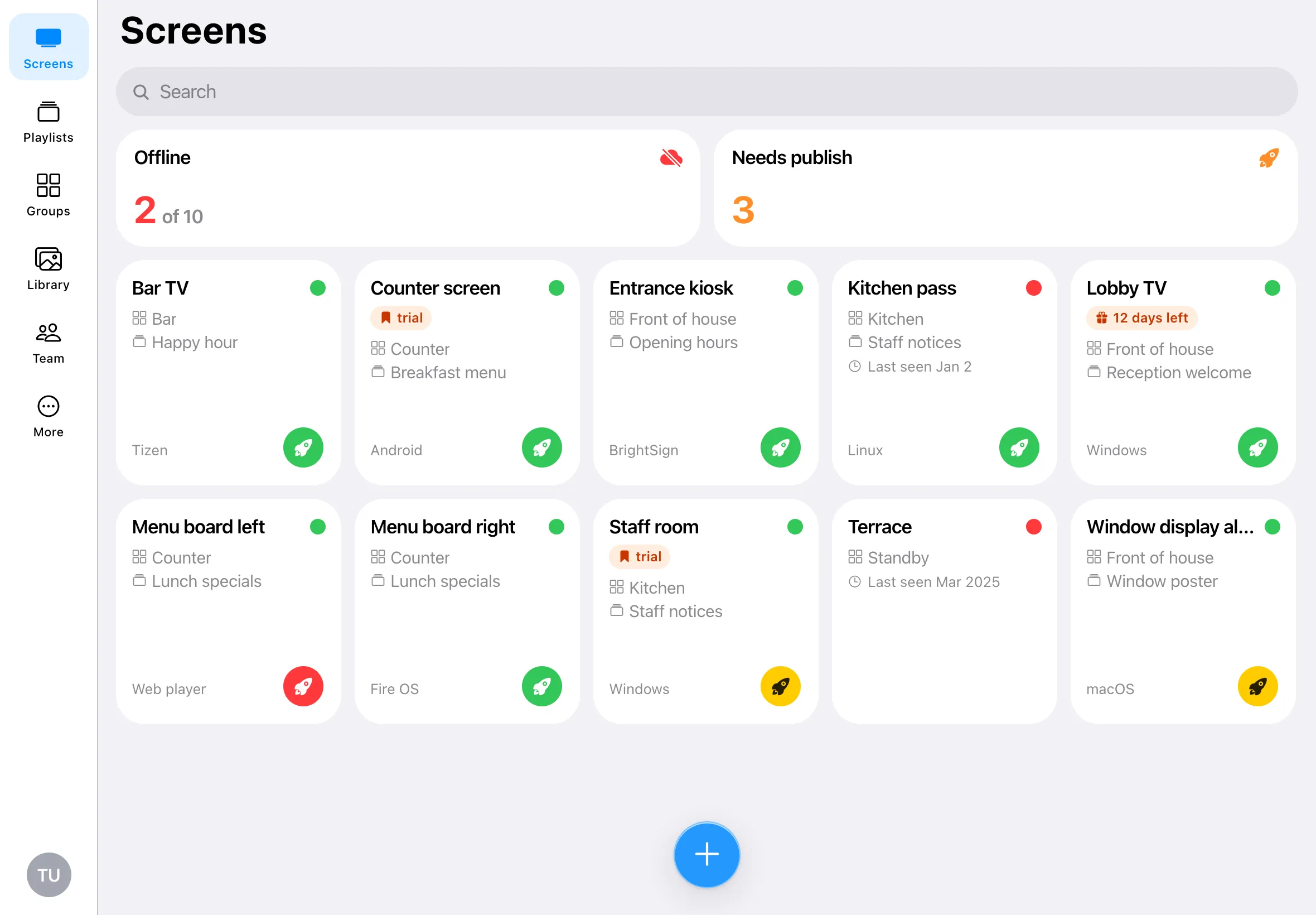
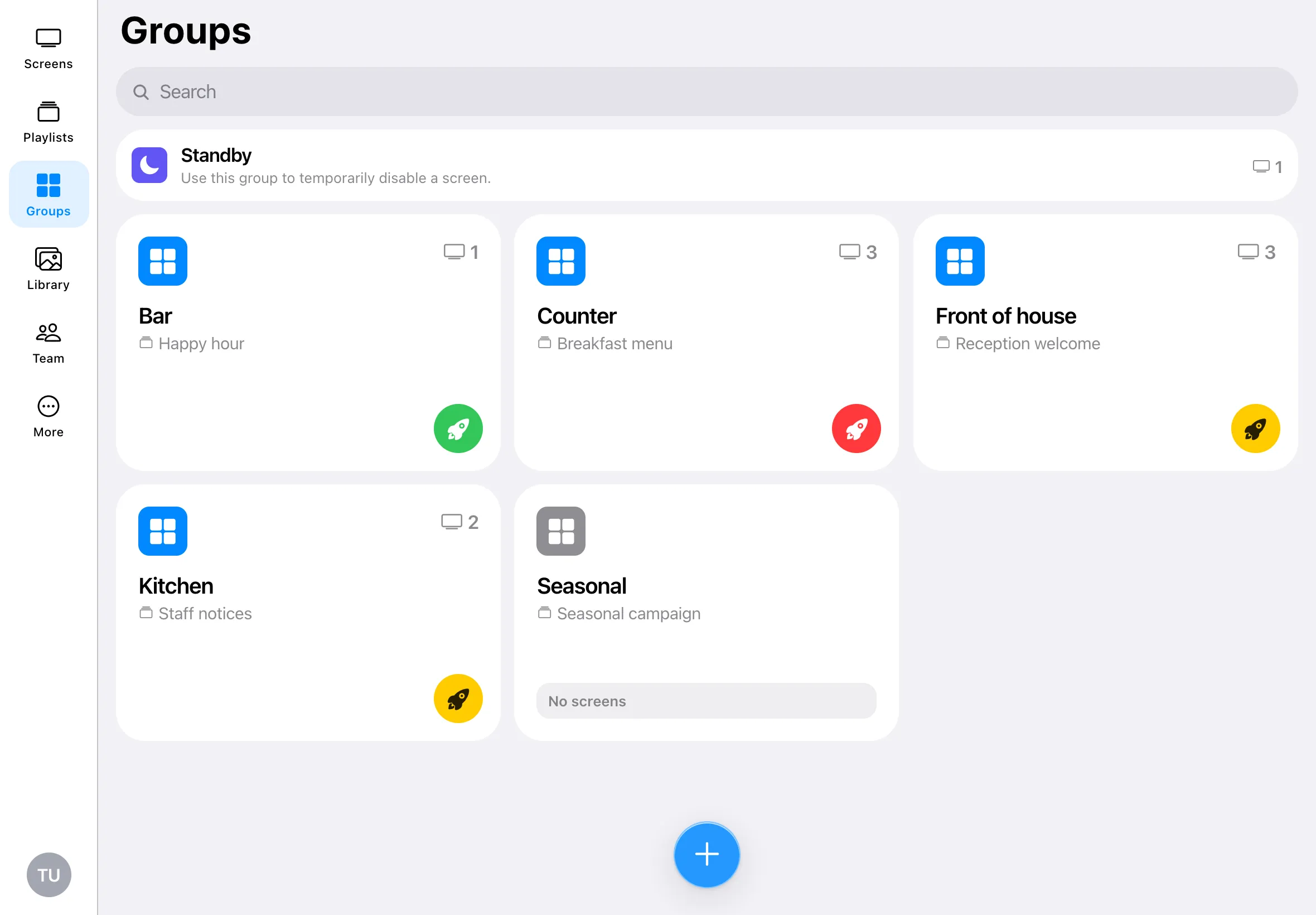
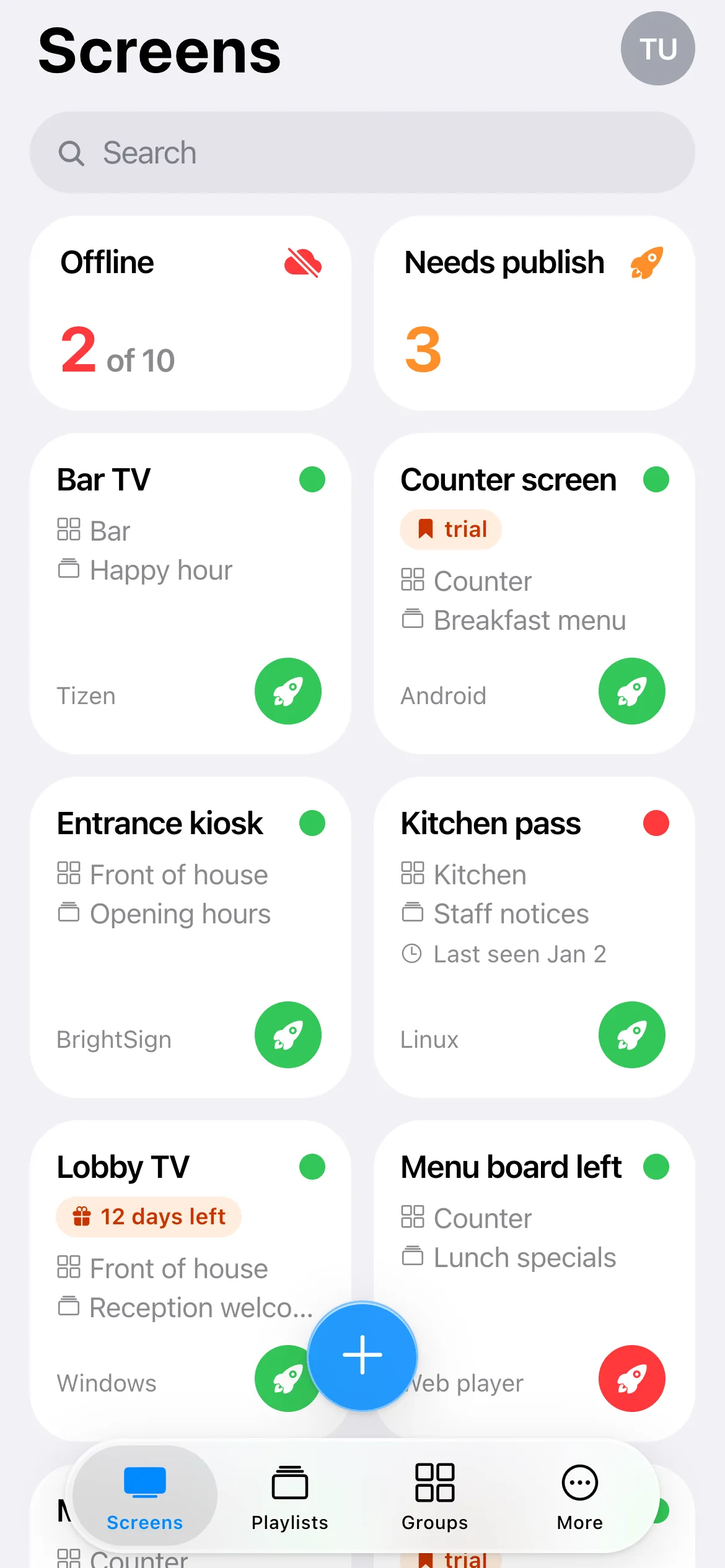
Every screen at a glance
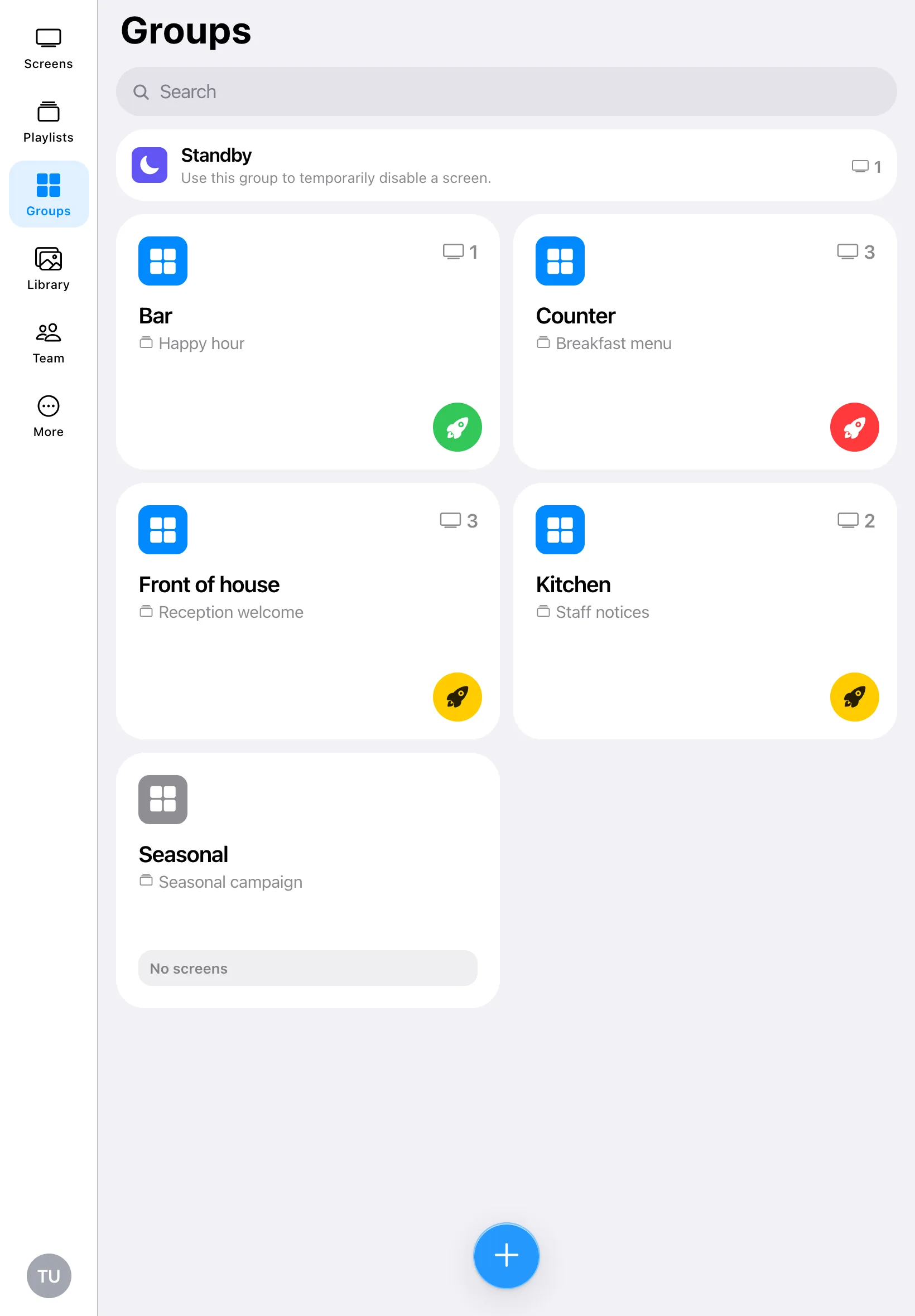
See which screens are online, what each one is playing and which ones need publishing.
Add a screen in seconds
Scan the QR code on the screen with your phone’s camera, or type its pairing code.
Publish with one tap
Change a playlist and send it to one screen or a whole group right away.
Edit slides
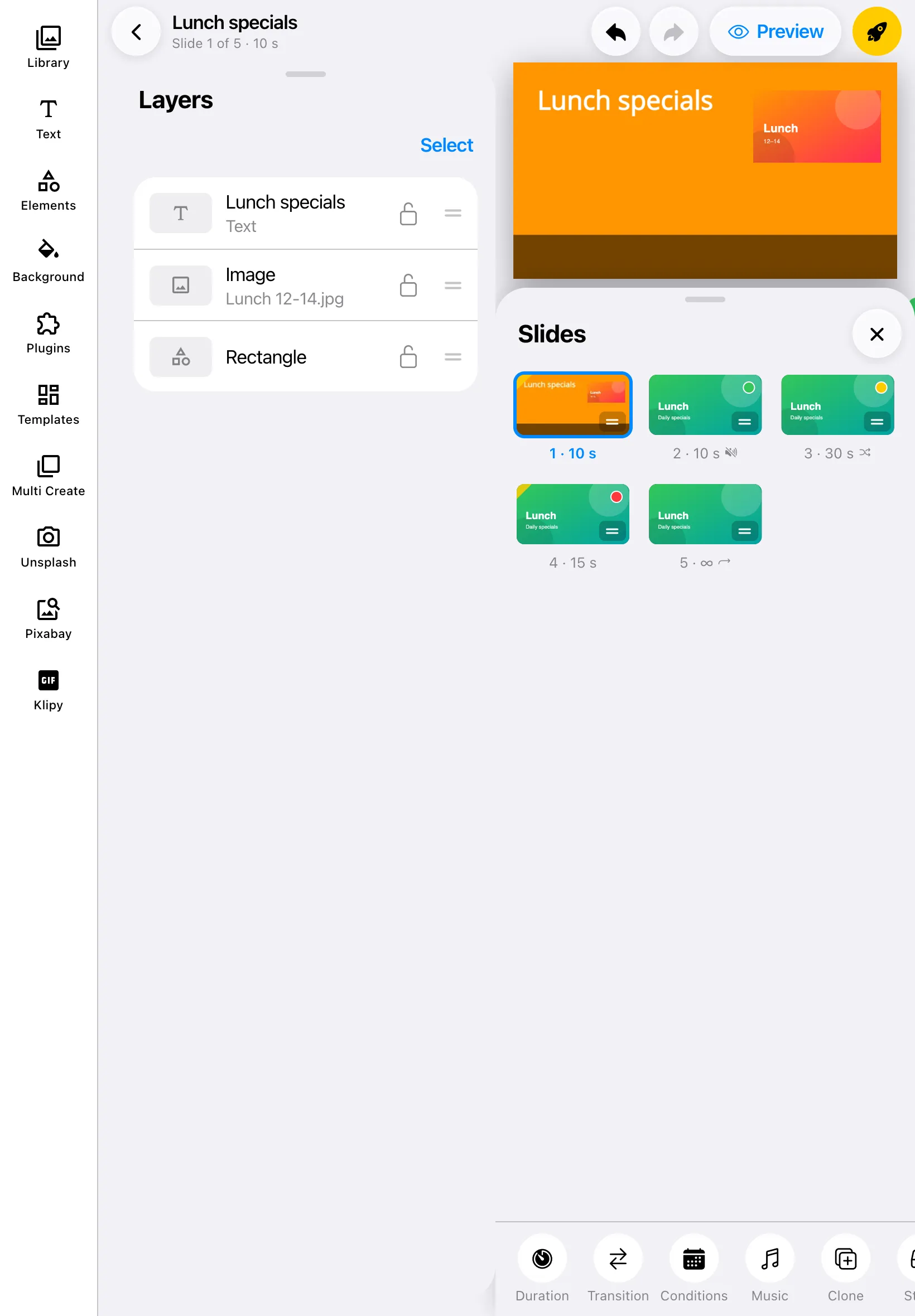
Add text, shapes, photos and videos, start from a template, or add plugins like weather, clocks, YouTube and RSS feeds.
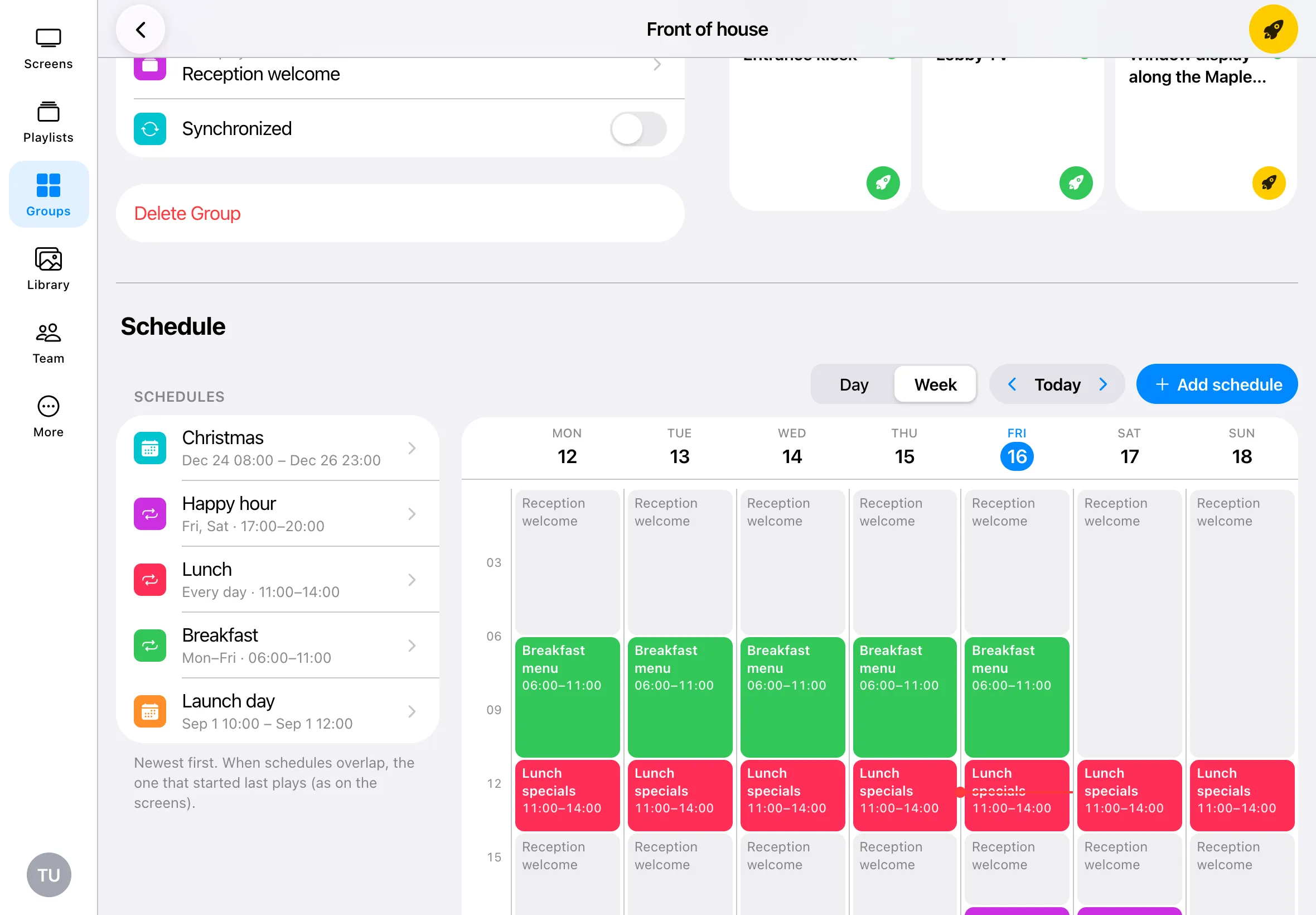
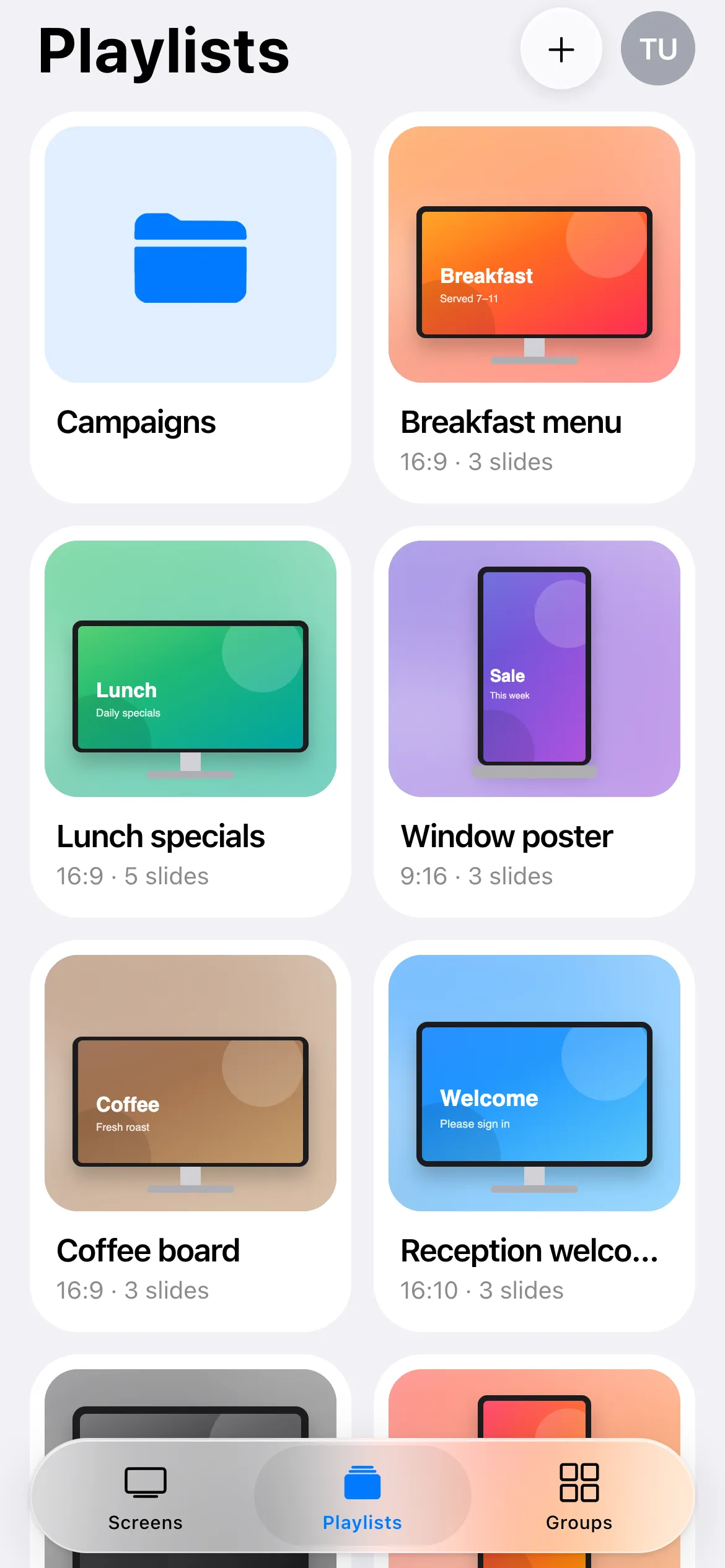
Schedule playlists
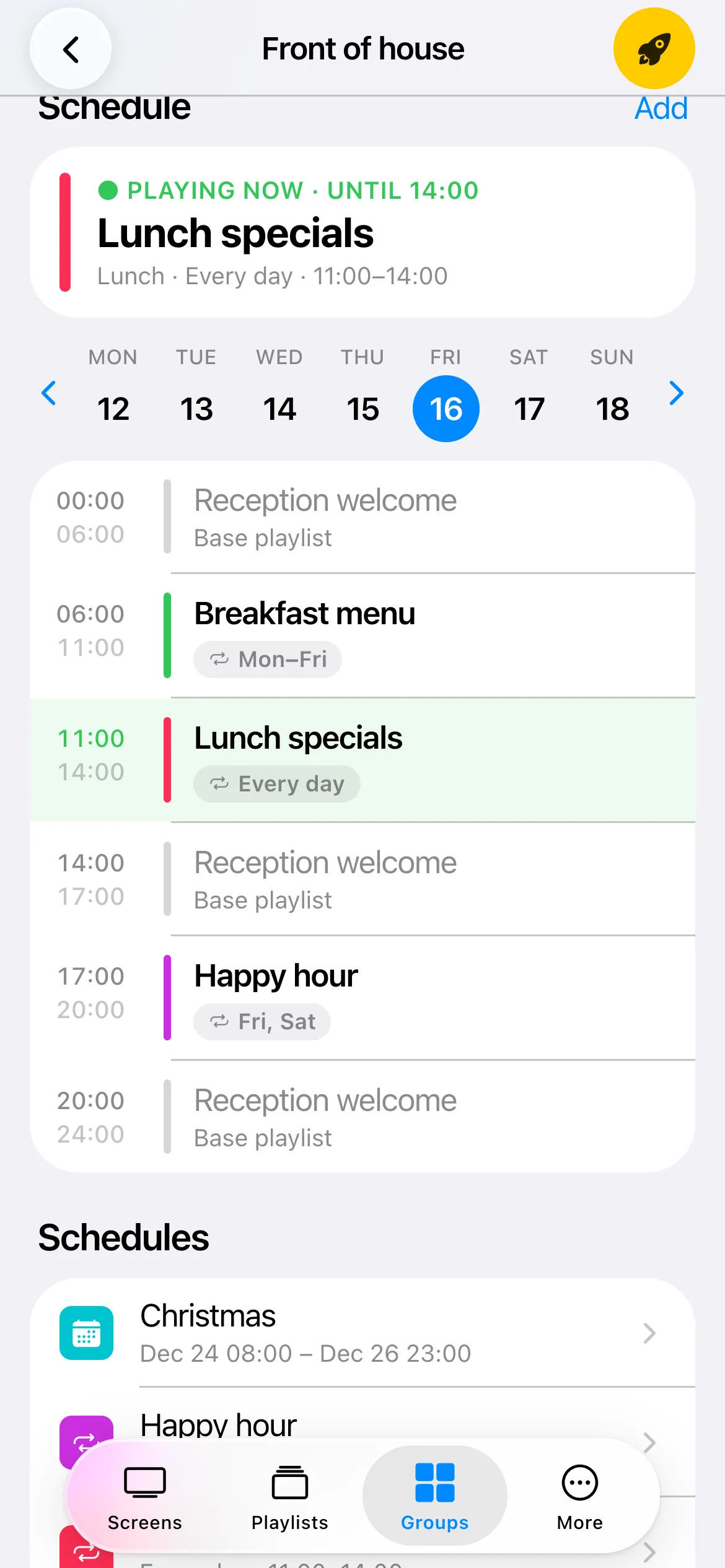
Plan breakfast, lunch and happy hour by day and time, and see what is playing right now.
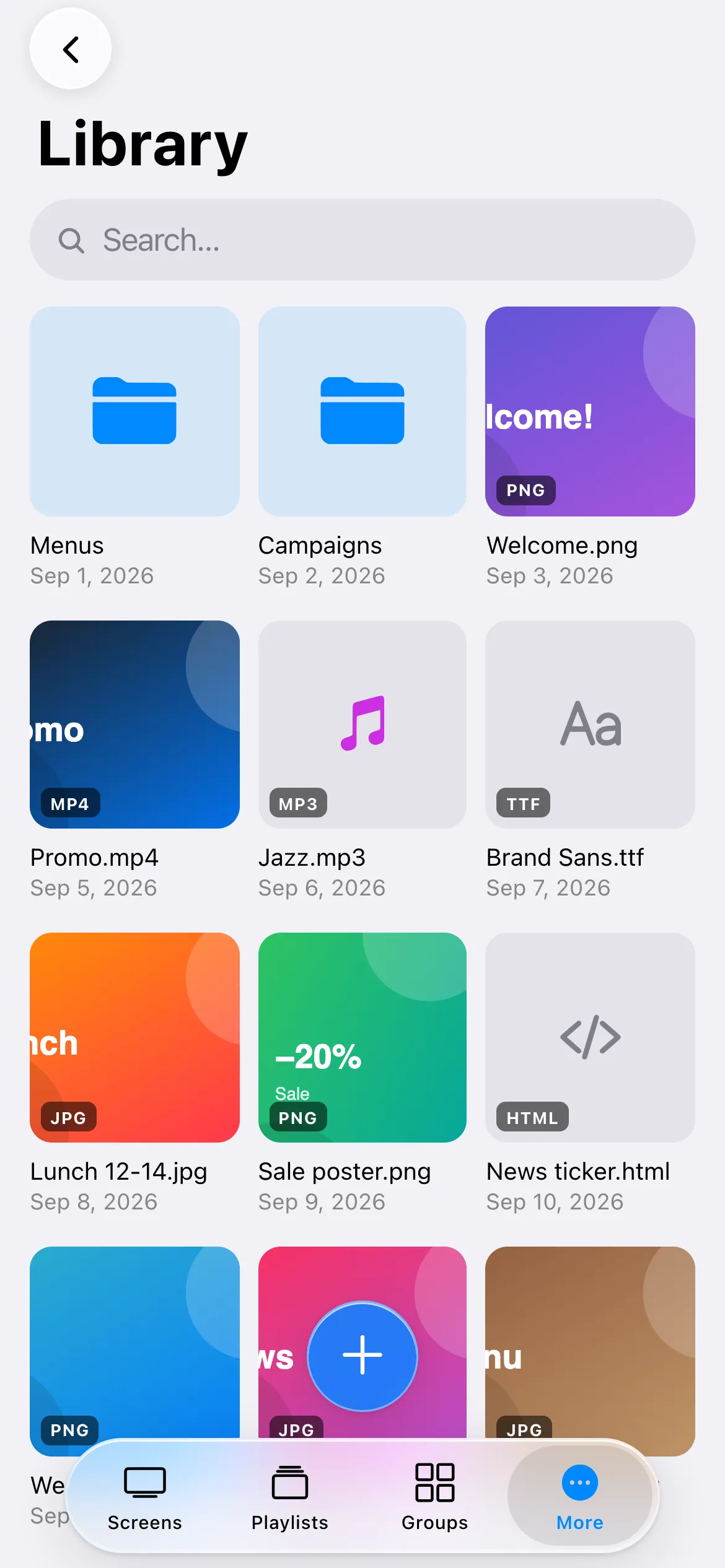
Upload from your phone
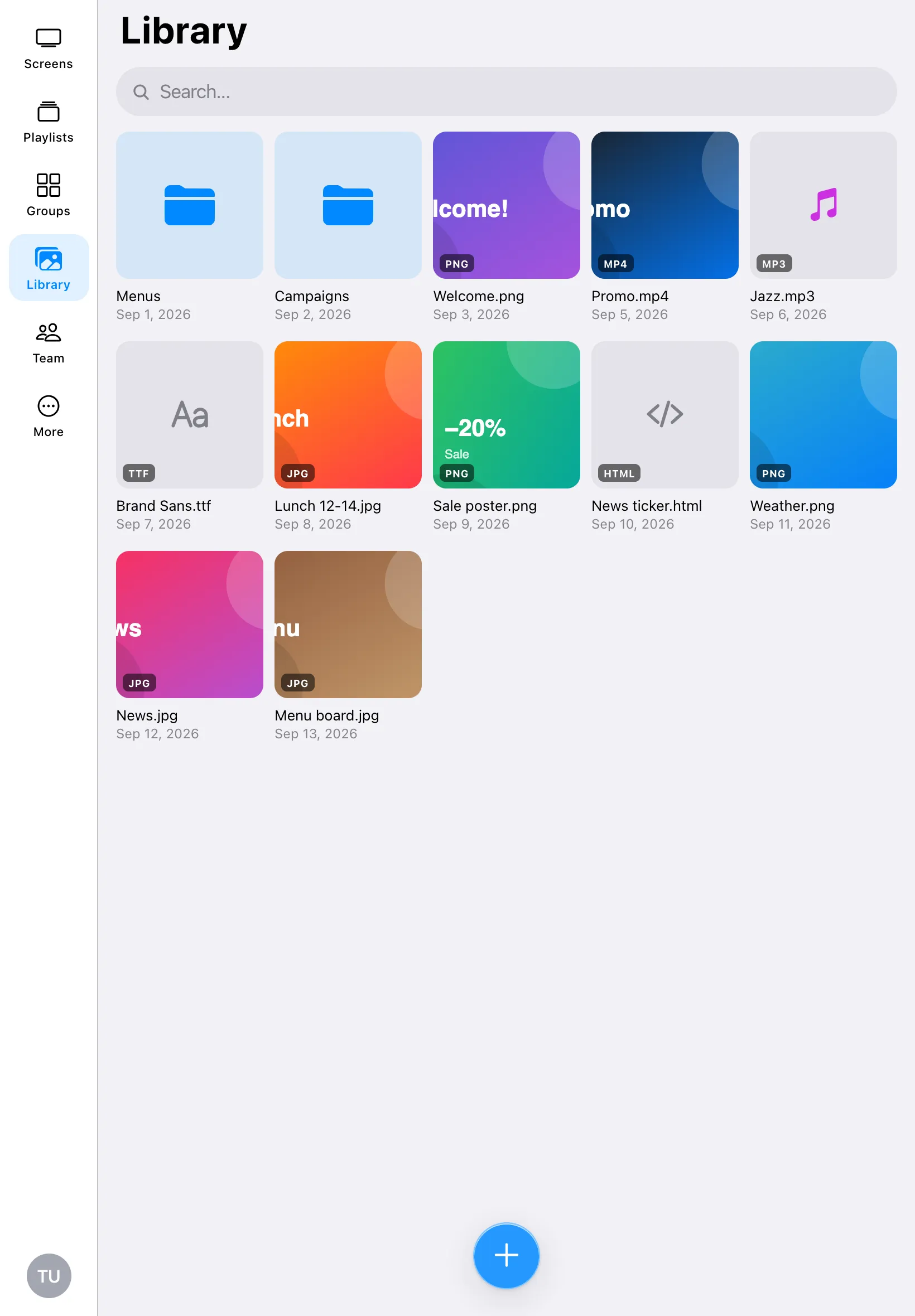
Send photos and videos from your camera roll straight to your Play Library.
Manage your team
Add team members, change their roles and switch between teams.
Secure sign-in
Sign in with your Play account, or with Apple, Google, Microsoft or Facebook, and unlock the app with Face ID or your fingerprint.
Up and running
in three steps.
Download the app
Get the Play app from Google Play on your Android phone or tablet. The app for iPhone and iPad is on its way.
Open Google PlaySign in
Use the Play account you already have. New to Play? Create a free account; your first screen is free.
Create a free accountConnect your screens
Install the Player App on your TV, media player or computer, then scan the code it shows with your phone.
See the setup guides
Questions about the Play app
More help with the app: Play app help and how-tos
Is the Play app free?
Yes. The app is free to download and has no in-app purchases. It works with your Play account, and your plan is the same whether you use the app, the web or both.
Which phones and tablets does it work on?
Android phones and tablets: get it on Google Play. The app for iPhone and iPad is coming soon to the App Store. Until then, iPhone users can manage everything at my.playsignage.com in Safari.
Is this the app that shows my content on the TV?
No. The Play app on your phone is the Editor App, for managing your screens. The screens themselves run the Player App on a TV, media player or computer: see the setup guides for your device.
Do I need a Play account?
Yes. Sign in with the same account you use at my.playsignage.com. If you don’t have one yet, create a free account; your first screen is free.
Can I still use Play in my web browser?
Yes. The app and my.playsignage.com use the same account, so everything you change in the app is there on the web too, and the other way round.
Does the app track me?
No. Our mobile apps contain no analytics or tracking tools. Read how we handle your data in our privacy policy.
Get the Play app.
Manage every screen from your phone or tablet. Download it free, sign in with your Play account and you’re ready.
- iPhone and iPad app coming soon