



Banking
Engage customers while they wait and promote your financial products.
Digital signage software for hospitality
Welcome guests and show events, menus and offers on the screens you already have. Manage all from one dashboard.
Whether you run one boutique hotel, a busy restaurant or a resort with conference halls, Play adapts to how your property actually works.
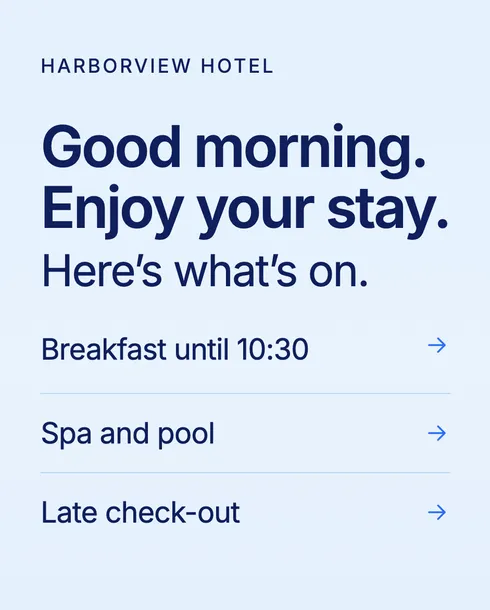
Welcome guests and help them make the most of their stay.
Show what’s on the menu right now, wherever guests look.
Tell every visitor what’s on, where and when.
Put the right message on the right screen at every step, so guests always know where to go, what’s on and what you offer.
01 · Lobby
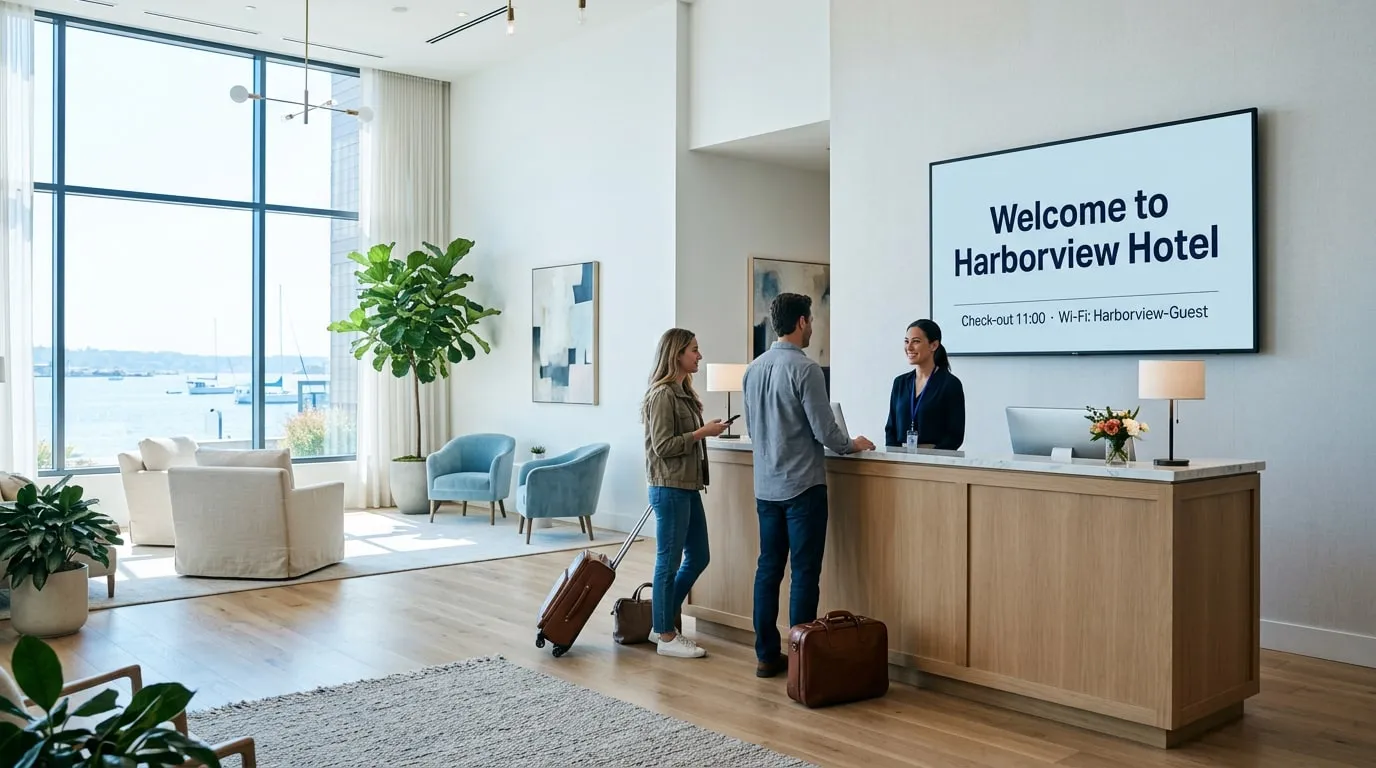
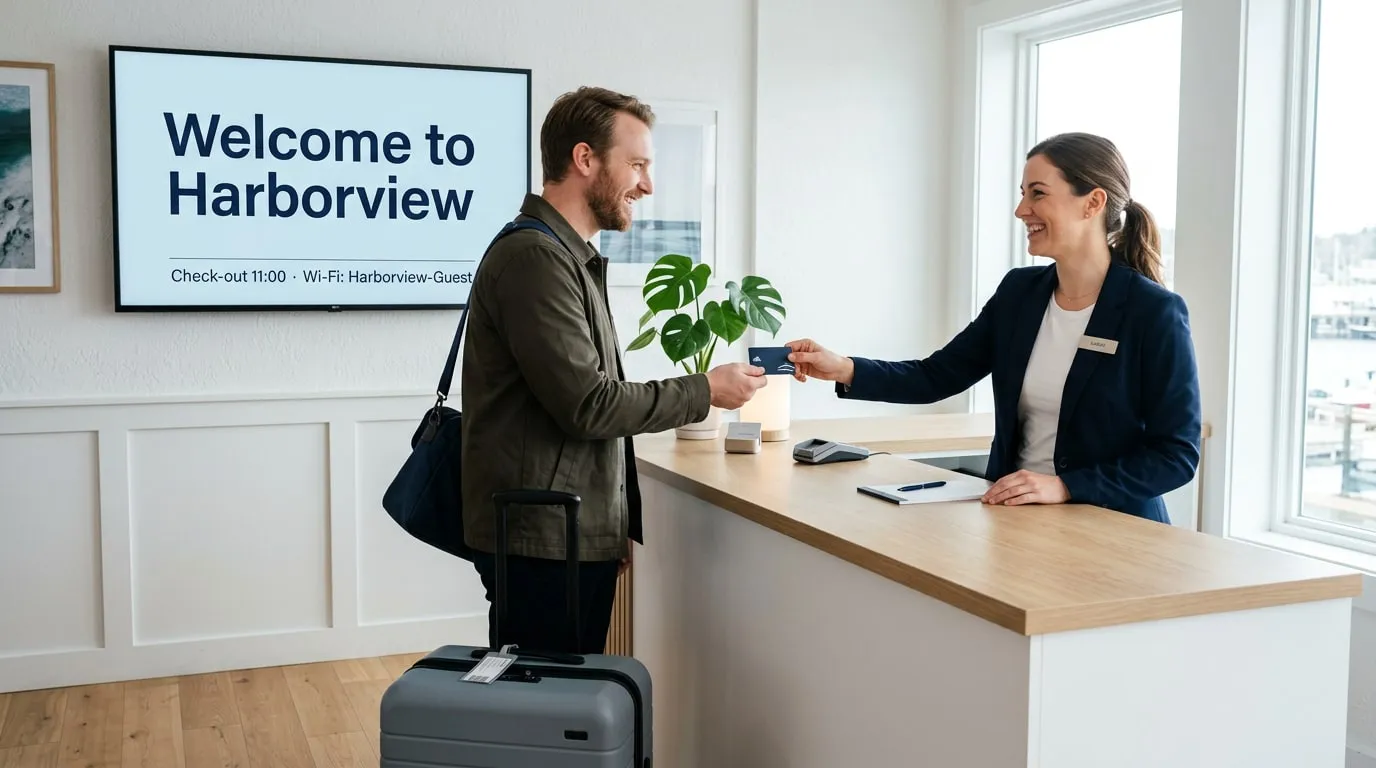
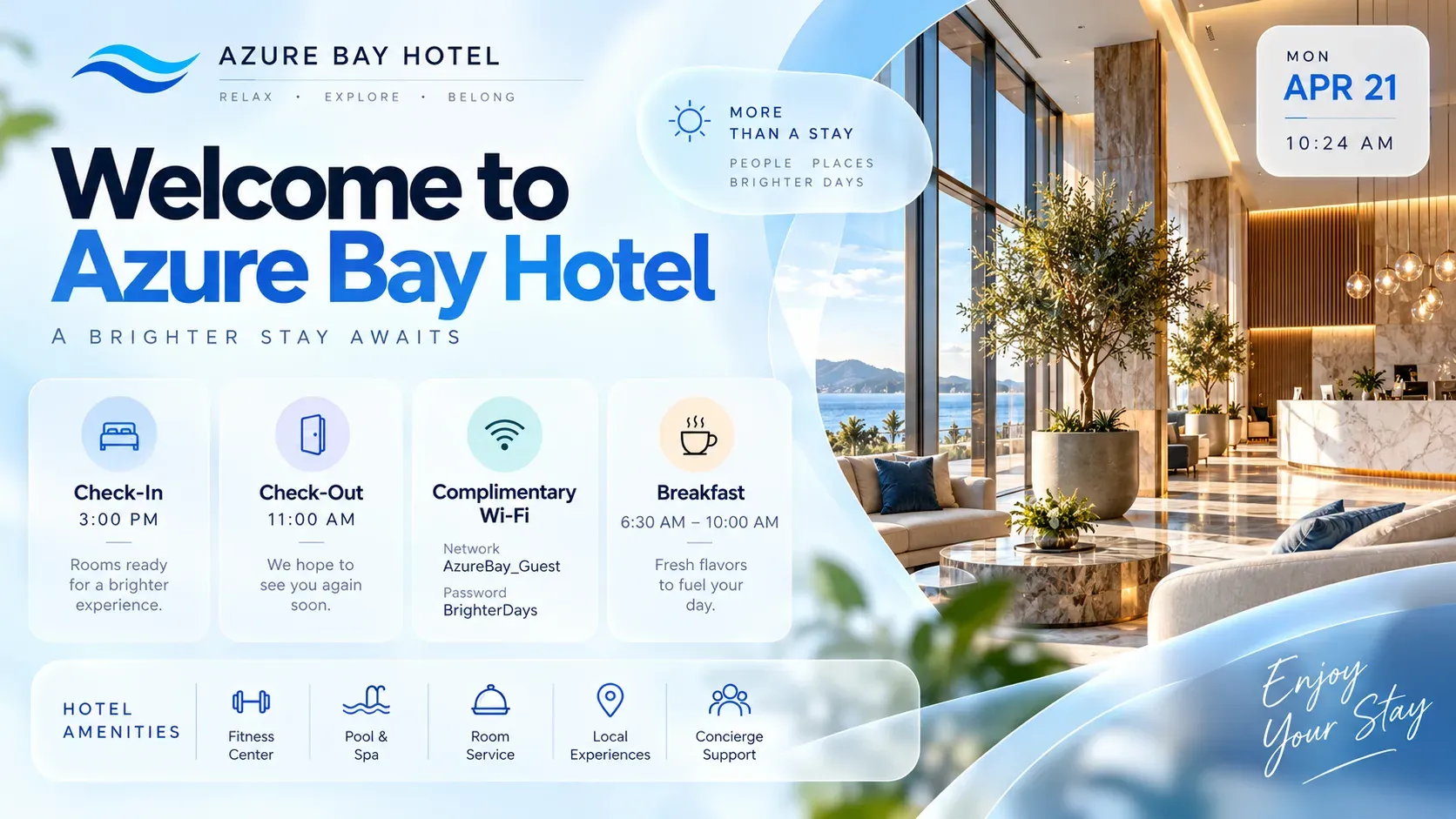
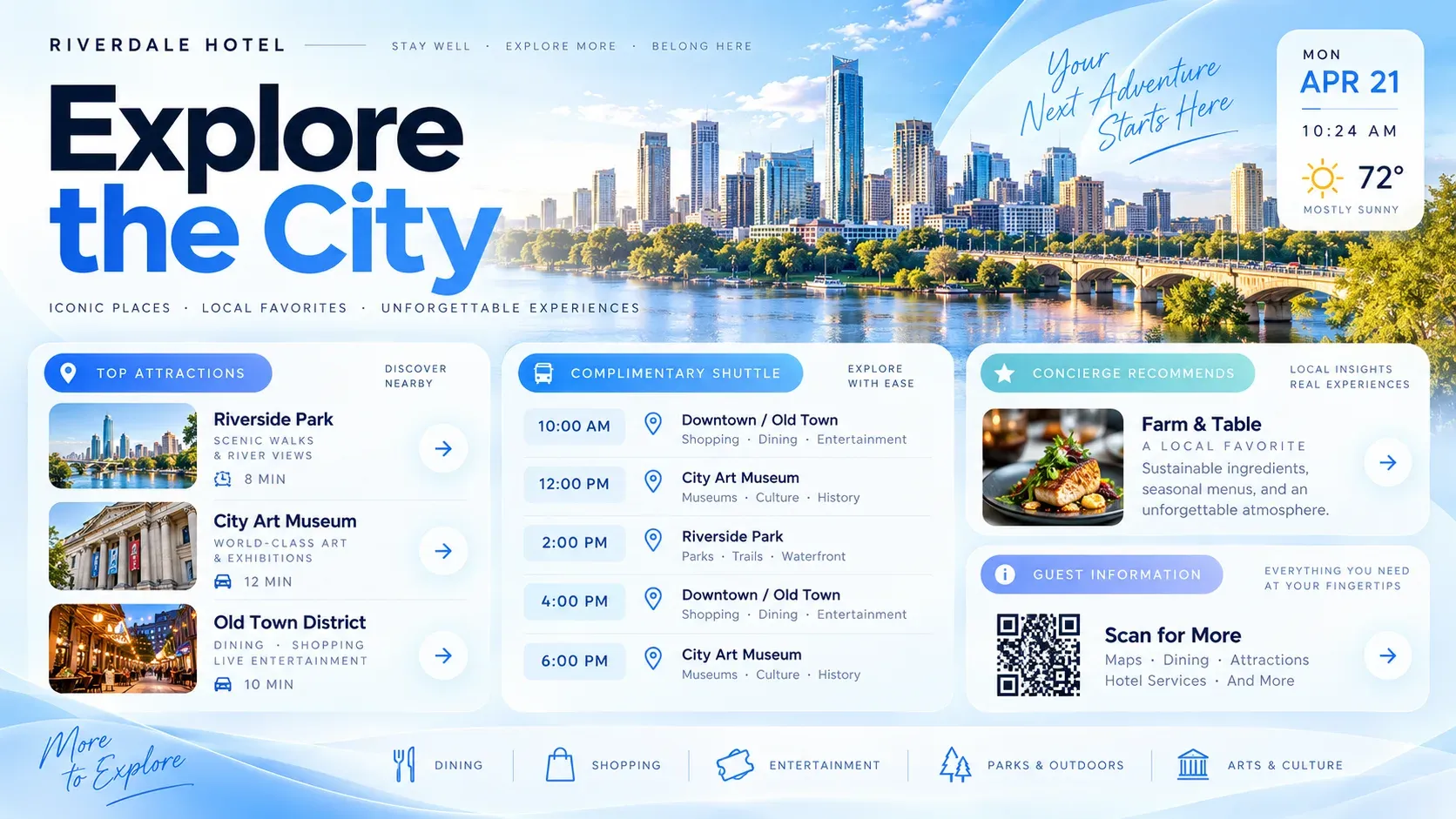
Lobby screens welcome guests and groups and share check-out times, Wi-Fi details, the weather and local tips.
02 · Hallways
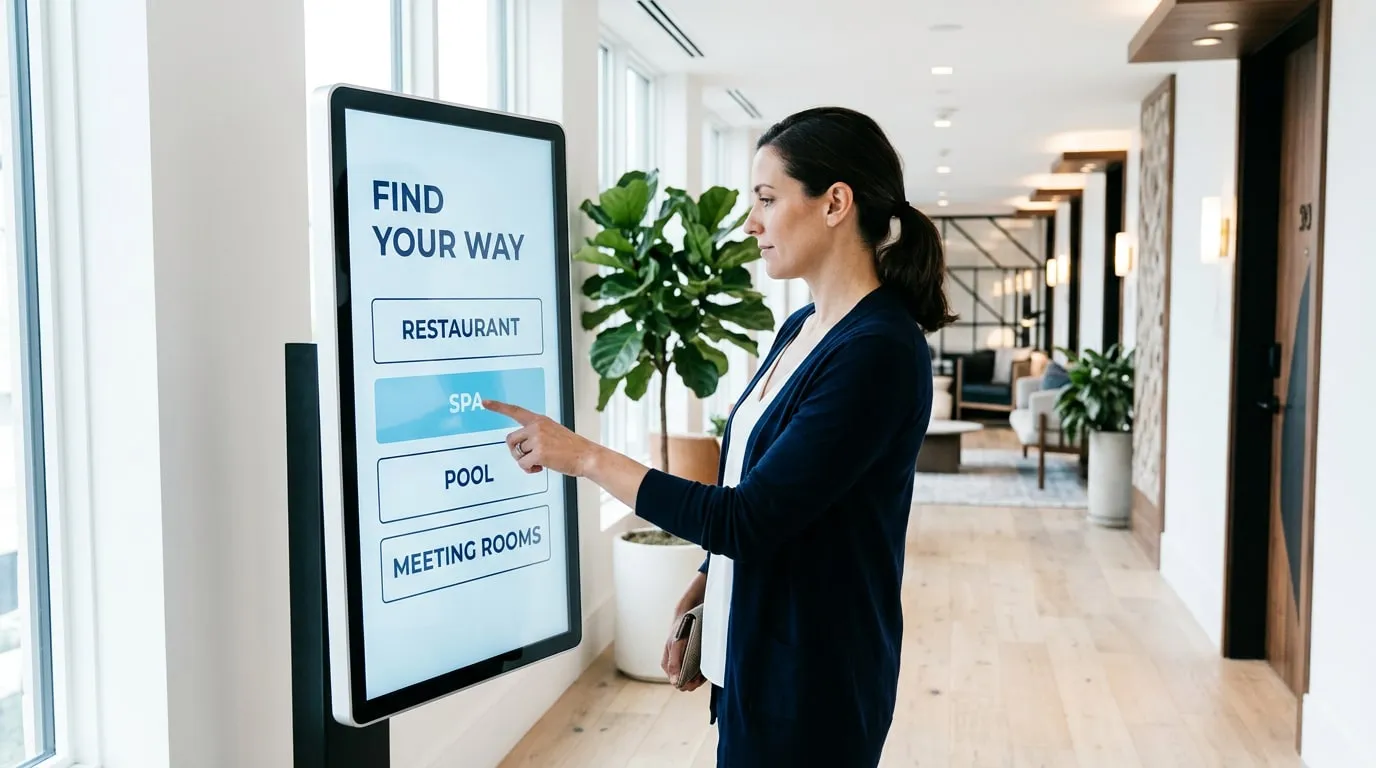
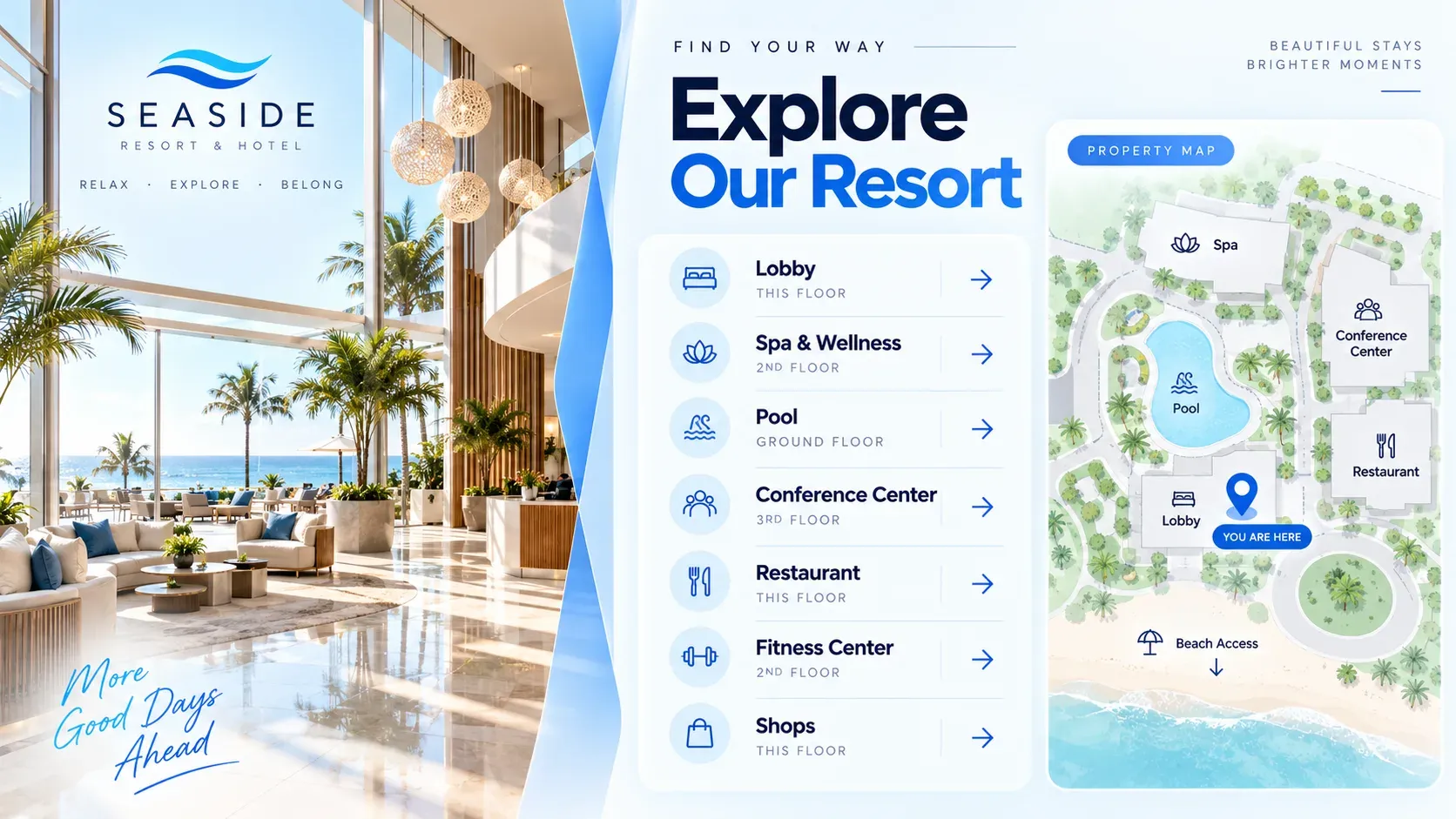
Touch-screen maps and directories help guests find the restaurant, spa, pool and meeting rooms on their own.
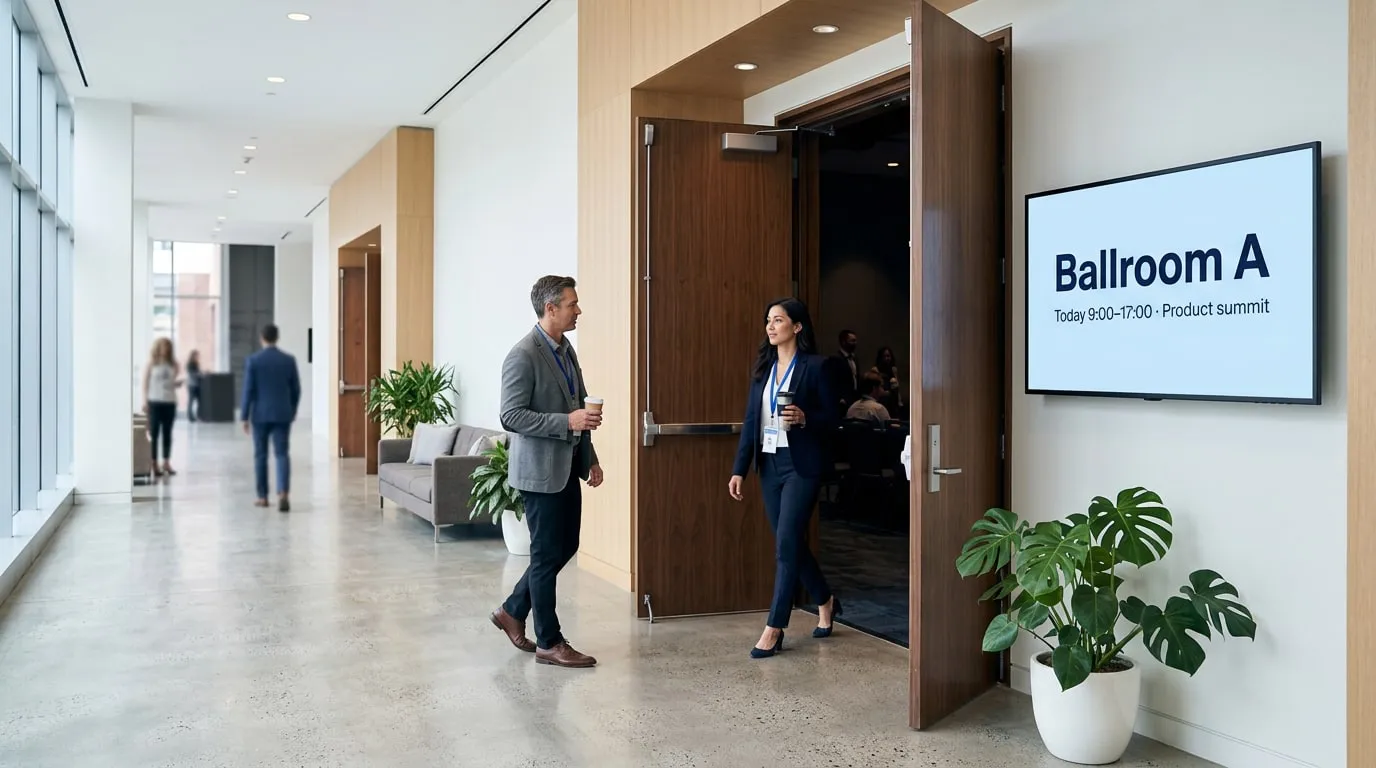
03 · Event spaces
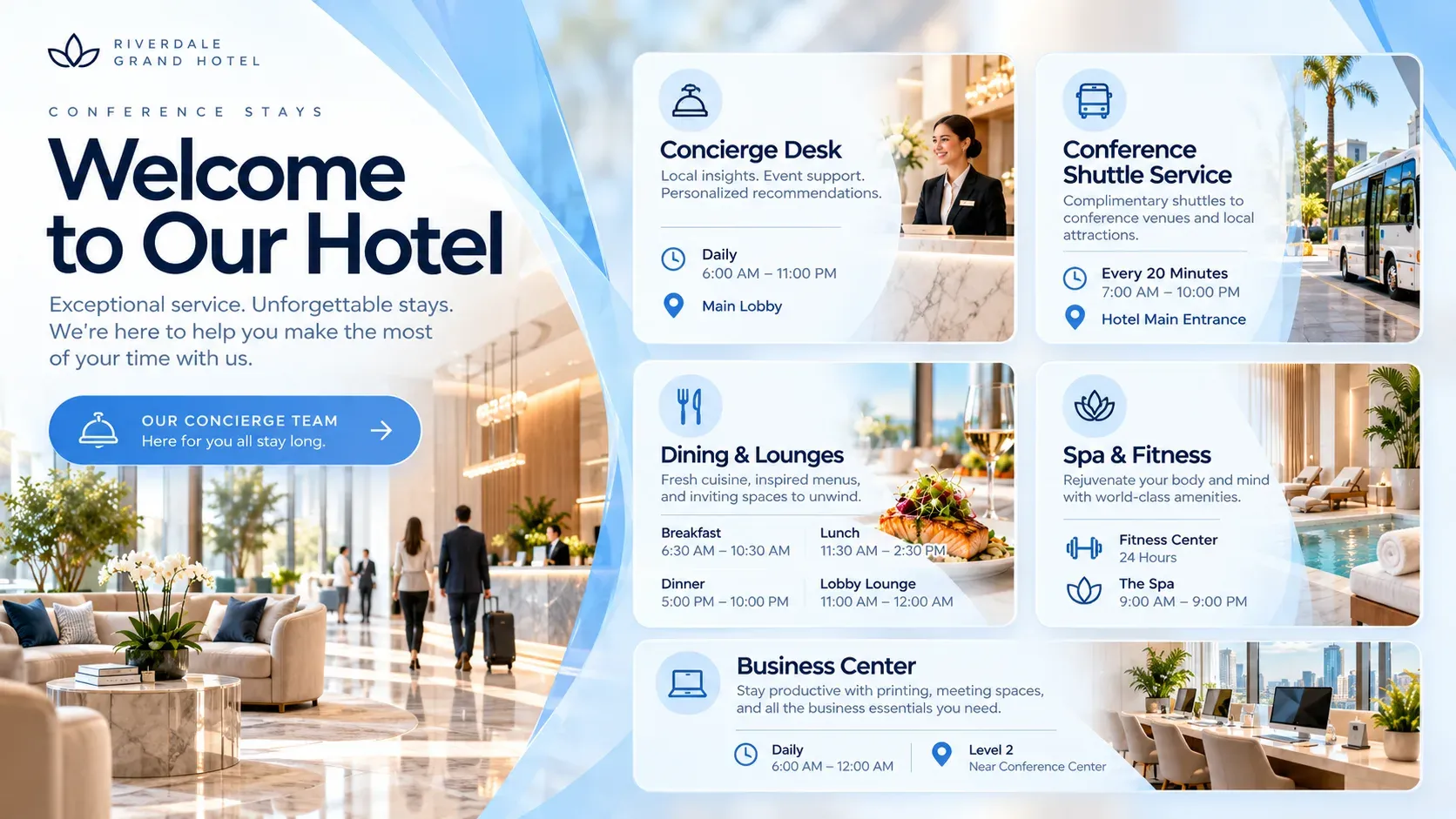
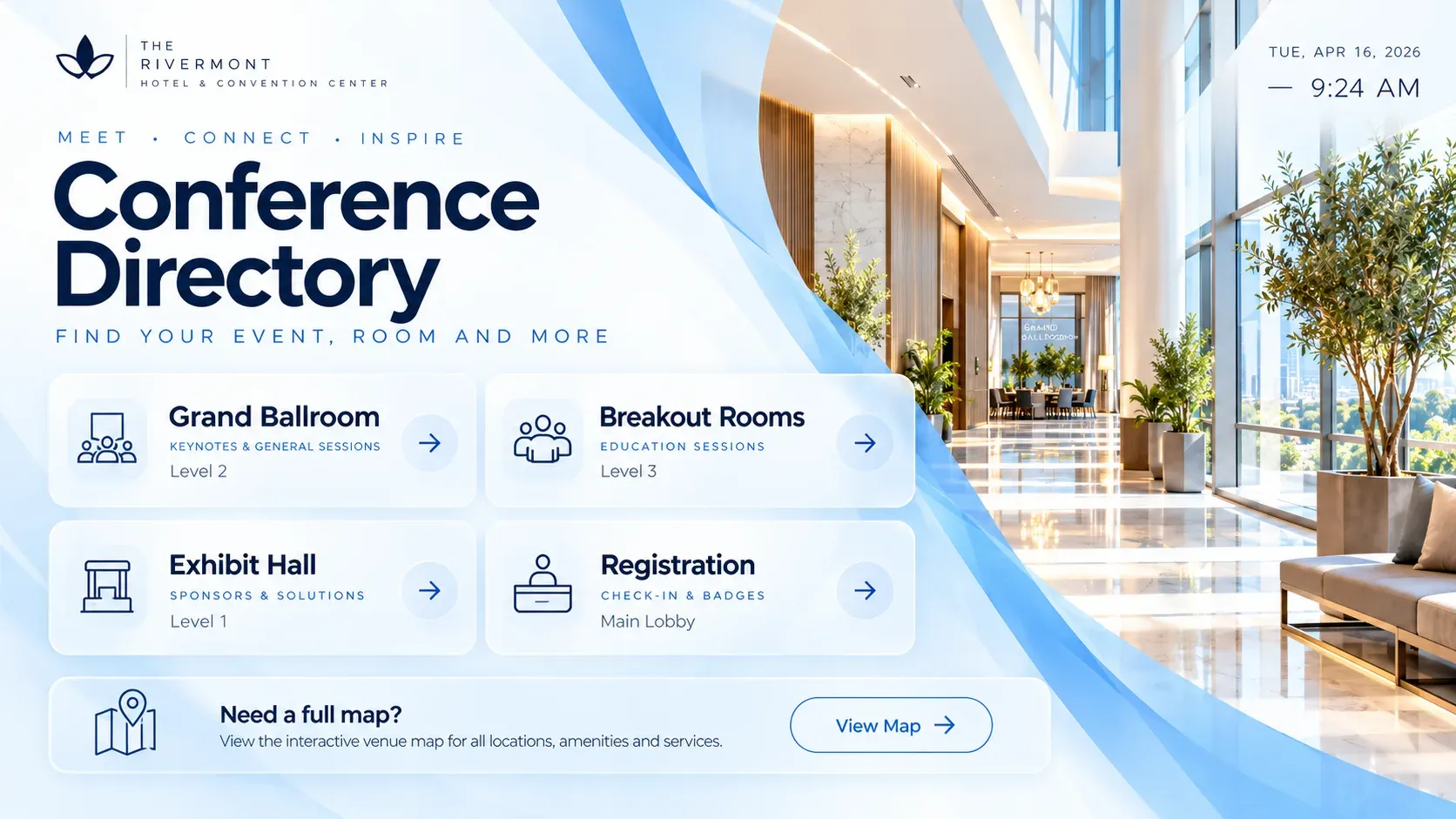
Today’s events, conferences and meeting room schedules in the lobby and outside each room.
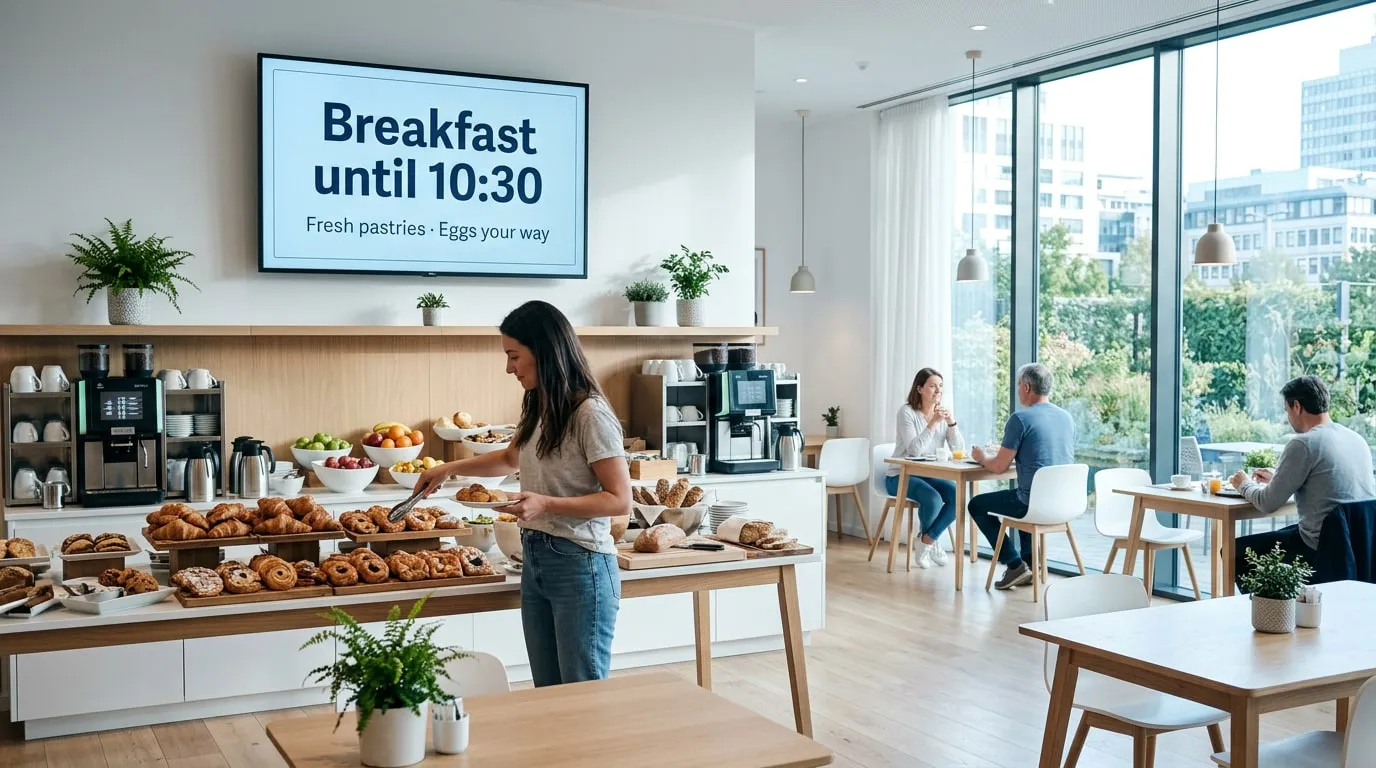
04 · Restaurant and bar
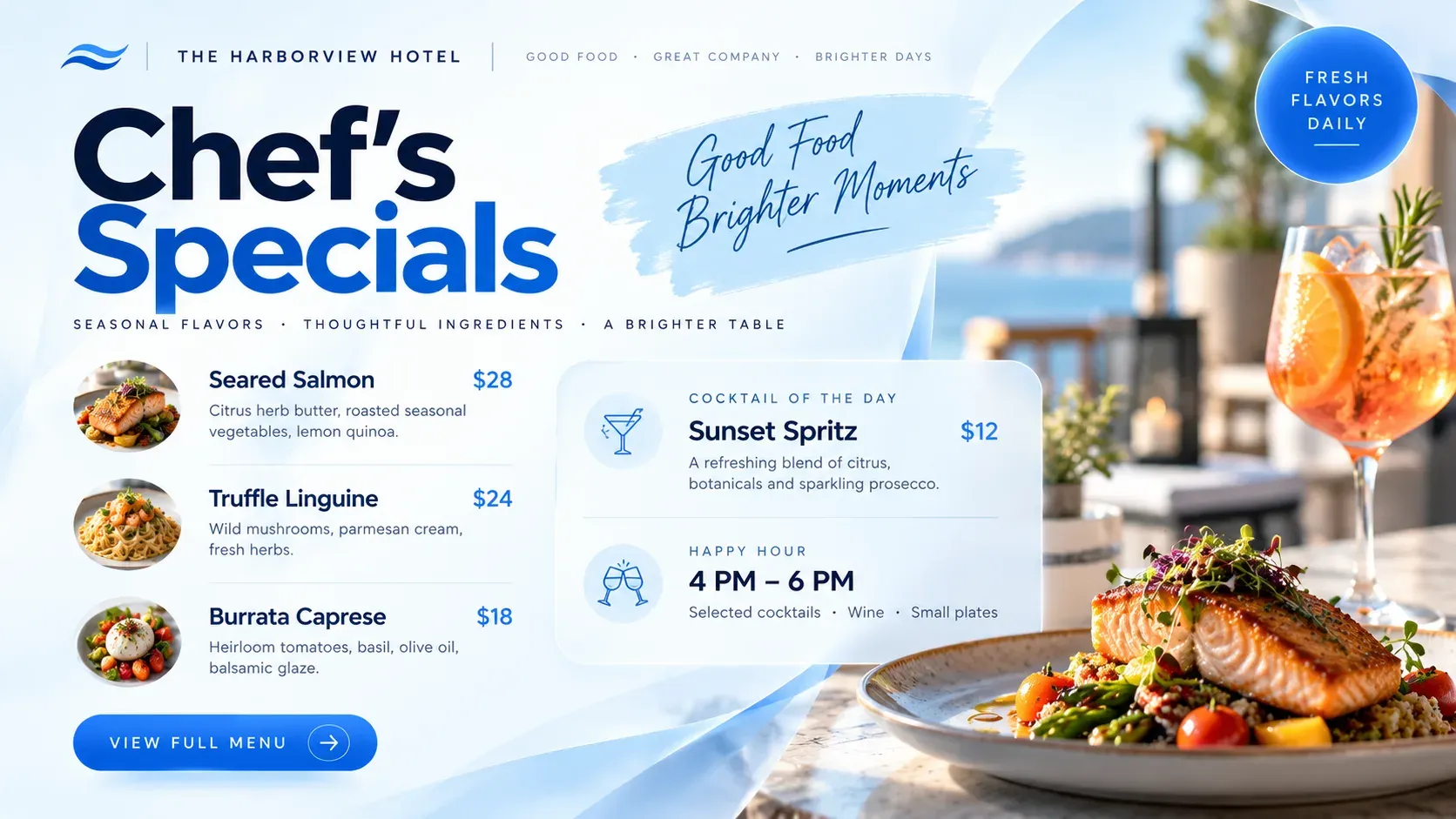
Restaurant and bar menus and daily specials that switch from breakfast to dinner on their own.
No credit card required. Just start growing your business and we’ll grow together.
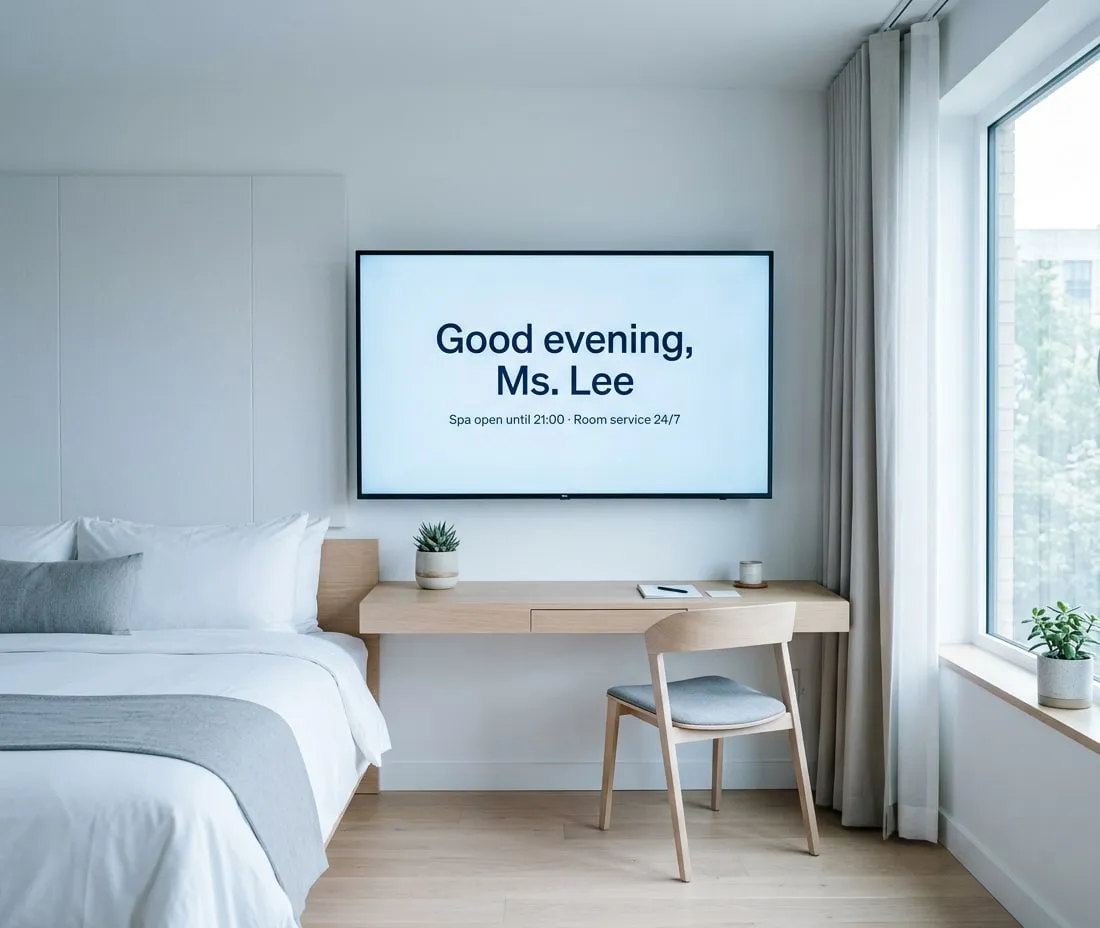
Pull live data from Google Sheets, Power BI, RSS feeds or your website, show meeting room bookings from Google Calendar and update every screen, including the TVs in guest rooms, from one web portal. When it matters, the Emergency System switches every screen to an alert in seconds.
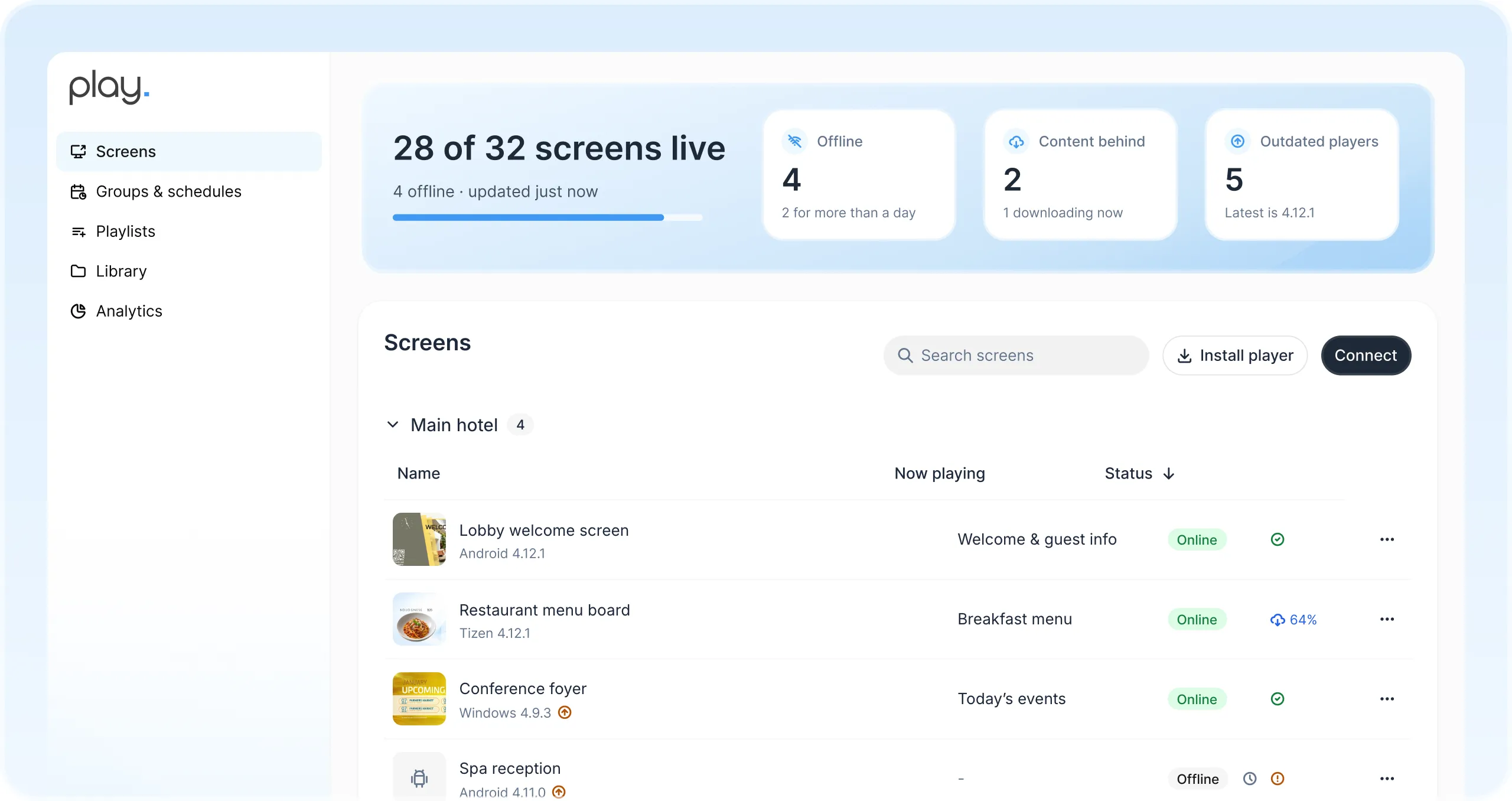
Manage the screens in your lobby, restaurant, meeting rooms and guest rooms from one web dashboard. Share playlists with your team and see at a glance which screens are online.
Give the front desk, restaurant and events team their own team, so each publishes to its own screens without affecting the others.
Your colors, fonts and templates, so every slide looks like your hotel.
Plan content by hour, day or season, so breakfast menus, happy hours and weekend events run automatically.
Switch every screen to emergency information at once, with support for the CAP alert protocol.
Content is stored on every player and keeps running through network outages.
Get notified when a screen goes offline, so you can quickly resolve any outages.
Pair a smart TV, media player or LED wall you already own.
Start from a ready-made template or design your own.
Send it to one lobby screen or every property at once.
Use Play’s templates as a starting point for hotel welcomes, the restaurant, city and resort maps and conference directories. Change colors and text, then publish.
The services align perfectly with our needs.
Engage customers while they wait and promote your financial products.

Schedules, campus news and emergency alerts on every screen.
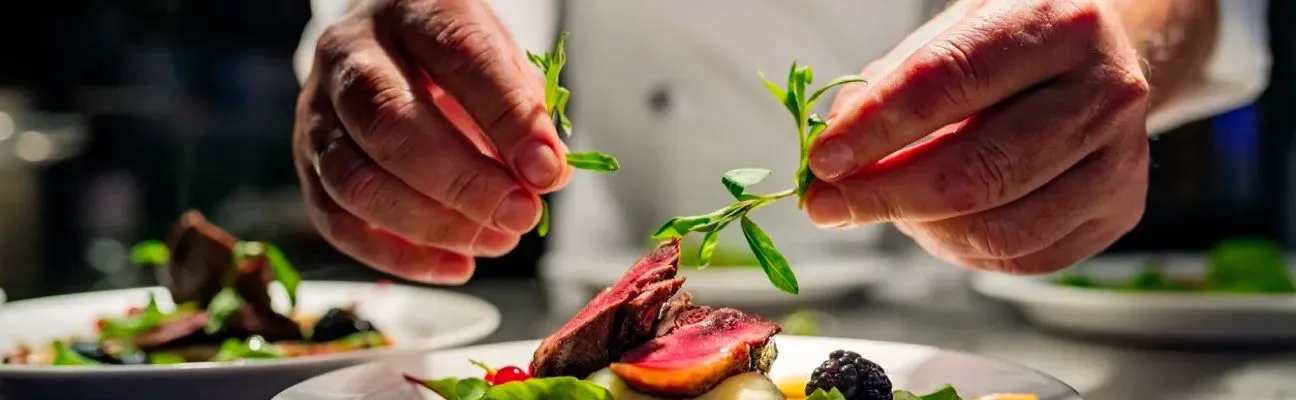
Menu boards that update in seconds and promote today’s specials.

Wayfinding, health information and shorter perceived wait times.
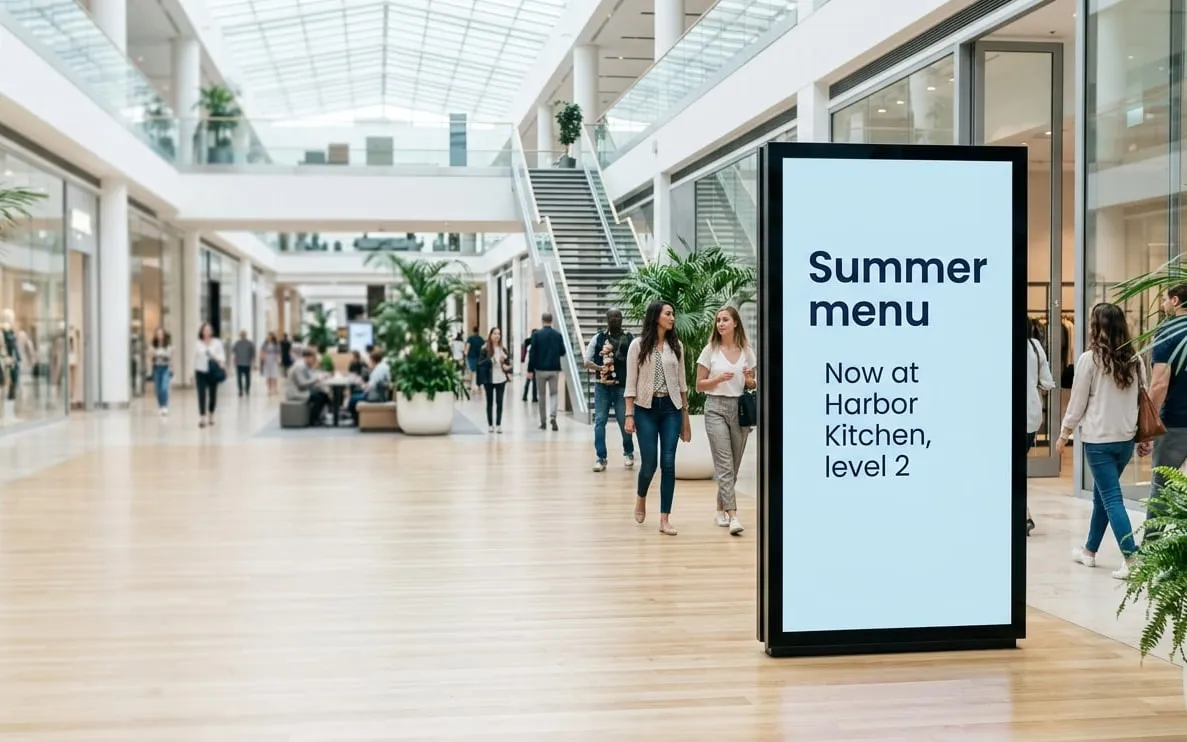
Ad campaigns you can update in seconds and target to your audience.
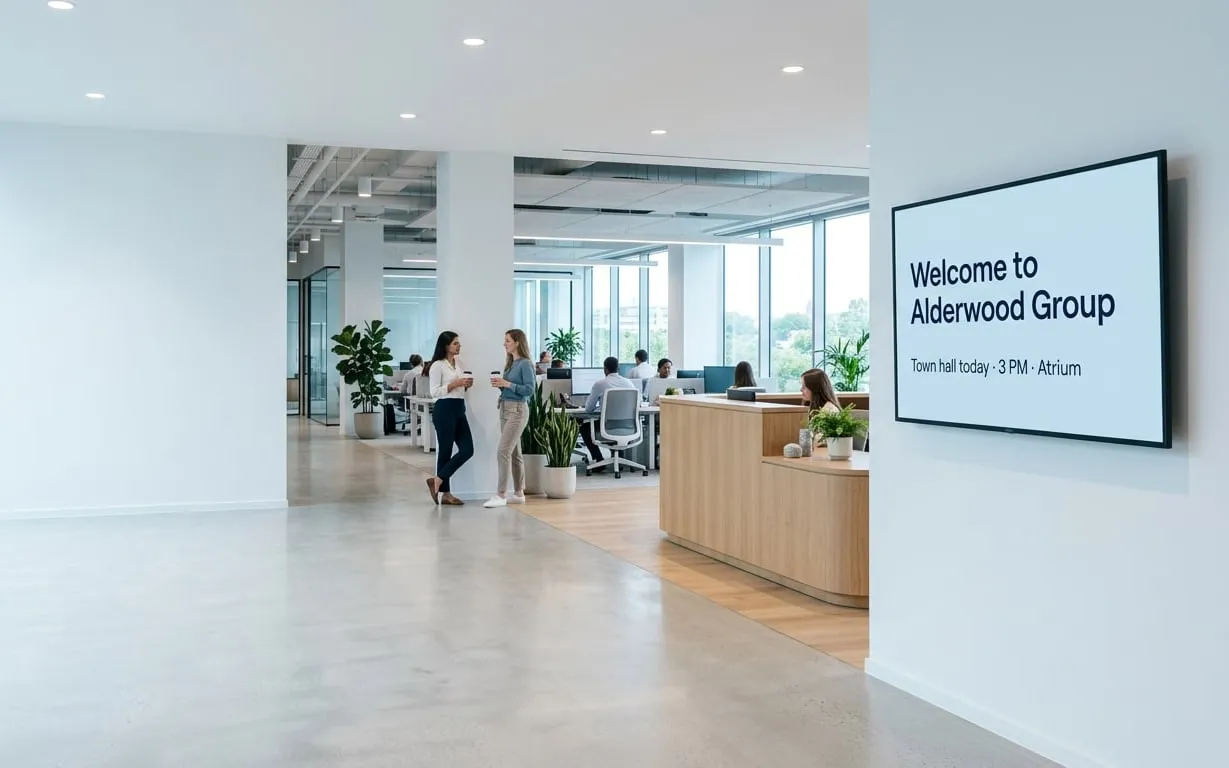
Company news, results and celebrations for the whole team.
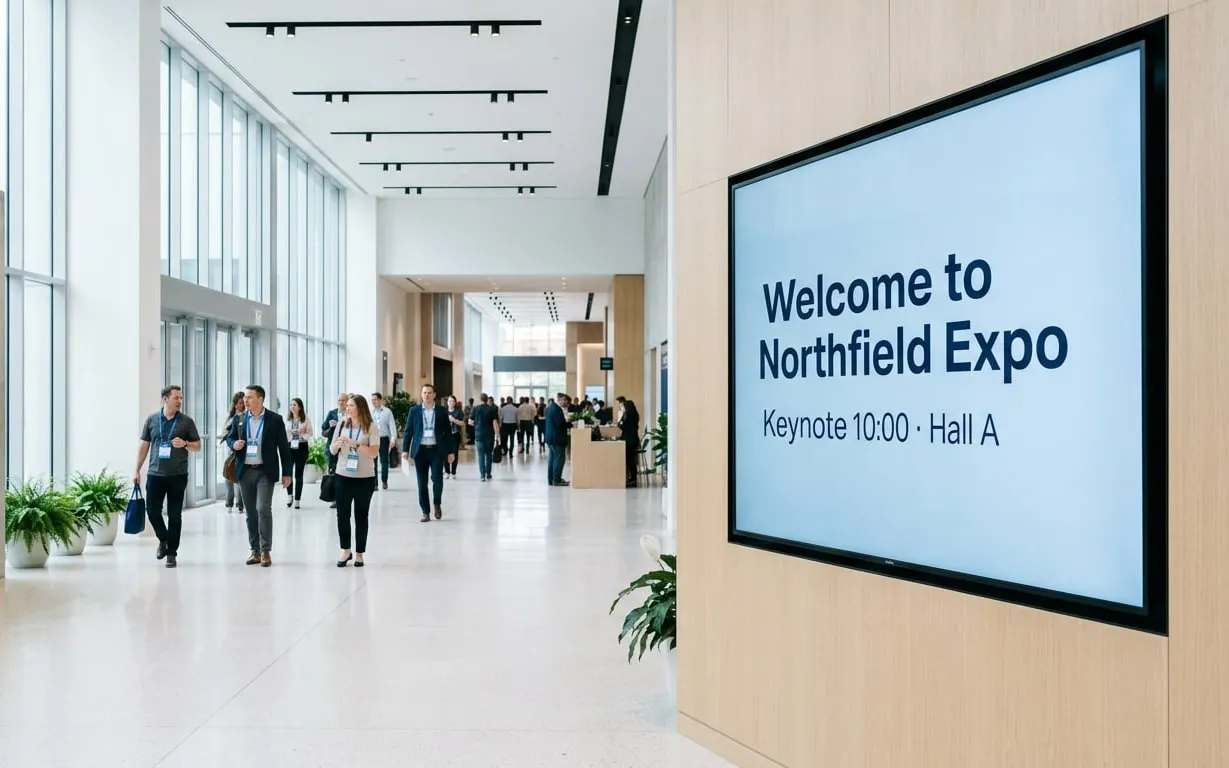
Schedules, directions and sponsor messages for any event.

Production figures, safety messages and work instructions.

Showtimes, trailers and concession offers on every screen.
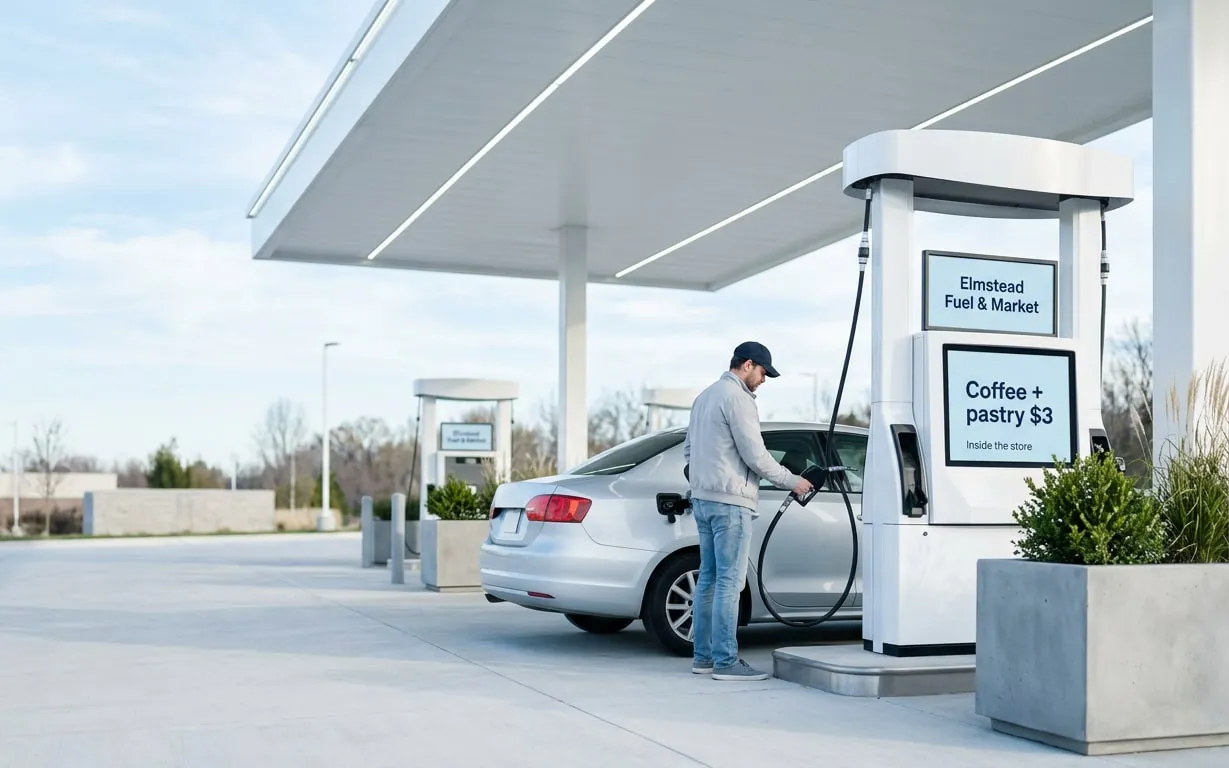
Fuel prices, store offers and extra ad revenue.
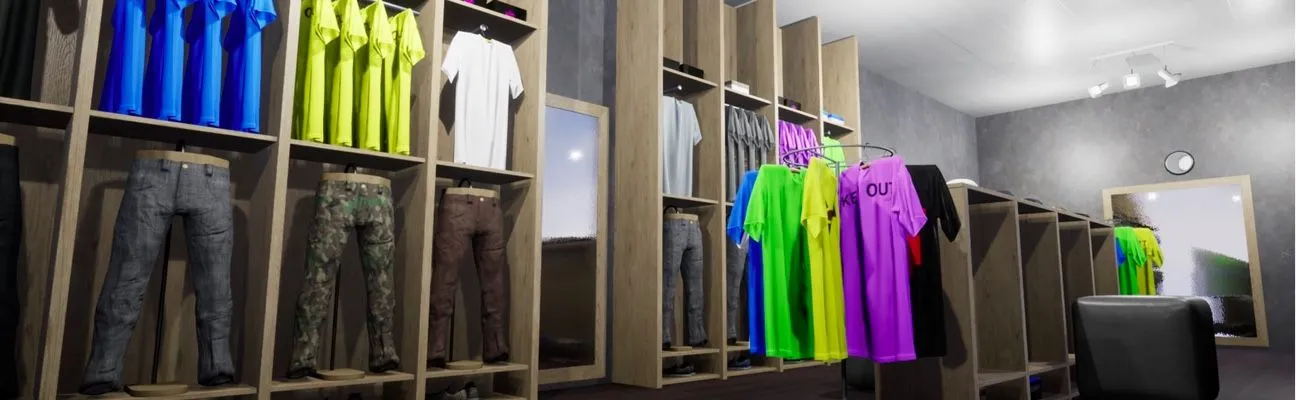
Promotions and wayfinding right where shoppers buy.

Real-time travel updates wherever passengers wait.
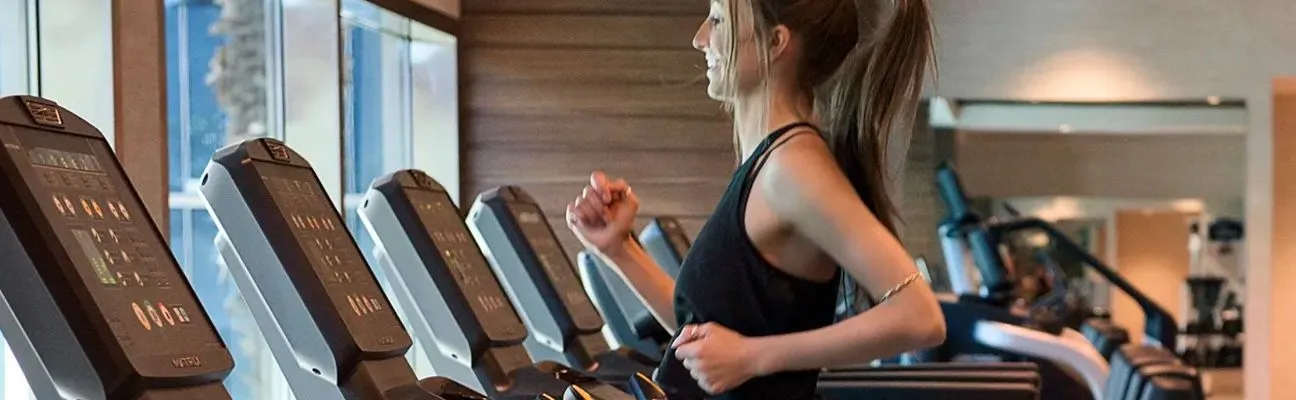
Class schedules, workout tips and member offers.

Share announcements and bring your congregation together.
Find answers to common questions about our platform. If you need further assistance, feel free to reach out to our team.
For welcome messages, event and meeting room schedules, wayfinding, restaurant menus and promoting services like the spa or room upgrades.
Yes. Connect Google Calendar or an iCal calendar (Pro), and the screens update when bookings change.
Play runs on many smart TVs and media players, including LG webOS, Samsung Tizen, Google TV and Amazon Fire TV, so in-room TVs can show your hotel information.
Yes. Schedule breakfast, lunch and dinner menus and they switch on their own.
Yes. Add a weather plugin to a playlist, or split the screen into zones to show the weather next to your own messages. See all plugins for your screens.
Still have questions? Contact our support
We use cookies to ensure that we give you the best experience on our website. Learn more about Privacy Policies