
About
Share a playlist when someone outside your team, like a colleague in another team or a freelance designer, should design its slides. They can edit the playlist, while you keep control of your screens, groups and schedules.
Sharing is the right choice when the person shouldn’t become a member of your team, or already belongs to another team. To give someone access to everything instead, add them to your team.
Get Started
How sharing works
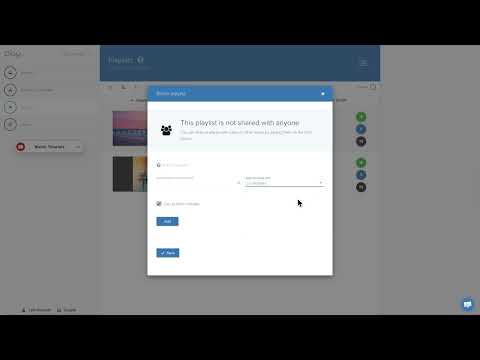
You can share individual playlists with other people or other teams so they can design the slides for these playlists.
If you share a playlist with a person and the e-mail you entered is not a registered user, we will automatically send an e-mail to them inviting them to sign up. After signing up with that e-mail, the user will see the playlist you shared in their playlists section.
You also have the option to give the person or team permission to publish the changes. Give this permission only if you trust the content they create and do not wish to review any changes made. If you don’t give this permission, you will be notified by e-mail of any changes made to the playlist, so you can review and publish them yourself.
FAQ
Can I share a playlist with another team?
Yes. You can share your playlist with an individual person or with another team that you own or are a member of.