Yes, Play Digital Signage lists fewer integrations than some rivals. OptiSigns advertises 140+ apps and ScreenCloud 80+ apps and integrations. Play offers more than 50 plugins, all included in your plan, plus a public API, alert webhooks and features like CAP alerts and Ad Cycle. What counts is whether content reliably reaches your screens.
Comparison tables love a big number in the “apps” column. Buyers love screens that update on time. Those are not the same goal. This post separates catalog size from the integrations that matter for offices, schools, retail and restaurants, using only what each company publishes on its own site in October 2026.
Do more marketplace logos mean better digital signage?
No. A bigger app store can mean more choice, but it can also mean more plan gating and more widgets that look good in a demo and rarely get used.
OptiSigns’ homepage promotes “140+ apps including weather, Instagram, Power BI.” ScreenCloud’s integrations page promotes “80+ apps and integrations” alongside a GraphQL API and custom apps built for a private App Store. Both numbers are honest signals of catalog size. Neither tells you whether an app is included on the plan you will buy, or whether it does a job you actually need.
An integration “ships to screen” when:
- It runs on the players you own, not just in a browser preview
- Content refreshes on its own, and your published content keeps playing if the network drops
- It sits on a plan you can afford across your whole fleet
- Setup is documented well enough that you don’t need a services project for each widget
How should buyers read “140+” and “80+” claims?
As marketing for catalog size. Then check each app you care about for plan and job fit.
| Claim | What it shows | What it doesn’t show |
|---|---|---|
| OptiSigns 140+ apps | A broad catalog | Which plan each app needs (OptiSigns lists Canva on Standard and up, Power BI and Tableau on Pro Plus and up) |
| ScreenCloud 80+ apps and integrations | A strong marketplace plus GraphQL API and custom apps | Whether each app is on your plan and fits your use case |
| Play, 50+ plugins | A focused set of high-use content sources | Every niche widget; some jobs need the Website plugin or the API |
To be fair: big marketplaces help teams that want to browse many ready-made tiles, and ScreenCloud’s custom app option is a real strength for teams with developers. Play’s approach is different. It focuses on the sources that come up in day-to-day operations, and it keeps plugins inside the plan price. Play’s plugins page says it plainly: “Plugins are included in your plan at no extra cost.” Some, like Power BI, Canva or Notion, need your own account with that service.
Which Play integrations actually move content to screens?
The ones teams already live in: design tools, dashboards, workplace files, emergency alerts, ad scheduling, social, video, QR and automation.
| Integration | What it does on screen | Plan |
|---|---|---|
| Canva | Shows Canva designs from an embed link, no downloads | All plans |
| Power BI | Shows reports and dashboards, kept private and up to date | Pro and Ultimate |
| Google Drive, Slides, Sheets, Docs, Calendar | Plays files and live data from Google; Drive folders update screens on their own | All plans |
| CAP emergency alerts | Official alerts appear automatically and can take over normal content | Pro and Ultimate |
| Ad Cycle | Sets how often each ad plays per hour or day, with filler slides between | Ultimate |
| Instagram, Facebook, Google Reviews | Shows your photos, posts, hashtags and reviews | All plans |
| YouTube | Videos, Shorts and live streams from a pasted link | All plans |
| QR Code | Codes for links, text, Wi-Fi or e-mail, made in the editor | All plans |
| News and Detailed Weather | Live headlines from major sources; weather with UV, wind, rain and humidity | All plans |
| Public API | Lets your own systems switch tags on screens and pull analytics reports | Pro and Ultimate |
Your free first screen includes every Pro feature, so you can test everything above except Ad Cycle before paying.
Canva and design tools
Many teams already design in Canva. Play’s Canva plugin shows your designs on screen through an embed link, so creative isn’t rebuilt inside a second tool. PosterMyWall works the same way, and Play’s own editor adds templates, AI Image, and free media from Unsplash, Pixabay and Klipy, which replaced Tenor for GIFs and clips in May 2026.
Power BI and dashboards
Operations and leadership teams expect live numbers on lobby and back-office screens. The Power BI plugin shows reports and dashboards while keeping them private. For other dashboards, the Website plugin shows any web page or HTML, and Website scripting (Pro) can log in or scroll to the right spot automatically.
Google Workspace
Google is where many organizations keep the truth. Play has plugins for Slides, Sheets, Docs, Calendar and Maps, and Google Drive links to your Play library. Add or remove files in a Drive folder and your screens update themselves. That cuts the export, upload and forget loop that leaves screens stale.
CAP emergency alerts
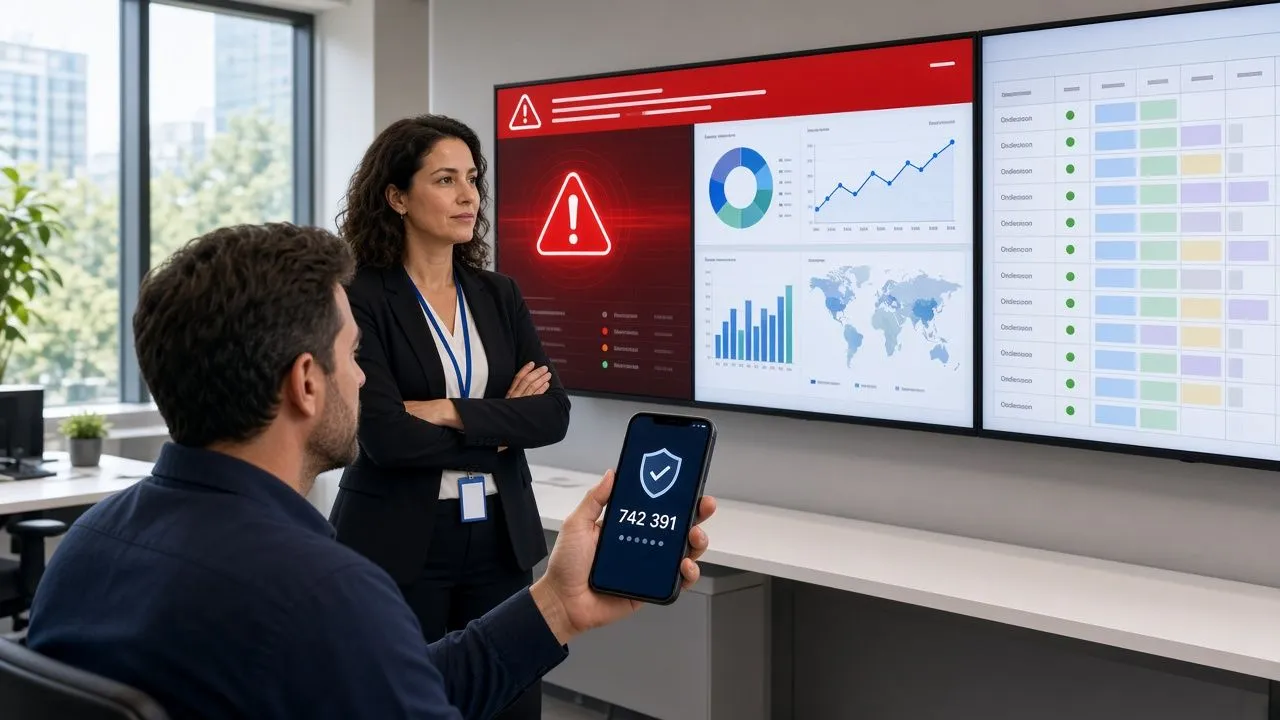
CAP is not a filler tile. It lets official alerts, like severe weather or evacuation orders, appear on screens automatically. Play added full CAP support in May 2026 and confirmed Alertus and Raptor Alert in June. Pair it with Tags, which switch one or all screens to prepared content in one click or through the API.
Ad Cycle
Selling screen time needs rules. Ad Cycle on Ultimate decides how often each ad plays per hour or day and fills the gaps with your own slides. Ultimate’s Proof of Play analytics then shows how often and how long each ad ran.
Social, video, QR, news and weather
Social proof, short video and scan-to-act are what viewers notice. Play covers Instagram photos and hashtags, Facebook, Google Reviews (with a QR code to leave one), YouTube including Shorts, Vimeo, and a QR Code plugin in the editor. The News plugin pulls from sources like BBC, Google News and ESPN, or any RSS feed, and Detailed Weather arrived in September 2026.
API, webhooks and Screen Share
APIs rarely win logo contests, but they cut running costs. Play’s public API (Pro) lets other software switch tags on your screens, for example from an alarm or booking system. Since June 2026, analytics reports can be requested with an API key, so scripts can pull them daily. Offline alerts can go out by e-mail, Slack, Teams or webhook. Screen Share (Pro), added in August 2026, puts a computer screen live on any Play screen for a meeting, then returns to normal content in one click.
When is a bigger marketplace still the right call?
When your use case is shopping for many niche widgets, or you plan to build and maintain custom apps.
A marketplace-first platform may fit better if:
- You need lots of niche tiles, like specific finance tickers or one-off SaaS cards, with no building
- Your developers want to build custom apps inside the vendor’s platform
- Your RFP scores “number of integrations” as a hard line item
Play fits when the brief is: show content from the tools we already use, schedule it across many sites, handle alerts and ads, and keep hardware flexible, without paying more for apps we will never open. For a full side-by-side, see our comparisons of Play and OptiSigns and Play and ScreenCloud.
How do you test “ships to screen” in a trial?
Ignore the catalog count for a week and prove the jobs instead.
- Show a Canva design in a live playlist
- Put a Power BI report or web dashboard on a real player
- Play files from a Google Drive folder and change one
- Run a CAP or tag takeover drill
- Set an ad frequency with filler slides (Ultimate)
- Add an Instagram or Google Reviews slide
- Play a YouTube Short next to your own video
- Scan a QR code from a phone and check where it lands
- Switch a tag or pull a report through the API
- Unplug the network and confirm published content keeps playing
Whichever platform completes that list cleanly on your hardware wins the integration argument, whatever its marketing number says. Your first screen is free with every Pro feature, so you can run most of that list on Play today.
FAQ
Does Play Digital Signage have fewer integrations than OptiSigns or ScreenCloud?
Yes, by catalog count. OptiSigns advertises 140+ apps and ScreenCloud 80+ apps and integrations. Play offers more than 50 plugins, plus a public API, alert webhooks and built-in features like CAP alerts, Ad Cycle and Screen Share.
Do Play plugins cost extra?
No. Plugins are part of your plan with no separate charge. Some connect to services where you need your own account, such as Power BI, Canva or Notion.
Which Play plugins need the Pro plan?
Touch, Video Input, Power BI, Menu Board, Alternative RSS, Dynamic Text, Queue and Photo Wall need Pro or Ultimate. All other plugins work on every plan. CAP alerts, Screen Share and the public API are Pro features, and Ad Cycle is Ultimate.
Is ScreenCloud’s marketplace a fair strength?
Yes. Its 80+ apps, GraphQL API and custom app option are real advantages for teams that want a large catalog or plan to build their own apps. Still check which apps your plan includes.
Is OptiSigns’ 140+ apps claim wrong?
No. It is a catalog-size claim. The mistake is assuming every app is included on every plan. OptiSigns’ own apps page lists Canva on Standard and up, and Power BI on Pro Plus and up.
What if Play doesn’t have a plugin I need?
Often the Website plugin, Google Sheets or the API can cover it, especially for internal systems. Play also invites requests on live chat and keeps adding new plugins.
Can I test Play’s integrations for free?
Yes. Your first screen is free and includes every Pro feature, including Power BI, CAP and the API. It stays free if you leave a review within 30 days.
How we write and check our articles:Editorial Policy