Business owners and IT teams already have a lot on their plates, and spending weeks learning their way around new software is the last thing they need.
That’s why choosing the easiest digital signage software matters. The best platforms make it easy to update screens, schedule content, and manage every display from one place.
In this guide, we’ll walk you through the features to look for, plus show you why Play Digital Signage is one of the best options available.
What makes digital signage software easy to use?
Not all digital signage software is simple. Some platforms still require separate tools, manual setup, or managing every screen individually. Those problems add unnecessary work, especially once you have screens in multiple locations.
To avoid this, prioritize the features below when evaluating different options.
Centralized management
To be considered easy to use, digital signage software should let you manage every screen from one dashboard.
Whether your screens are in one store or spread across multiple locations, a central dashboard should let you update them all at once instead of managing each one individually.
Cross-platform compatibility
Your digital signage software should work with the hardware you already have. That means you don’t need to replace existing devices just because you’re changing software.
Look for software that supports the operating systems and media players you already use, including:
- Android
- Windows
- ChromeOS
- Fire TV Stick
- Raspberry Pi
That flexibility makes it easier to add new screens without worrying about compatibility.
Integrations
Easy-to-use digital signage connects with tools and platforms you already use.
One of the most popular integrations is with social media platforms, as well as RSS feeds, calendars, business applications, and other widgets. They can help automate content updates and save you time while eliminating manual work.
Thanks to such integrations, you can push updates and news from your social media accounts to screens without manually updating each screen.
Collaborative workflows
Often, it takes more than one person to create content for digital signage. It involves marketing teams for designing and creating the content, while managers approve it and push it to the screens.
The easiest digital signage software lets teams collaborate right within the platform by allowing multiple users to work together in real time without bottlenecks.
AI image generation
Getting professional visuals no longer requires searching stock libraries or designing graphics from scratch. Some digital signage software, like Play Digital Signage, comes with built-in AI image generators, so teams can create artwork inside the platform and publish it immediately.
This helps reduce the time spent on designing and allows you to focus on pushing your content updates as quickly as possible.
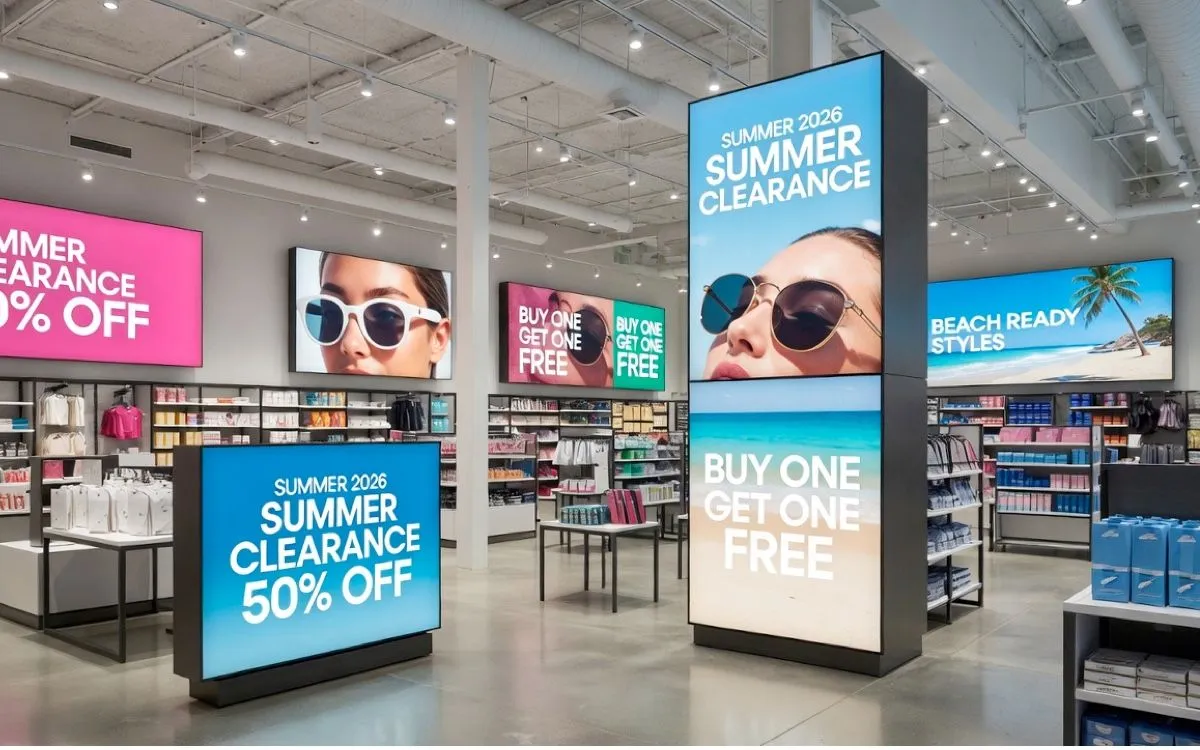
For example, you can use AI image generation to theme your content according to certain seasons or types of offers.
Having such tools built directly into the simple digital signage software, combined with team collaboration, makes the content creation and publishing process much smoother.
Easiest digital signage software: Play Digital Signage
Play Digital Signage checks all of the boxes above, from collaborative workflows to a built-in AI image generator. The software is comprehensive, but not complex, which makes it a good fit for everyone from first-time users to large organizations.
Here’s what makes it one of the easiest digital signage software platforms on the market:
- Compatibility: Works with almost any device and operating system, including Fire TV Stick, Raspberry Pi, Android, ChromeOS, and Windows
- Dashboard: Centralized dashboard for managing all screens remotely
- Collaboration: Teams can collaborate with different user roles and permissions in one dashboard
- Image generation: Built-in AI-powered image generation tool
- Integrations: Available integrations with social media apps, RSS, and other tools
- Scheduling: Flexible scheduling and content automation
Beyond these essentials, there are a few additional features that make Play Digital Signage especially easy to work with.
Ease of setup
Play Digital Signage works with devices you already have, helping you avoid vendor lock-in. Setting up screens takes four simple steps, and you can get it up and running in minutes.
- Step 1: Create an account
- Step 2: Download the Play Digital Signage app on a smart device
- Step 3: Link a screen with your account
- Step 4: Design and publish your digital signage content
The first screen is also free, so you can fully try the platform without commitment.
Plug and play templates
Creating content from scratch takes time. Play makes it faster by providing plug-and-play digital signage templates.
Each template is fully customizable, so you can make it unique while ensuring it fits your branding.
Afterwards, you can save your template and reuse it next time.
Access to royalty-free content
Instead of searching for royalty-free images on other platforms and uploading them to Play, find them directly on our app.
With a built-in royalty-free library, you can easily find attractive images, without worrying about licensing.
Scheduling and tags
Play Digital Signage knows that time is money, so a big part of the platform is automation.
The scheduling feature allows you to create content and then publish it at specific times, dates, or days of the week. With tags, you can also schedule different content to display at different times.
For example, if you own a restaurant, you could set up a tag that switches content from a breakfast menu to lunch specials at a certain hour of the day.
Overall, these features let you create content once, schedule it, and let it run and update automatically.
Other features you might need
Play Digital Signage also includes other features, such as:
- Analytics to measure screen performance
- Animations that help make content more engaging
- File conversion tools that simplify content management
- “Create slide per asset,” which helps you build a playlist for screens from your media library
This ensures the platform is both easy to use and comprehensive enough to give you everything you need in one place.
Explore the full feature list
Discover even more tools designed to help you with content creation, management, and updates, so you get more value from your screens.
Whom does simple digital signage work best for?
Simple software benefits every organization, but the difference is most noticeable for teams managing multiple screens with limited time. With that said, anyone who has enough on their plate as it is can benefit from our software!
This includes anyone from small business owners and marketing teams to retailers, schools, enterprise IT departments, and anyone else who doesn’t have the time to learn and manage complicated systems.
However, simplicity isn’t often enough.
The best results come from thoughtful solutions that combine features like centralized management, scheduling, automation, collaborative tools, integrations, and built-in tools. Having everything in one platform makes things easier and eliminates the need to juggle between several platforms to accomplish one task.
What the easiest digital signage software should include (and how Play Digital Signage goes further)
When choosing a simple digital signage solution, there are a few non-negotiables. It should be easy to set up, simple to manage remotely, and flexible enough to support all devices and content needs.
Scheduling, automation, and features that speed up and improve content production are also essential, especially if you’re managing multiple screens or locations.
That’s why many organizations choose Play Digital Signage.
Whether you’re managing one or hundreds of screens, the platform provides ease of use for everyone who already has too many tasks on their plate.
With fast setup, effortless management, and reliable and quick content delivery, Play Digital Signage goes further to give organizations a complete system that doesn’t break when it’s time to scale.
Try Play Digital Signage for Free
Create, manage, and publish content to your screens in minutes. Sign up today and get your first screen free.
FAQs
Which companies offer user-friendly digital signage platforms?
Several companies offer user-friendly digital signage platforms, but Play Digital Signage stands out for its ease of use, hardware flexibility, and comprehensive features.
Where can I find free trials for beginner-friendly digital signage software?
Play Digital Signage is beginner-friendly digital signage software that offers free trial screens. In fact, your first screen is free! This lets you explore Play’s features and test the platform without commitment.
How can I choose simple digital signage software for retail stores?
To choose software for retail stores, look for software that is easy to set up, has centralized management, and has additional features such as scheduling, integrations, and support for different hardware. Play Digital Signage combines all of these features into one platform, making it ideal for busy retail teams.
What are the most user-friendly digital signage platforms for small businesses?
The most user-friendly digital signage for small businesses combines simplicity with powerful features. Play Digital Signage is designed with small businesses in mind, offering effortless content creation and compatibility with almost any screen or device.
How we write and check our articles:Editorial Policy