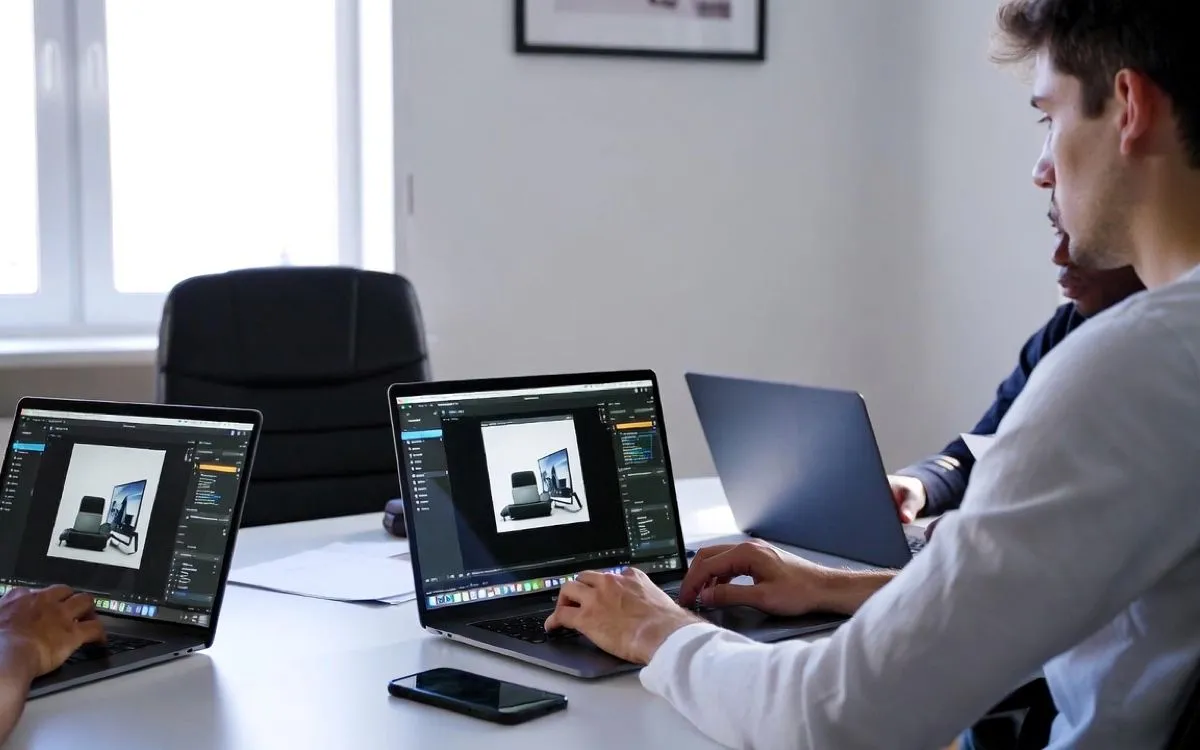
If you spend a lot of time in the Play Digital Signage editor building playlists and designing screens, keyboard shortcuts are one of the best ways to boost your productivity.
Instead of constantly clicking around, you can use simple key combinations to move objects, add elements, copy, paste, undo, and more — saving you hours every week.
Why Keyboard Shortcuts Matter in Digital Signage
Digital signage content needs frequent updates. The faster you can edit and publish, the more responsive your network becomes.
Pro Tip: While in the editor, click the small keyboard icon in the grey bar above your canvas to see all available shortcuts anytime.
Complete List of Play Digital Signage Keyboard Shortcuts
Movement & Selection
- Arrow keys → Move selected objects
- ESC → Deselect all
- CTRL + A → Select all objects
Copy & Paste
- CTRL + C → Copy
- CTRL + V → Paste
- CTRL + DEL → Delete
Undo & Redo
- CTRL + Z → Undo
- CTRL + Y → Redo
Quick Element Creation
- SHIFT + T → Add Text
- SHIFT + O → Add Oval
- SHIFT + R → Add Rectangle
- SHIFT + A → Add Asset from library
Pro Tips for Maximum Efficiency
- Use Copy + Paste heavily when duplicating designs across multiple screens.
- Don’t be afraid to experiment — Undo (CTRL + Z) is always there.
- Combine shortcuts with Zones for complex multi-layout screens.
- Want a new shortcut? Send your request to hello@playsignage.com.
Ready to Work Faster?
Log in to your Play account, open the editor, and start using these shortcuts today. You’ll notice the difference immediately.
Sign up for free if you haven’t already.
How we write and check our articles:Editorial Policy