Do you often spend hours creating images for your screens? Designing content that matches your business usually means juggling between multiple tools, tweaking layouts, and repeating the same process over and over again, turning what should be a simple task into a major time investment.
That’s where AI digital signage tools come in. Some digital signage software includes AI image generators to make creating fresh content easy.
In this guide, we’ll show you how AI image generation works inside Play and how this helps teams create digital signage content with fewer steps.
Understanding AI digital signage image generation
With AI digital signage image generation, you can generate visuals from scratch using simple text prompts.
Depending on your branding and graphic needs, you can generate illustrations, cartoon-style images, or campaign visuals that fit your promotions and announcements.
Built-in vs. external AI image generators
Using external AI image generators will have you jumping between different tools. You’ll waste time working on multiple platforms downloading, uploading, resizing, and finally adding content to your smart digital signage software to display it on your screens.
Built-in AI image generators keep the creation process inside your digital signage software to streamline this workflow.
With everything happening inside your software, you can generate AI images and publish them in one place. This removes extra file transfers and switching between tools.
That’s one of the reasons why we integrated AI image generation directly into Play Digital Signage. Now, anyone can quickly create images when inspiration strikes.
How to use AI image generation inside Play Digital Signage
Generating images inside Play is easy. You create them from scratch in minutes.
To get started, all you need to do is:
- Open your playlist
- Create a new slide (You can also add AI-generated images to existing slides)
- Select Generate with AI
- Type your prompt (a detailed description of the image you want)
- Optionally: You can click Enhance Prompt to improve your description for better results
- Click Generate and wait for the AI to generate your image
After that, you can add your image to your slide in one click.
With the image generator inside the AI digital signage software, creating and publishing content for your screens takes fewer steps. You won’t ever have to export and import files again.
Text-to-image vs. prompt enhancement
In Play, you can generate images from your own, manually written descriptions and instructions.
Just type in your prompt like you normally do when using chatbots like ChatGPT or Claude, and our AI will automatically generate an image that fits your description.
If you’re not happy with the result, you can also ask our AI to enhance your prompts.
Once you write down your instructions, click Enhance Prompt to turn them into detail-oriented and well-structured prompts. This helps you generate images that better match your desired depth, color, vibrancy, and detail.
You can also try both options to compare the results.
Aspect ratio selection
Play Digital Signage also lets you choose different aspect ratios for your images:
- 16:9
- 1:1
- 9:16
- 4:3
- Custom resolution
Different screens require different image sizes. For example, a landscape display would require a 16:9 aspect ratio, while 9:16 is ideal for portrait-oriented screens and digital posters.
Choosing the right aspect ratio helps your image fit the screen without unnecessary cropping.
AI image generation limits
Every subscription plan comes with a set number of AI image generations per week. The available amount depends on the plan you choose.
Each image counts as one generation, and weekly limits are as follows:
- Essential plan: 5 generations per week
- Pro plan: 10 generations per week
- Ultimate plan: 20 generations per week
Create your first AI-powered digital signage screen
Curious to see how AI image generation works in practice? The first screen is free, so sign up for Play Digital Signage and start experimenting.
Using AI-generated digital signage content in different industries
The biggest advantage AI image generation gives you is flexibility. You can promote products, welcome guests, communicate with employees, quickly create offers, and create fresh content.
Here are a few examples where AI image generation is useful:
Retail
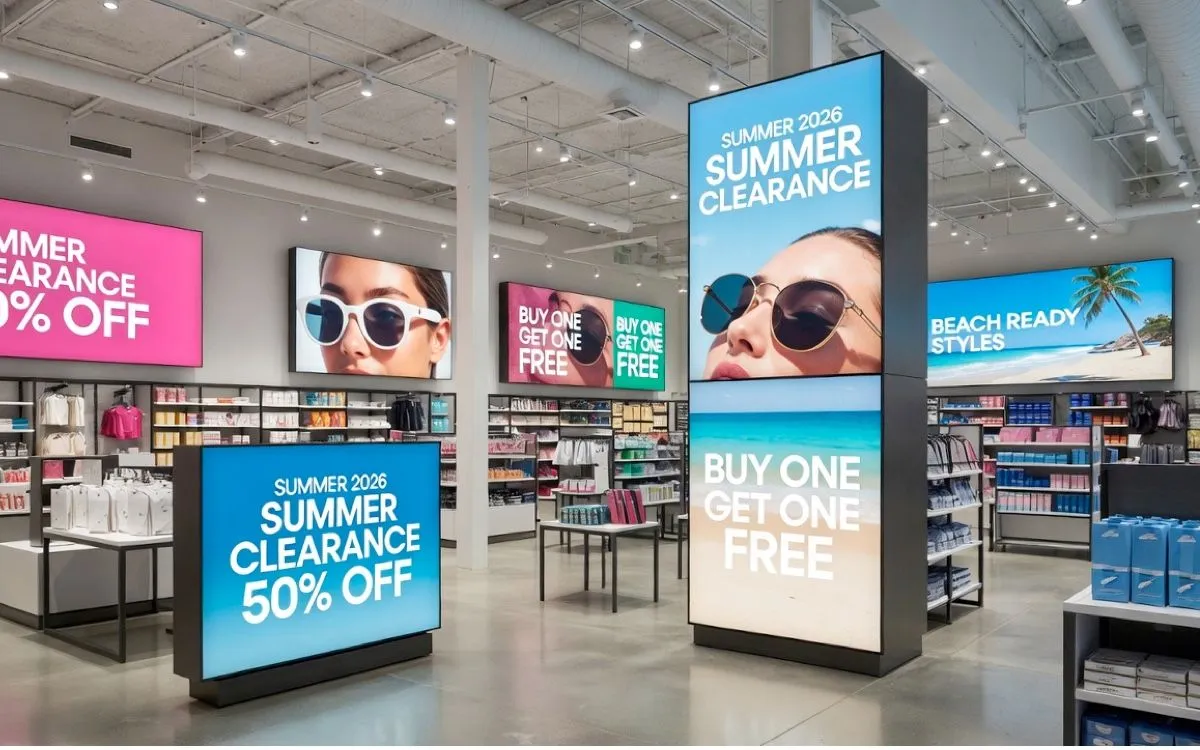
Retail businesses constantly need new visuals. Seasonal promotions, sales, product launches, and campaigns all regularly require fresh content.
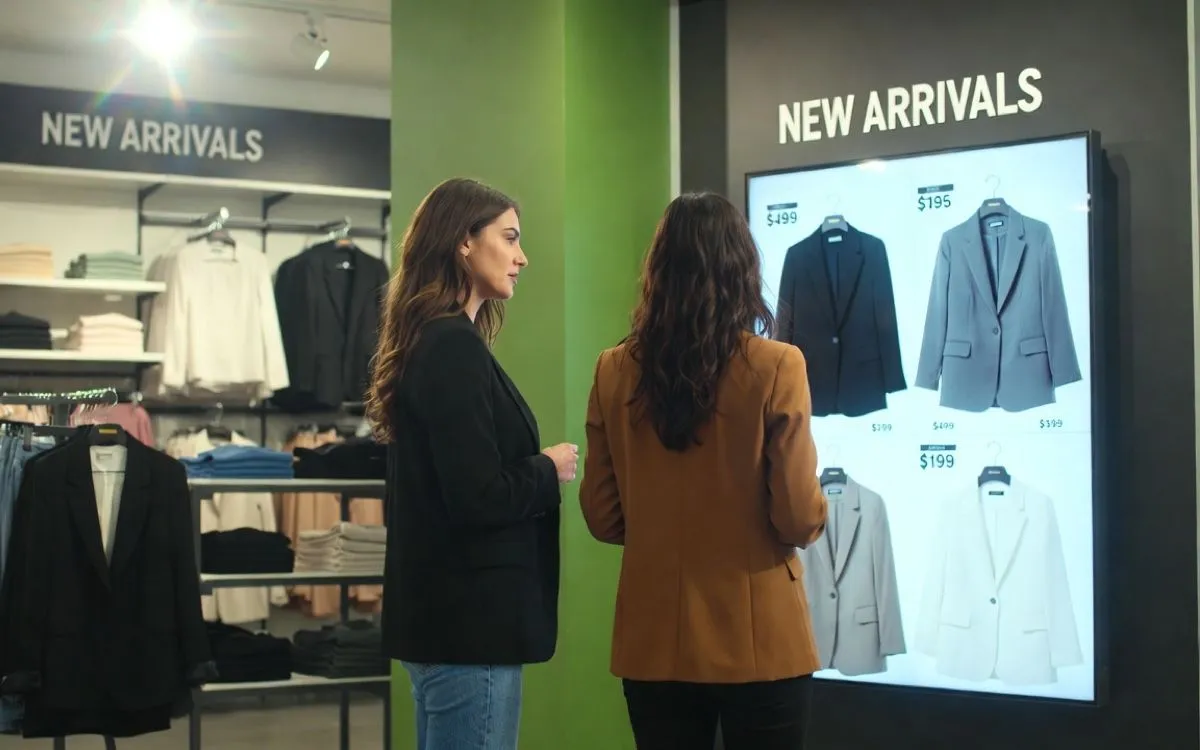
With the AI image generator inside our digital signage software, retailers can quickly create graphics tailored to their specific needs. For example, a clothing store can quickly generate back-to-school visuals for the campaign and push them to their screens in minutes from one dashboard.
Hospitality
Hotels, restaurants, and coffee shops constantly need content to match the atmosphere they want to create. For example, a coffee shop can generate cozy autumn-themed promotional images featuring seasonal drinks. In the same way, a hotel can create welcoming images for holiday guests.
Having everything in one dashboard eliminates the time spent on third-party tools. This way, businesses can always be on top of their offers and have content generated and displayed in minutes instead of hours or days.
Offices
Digital signage also matters in offices for internal communication.
Office managers and HR teams can use Play Digital Signage’s AI image generator to create images for company announcements, onboarding materials, employee recognition programs, etc.
Without needing professional design experience, companies can still get on-brand professional visuals.
Smarter content starts with the right platform
You don’t have to spend hours creating images for your screens, and neither should you juggle between various platforms and handle the importing, exporting, and formatting on your own.
Play Digital Signage brings AI image generation into the same platform used to create and manage screen content.
Beyond AI digital signage image generation, Play Digital Signage also gives you access to an easy-to-use editor where you can manage content for your screen in slides, as if you’re making a PowerPoint presentation.
You also get access to built-in apps and plugins, royalty-free media, scheduling tools, and support for different devices.
Create, manage, and publish from one platform, whether you’re managing one or hundreds of displays.
FAQs
What digital signage software uses AI?
Several digital signage platforms offer AI features, but Play Digital Signage includes built-in AI image generation that allows you to create images directly inside the platform. This lets teams create visuals without switching to a separate image tool.
What are the benefits of AI in digital signage?
AI in digital signage helps businesses improve their productivity by creating content more efficiently, saving time, and keeping screens fresh with less effort. Play Digital Signage helps businesses create branded visuals without requiring advanced design experience.
How we write and check our articles:Editorial Policy