The seven questions that still decide a platform are scale, security, remote care of devices, integrations, who can publish, what you can prove played, and who picks up the phone. In 2027, add whether AI helps the people who already run the screens, without locking you to one vendor’s hardware.
A beautiful demo on a single television is not an enterprise test. The test is Tuesday morning, across sites.
Why do these seven questions still matter?
Because buyers keep getting lost in feature lists. Every serious CMS now claims cloud control, templates, scheduling and some kind of AI. The gaps show up later: a second location that cannot update itself, a shared password, a dark screen nobody hears about, a dashboard that will not fit on a wall, or a support queue that sends you back to the hardware maker.
Older buyer guides framed this as seven factors, and those pages keep circulating because the questions age well. What changed by 2027 is the extra pressure around AI, and the number of teams that do not want to rip out every player just to change software. Play’s answer is straightforward: pick the player that fits the room, then run one CMS.
Jayson P., in airlines and aviation, wrote on Software Advice via Play’s reviews: “The company couldn’t be a better partner to work with for our signage needs. They even have a solution for separating out our complex org structure.” That is the scale question in plain language.
| Question | What “pass” looks like | How Play handles it |
|---|---|---|
| Can it grow? | A new site goes live without a new process | Groups, Sub Teams, Roles |
| Who may sign in? | Named people, named permissions, no shared password | Allowed login methods, 2FA, Okta and Microsoft Entra SSO |
| What if a screen goes dark? | The right person hears, and the last loop still plays | Alerts, offline playback |
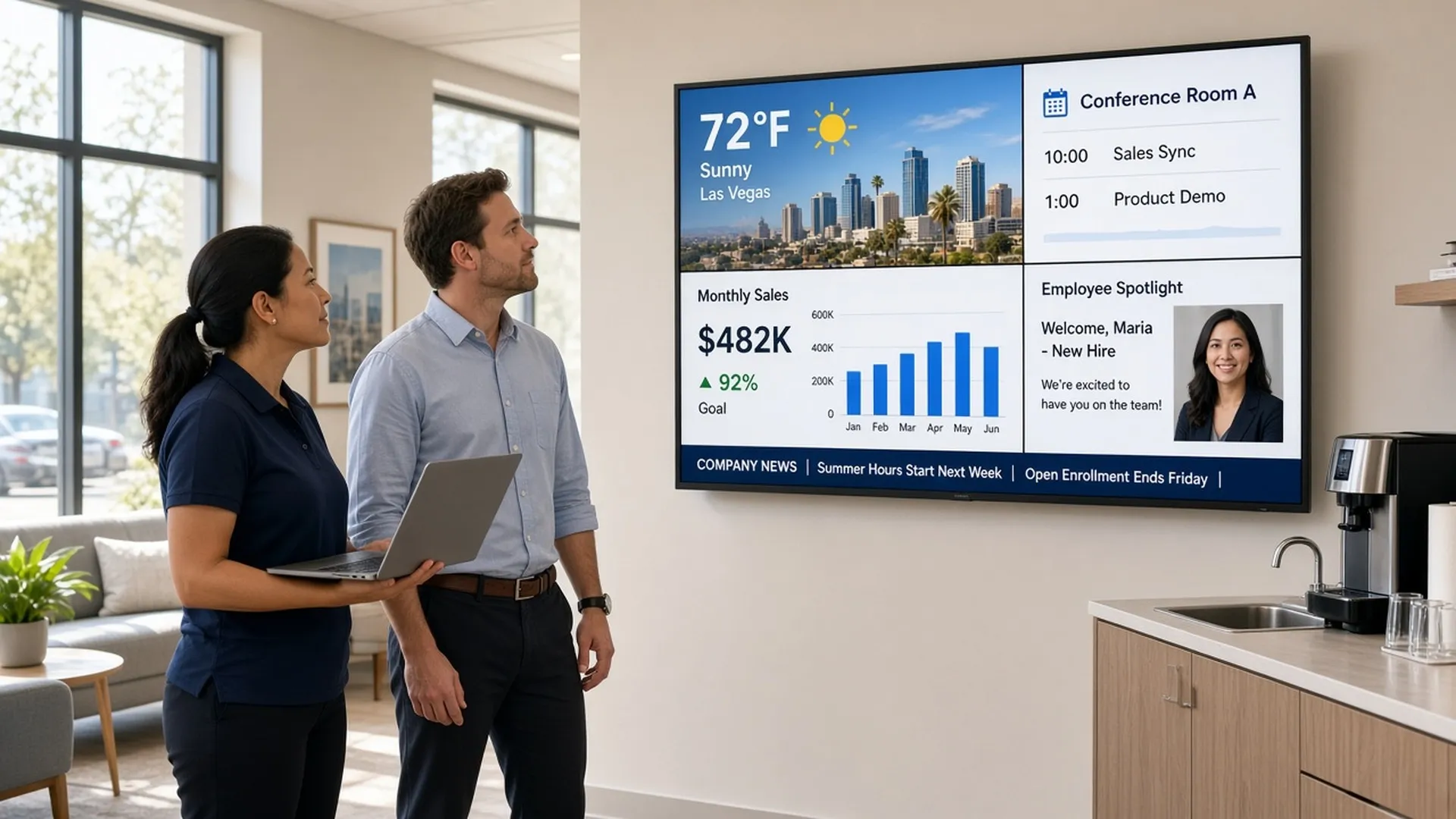
| Will it use our tools? | The spreadsheet or report you already keep reaches the wall | Dynamic Text, Google Sheets, Power BI |
| Can a non-designer publish? | A local manager edits and clicks Publish | Browser editor, Scheduling, Slide Conditions, AI drafts |
| What can you prove played? | A report of when and where an item ran | Ultimate Analytics (proof of play), plus your own business numbers |
| Who picks up the phone? | One support path for the CMS, honest advice on hardware | 24/7 chat and email, phone in Pacific Time business hours |
1. Can it grow without turning every site into a special case?
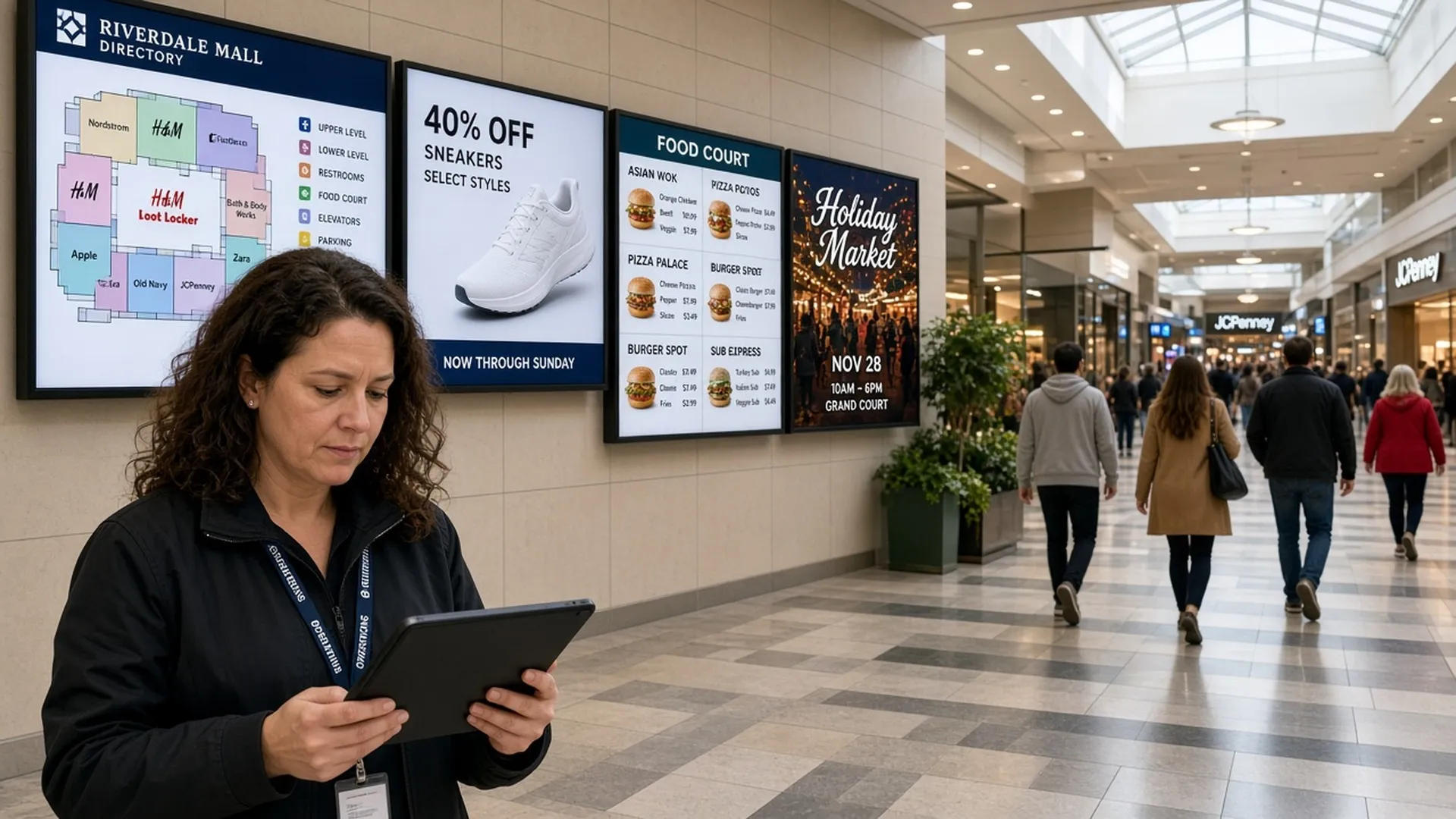
Scalability is not a promised screen count on a homepage. It is whether a new cafe, ward or warehouse can go live without inventing a new process.
In Play, screens live in groups that share playlists and schedules. Sub Teams (Pro and Ultimate) give each department, branch, campus or school its own screens, playlists and members under the main account, at no extra cost for the sub-team or the people in it. Head office switches into any sub-team from the team name in the left menu. Content created in one sub-team stays there, which is what you want when two schools should not edit each other’s announcements.
Roles keep growth from turning into a shared inbox: Members create content, Admins also link screens and manage alerts, SuperAdmins handle billing and the team, and there is one Owner. Users are unlimited and do not add a seat fee, per the pricing page.
A useful growth test: add a second location as a sub-team, invite someone new, and time how long they take to publish a local hours slide without touching headquarters’ playlists.
2. Can you say who may sign in, and what they may touch?
You need to know who can publish, who can unlink a player, and how those people log in.
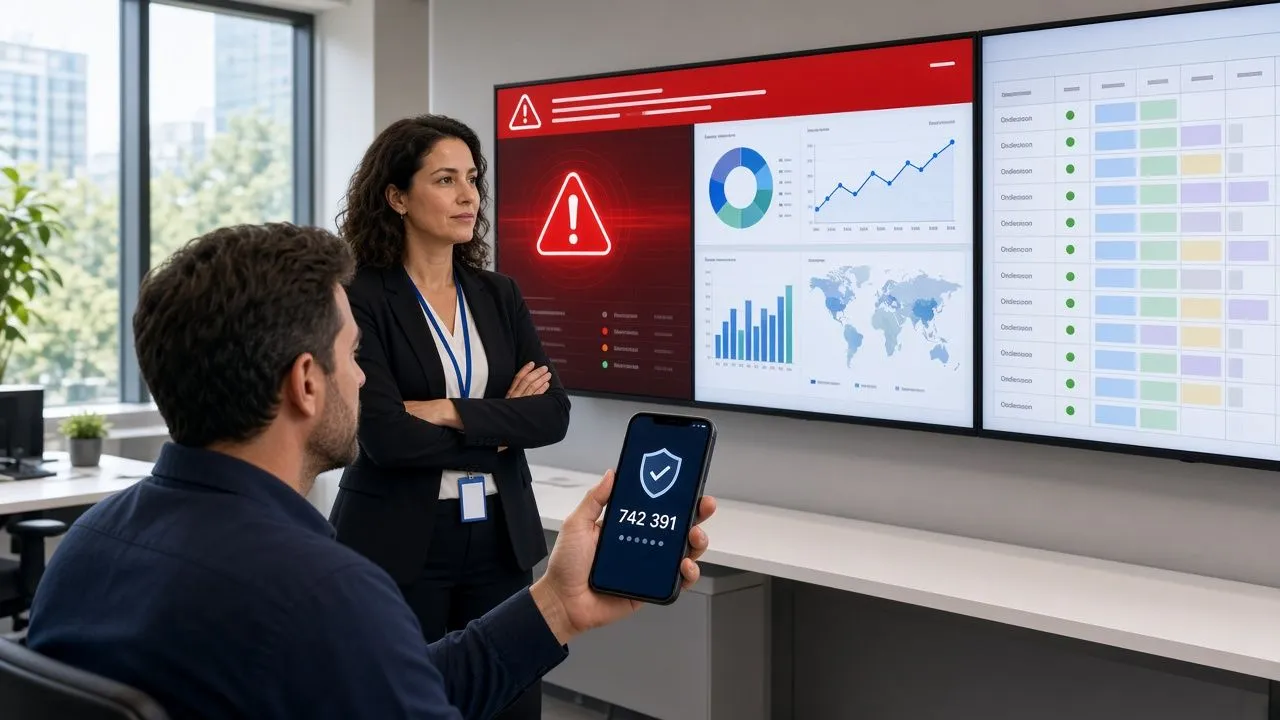
Play lets a team owner choose allowed login methods, for example Microsoft only. Single sign-on is documented for Okta and Microsoft Entra ID, and two-factor authentication is offered to users, as stated on the pricing page. Playlist sharing exists for people outside the team who should see one playlist and nothing else.
Play doesn’t list certifications here. The security article explains encryption, data storage in Europe or the USA, and penetration testing, and Play can send the documents your procurement team needs on request. The daily controls you can set yourself are roles, login methods, 2FA and, if you want a quiet network, switching off Use AI features in Settings, then Team, which turns off the assistant and AI images.
Thomas K. wrote on Trustpilot via Play’s reviews: “Easy setup and maintenance at scale.” Easy to deploy is a security feature when it means people stop sharing one password on a sticky note.
3. If a screen goes dark in another city, who finds out, and what still plays?
Alerts (Pro and Ultimate) email chosen addresses when a screen has been offline for the minutes you set. You can limit those emails to working hours, set defaults for new screens, and send the same event to Slack, Teams or PagerDuty with a webhook. A short Wi-Fi hiccup should not page anyone.
Offline playback keeps the last content running while the player cannot reach Play. The screen shows a red dot in the dashboard until it reconnects, then it picks up your changes. The pricing page also lists Screen Capture among monitoring tools, so you can ask a display what it is showing instead of guessing from the playlist.
A fair test: unplug a real screen, confirm the last loop still plays, then confirm the right person gets the alert after your delay.
4. Will it talk to the tools you already trust?
A wall that cannot show a live number becomes a poster with a power cord.
Play’s integrations are practical rather than endless. Google Sheets works on every plan. Dynamic Text (Pro and Ultimate) turns a shared sheet into live prices, KPIs or a menu, and refreshes every 5 minutes by default after you publish once. Power BI (Pro and Ultimate) puts a report on the wall. Canva, Google Slides, calendars and YouTube are listed on the pricing page as well. Queue (Pro and Ultimate) covers people waiting, called to a desk or door from their phone browser.
For official emergency alerts, CAP (Pro and Ultimate) lets a provider push alerts to screens. Tags can also take over chosen screens with a prepared playlist, which is the right tool for a site-specific closure that is not coming from an alert feed.
5. Can a non-designer publish without opening a ticket?
Content flexibility means the people closest to the facts can change the slide.
In Play that looks like a browser editor, templates and zones. Scheduling handles breakfast-to-lunch, weekend hours and date-bound campaigns. Slide Conditions (Pro and Ultimate) hide or auto-delete a single slide by time, weekday, date, screen, tag or network status.
AI belongs here as a draft hand, not as the publisher of record.
- AI Image creates a visual from a prompt in the editor, with 5, 10 or 20 generations a week on Essential, Pro and Ultimate, per the AI Image page.
- The AI Assistant builds a complete playlist from your business, website, colors and logo, and can change playlists and slides you already have. Changes arrive as proposals with a before-and-after preview. You press Apply, then Publish: it never applies or publishes by itself. It does not make up prices, opening hours, phone numbers, addresses or offers. It reads your website only if you say the site is yours and allow it, up to 10 pages per chat, and asks you to confirm details it finds. Every plan includes 50 messages a day. An admin can switch off Use AI features in Settings, then Team, which turns off the assistant and AI images. Already-made slides and images stay.
Kathalee C. wrote on Software Advice via Play’s reviews: “Play Digital Signage is super easy to use. Click, edit and publish.” That is the standard. If only one designer in the company can survive the editor, you do not have flexibility. You have a bottleneck with a nice title.
6. What can you prove actually played?
If you sell space on a screen, or you answer to a brand team that asks “did store 14 ever show the new campaign?”, you need more than a schedule you hope ran.
Play’s Ultimate plan includes Analytics, described as proof-of-play reports that show when, where and for how long individual elements were displayed. Admins and above can request those reports, per the roles table. That is evidence the file ran, not evidence a guest bought the item. Pair it with POS data or the operational count you already keep. Audit logs sit on Ultimate as well, for when you need to know who changed a playlist.
Do not let a vendor replace this with a vague “impressions” number that no device counted.
7. When something breaks, is there one place to call?
Split responsibility is how screens stay dark. The software vendor blames the player, the player maker blames the television, and the integrator is on another job.
Play does not force you onto one proprietary box, which is a freedom with a cost: you still choose hardware that matches the room. The media player guide is unusually direct about that. A Smart TV is fine for simple images and video. Entry-level sticks can interrupt themselves with system updates and are not a 24/7 recommendation. Harsh or outdoor locations need a purpose-built player.
What Play does own is the CMS, the apps and the support. Email and live chat are included 24/7/365 on every plan. Phone support is available at +1 844 384 5554 from 8 a.m. to 4 p.m. Pacific Time, Monday to Friday. That is the person you ask when a playlist will not publish, not when a cheap stick rebooted itself overnight.
Jennifer C., in financial services, wrote on Software Advice via Play’s reviews: “PlaySignage simplifies content management across multiple screens through its centralized platform.” Centralized software plus honest hardware advice is a different promise from “buy our entire stack or you are on your own.” Decide which promise your IT team actually wants.
How do you run the seven questions as a two-week trial?
- Write down one use case per location type you have (a lobby, a counter, a back-of-house board).
- Put each on a real screen, not a demo player in a bag.
- Invite a local Member and a local Admin. Confirm the Member cannot unlink the screen.
- Connect the one live source you already trust, usually a Google Sheet or a Power BI report.
- Generate two visuals with AI Image and see whether a human still wants to edit them before publish.
- Unplug a player, wait out your alert delay, and read the email.
- Ask support one real question during the trial. Time the first useful reply.
- On day 14, score each of the seven questions as pass, conditional or fail. A feature that only the salesperson can operate is a fail.
Your first screen is free with every Pro feature if you leave a review within 30 days, which is long enough to finish that scorecard. If you add screens later, on monthly billing you pay for the hours you use.
FAQ
What are the seven factors for choosing enterprise digital signage?
Scale across sites, access control, remote care of devices, integrations with tools you already use, the ability for non-designers to publish, proof of what played, and accountable support. In 2027, also ask how AI drafts content and whether you must buy the vendor’s hardware.
Does Play work only on one brand of player?
No. It runs on Samsung Tizen, LG webOS, BrightSign, Amazon Signage Stick, Windows, Raspberry Pi, ChromeOS and other systems listed on the pricing page and in the media player guide.
Is Play SOC 2 certified?
Play doesn’t list certifications here. The security article explains encryption, data storage in Europe or the USA, and penetration testing, and Play can send the documents your procurement team needs on request.
Can local teams update their own screens?
Yes. Use roles so Members create content, and use Sub Teams (Pro and Ultimate) when each site should have its own space under the main account.
What happens if the internet drops?
The screen keeps playing the content it already has and updates when it reconnects. Alerts can tell you the player is offline.
Does Play include proof-of-play reporting?
Yes, on Ultimate. The pricing page describes Analytics as reports that show when, where and for how long individual elements were displayed.
How do I start an evaluation?
Use the free first screen with every Pro feature, run the two-week test above on a live display, and involve the person who will publish after the salesperson leaves.
How we write and check our articles:Editorial Policy