Google TV Streamer
Simple 4K HDR signage on Google TV.
Connect it to your screen, link it to Play Digital Signage and manage your content from anywhere, in vibrant 4K HDR.
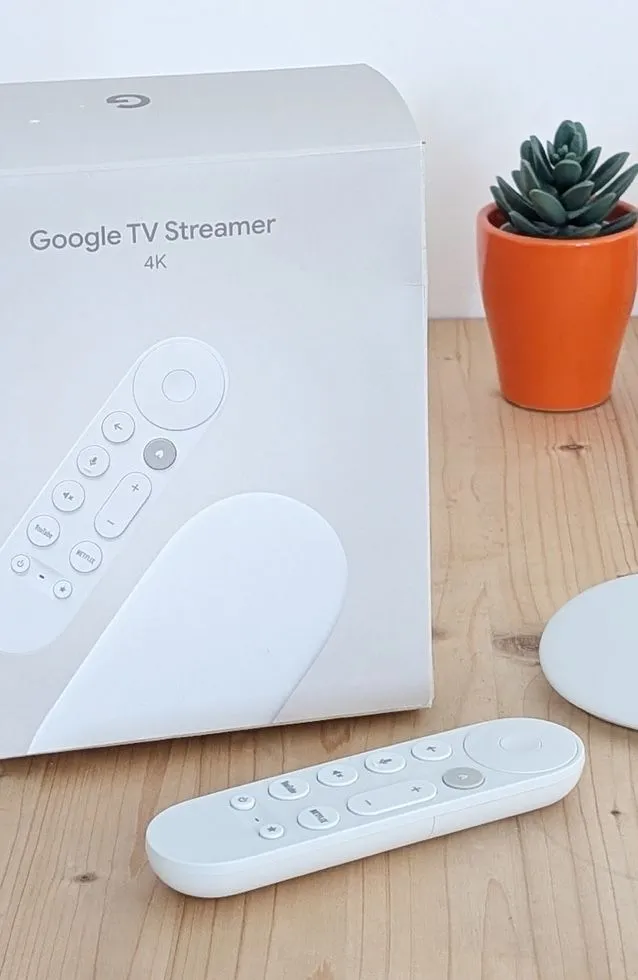
 4K
4K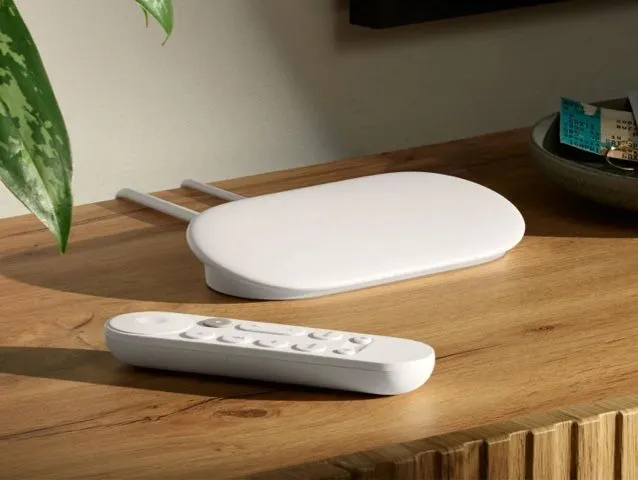
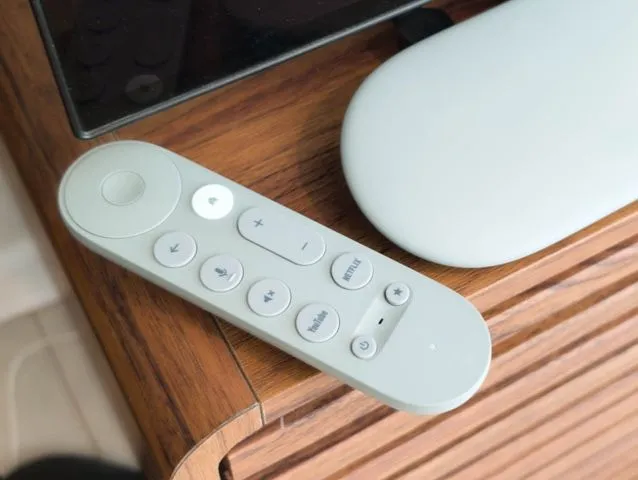
Google TV Streamer
The Google TV Streamer is a great upgrade from the Google Chromecast with its 4 GB memory, it will play back anything you throw at it.
Information
- Operating System
 Google TV
- Brand
- Memory (RAM)
- 4GB
- Storage
- 32GB
- Wi-Fi
- Ethernet
- 4K
- Price
- $20 - $100
- Performance
Performance
- Slide Transitions
- Element Animations
- Ticker Support
- Script Injection
- Screen Capture
- Touch Support
- HD Video
- 4K Video
- Playlist Simple
- Playlist Advanced
- Playlist in Playlist
- Zones
An upgrade from Google Chromecast
The Google TV Streamer is a great option for those who are running content that uses transitions, animations and other dynamic content. The Google TV Streamer features 4 GB memory, where the Google Chromecast only features 2 GB, and that actually makes a difference.
Easy set up
Install the Play Digital Signage app from the Google Play Store on the Google TV Streamer, link the screen to your account and you're ready. To make the app start on its own, grant it the Display over other apps permission when it asks (Settings → Apps → Special app access). The Google TV setup guide shows each step.
Device Testing
The Google TV Streamer can pull off almost anything you throw at it. In our testing we didn't discover any features that don't work well on the device. Transitions, Animations, Ticker, 150+ images, HD, 4K all work smoothly with no issues. Advanced playlists with multiple plugins also work as intended. Zones are where the device starts to struggle just a little: running playlist-in-playlist or one single zone does work well, adding more zones takes up the device's resources. Multiple zones are not recommended.
Google Account
Be aware that you have to use a Google account to be able to set up the Google TV Streamer.
It's not a stick
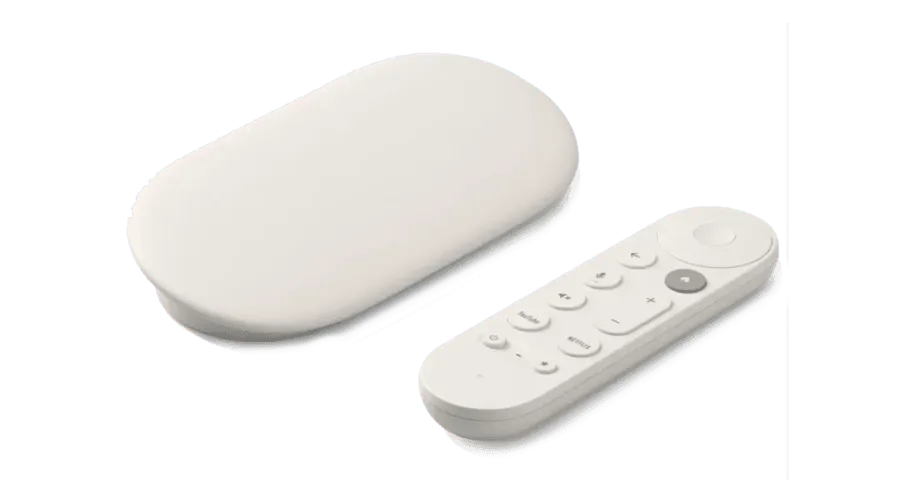
The Google TV Streamer is not a stick like the Chromecast or a Fire TV Stick, it's a device with its own HDMI out and it also features a CAT6 network connection, in case you do not have Wi-Fi available. The Google TV Streamer can be mounted away from the TV or on the back of the TV.
Ready to set up your player?
We think freedom of choice is a great concept, so we’ve made it possible to use Play Digital Signage with almost any player or Smart TV on the market. Below you’ll see which operating systems we support.
Android
Setup guide: Android
Windows
Setup guide: Windows
macOS
Setup guide: macOS
Amazon
Setup guide: Amazon
Chrome
Setup guide: Chrome
Samsung
Setup guide: Samsung
BrightSign
Setup guide: BrightSign
Linux
Setup guide: Linux
Raspberry Pi
Setup guide: Raspberry Pi

We Welcome Your Feedback
Since 2013, our strategy has been to follow your lead when we prioritize and develop new features, plugins and updates. Tell us what you would like to see, and we will listen and make digital signage even better suited to you and your company.
