In this article, we take a closer look at how you can boost sales in retail stores.
We’re going to be talking about several topics that can all be a part of boosting sales, adding revenue, and even creating a closer relationship with your customers.
It’s no secret that happy customers spend more time in your store, they buy more, and they keep stopping by because they feel like you genuinely care for them.
Some of the topics we’re going to cover are how to promote new items, push instant promotions from your phone, add a QR code to your screens, and why you need storefront displays to reach those who walk by your store.
Promotions
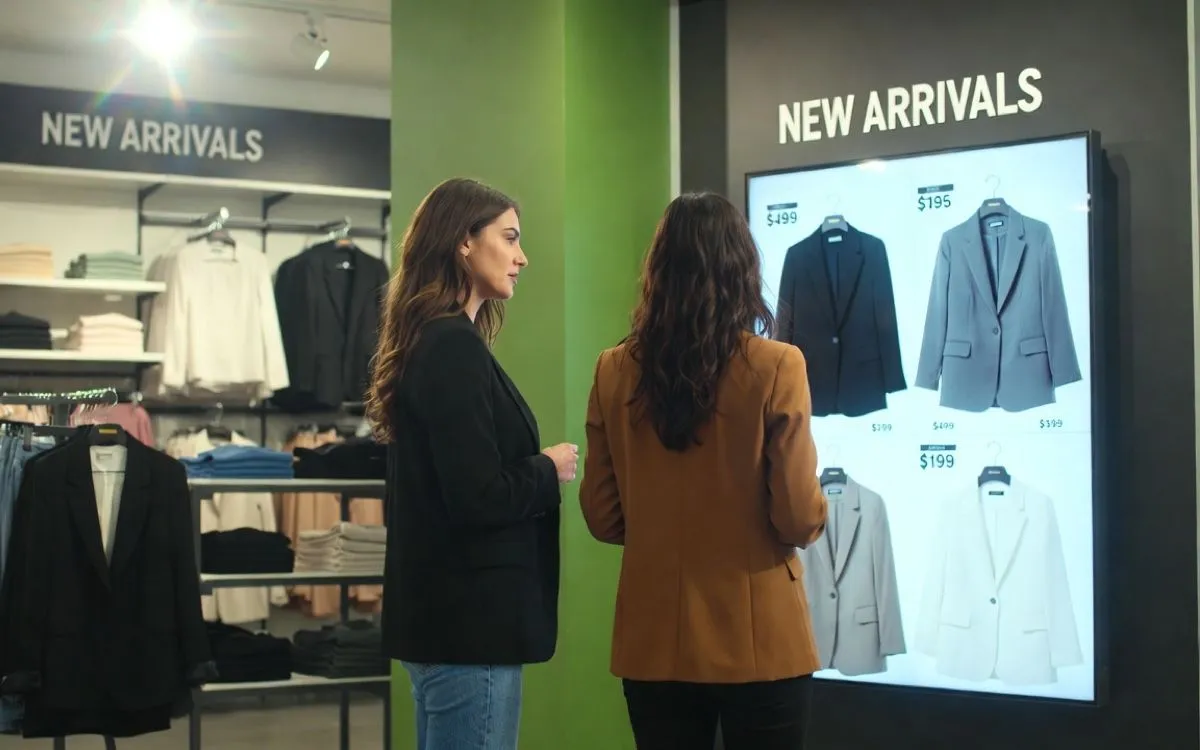
Publishing promotions is one of the more basic things we do in retail stores. The purpose is to promote items in different categories, such as new items, monthly, weekly, or daily offers, and items that aren’t selling very well.
Imagine you have content running on several screens throughout your retail store. These screens are running content that strengthens your brand and shows items from the store, new product lines, and events that are either happening at the local store or perhaps on your website.
This type of content is very common, and in most cases, you’ll find that it is running for weeks or even months with no changes, and this is where promotions become an important activity.
First and foremost, I recommend you set up a schedule for this activity so that it becomes a part of your routine. Go through the store, create a list of promotions you think customers would find interesting or don’t know about, and get to work.
Secondly, I also recommend that you set up templates so that adding a promotion becomes easy and doesn’t take more than a few minutes.
Slide Stash is an easy way to create one or more templates for your promotions. All you have to do is create your slide, add your items, text, price, etc., and then add it to your slide stash. Then whenever you need it you can pull it into your playlist and make the required adjustments.
Slide Conditions can help you pinpoint when and where your promotions are running. You can add a slide condition that is based on a date and time, and if you need a promotion to only run on a specific screen, you can add a slide condition for that also.
Finally, I want to point out that getting all of the basics set up beforehand makes your life much easier. When done right, you’ll see that spending 5–10 minutes every day updating your promotions makes a huge difference.
Instant Promotions
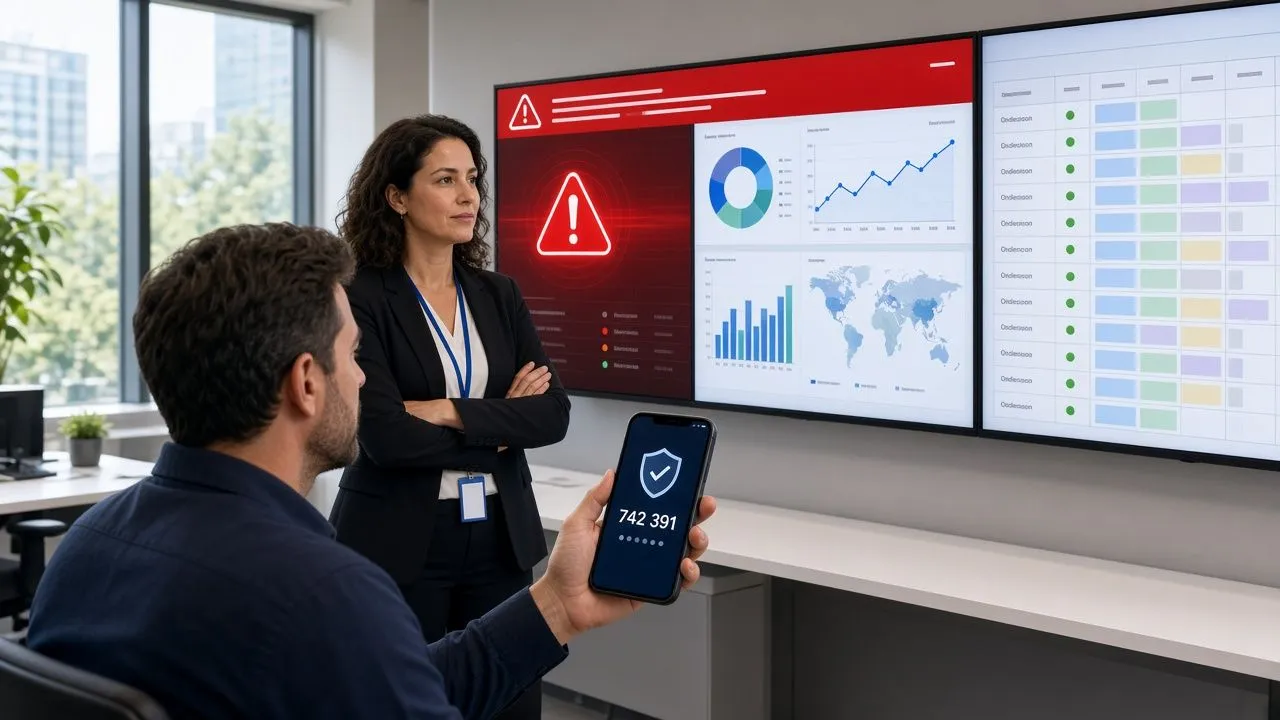
Instant promotions are not much different from the previous topic, but in this topic, we are going to focus on how you can add and run instant promotions from a mobile device.
There can be numerous reasons for running instant promotions. On slow days you might want to promote a new product line. When the store is packed with people, you may want to direct their attention to your website; when a new item is brought into the store, you may want to tell people about it; and in reality, there are hundreds of scenarios that can be accommodated by using instant promotion.
Create a new playlist
Create a new playlist and design your content. Keep in mind that this playlist is solely about your promotion, but can also include other types of content like a QR code, similar products, events, etc. It’s really up to you what you put in this playlist.
Create a new tag
Create a new tag, pick the playlist, and pick all the screens that you want to use for this promotion.
Note that creating a tag isn’t going to interfere with your content; all you’re doing is getting ready for whenever your promotion needs to run.
Activating the promotion
You can activate your promotion from either a desktop or a mobile device. If you’re using a mobile device, I recommend you add this link to your home screen. Tags.
You can either activate the promotion for a predefined period of time or until you no longer need it.
Go to tags, press activate tag, set the timer, and then press Activate. If you want the promotion to run until you cancel it, simply set the timer to 99 hours.
When the promotion is activated, the content instantly changes on all screens chosen in the tag you created earlier. Whenever you want to stop the promotion, simply go to tags, press deactivate tag, and the screens will instantly stop running your promotion.
QR Codes
QR codes can improve your customer experience and have customers interact using their mobile devices.
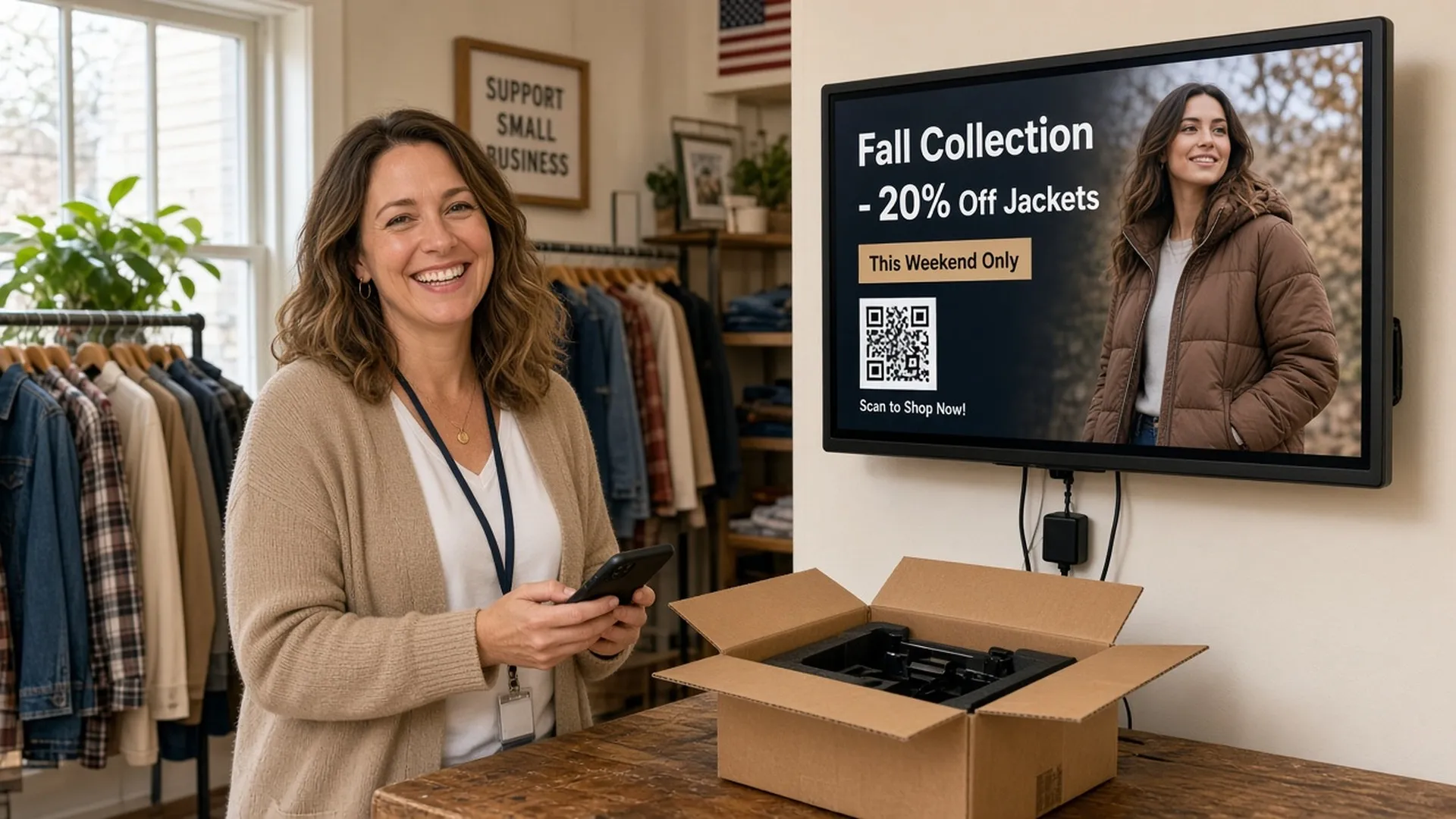
Adding QR codes to your digital signage content offers customers a way to find more information on product lines, your website, events, and much more.
Something I see in many retail stores is the use of a QR code at the checkout area to encourage customers to sign up for their newsletter or loyalty program. Surveys show that retail stores receive more than 50% more sign-ups when they add QR codes wherever customers are in line.
We recommend you take a look at QRFY for generating QR codes. QRFY gives you an easy way to generate QR codes that you can design yourself. It has both a free version and a paid version.
Storefront Displays
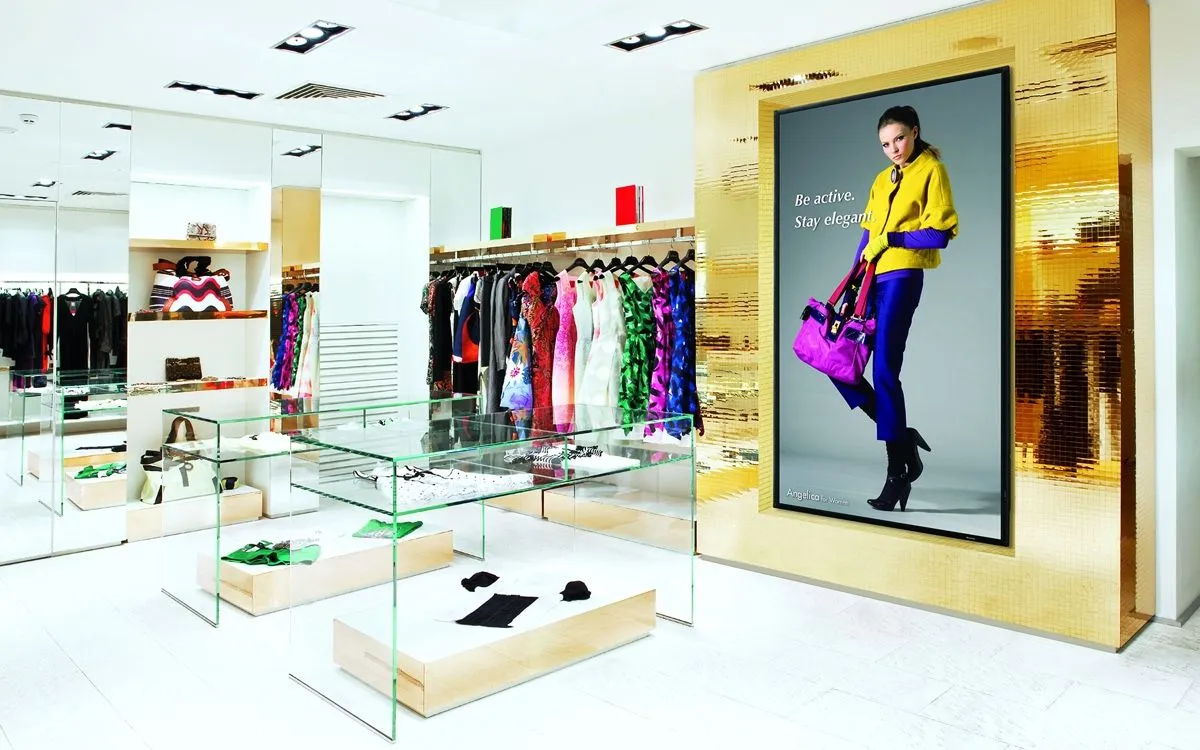
Storefront displays in retail stores are most likely the most efficient way of getting more people into your store. This is not rocket science; we all know that people who are looking for you will find you, but those who are looking for a product, even though they don’t know it yet, will not set foot in your store unless you give them a reason.
Storefront displays are catchy to the eye, meaning those who pass by your store might get inspired by what you show them. Perhaps they don’t know much about your brand, perhaps they get inspired by a product or perhaps you caught their attention based on something that they were already wanting to get, but didn’t know you had.
I always recommend that storefront displays are easily understandable, that content isn’t messy, and that it’s graphically appealing to the eye. You have to keep in mind that 80% of the people passing by only give you about a second or two to catch their attention; therefore, it’s super important that the message is easily understood and catchy.
In most cases, it’s the little things that work most effectively.
Let us point you in the right direction
Running digital signage, optimizing your content, and learning about how you can maximize the impact on your customers is a big job, but at Play Digital Signage, we know how you feel and what challenges stand before you.
Feel free to reach out, and let’s have a conversation about how you can get started and how you can optimize to get the most out of your digital signage.
If you are already running digital signage, but you’d like to learn more about what you can do, how you can structure your content, and why designing your content in a specific way is important, we’d be happy to set up a live tutorial for you.
Book your demo right now!
How we write and check our articles:Editorial Policy