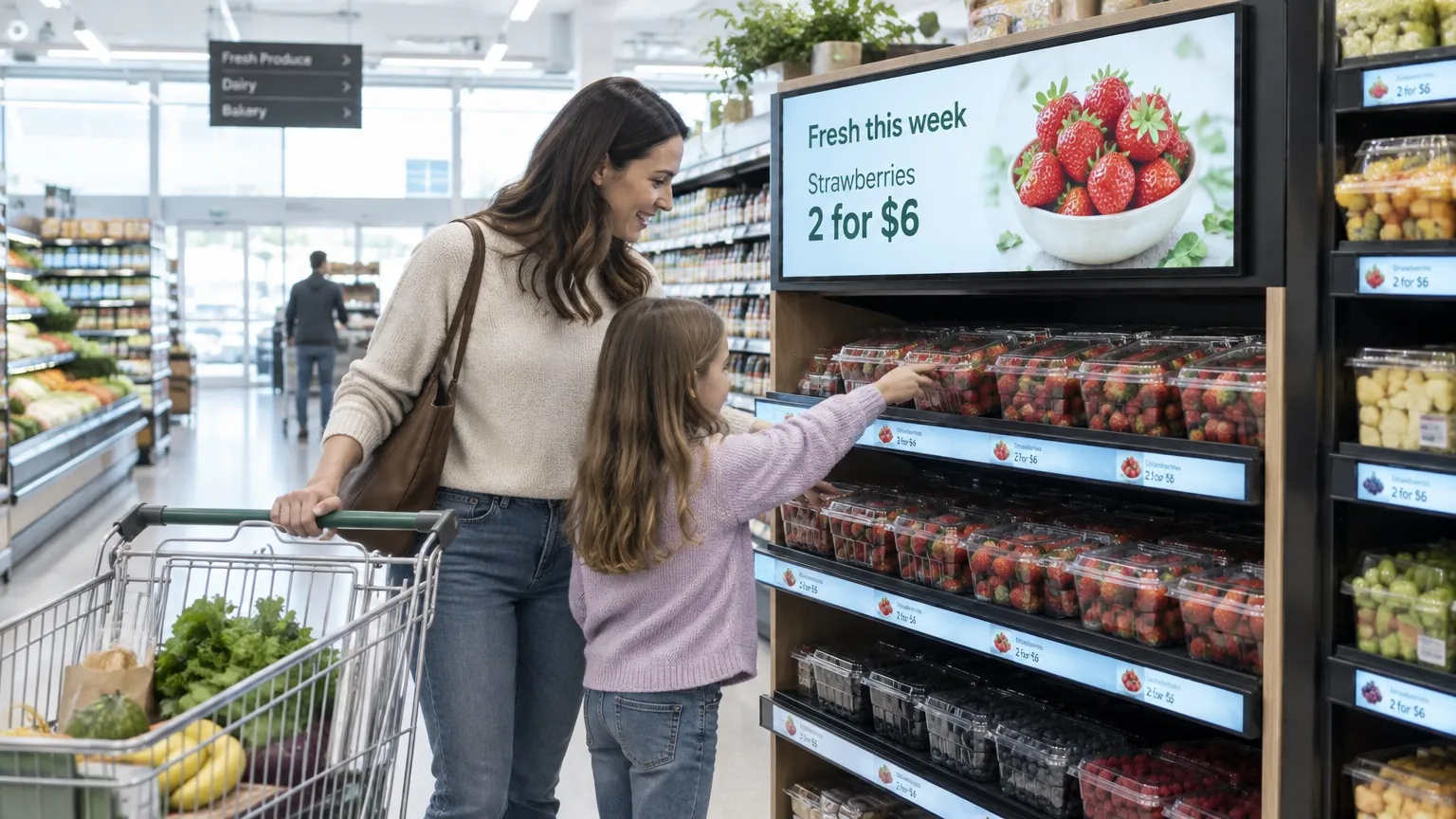

Shelf and aisle screens
Digital shelf and
aisle screens for
retail
Run in-aisle promos and brand loops with tags per category, and update every store from one browser.


Aisles & endcaps
Promos at the shelf, where shoppers decide.
- Promo cards and price callouts
- Offers from a Google Sheet or the API
- QR codes to recipes
- Zones for multi-panel endcaps
Campaigns & dayparts
The right offer for the time of day and the week.
- Campaign windows on a schedule
- Breakfast, evening and weekend dayparts
- Slide Conditions for event days (Pro)
- A board per category with tags (Pro)
Brand partners & store groups
Partner ads with the playback proof brands ask for.
- Ad Cycle for partner ads (Ultimate)
- Proof of Play reports (Ultimate)
- A team per store or region (Pro)
- Resell or white label Play
From the breakfast
aisle to the wine shelf.
Put the right offer in every aisle, at the moment shoppers reach for the shelf.
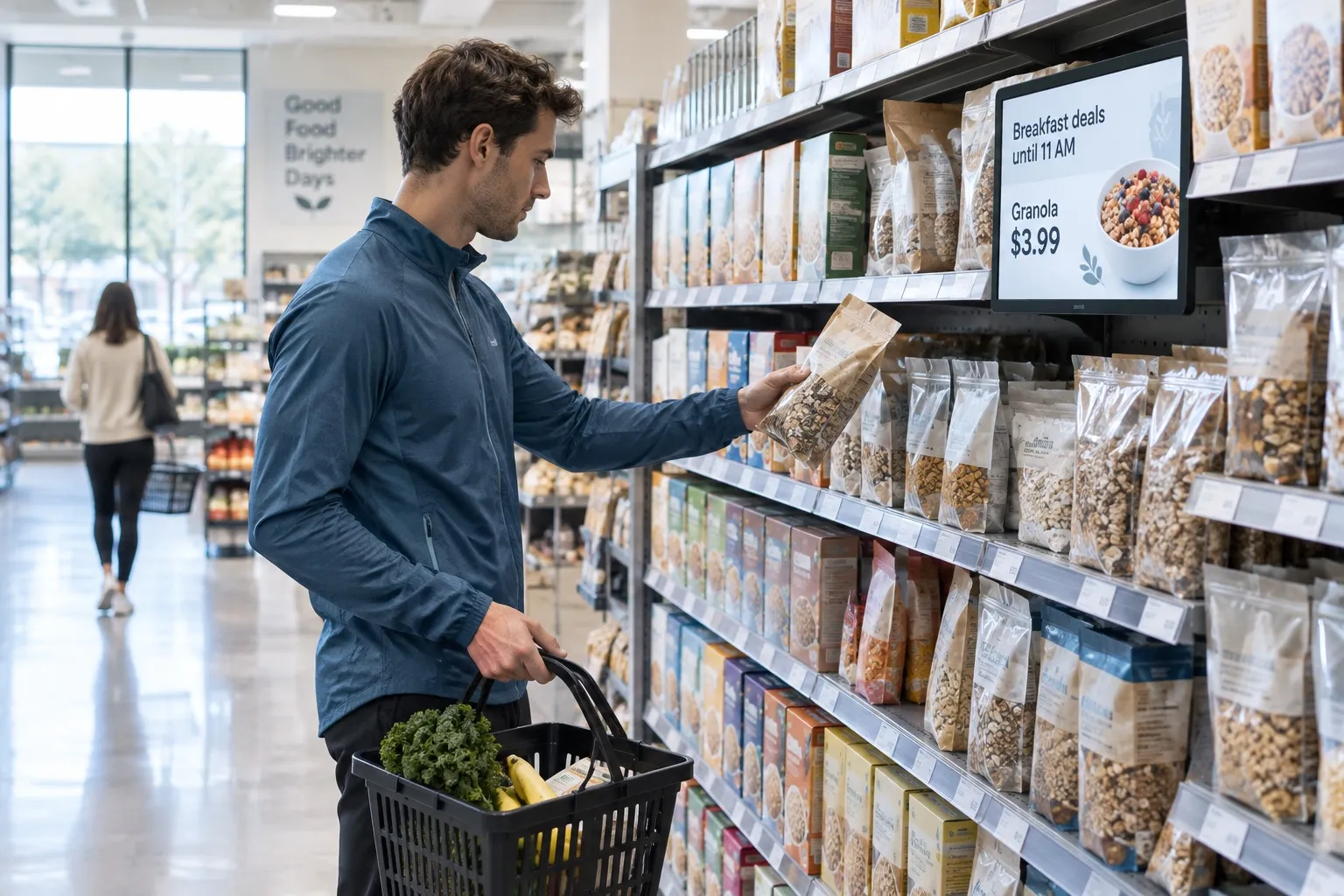
01 · Morning
Breakfast deals until 11
A breakfast offer at the cereal shelf in the morning, switching to something else at 11 on a schedule.
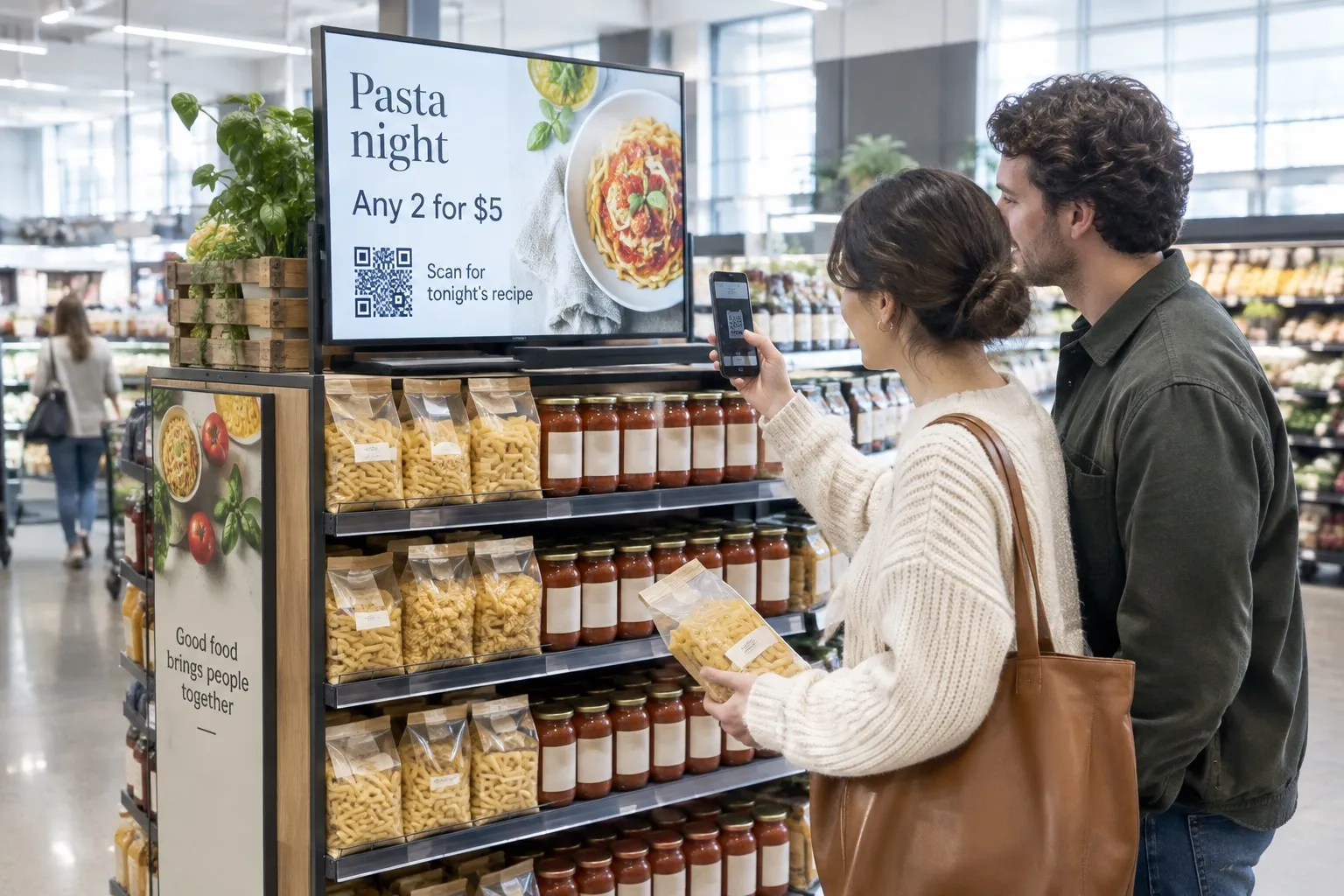
02 · Endcap
Tonight’s dinner idea
An endcap offer with a QR code to a recipe page you host.
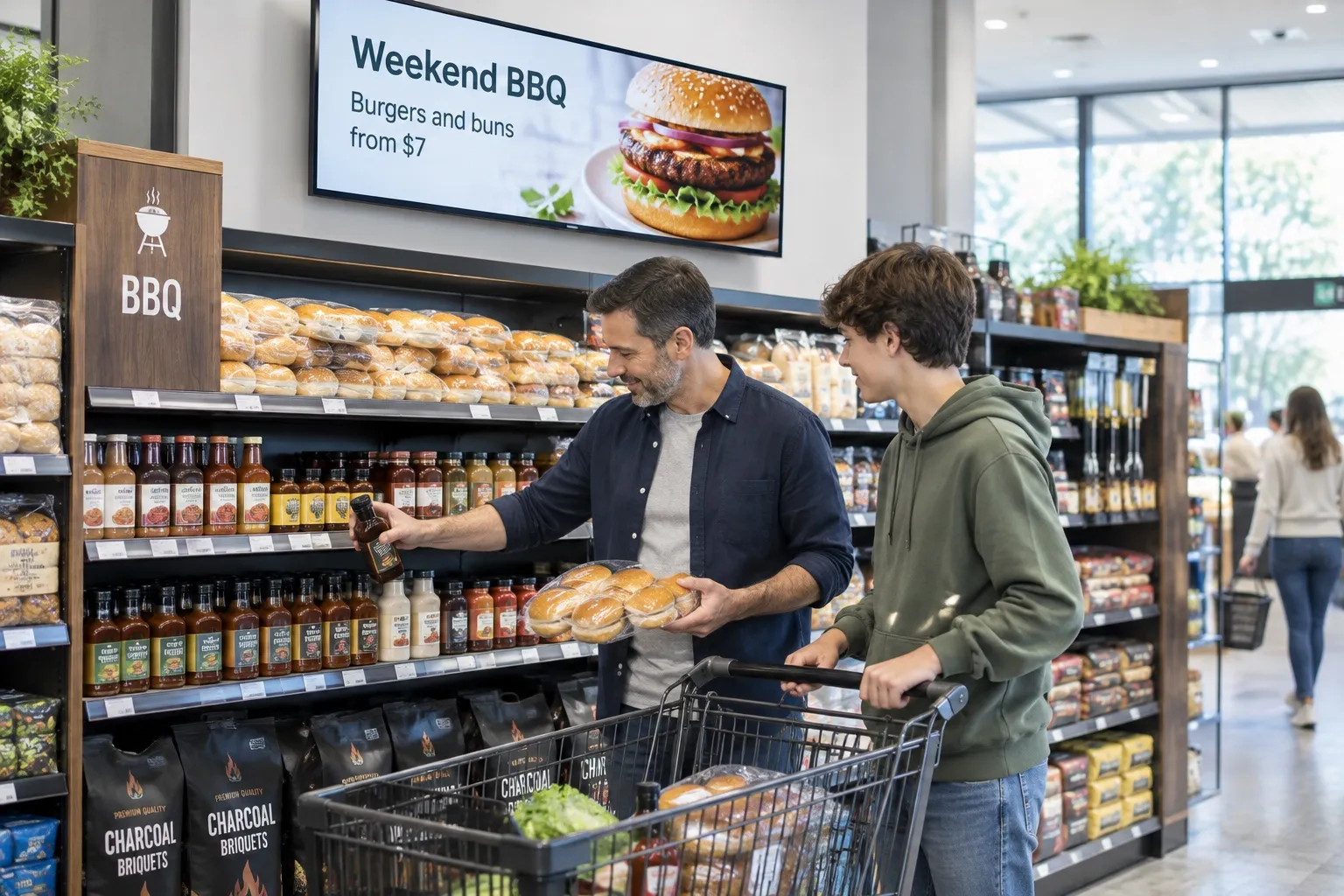
03 · Weekend
Ready for the weekend
Weekend campaigns start on Friday and end on Sunday night by themselves, in every store.
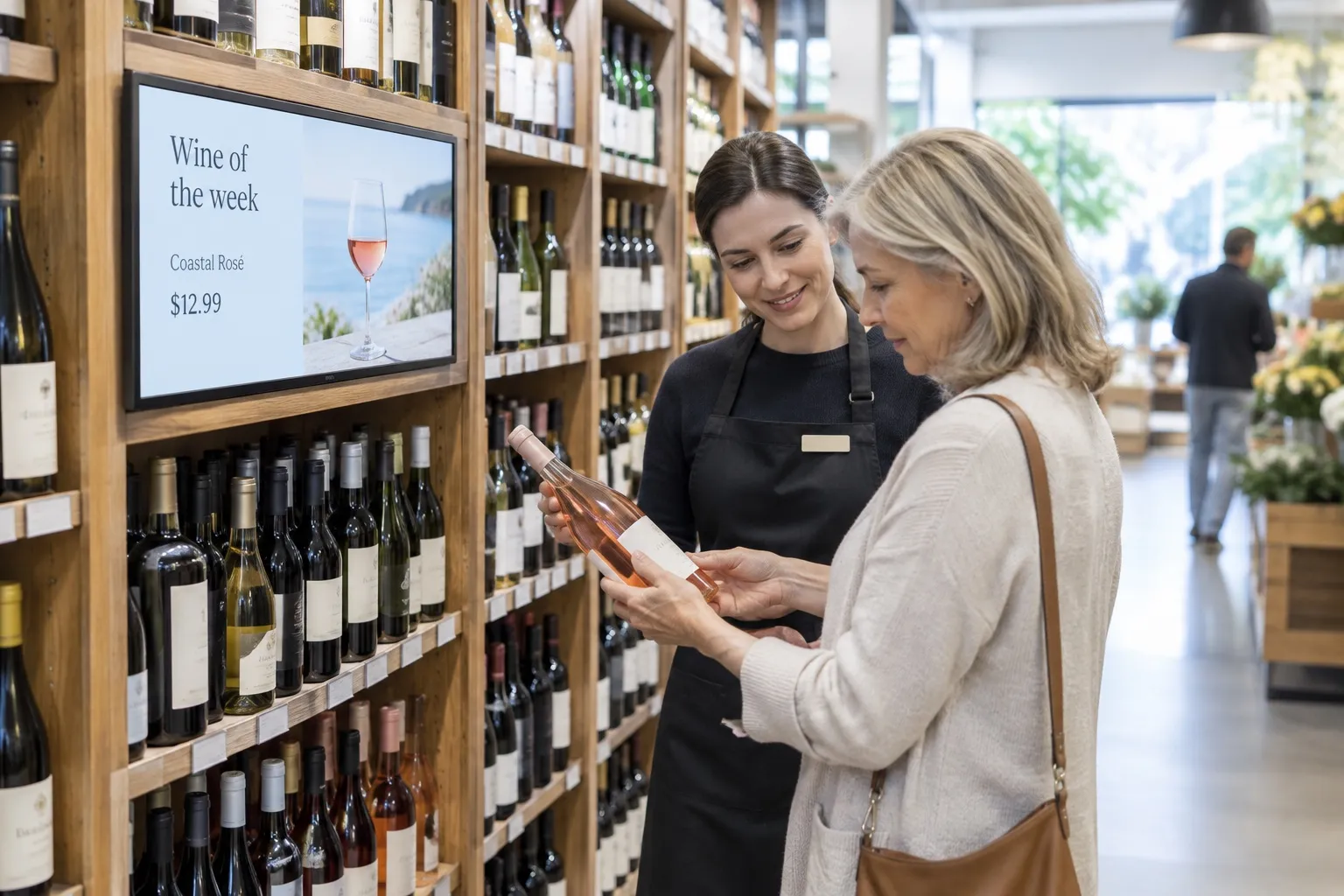
04 · Category
Each aisle its own offer
One playlist, with a different wine, cheese or coffee offer per aisle and store through tags (Pro).

Free live demo
See your screens come alive in one hour.
A Play expert shows you the whole platform with your own content, and answers every question on the way.
- 1 hour
- Google Meet
- Free
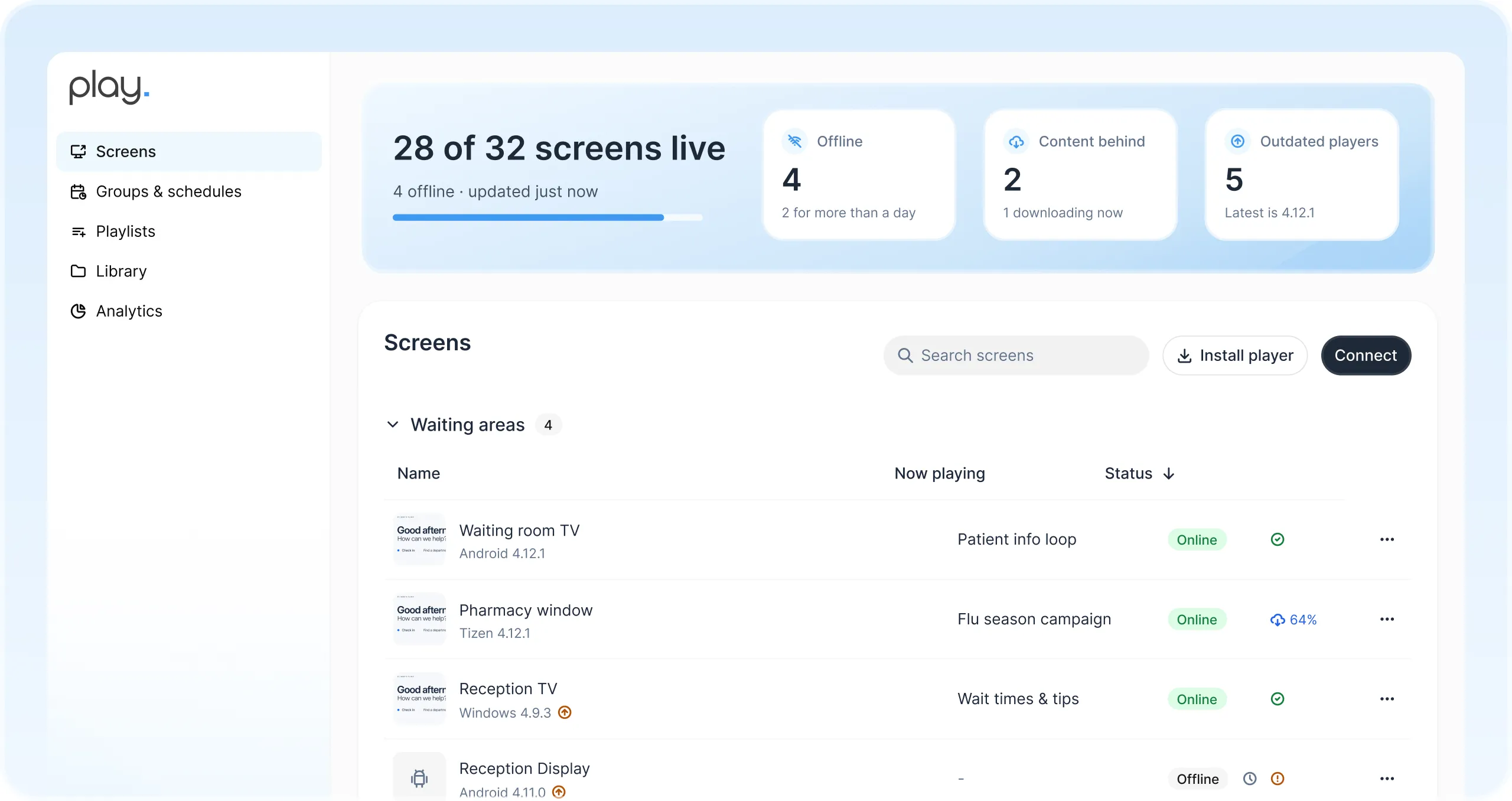

Brand ads with
proof they played
Ad Cycle plays each partner’s ad a set number of times per hour, with your own offers filling the rest, and Analytics (Proof of Play) reports what played on which screen and for how long. Both are on Ultimate.
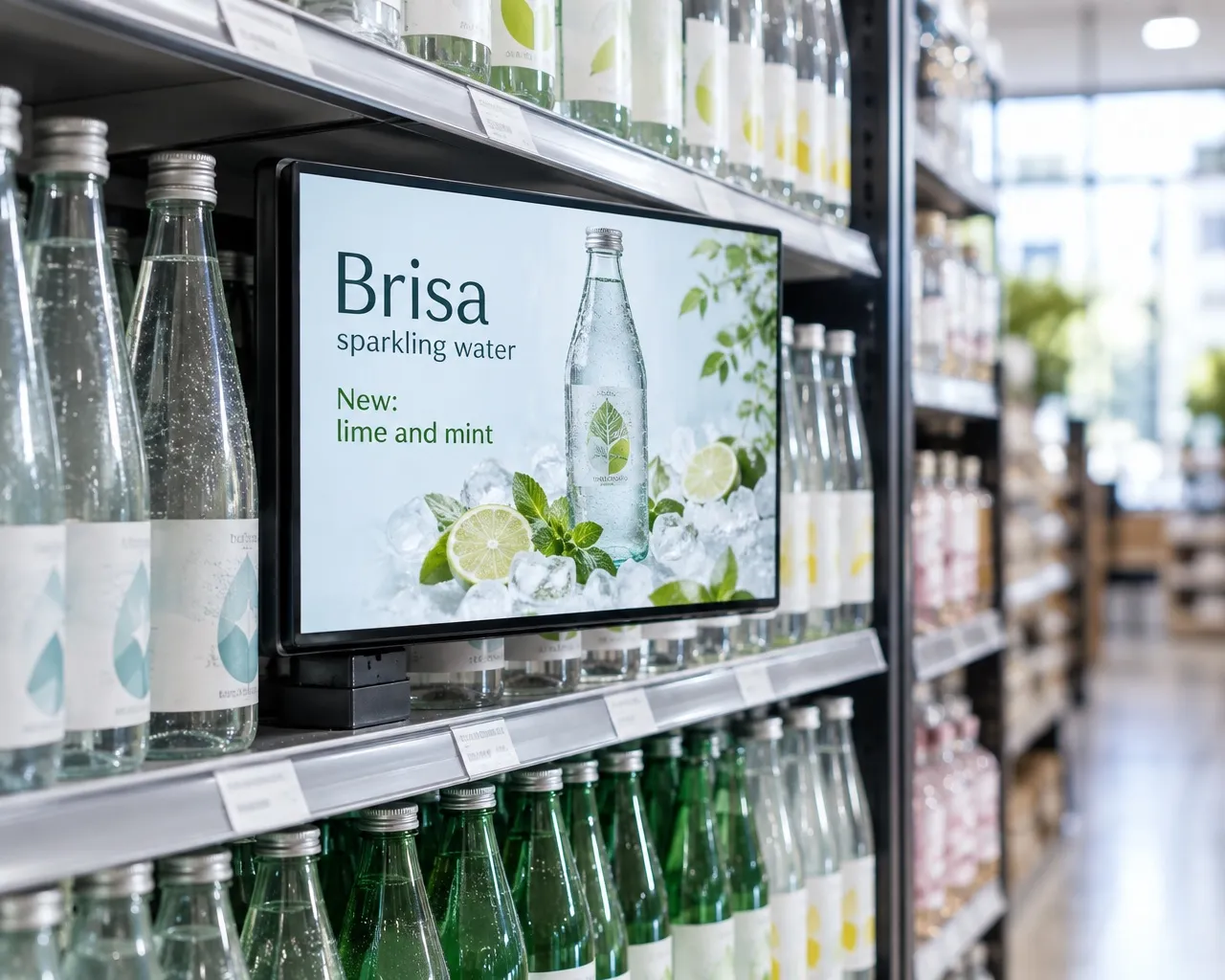
One dashboard for every
screen in every aisle
Manage endcap and shelf screens across aisles and stores from one web dashboard, and see at a glance which screens are online.
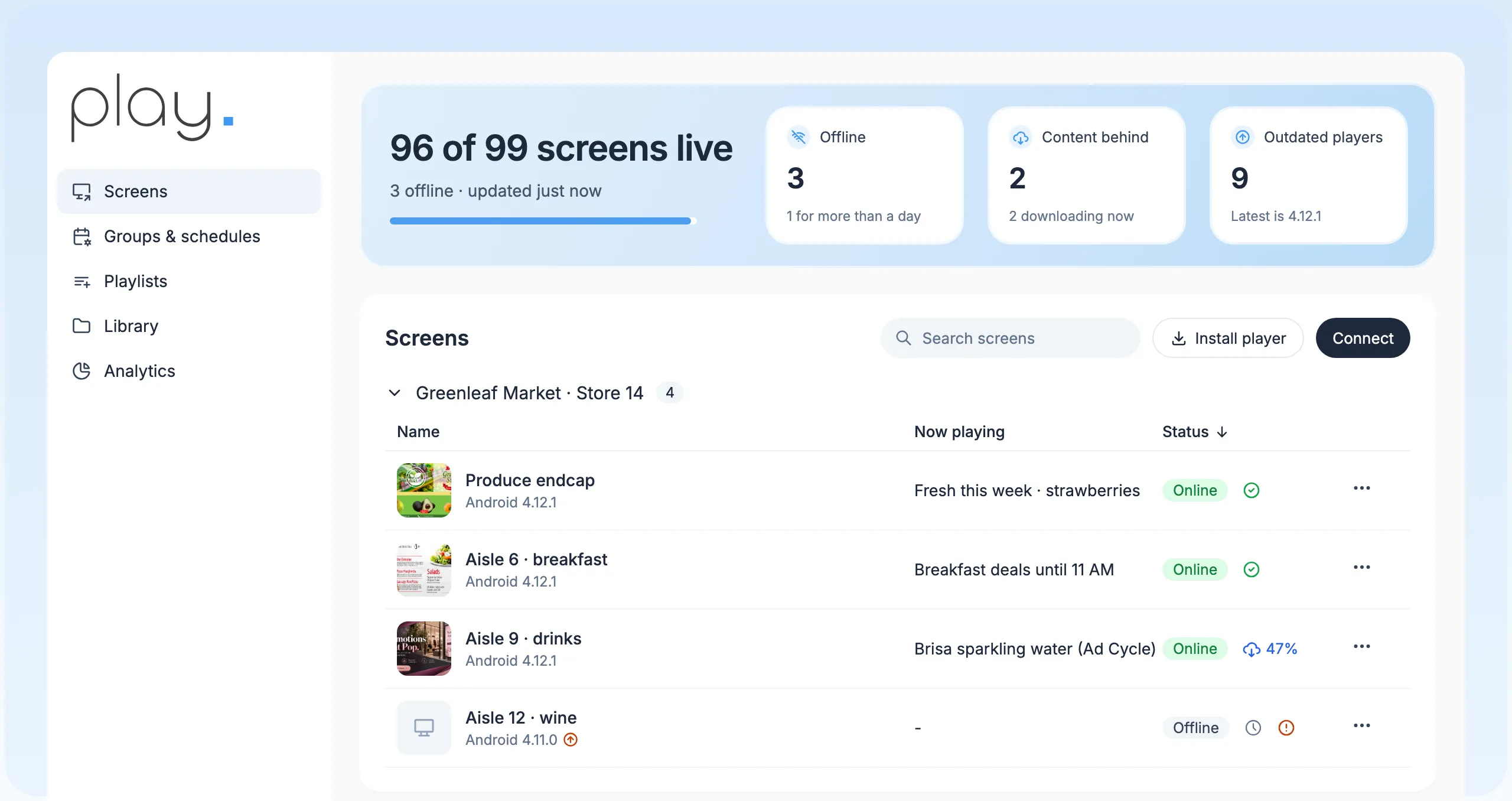
Templates and editor
Aisle promo cards with text, shapes and photos, on every plan.
Campaign dayparts
Schedules and Slide Conditions for promo windows (Pro).
Tags per aisle
One playlist, with each category and store’s own offers (Pro).
Keeps running offline
Screens keep playing if the aisle Wi-Fi drops, and update when it’s back.
Proof when you need it
Analytics (Proof of Play), Ad Cycle and AudienceAware, on Ultimate only.
API for your tools
Feed offers from your own campaign tools through the API (Pro).
Built for store groups,
resellers and your screens.
Groups and schedules
Group screens and schedule once, on every plan, so one change reaches a region, a brand or every site.
A team per store
Sub-teams with roles (Pro and up) give each store, region or brand team its own workspace while head office keeps the overview.
Share and transfer
Share playlists across teams and move screens between teams you manage.
Reseller program
Resell Play under the Play brand to the retailers and brands you work with.
About the reseller programWhite label
Your logo, your domain and the SignagePlayer app, for USD 99 a month plus reseller screen prices.
About white labelBring your own screens
Play runs on Android, Windows, Google TV, Fire TV, LG webOS, Samsung Tizen, BrightSign and more. We don’t sell hardware.
Find a media player
Up and running
in an afternoon.
- 1
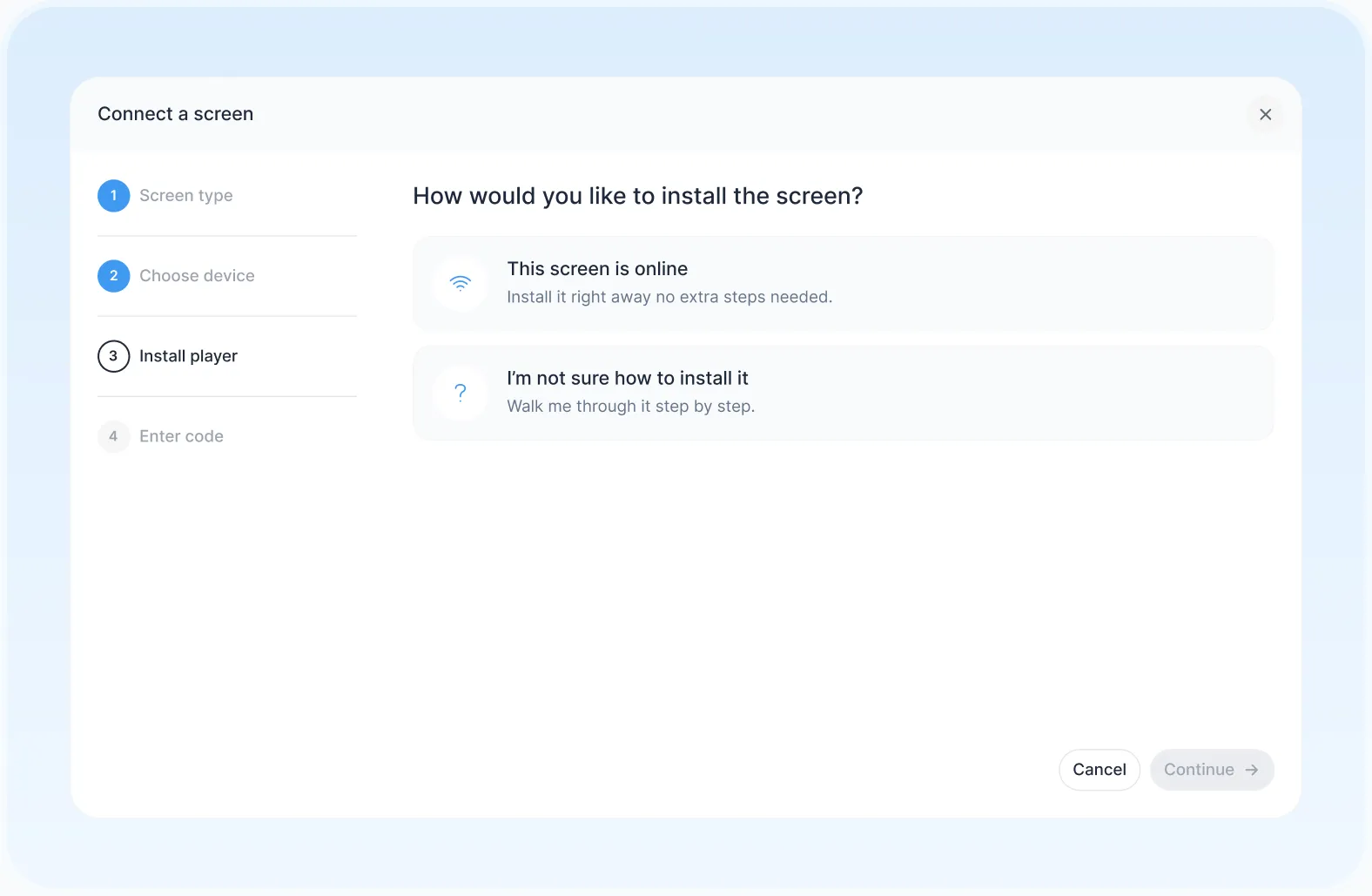
Connect a screen
Install Play on a supported player and pair it with your account.
- 2
Build and schedule
Start from a template, add your offers and partner ads, and set when each campaign runs.
- 3
Publish everywhere
Send it to one aisle, a store or every store at once.
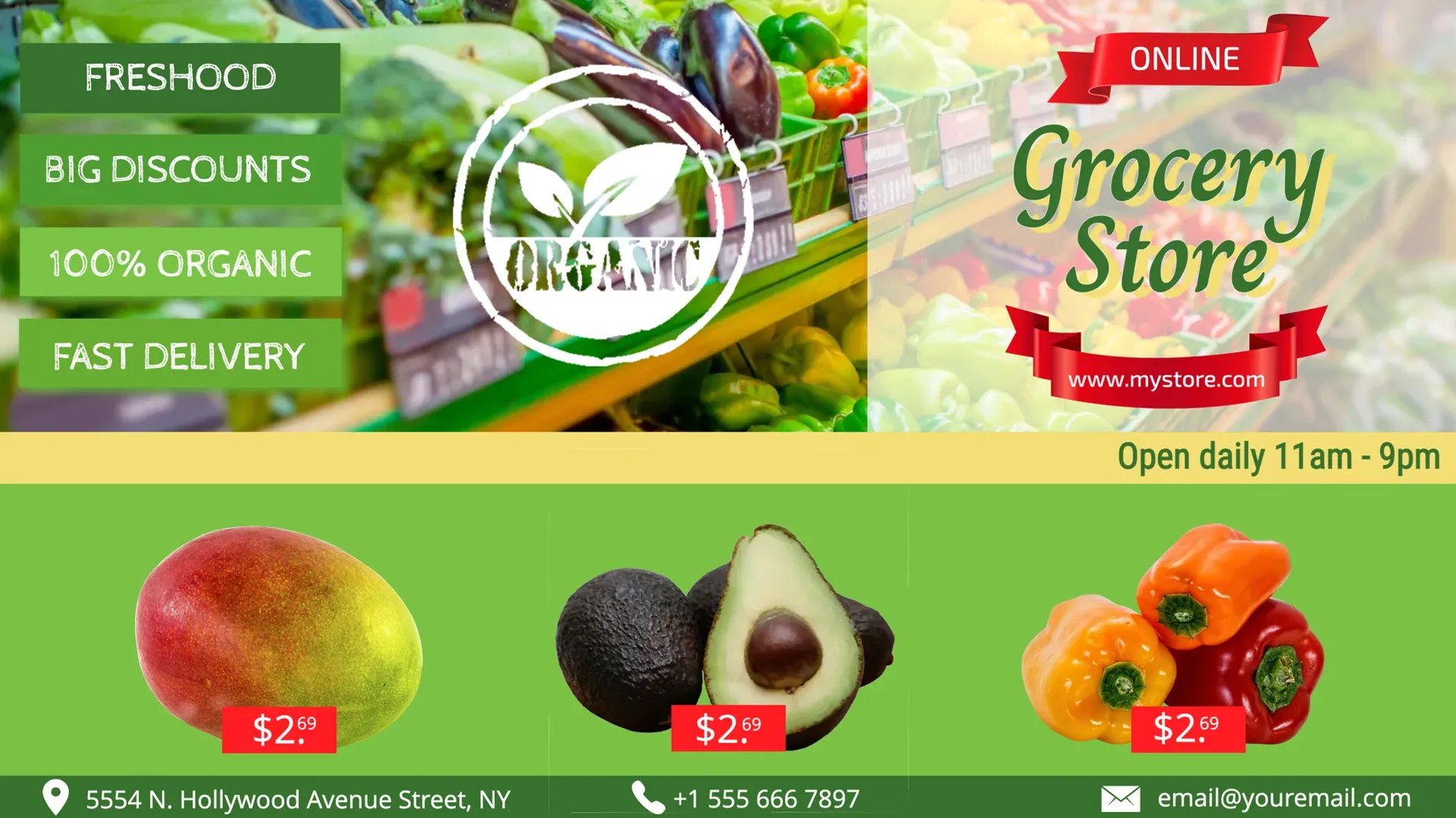
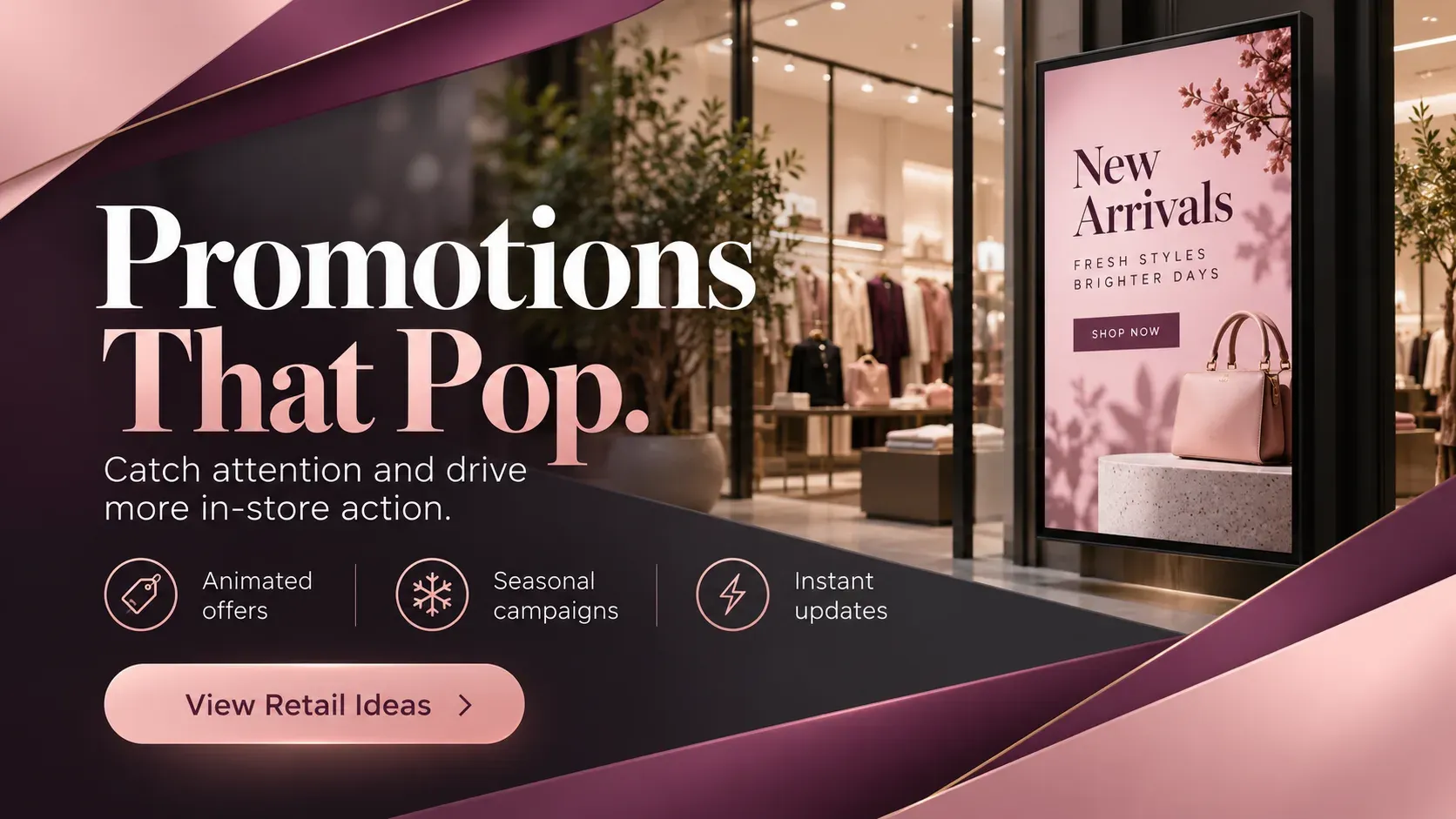
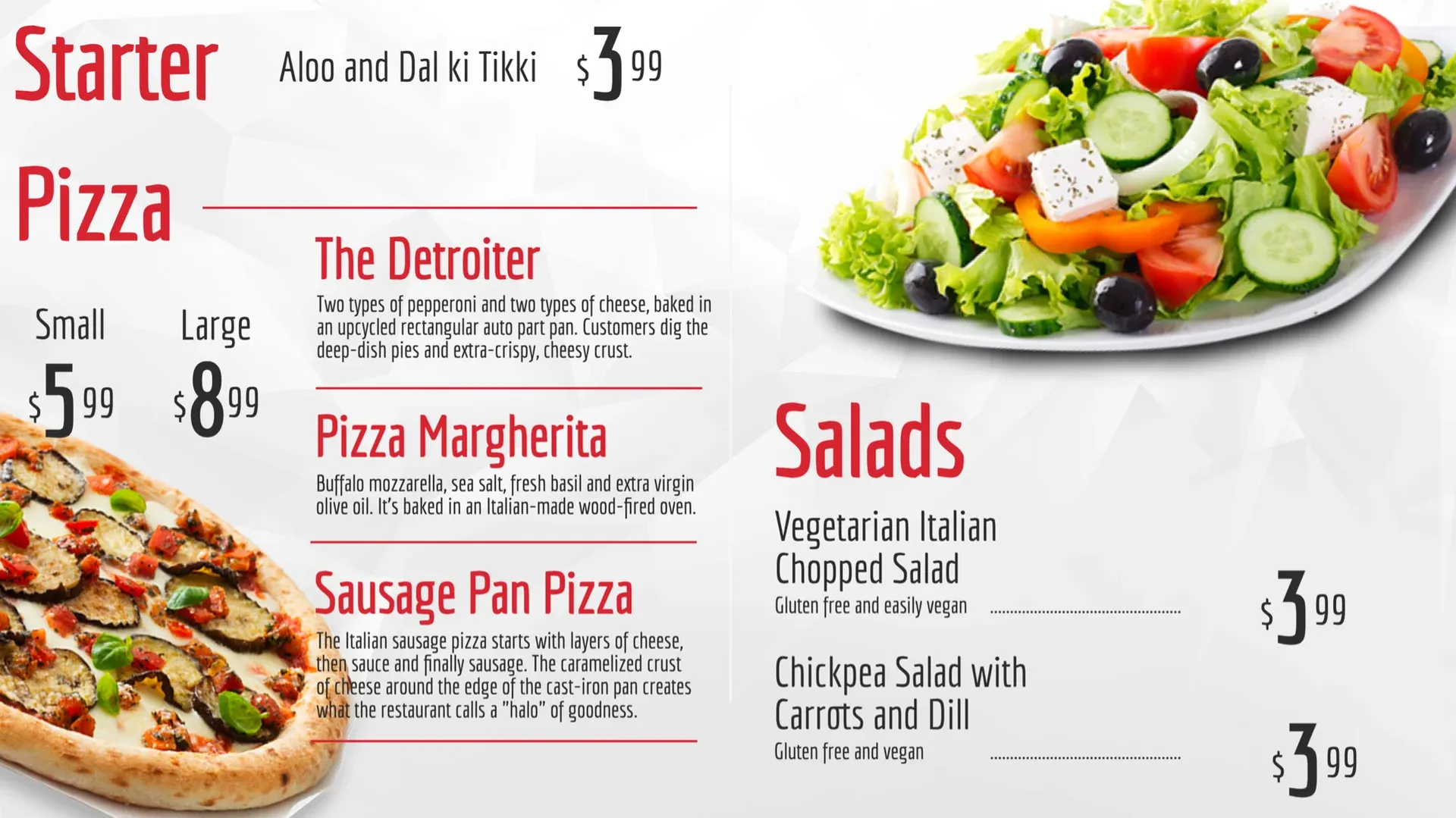
Use templates
or design your own.
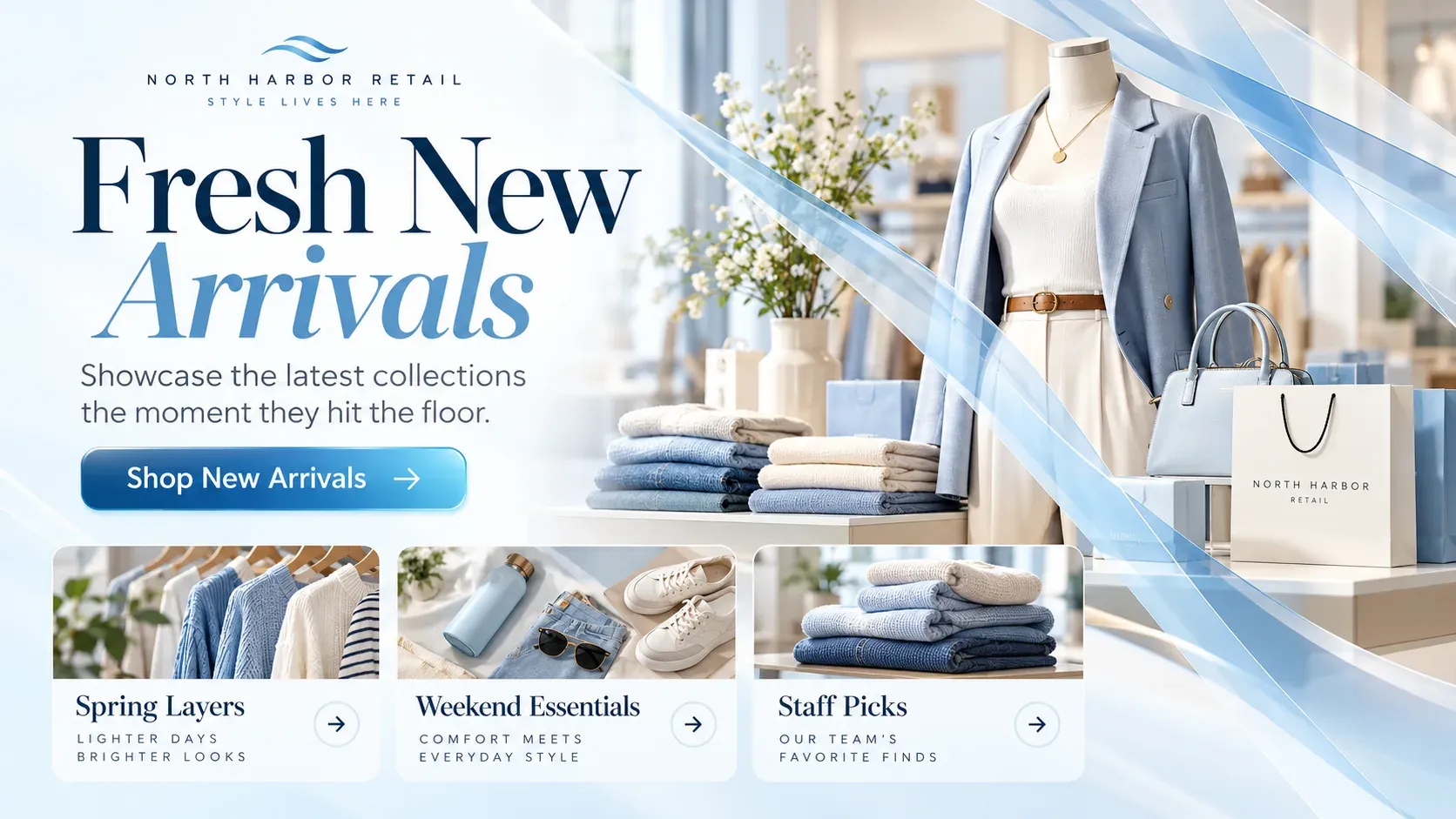
Start from Play’s templates for grocery, promotions and new arrivals. Change the text, pictures and colors, then publish.


Our brand is highly visual. Play lets us showcase products, services, and brand messaging in a refined way.
- Organizations manage their screens with Play
- 2,500+
- Screens connected worldwide
- 25,000+
- Countries with Play-powered screens
- 100+
- Email and live chat support, every day
- 24/7
Any issues? We offer 24/7 human support to all our customers.
- 24/7We’re always here
- Human supportReal experts, not bots
- <2min average replyFast and helpful responses
Part of our solutions for
Frequently asked questions
Answers about digital shelf and aisle screens. Can’t find yours? Our support team replies within minutes.
Is Play an electronic shelf-label system?
No. Play runs digital signage on the players and screens you choose. It doesn’t replace electronic shelf labels or your POS price engine; show prices from a Google Sheet or through the API.
Do you include an ad exchange or programmatic connection?
No. Plan partner ads with schedules, tags and the API, and use Ad Cycle and Analytics (Proof of Play) on Ultimate.
Which plan do I need for proof of play?
Analytics (Proof of Play), Ad Cycle, AudienceAware, the Dashboard and the Audit Log are on Ultimate only.
Can each aisle show different offers?
Yes. Tags, screen groups and sub-teams (Pro and up) give every aisle, category and store its own content.
Do you sell shelf screens?
No, Play doesn’t sell hardware. Use the screens and players you choose; see the players Play runs on.
How much does it cost?
Essential is $8.00, Pro $12.00 and Ultimate $16.00 per screen per month for up to five screens. From the sixth screen the price per screen drops, paying annually saves 10%, and non-profits with a government-issued non-profit certificate save 20%. Running more than 10 screens? Ask for a personal quote.
Is there a free option?
Yes. Your first screen is free forever when you leave a review within 30 days on Capterra, G2, Trustpilot, Google, Software Advice or GetApp. No credit card is needed, and the free screen includes every Pro feature. App Store and Google Play reviews don’t count.
Can I resell or white label Play?
Yes. Resell Play under the Play brand through the reseller program, or run it under your own logo and domain with white label for a monthly fee of USD 99 plus reseller screen prices. Contact us for the screen prices.
What support do I get?
Email and live chat 24/7, and phone (+1 844 384 5554) from 8 AM to 4 PM Pacific Time, Monday to Friday.
Still have questions? Contact our support