




Banking
Engage customers while they wait and promote your financial products.
Digital signage software for retail
Launch promotions, change prices and show products on every screen in every store at once. Manage your whole chain from one dashboard.
Whether you run one boutique or hundreds of locations, Play adapts to how your stores sell.
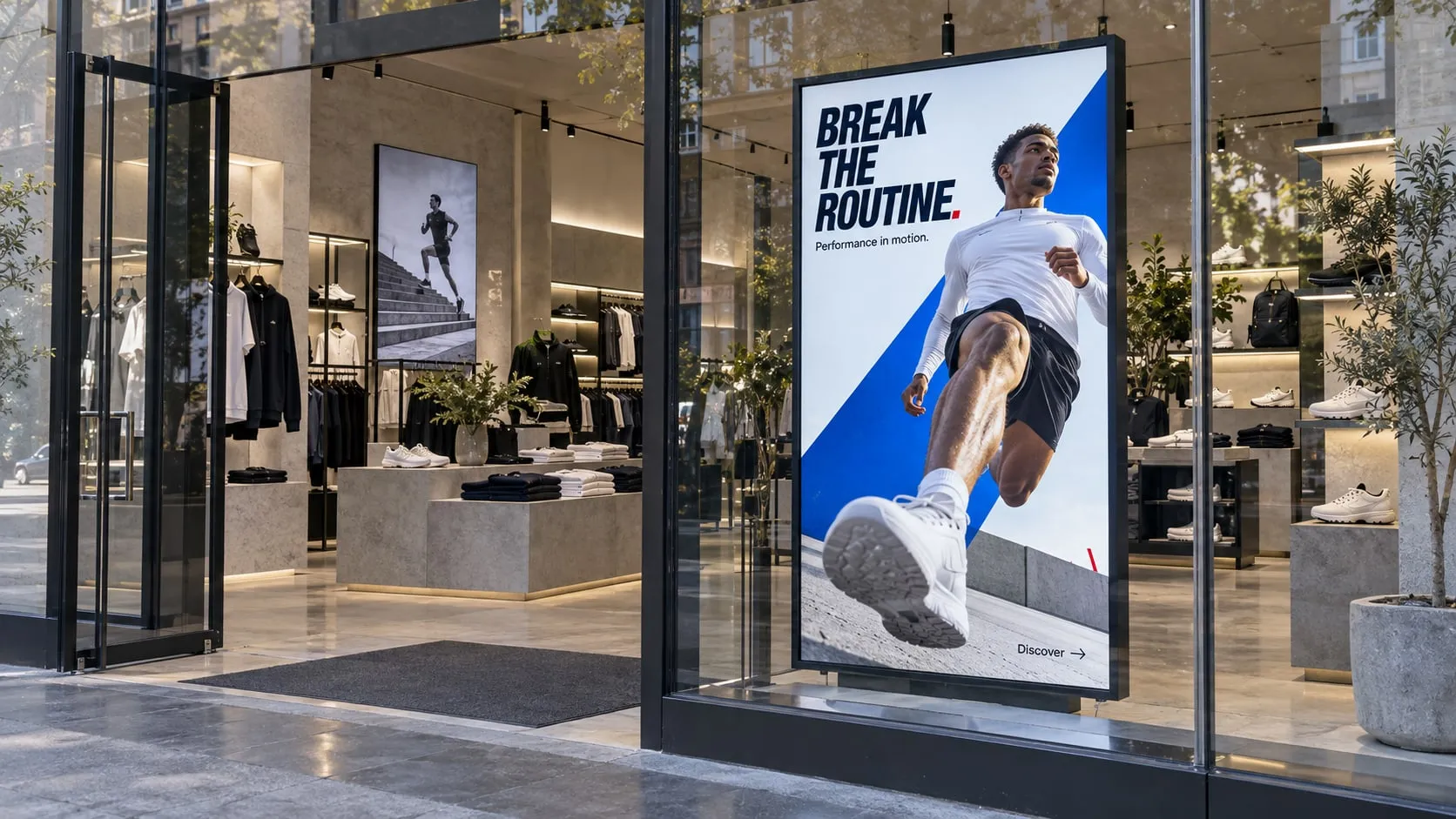
Turn windows and walls into displays that stop shoppers in their tracks.
Keep prices, deals and opening hours current in every aisle and at checkout.
Run campaigns across every store, with local content where it counts.
Put the right message on the right screen at every step, so shoppers find what they need and see your best offers.
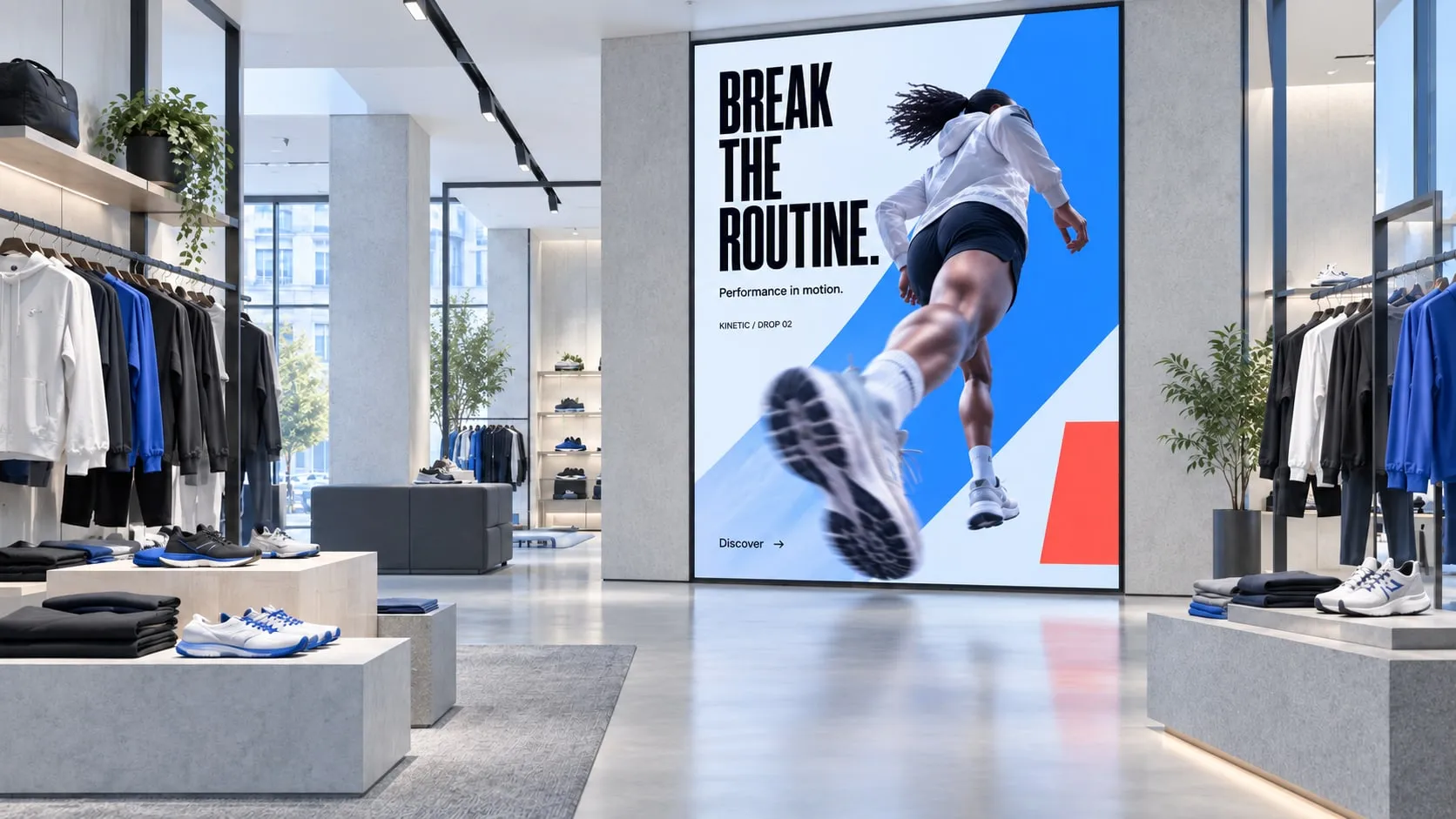
01 · Window & entrance
Eye-catching videos and offers that pull passers-by into the store.
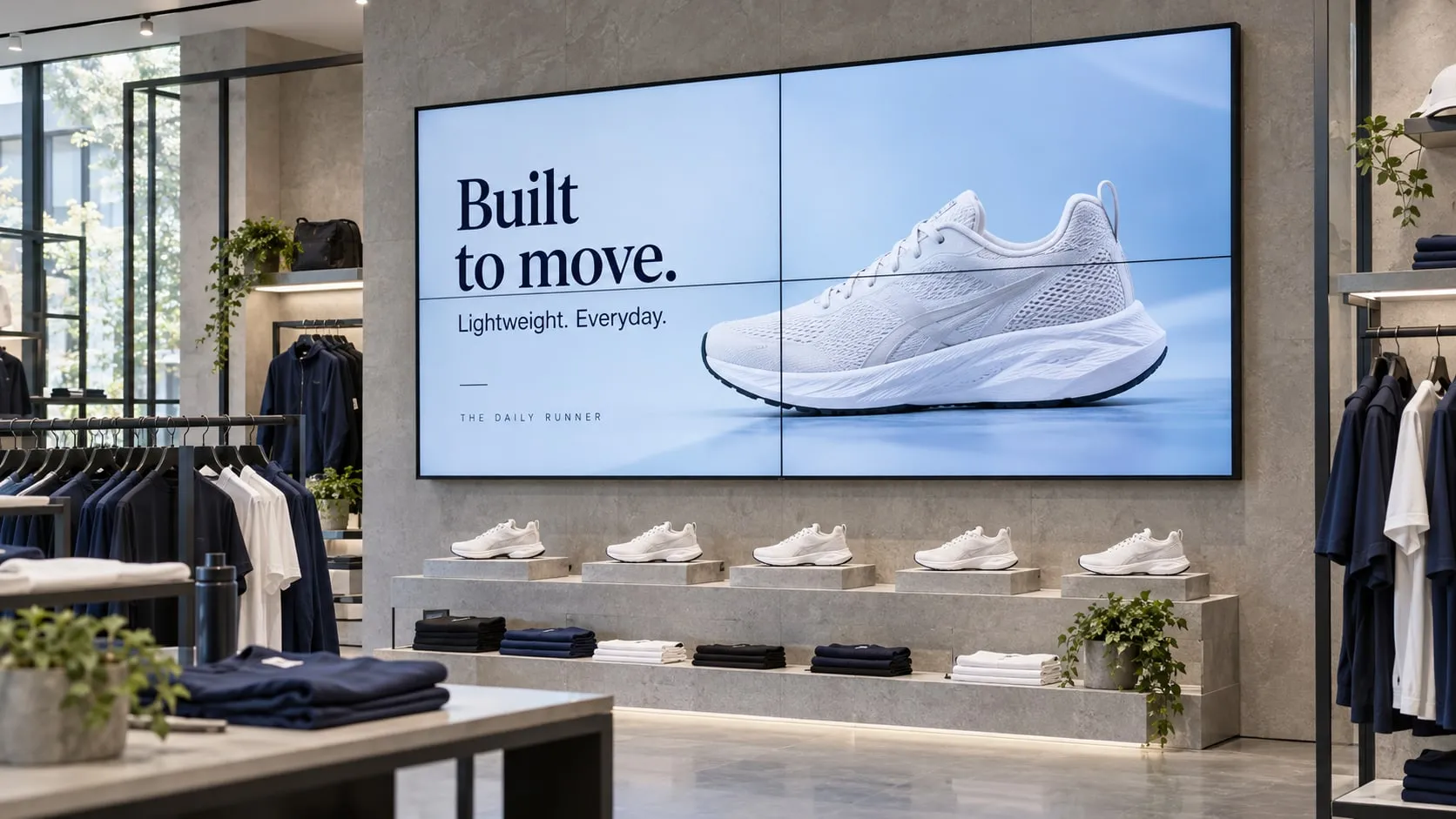
02 · Aisles & displays
Video walls and shelf screens show products in motion where they sit.
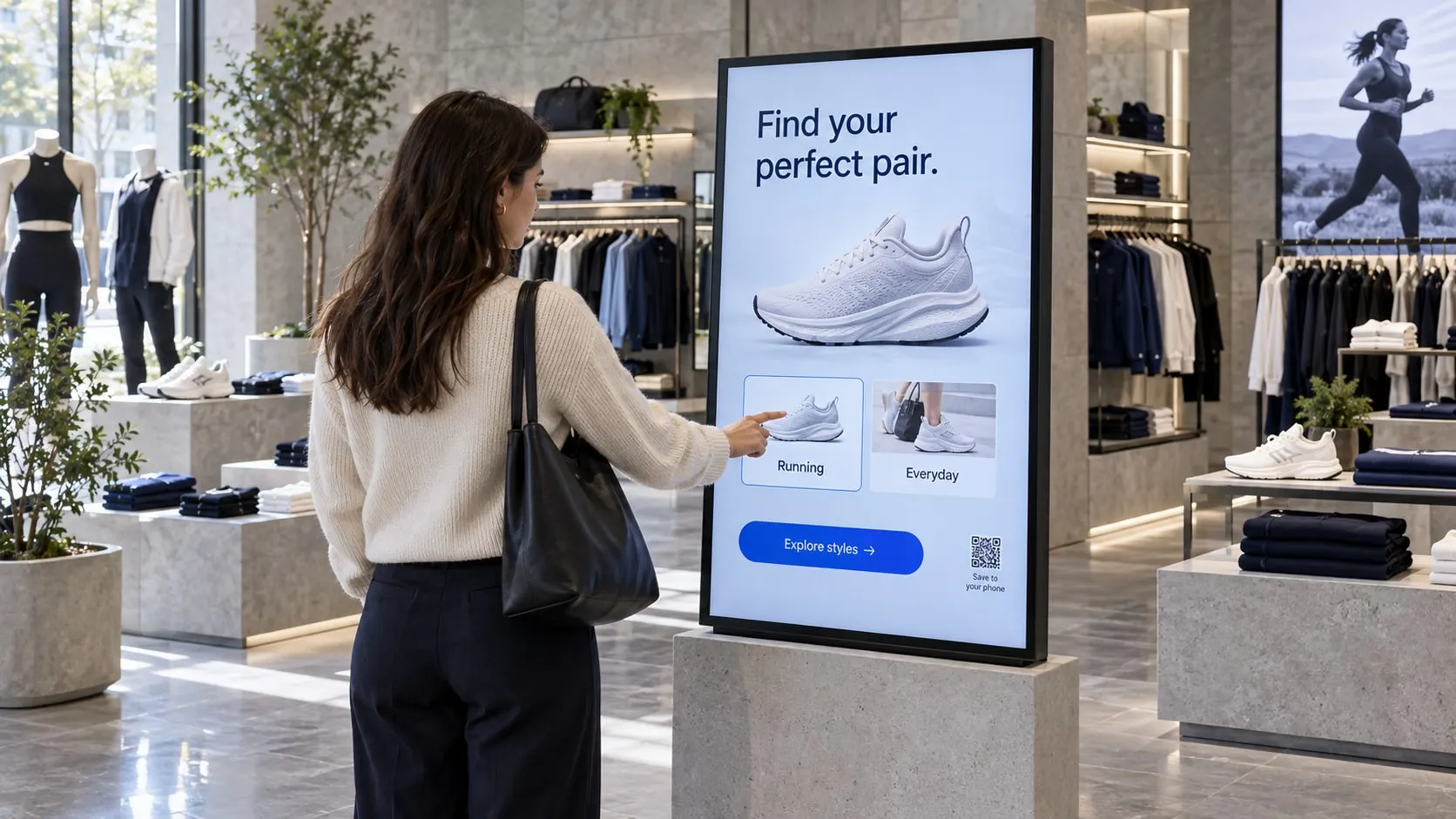
03 · Product discovery
Touch screens and QR codes help shoppers explore products and share.
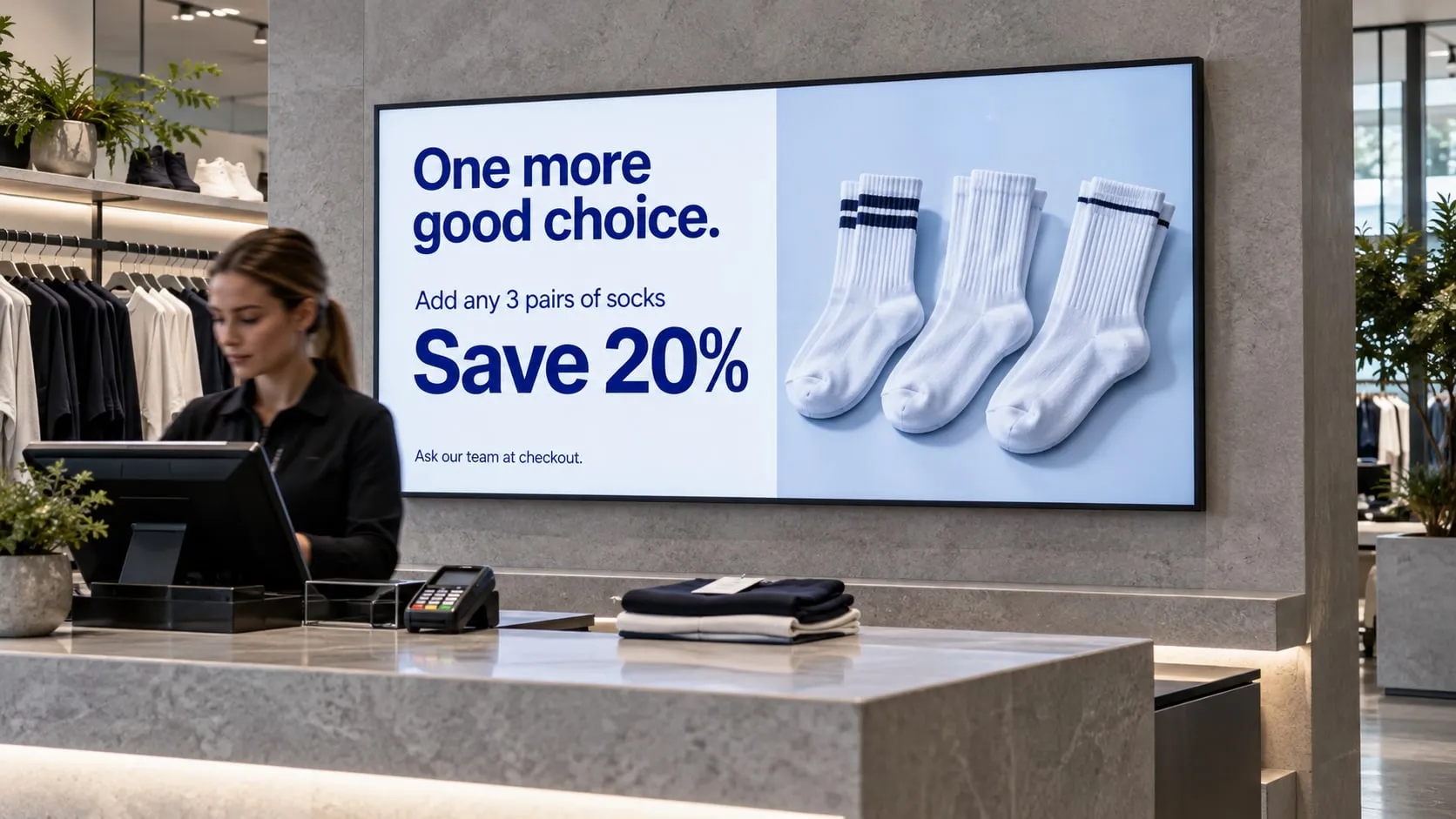
04 · Checkout
Add-on deals, loyalty sign-ups and next week’s offers at the till.
No credit card required. Start with one screen in one store and grow from there.
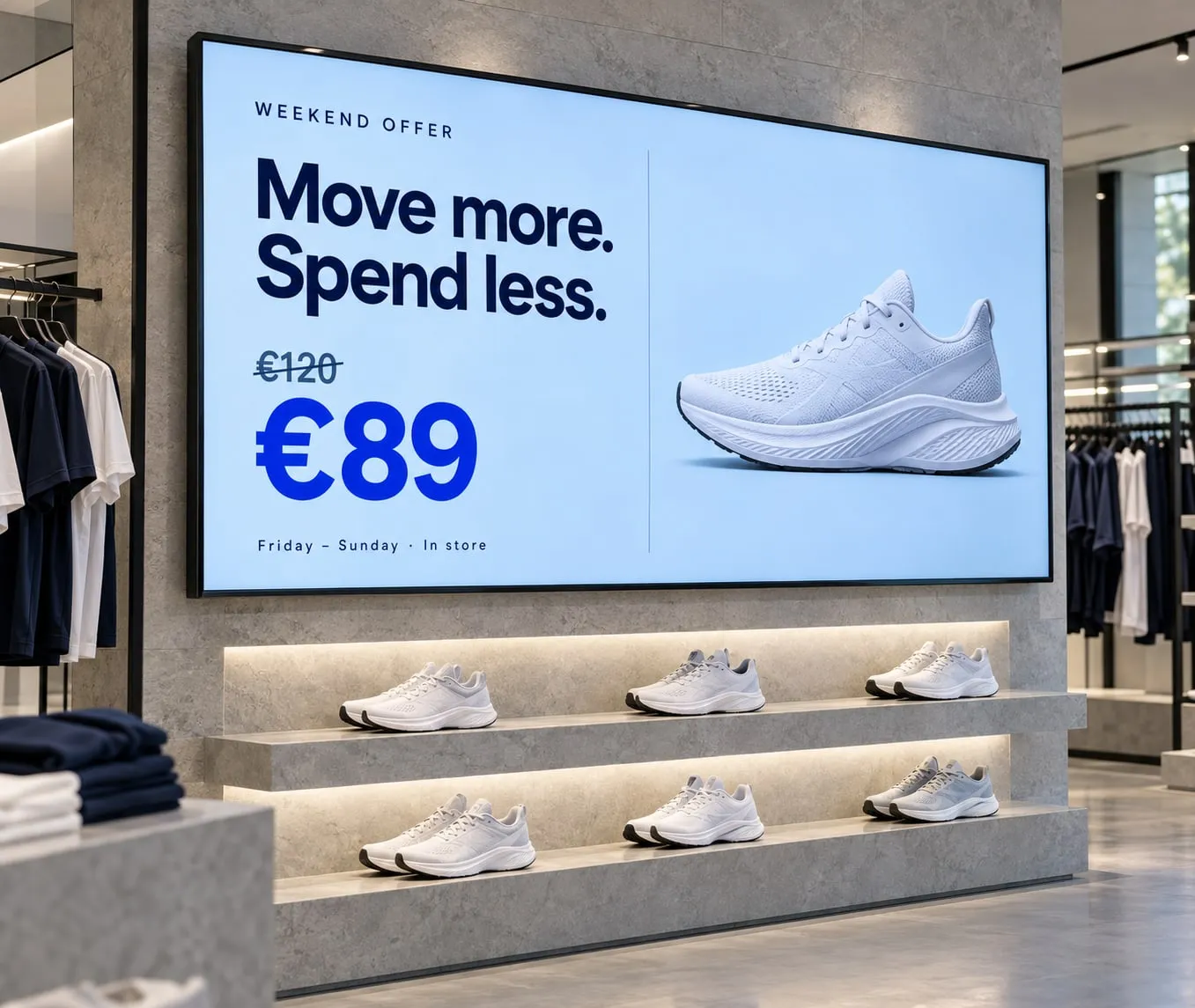
Launch a promotion in every store at once, schedule offers for weekends and holidays, and show different prices by store or region.
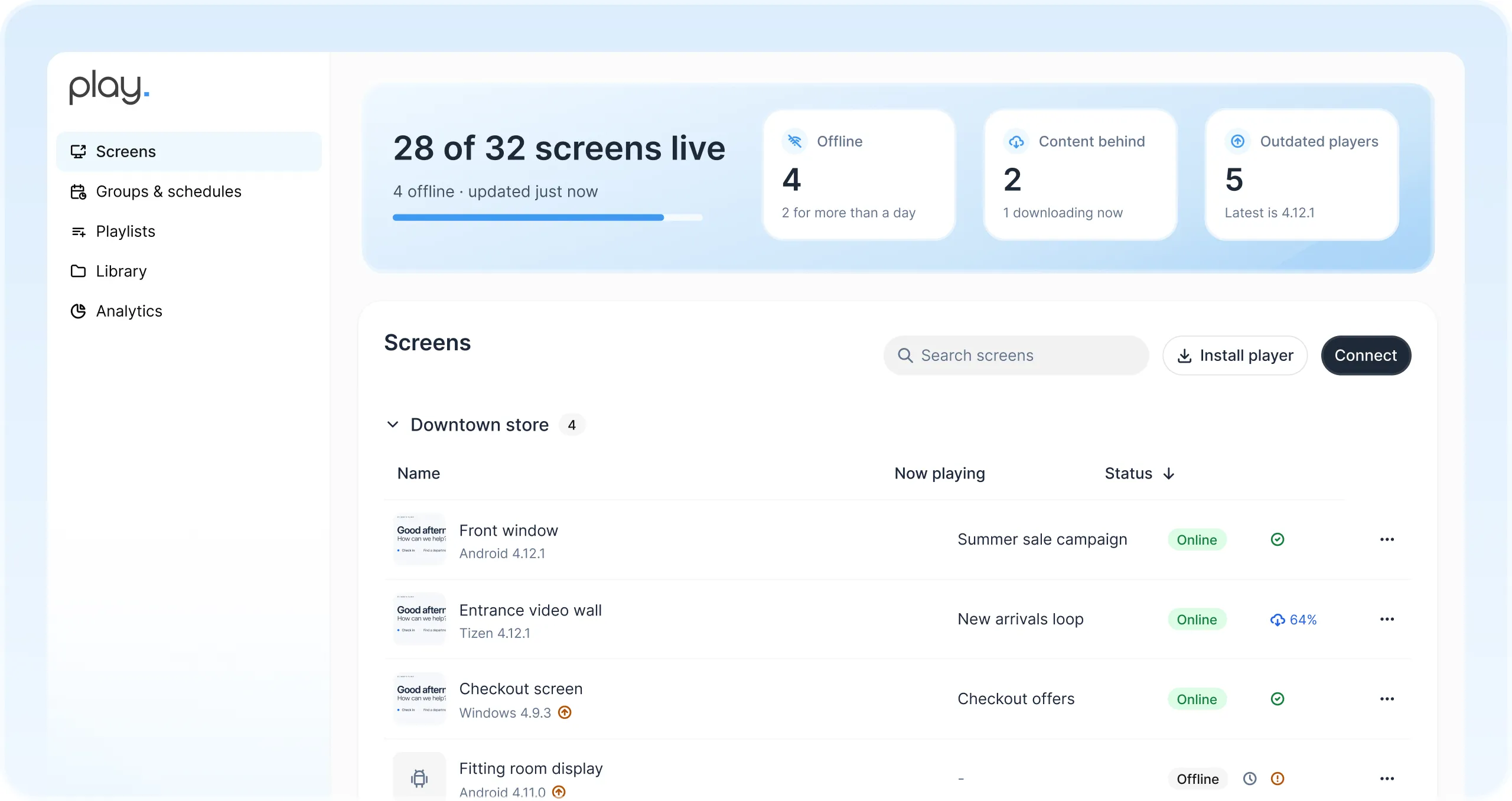
Manage every screen across stores and regions from one web dashboard. See at a glance which screens are online.
Give team members their own roles and share playlists with view, edit or publish rights.
Show different prices and offers by store, region, time or day with Slide Conditions.
Plan offers by day, week or month, from weekend deals to holiday campaigns.
Content is stored on the player, so screens keep playing through network outages.
Get notified when a screen goes offline, before shoppers see a blank display.
Sell screen time to brands and show them exactly when their ads played.
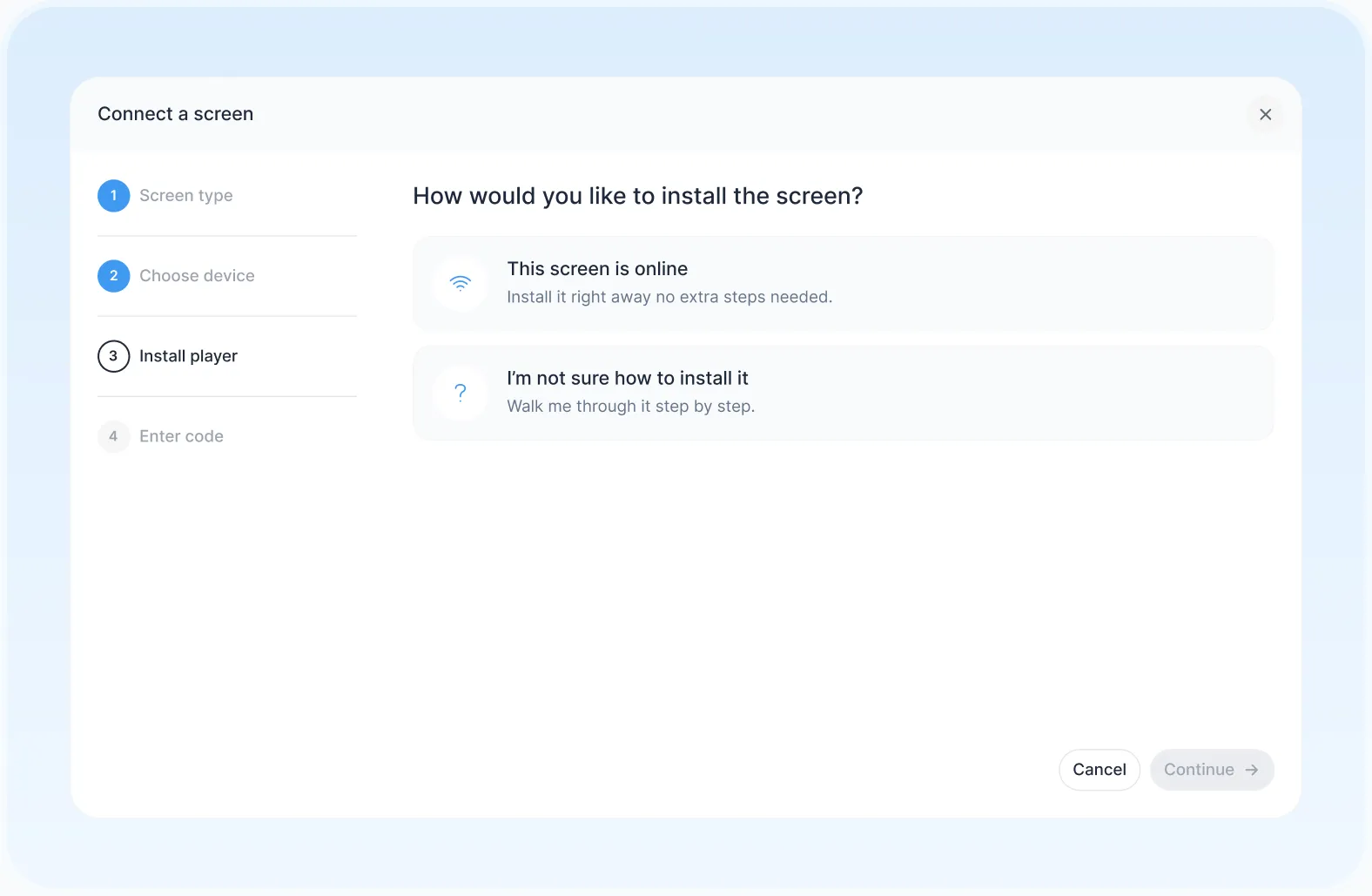
Pair a smart TV, media player or LED wall you already own.
Start from a ready-made template or design your own.
Send it to one store or every screen in your chain.
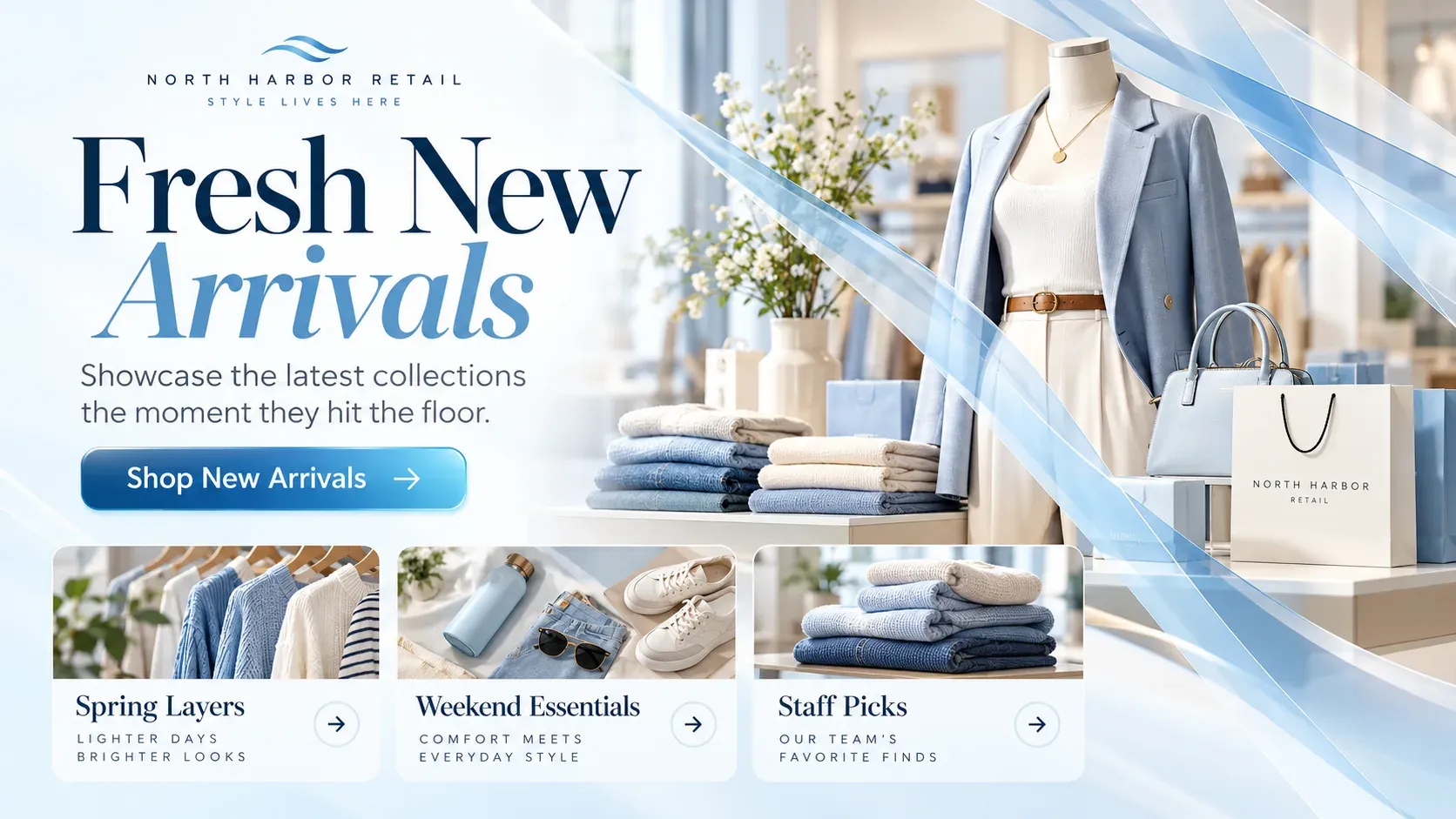
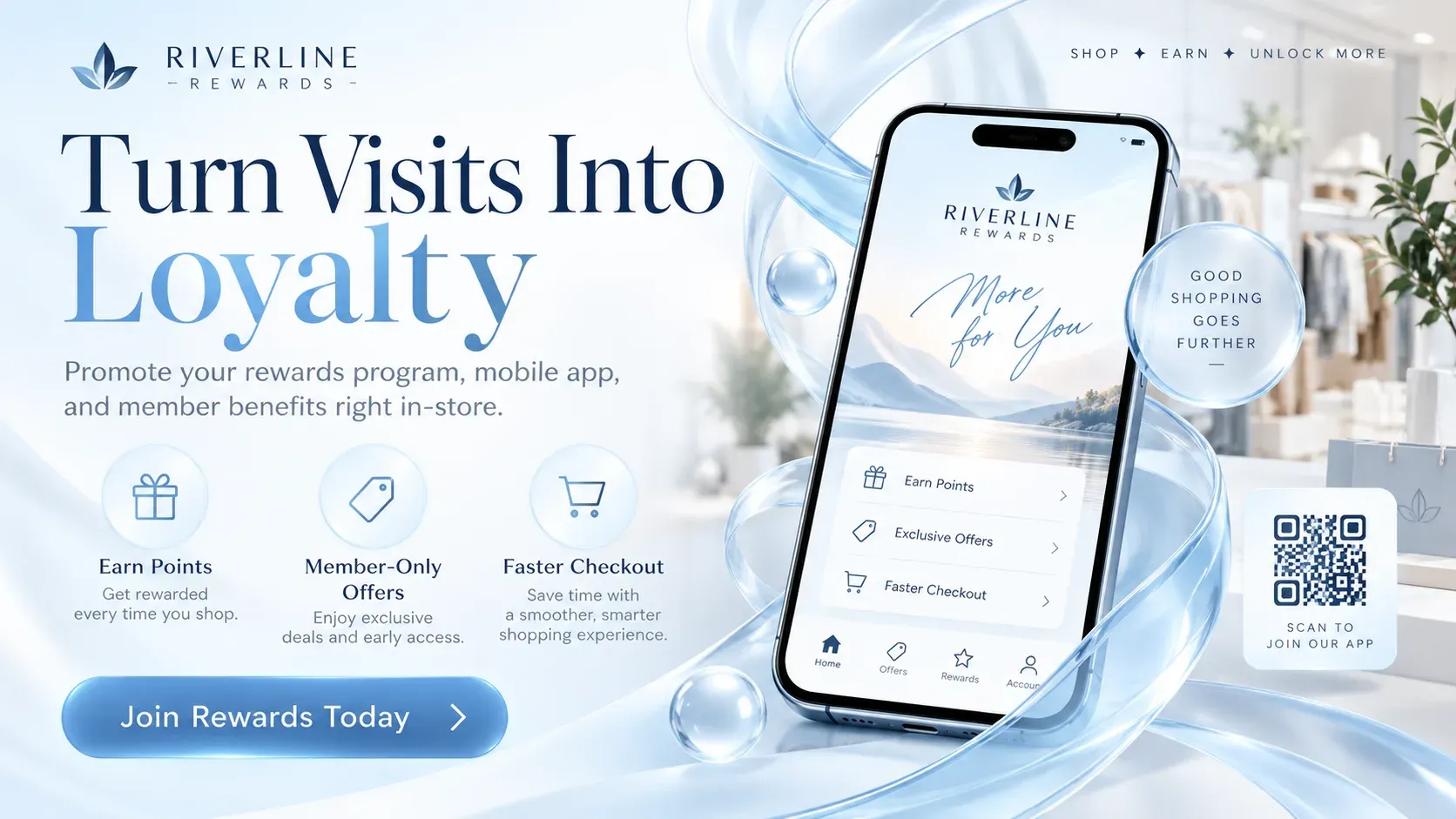
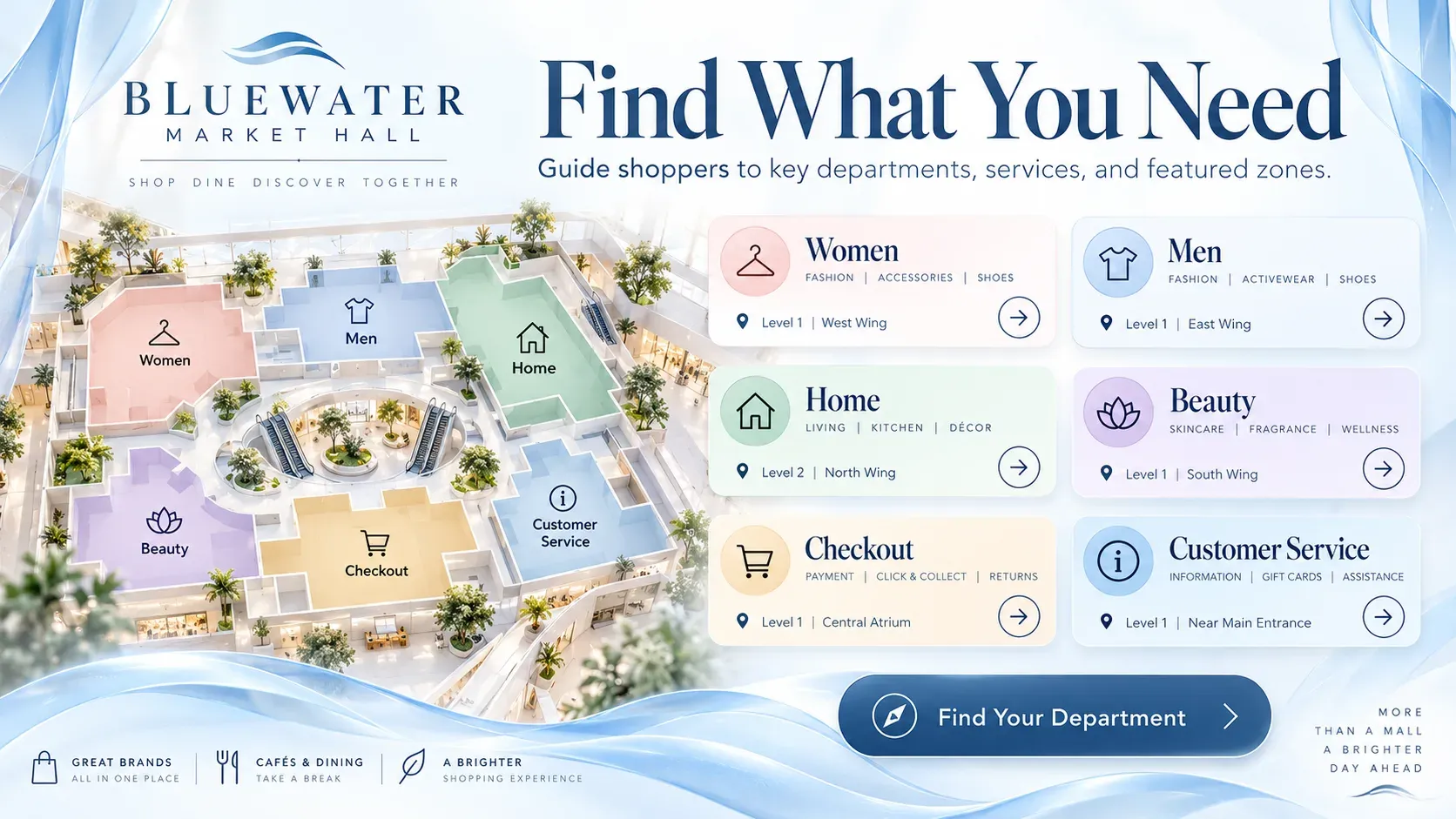
Use Play’s templates as a starting point for new arrivals, in-store events, loyalty programs, sales and store directories. Change colors and text, then publish.



We have 1000 locations and have been impressed with the ease of use.
Engage customers while they wait and promote your financial products.

Schedules, campus news and emergency alerts on every screen.

Menu boards that update in seconds and promote today’s specials.

Wayfinding, health information and shorter perceived wait times.

Welcome guests and promote your services, events and offers.
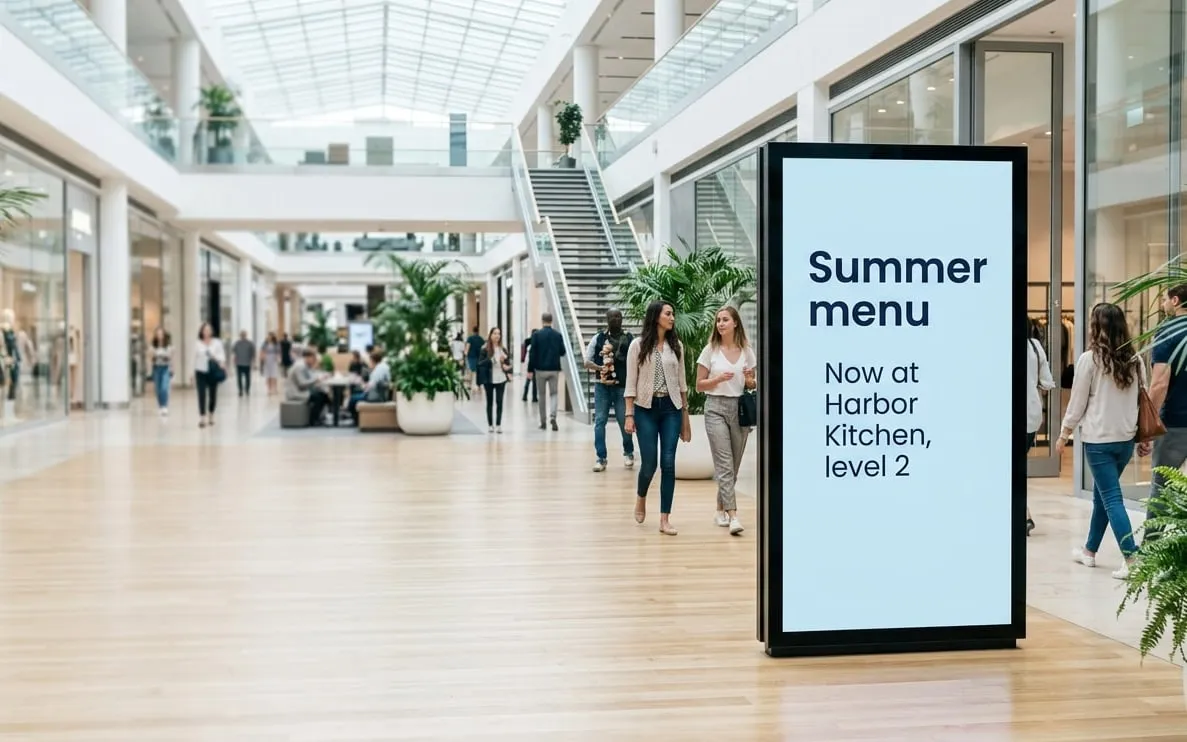
Ad campaigns you can update in seconds and target to your audience.

Company news, results and celebrations for the whole team.
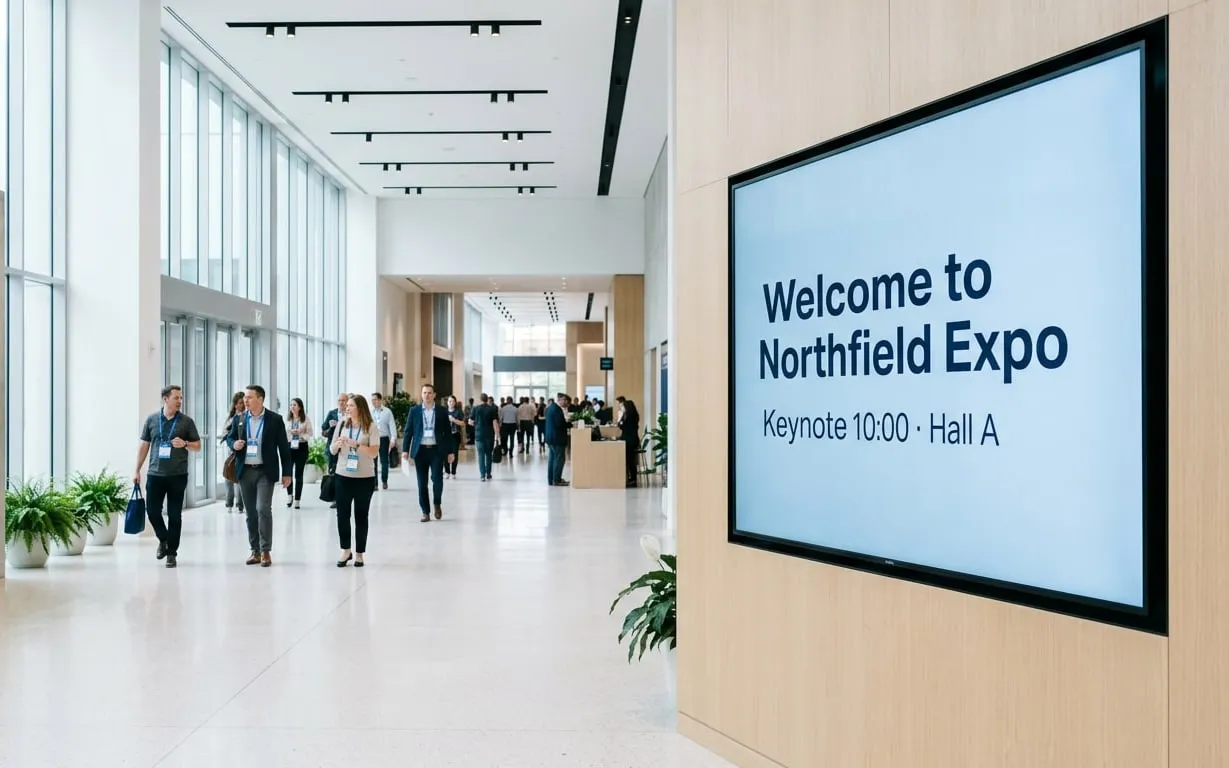
Schedules, directions and sponsor messages for any event.

Production figures, safety messages and work instructions.

Showtimes, trailers and concession offers on every screen.
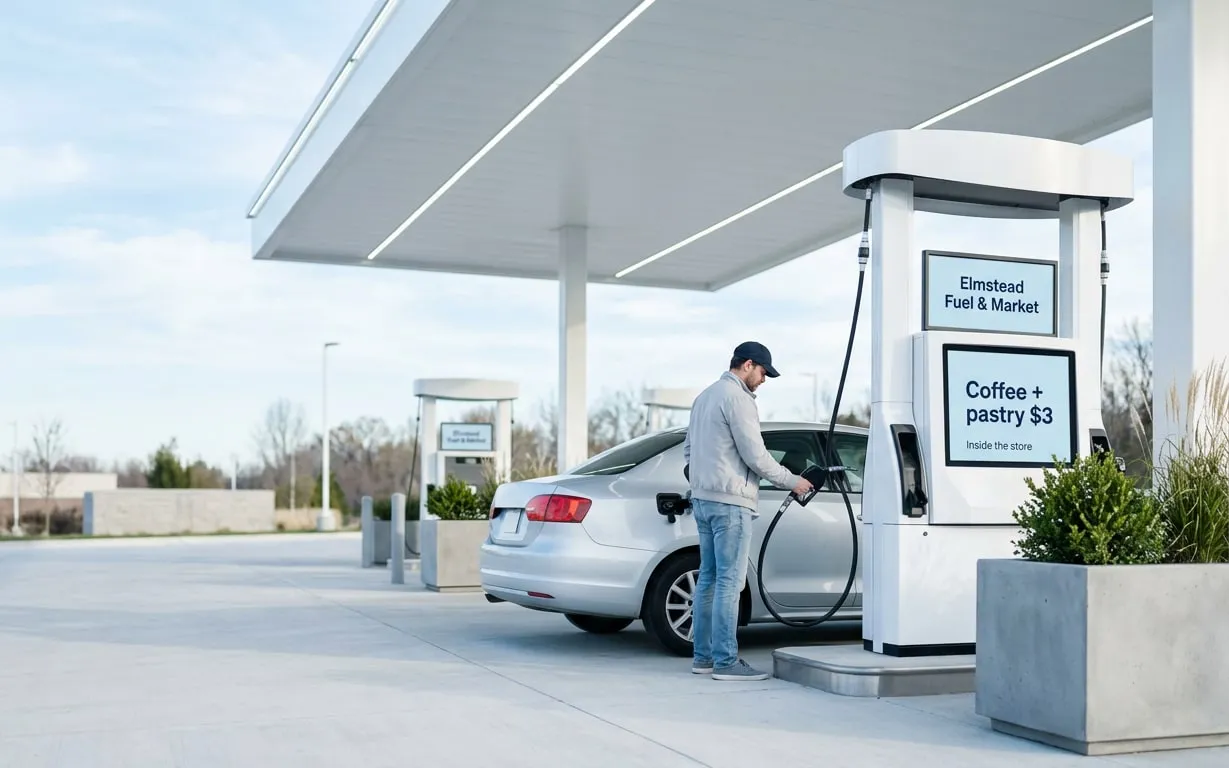
Fuel prices, store offers and extra ad revenue.

Real-time travel updates wherever passengers wait.

Class schedules, workout tips and member offers.

Share announcements and bring your congregation together.
Answers to common questions from retailers, chains and franchises. Need more help? Our team is here 24/7.
Screens promote offers, show products in motion, guide shoppers and replace printed posters, so a campaign goes live in every store at once.
Yes. Group screens by store or region, and use Tags and Slide Conditions (Pro) to target content.
Yes. Play supports video walls, and Sync (Pro) keeps content in step across screens.
Yes. Ad Cycle (Ultimate) schedules brand ads with a set number of showings, and Proof of Play reports show when they ran.
Yes. Schedule a playlist for a date range and it starts and stops on its own, in every store that plays it.
Yes. With Touch (Pro) you can build interactive store maps and directories that point shoppers to departments and products.
Yes. AudienceAware (Ultimate) uses a camera to show who looks at your screens and for how long, so you can tune your content to your shoppers.
Still have questions? Contact our support
We use cookies to ensure that we give you the best experience on our website. Learn more about Privacy Policies