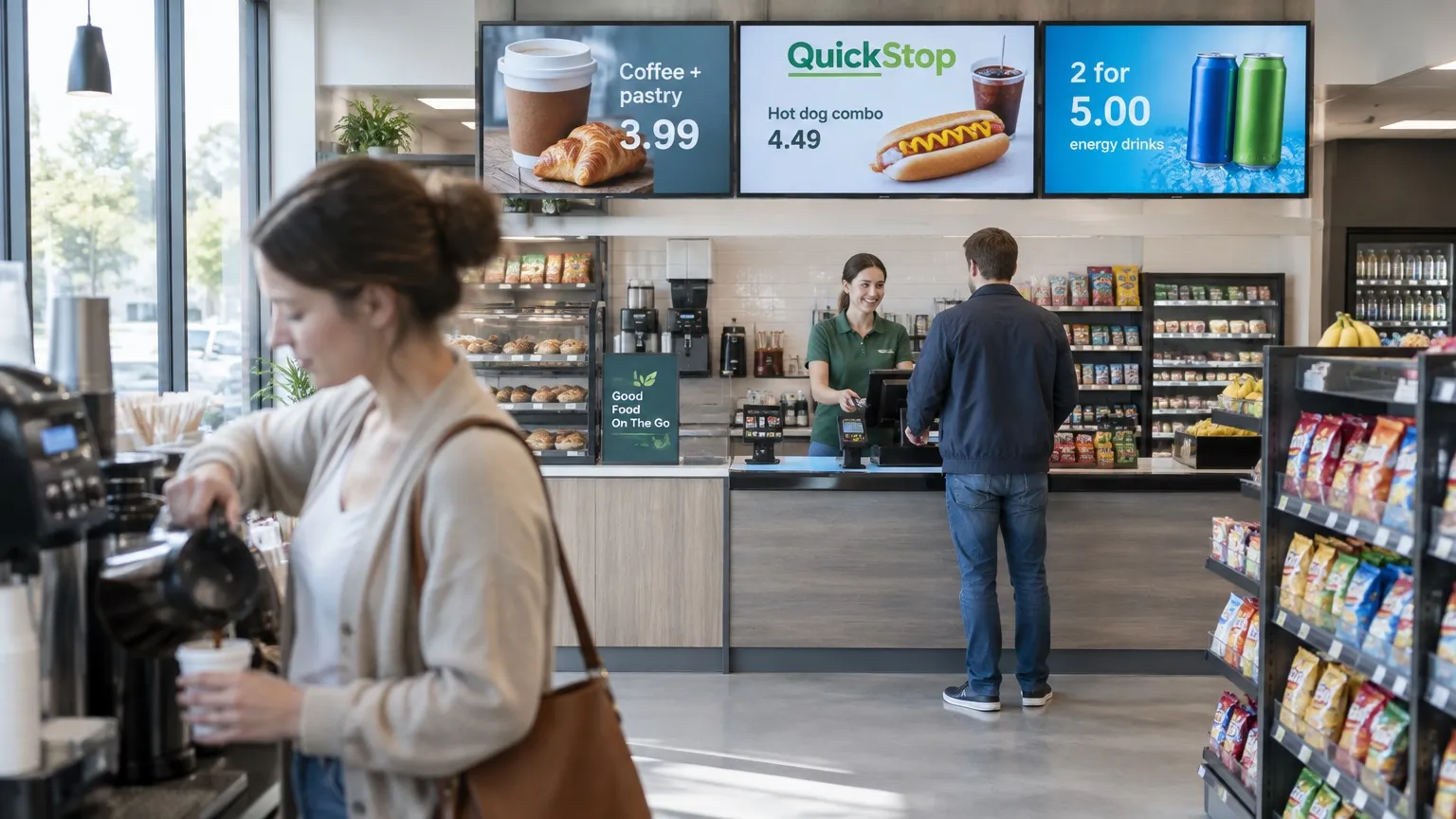

Convenience store digital signage
Digital signage for
convenience stores and
c-store chains
Change a combo price once and see it on every counter and cooler screen you run, in one store or a hundred.


C-store chains
One look in every store, with local prices where you need them.
- Shared templates and playlists
- Local prices with tags (Pro)
- A team per region (Pro)
- Proof of Play for supplier promos (Ultimate)
Independent stores
Bright promos without a printer, a designer or a big budget.
- Coffee and combo boards
- Morning to late night on a schedule
- Prices from a Google Sheet (Pro)
- Your first screen free
Forecourt shops & resellers
Store screens that fit with the forecourt and the screens you already run.
- Order numbers at the food counter (Pro)
- QR codes for loyalty and delivery
- Bring your own screens
- Resell or white label Play
From morning coffee
to the late-night deal.
Put the right offer on the right screen at the right hour, from the coffee station to the window.
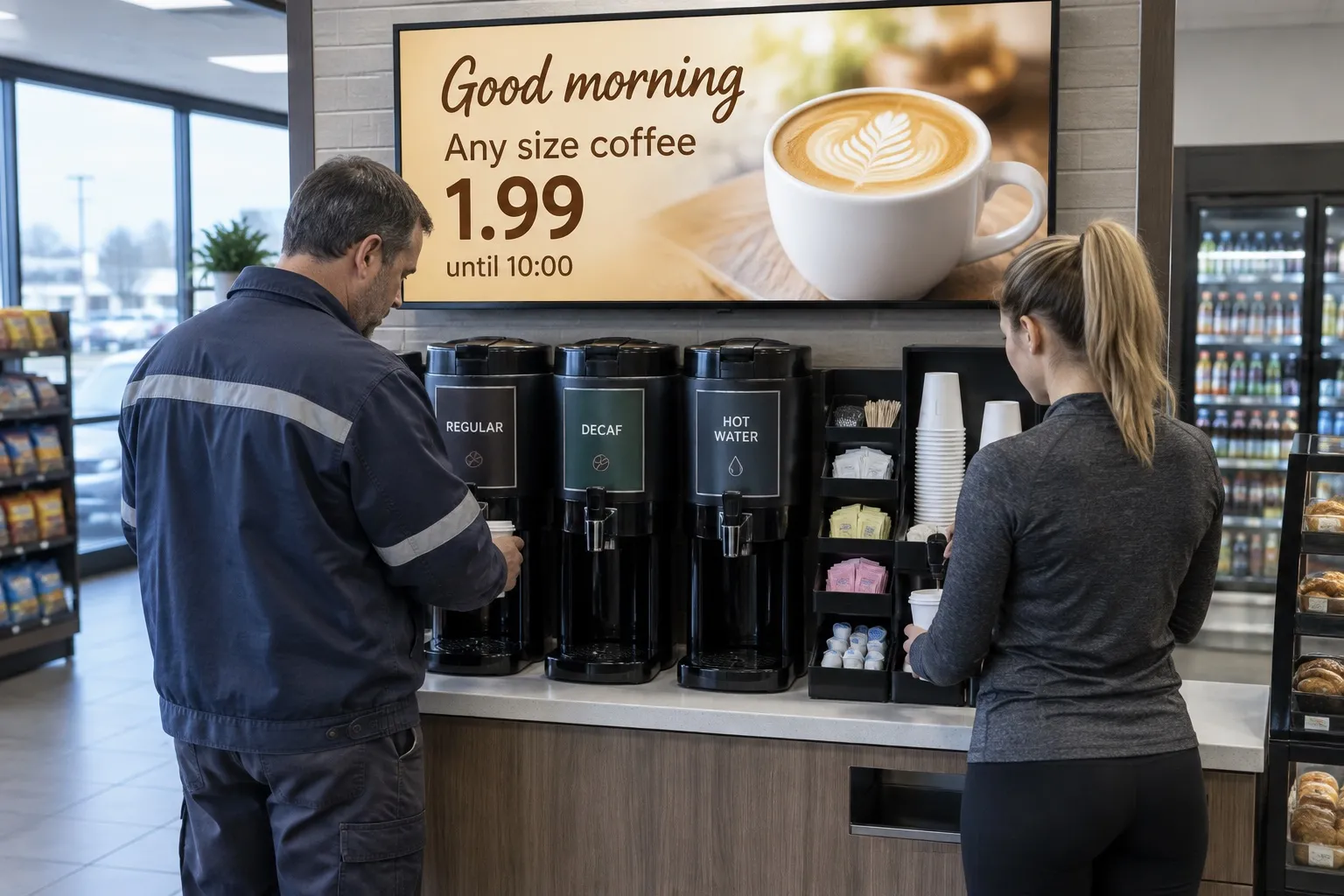
01 · Morning
Coffee that sells itself
A morning offer above the coffee station switches off at 10:00 on its own.
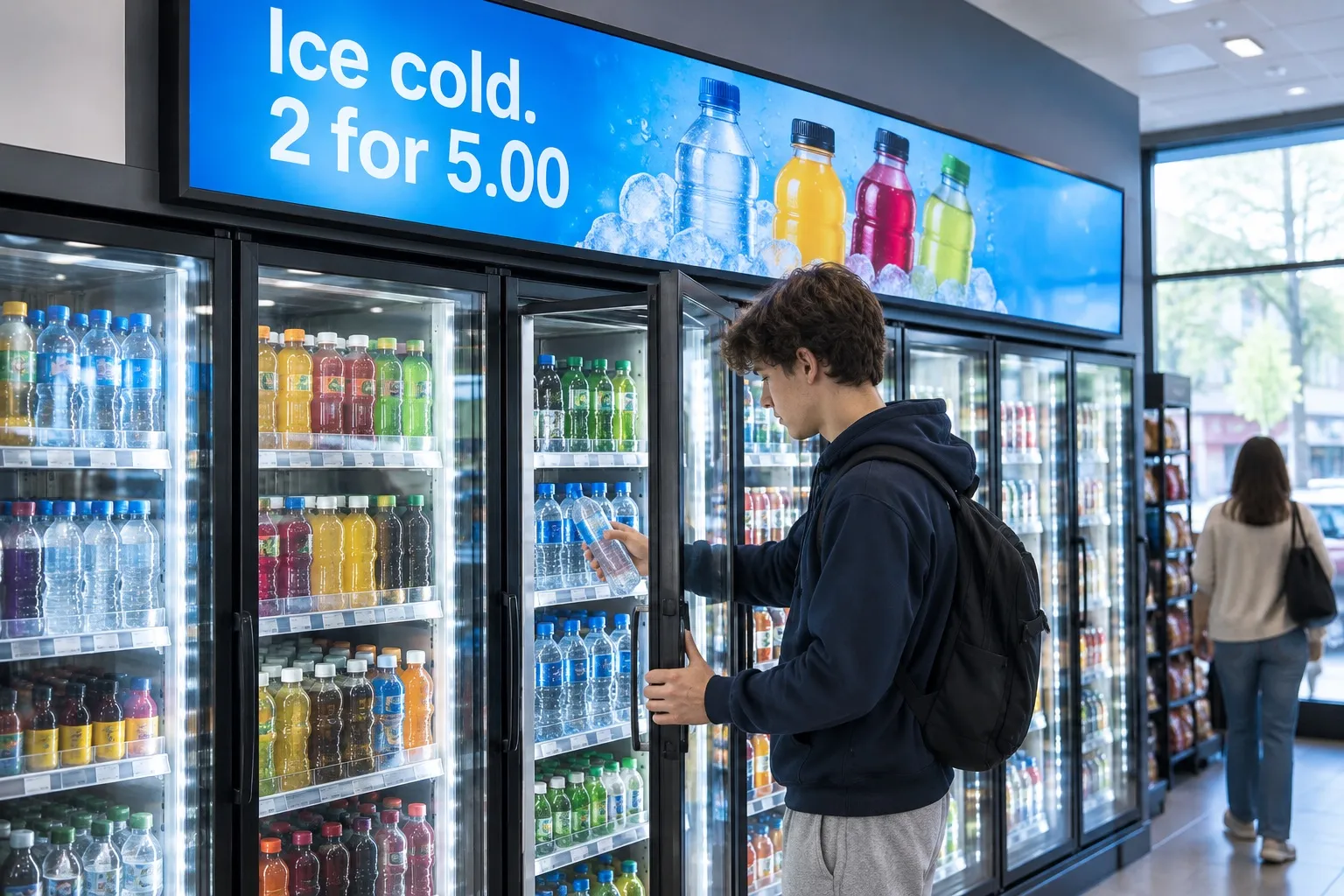
02 · Cooler
Impulse buys at the fridge
A screen above the cooler turns a quick visit into a two-for-one.
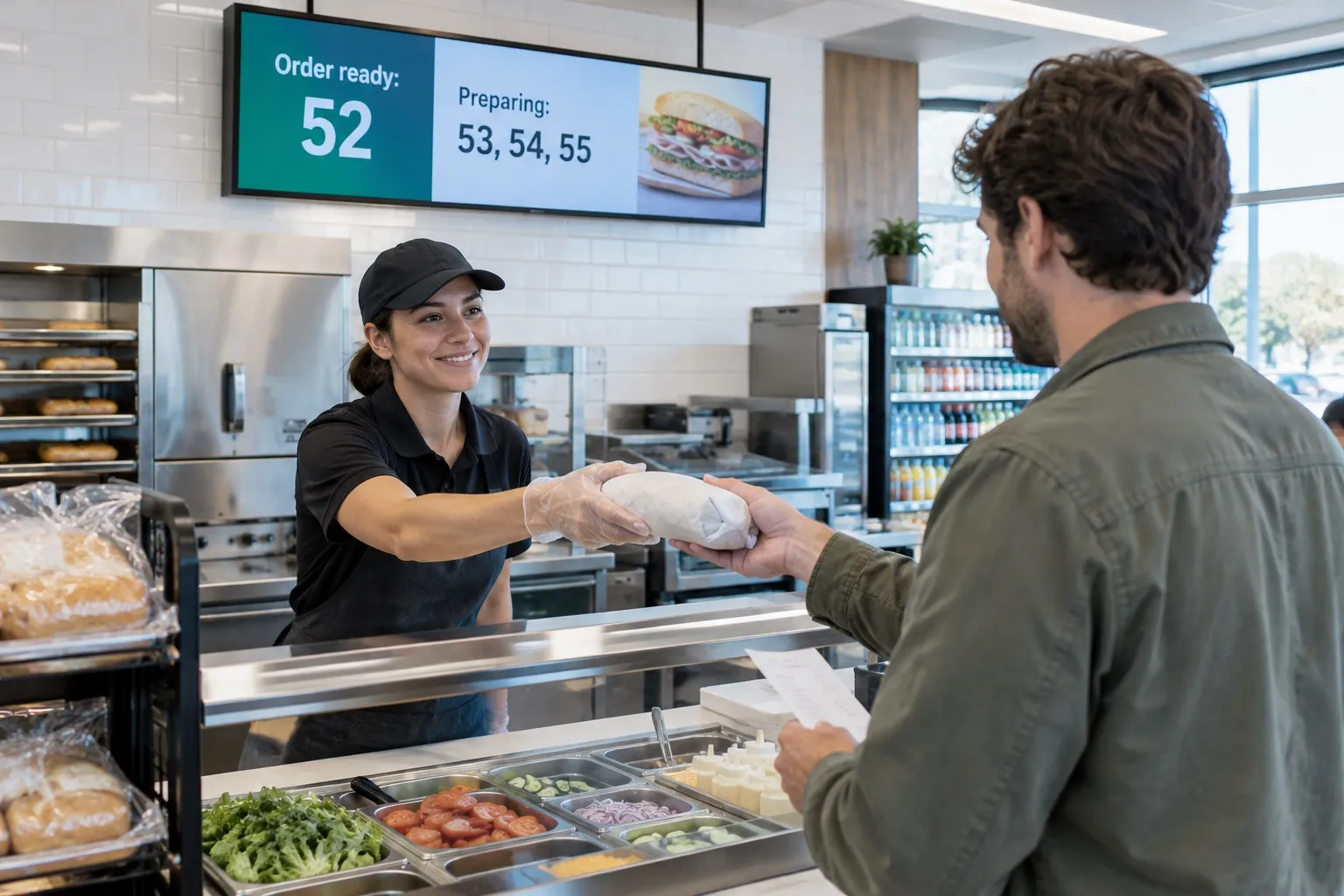
03 · Food counter
Order numbers on screen
Show which orders are ready and which are being made. Queue is on Pro and Ultimate and needs a continuous internet connection.
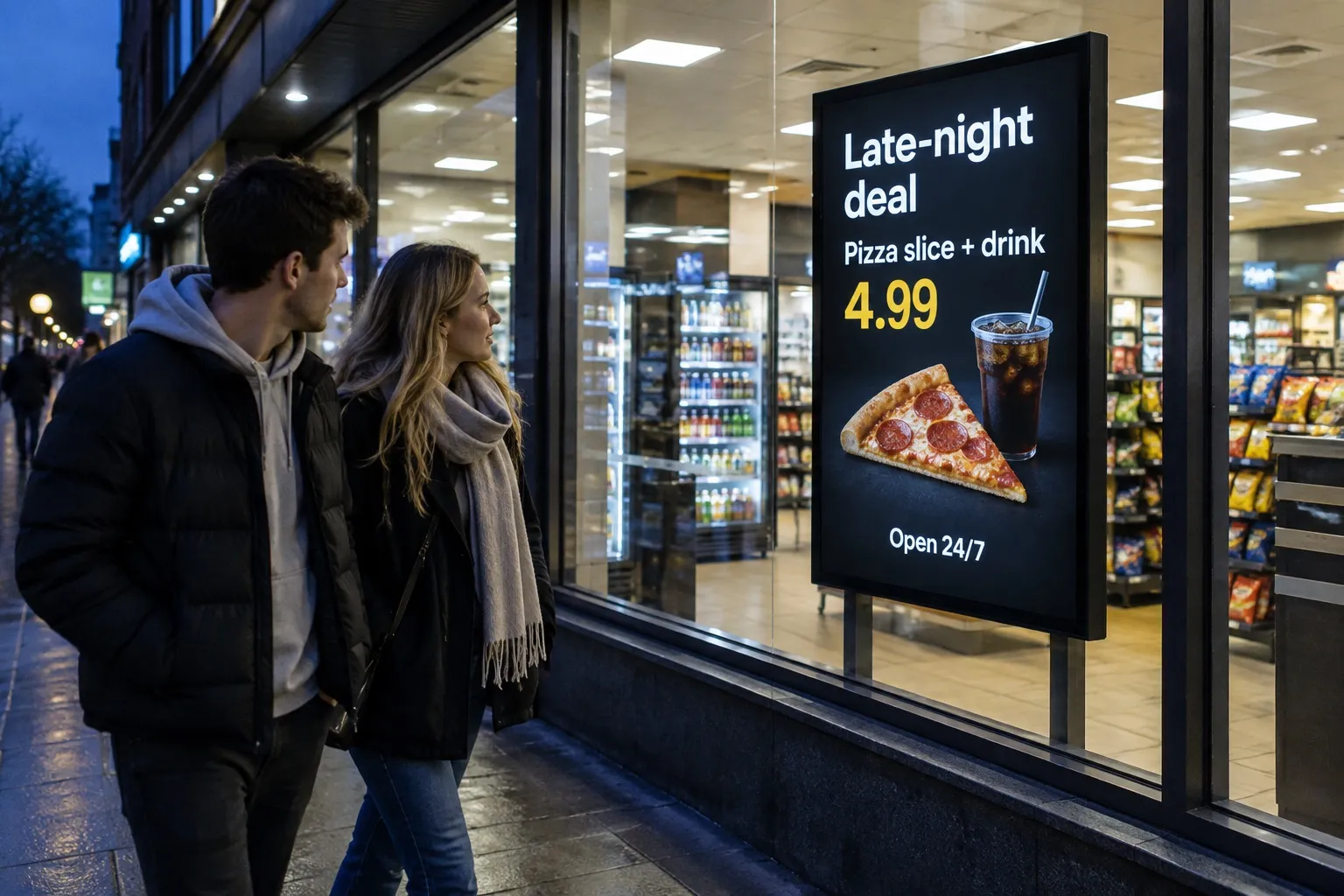
04 · Late night
Deals after dark
Slide Conditions (Pro) switch the window screen to the late-night offer when the evening rush starts.

Free live demo
See your screens come alive in one hour.
A Play expert shows you the whole platform with your own content, and answers every question on the way.
- 1 hour
- Google Meet
- Free
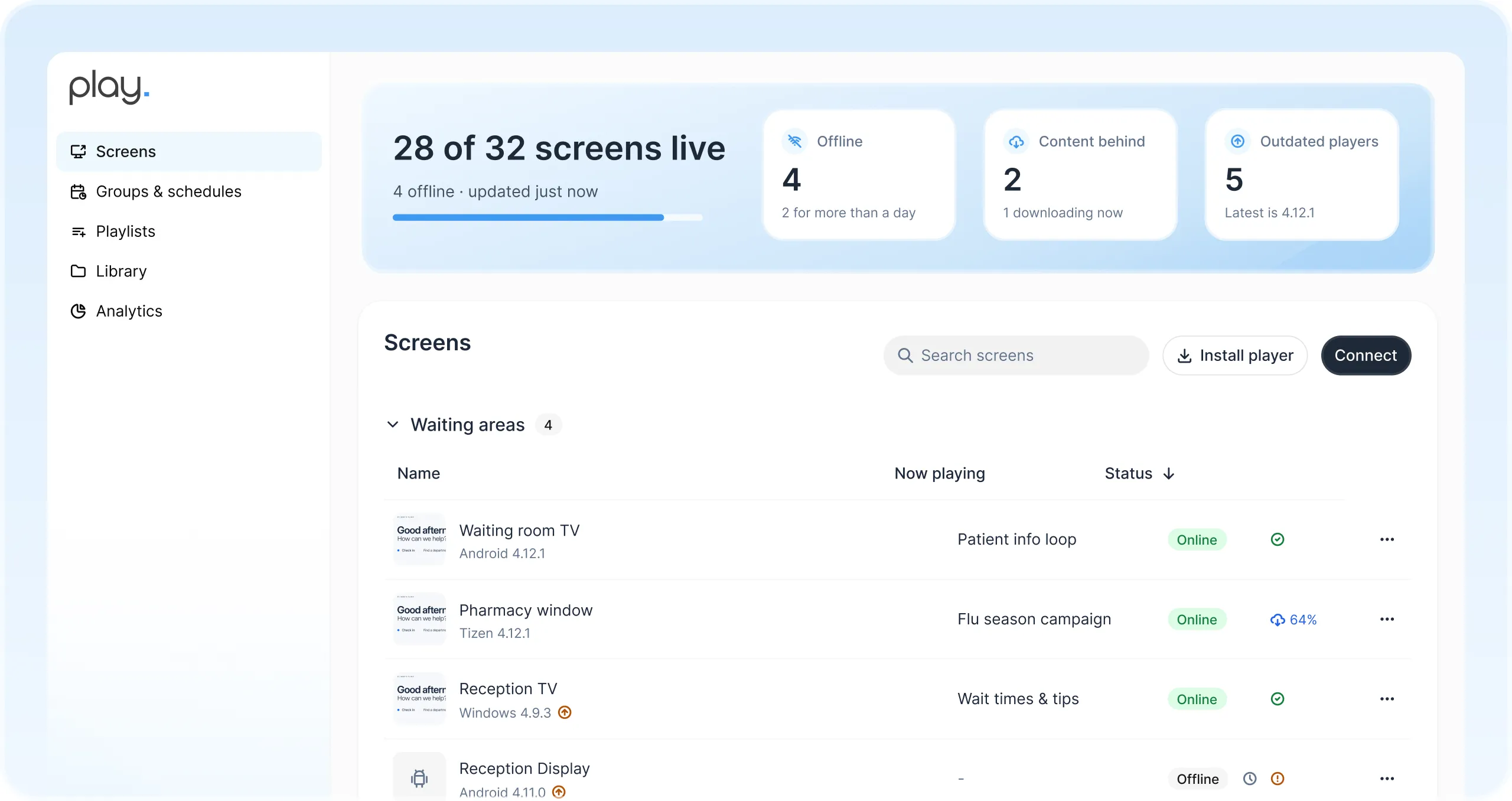

Prices straight from
a Google Sheet
The Menu Board widget and Dynamic Text read items and prices from a Google Sheet, so the board updates when the sheet does (Pro and Ultimate). Mark an item as sold out in the sheet and every store follows.
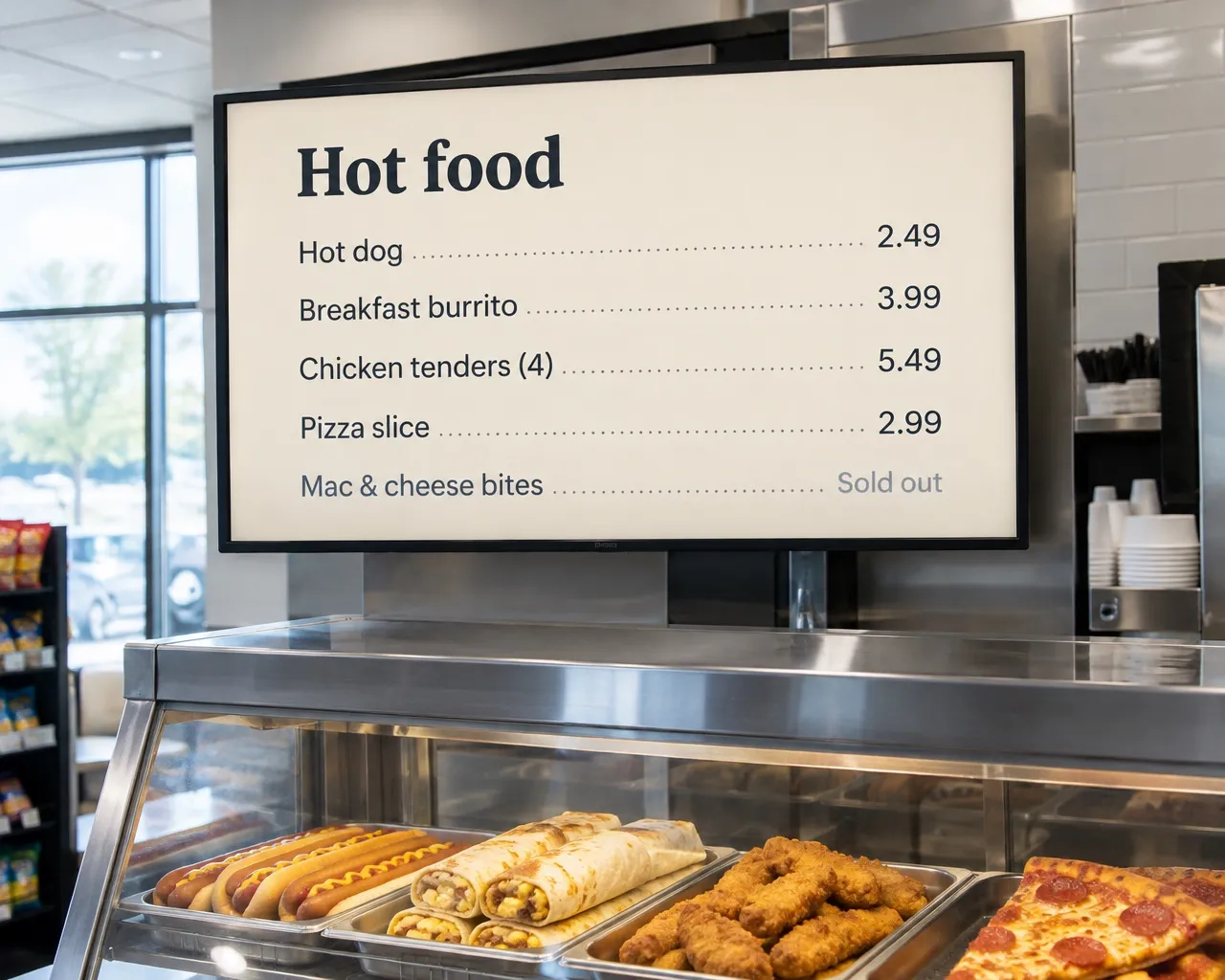
One dashboard for every
screen in every store
Manage counter, cooler, coffee and window screens in every store from one web dashboard, and see at a glance which screens are online.
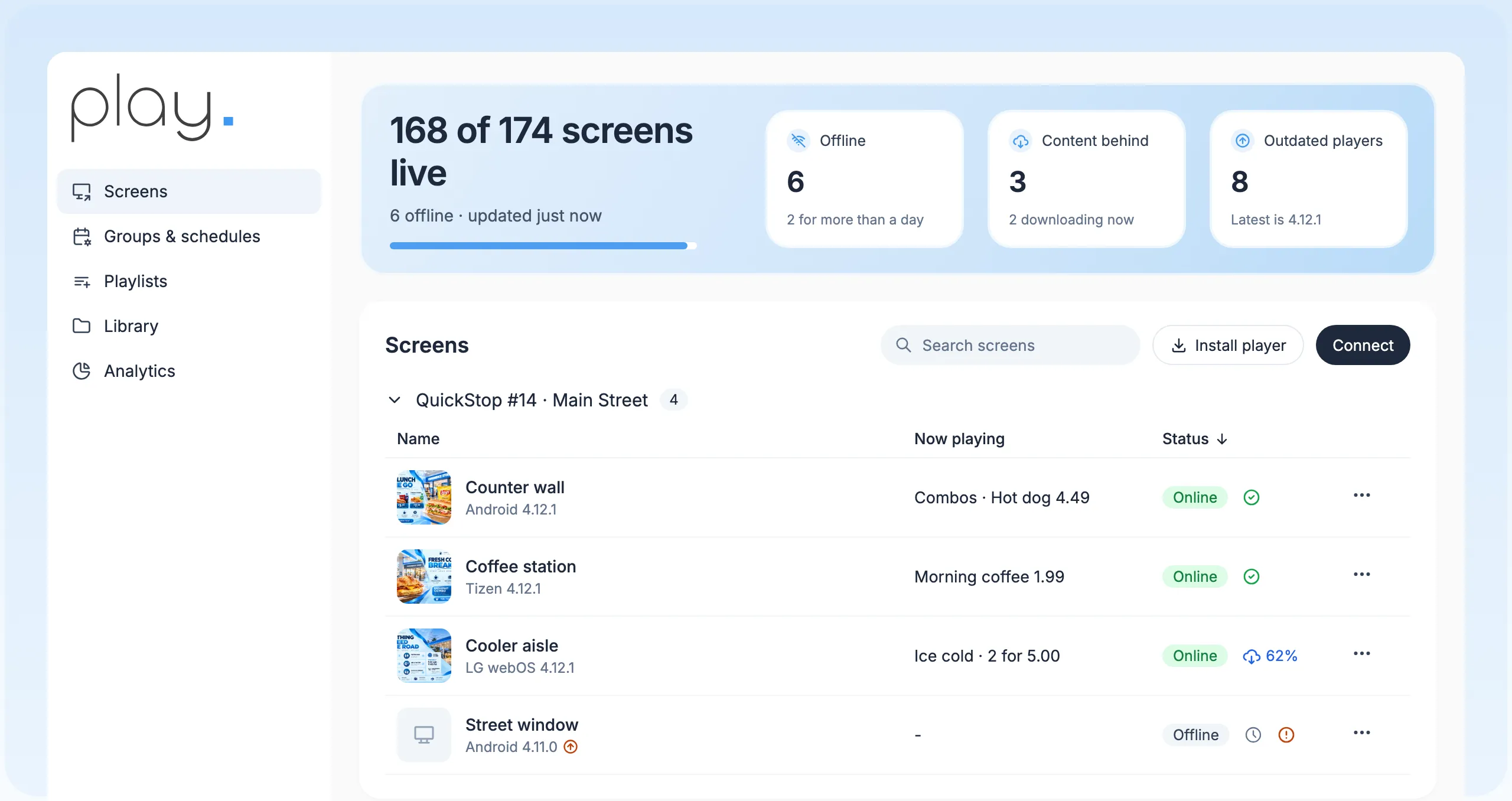
Retail and food templates
Combos, coffee and promos, on every plan.
Prices from a spreadsheet
The Menu Board widget and Dynamic Text read prices from Google Sheets (Pro and Ultimate).
Dayparts on autopilot
Schedules and Slide Conditions (Pro) show the right offer at the right hour.
Store variants with tags
Local prices from one shared playlist (Pro).
Keeps running offline
Boards keep playing if the internet drops during a rush.
Queue for made-to-order
Order numbers on screen (Pro; needs a continuous connection).
Built for chains, resellers
and the screens you have.
Groups and schedules
Group screens and schedule once, on every plan, so one change reaches a region, a brand or every site.
A team per store
Sub-teams with roles (Pro and up) give each store or region its own workspace while head office keeps the overview.
Share and transfer
Share playlists across teams and move screens between teams you manage.
Reseller program
Resell Play under the Play brand to the stores you work with.
About the reseller programWhite label
Your logo, your domain and the SignagePlayer app, for USD 99 a month plus reseller screen prices.
About white labelBring your own screens
Play runs on Android, Windows, Google TV, Fire TV, LG webOS, Samsung Tizen, BrightSign and more. We don’t sell hardware.
Find a media player
Up and running
in an afternoon.
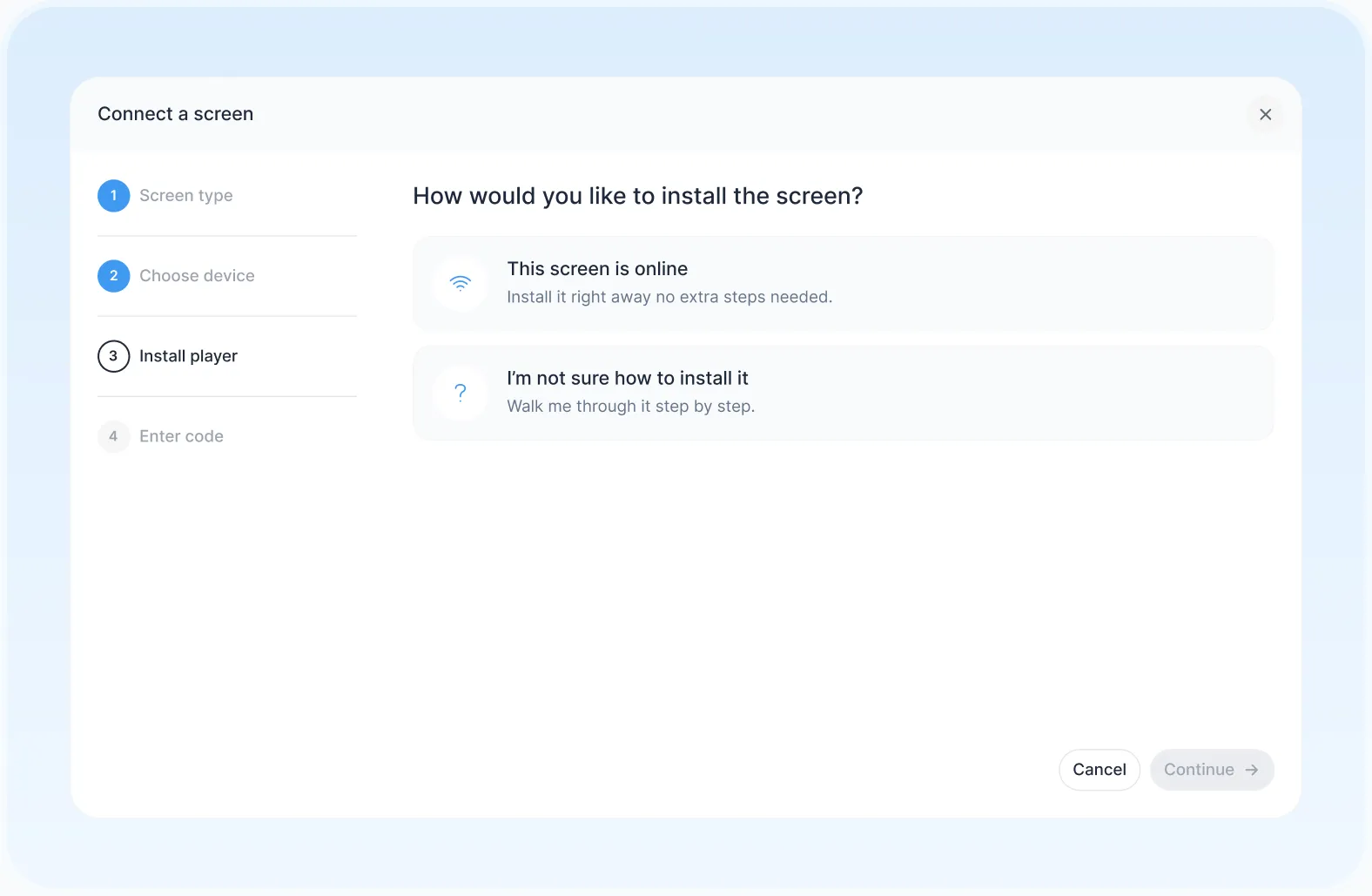
- 1
Connect a screen
Install Play on a supported player and pair it with your account.
- 2
Build and schedule
Start from a template, add your prices and set when each offer runs.
- 3
Publish everywhere
Send it to one screen, a region or every store at once.
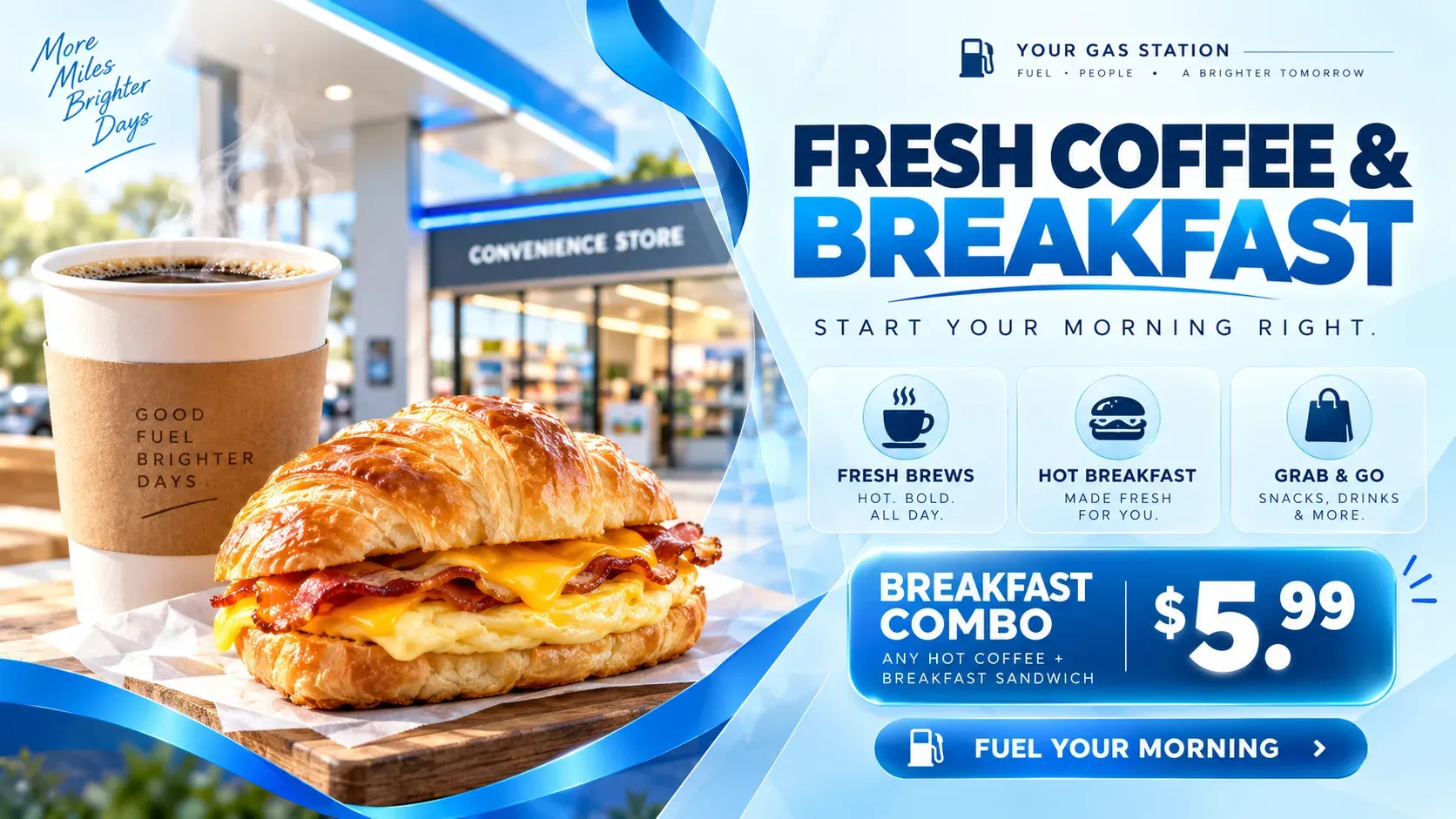
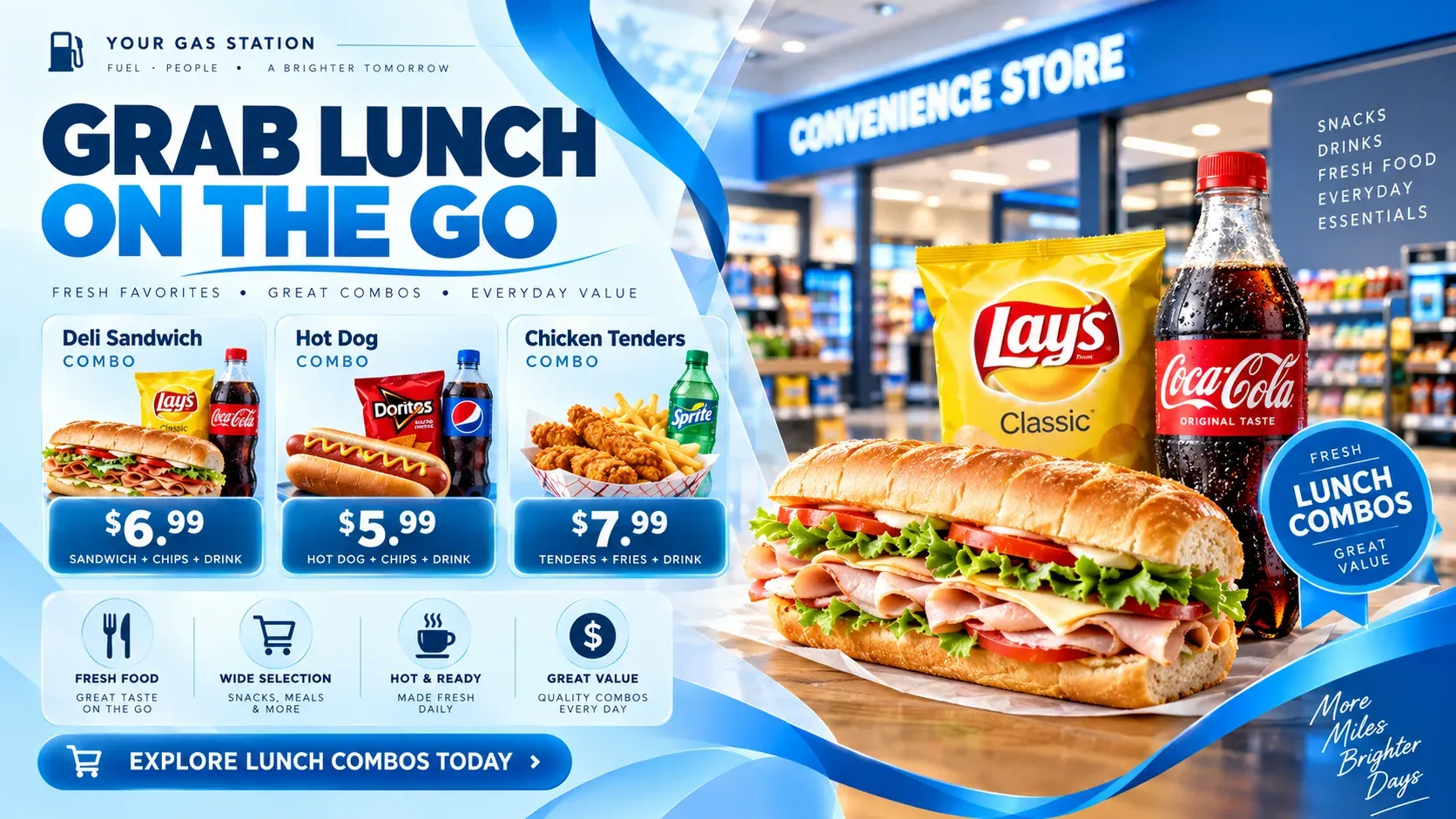
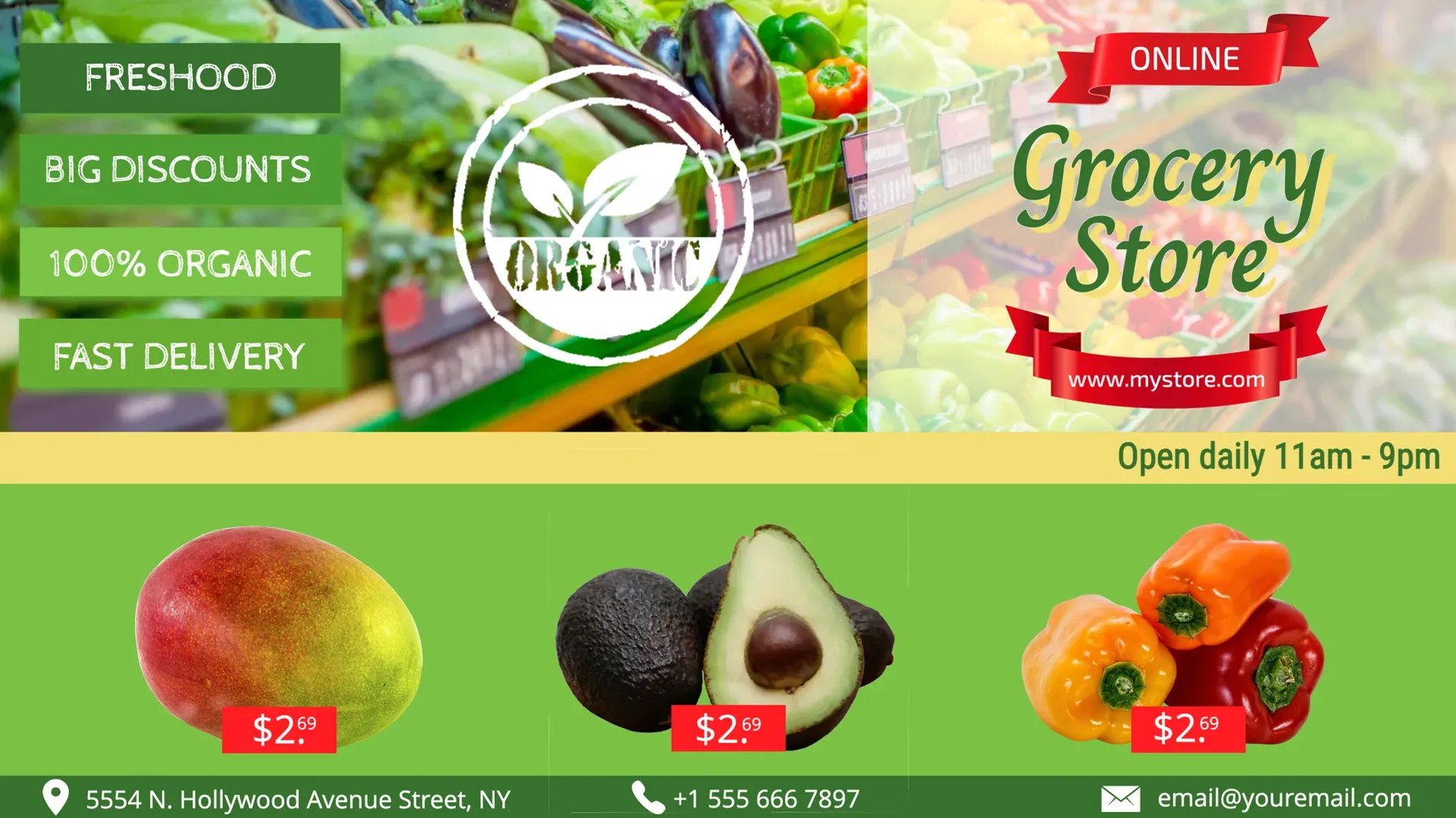
Use templates
or design your own.
Start from Play’s templates for coffee, hot food, grocery and fuel stations. Change the items, prices and colors, then publish.
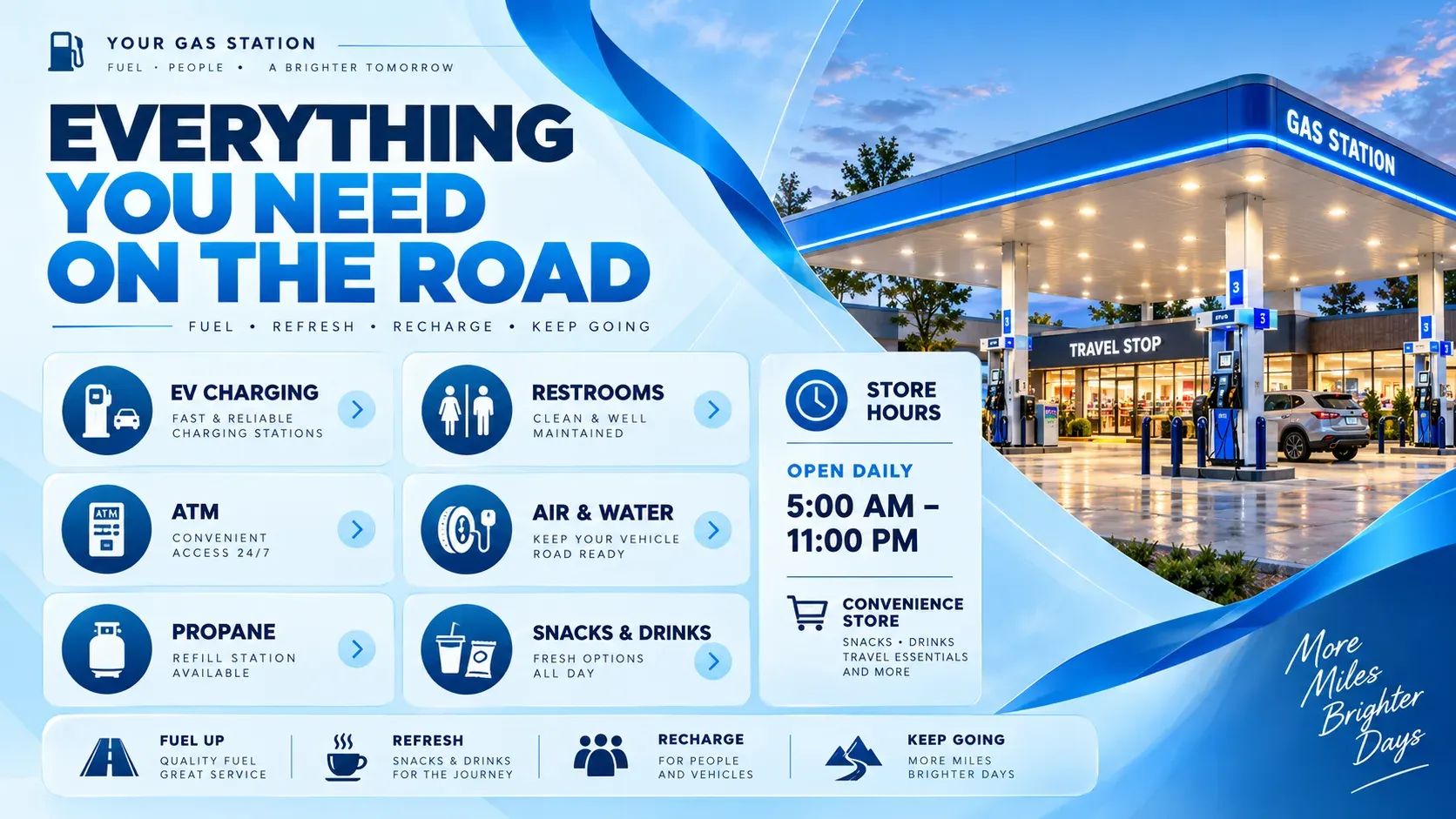

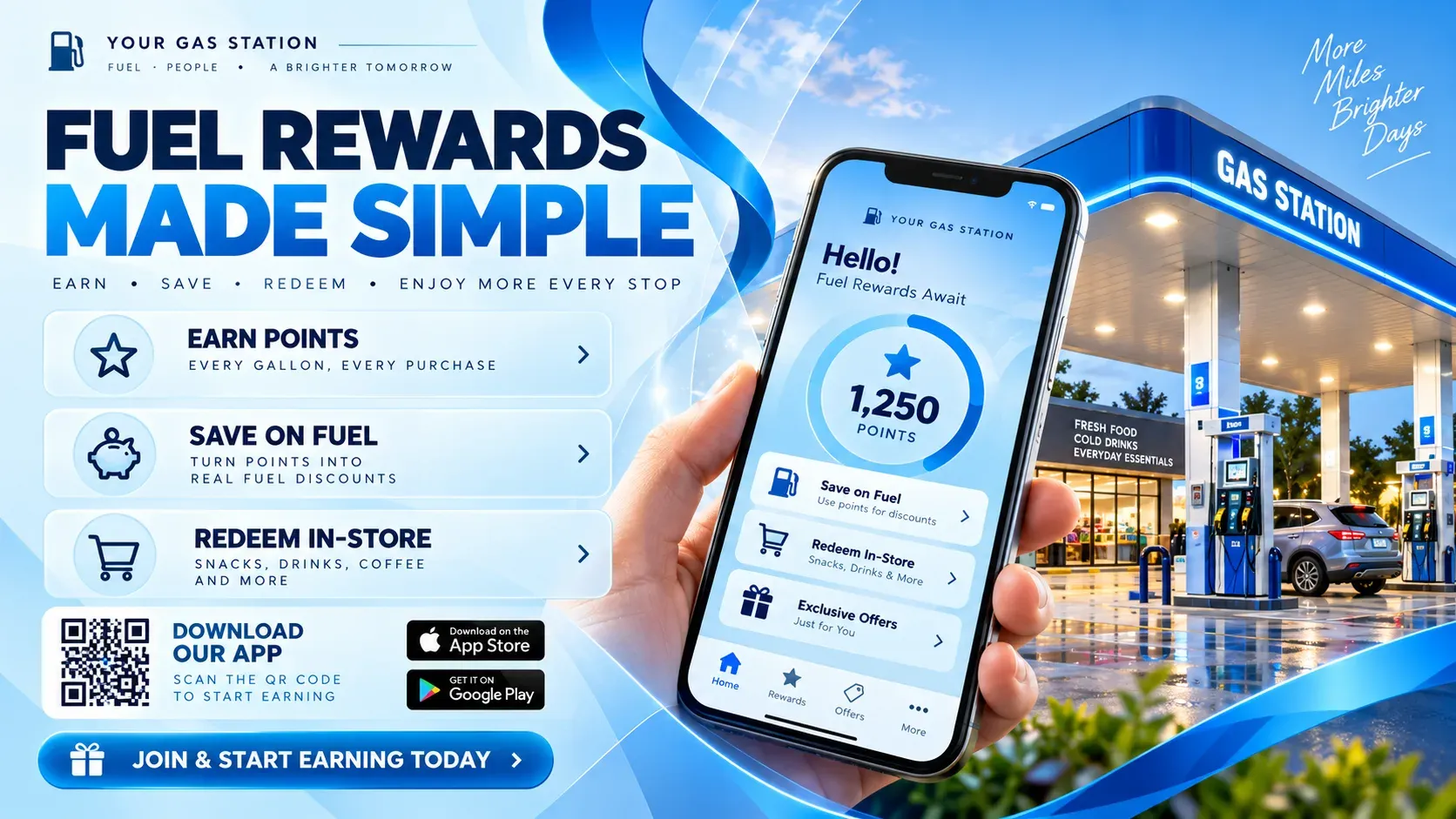
Managing many locations gets complicated fast. Play keeps our updates consistent and lets us make changes faster.
- Organizations manage their screens with Play
- 2,500+
- Screens connected worldwide
- 25,000+
- Countries with Play-powered screens
- 100+
- Email and live chat support, every day
- 24/7
Any issues? We offer 24/7 human support to all our customers.
- 24/7We’re always here
- Human supportReal experts, not bots
- <2min average replyFast and helpful responses
Part of our solutions for
Frequently asked questions
Answers about digital signage for convenience stores. Can’t find yours? Our support team replies within minutes.
Which Play solution page fits you best?
This page is for the shop. For canopy and pump-island screens, see gas station forecourts; for supermarkets, grocery stores.
Can I update prices in all my stores at once?
Yes. Change the shared playlist, or the Google Sheet behind your board (Pro and up), and every screen it’s on updates.
Do I need a POS connection?
No. Prices and items can come from a Google Sheet or Play’s API. There is no built-in POS connection.
Can boards change by time of day?
Yes. Use schedules on any plan, or Slide Conditions (Pro) for finer daypart rules.
What happens if the internet goes down?
Boards keep playing what they downloaded. Queue is the exception: it needs a continuous connection.
Which plan do I need for menus from a spreadsheet?
Pro or Ultimate, for the Menu Board widget and Dynamic Text. Essential includes the templates and the editor.
How much does it cost?
Essential is $8.00, Pro $12.00 and Ultimate $16.00 per screen per month for up to five screens. From the sixth screen the price per screen drops, paying annually saves 10%, and non-profits with a government-issued non-profit certificate save 20%. Running more than 10 screens? Ask for a personal quote.
Is there a free option?
Yes. Your first screen is free forever when you leave a review within 30 days on Capterra, G2, Trustpilot, Google, Software Advice or GetApp. No credit card is needed, and the free screen includes every Pro feature. App Store and Google Play reviews don’t count.
Can I resell or white label Play?
Yes. Resell Play under the Play brand through the reseller program, or run it under your own logo and domain with white label for a monthly fee of USD 99 plus reseller screen prices. Contact us for the screen prices.
What support do I get?
Email and live chat 24/7, and phone (+1 844 384 5554) from 8 AM to 4 PM Pacific Time, Monday to Friday.
Still have questions? Contact our support