
Resort digital signage
Digital signage for
resorts and multi-
venue properties
Keep lobby welcomes, activity boards and outlet menus aligned across the whole property, from one browser.


Lobbies & guest areas
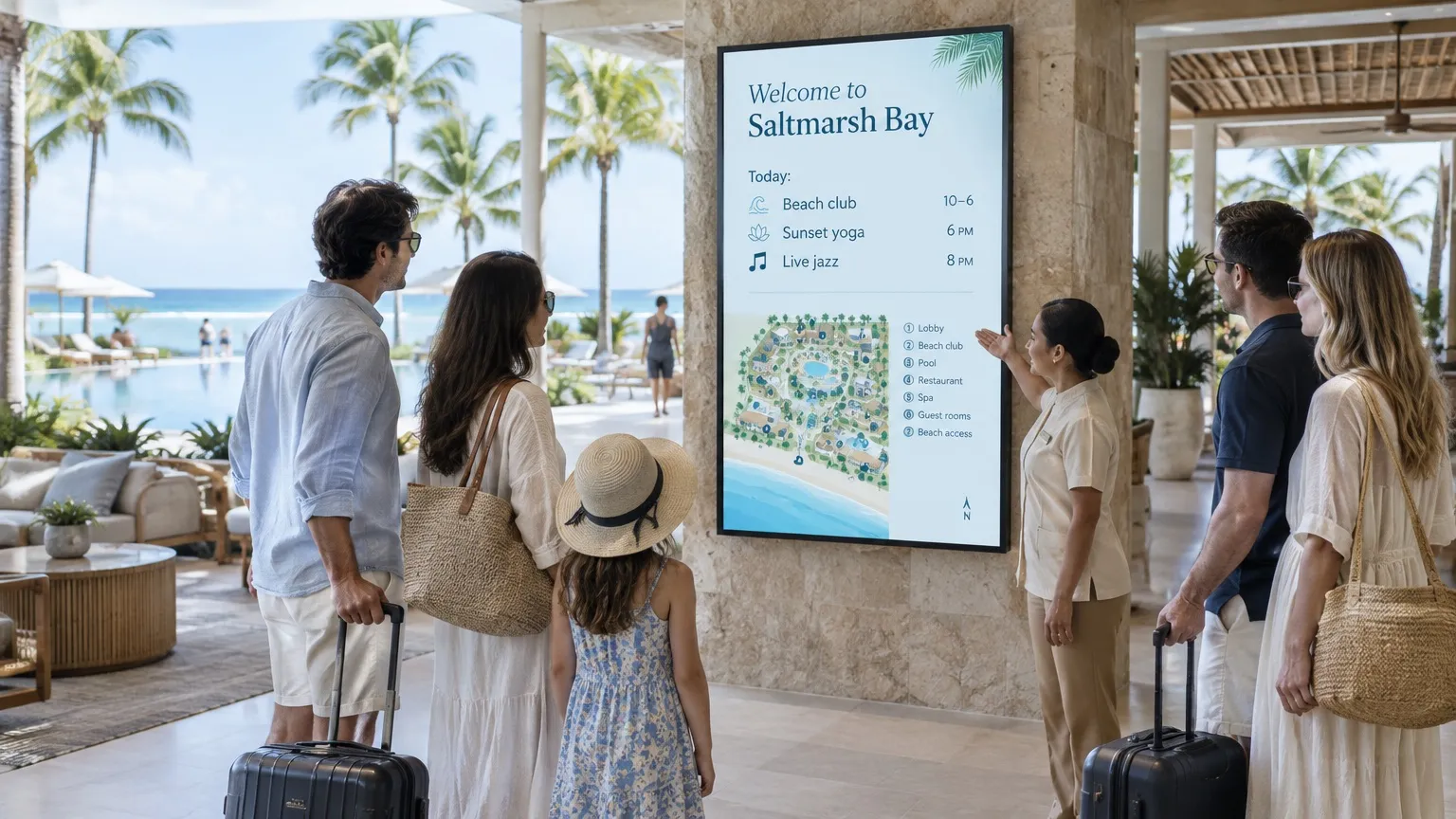
A welcome, today’s activities and the way to everything.
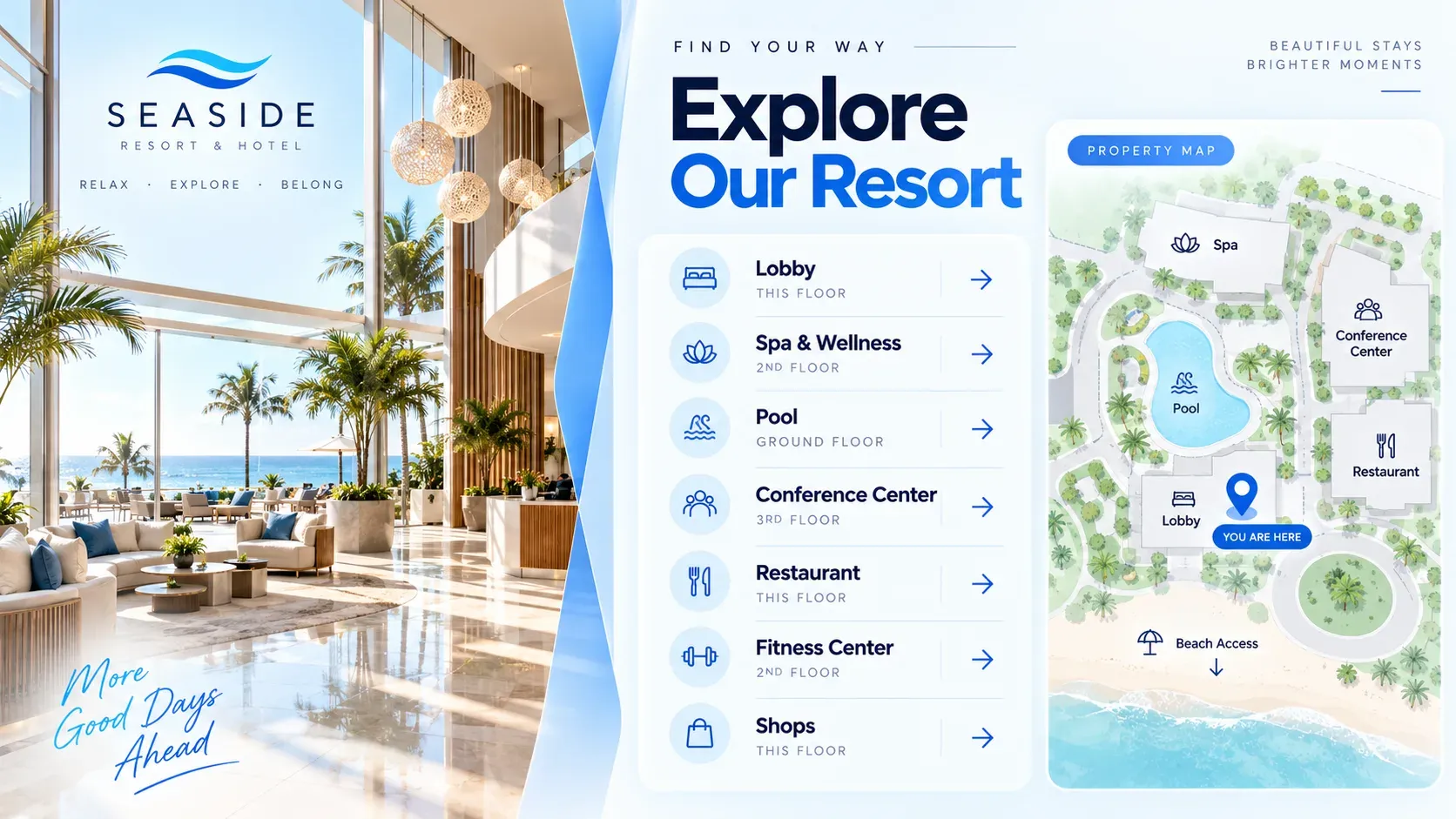
- Welcome and resort maps
- Activities from a calendar (Pro)
- Touch wayfinding (Pro)
- Wedding and event welcomes
Restaurants, beach club & spa
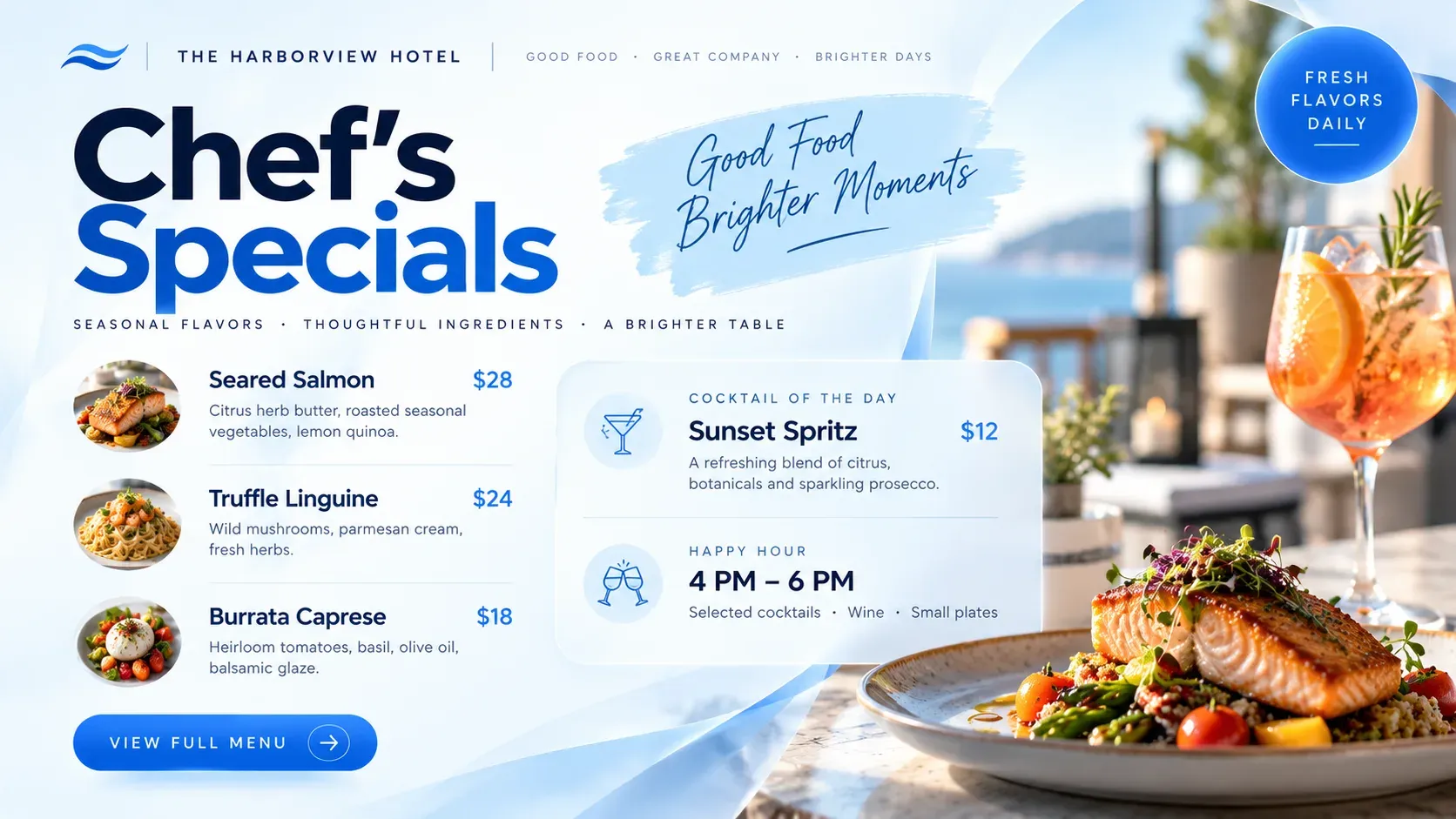
Menus and hours for every outlet, changing through the day.
- Menus from a Google Sheet (Pro)
- Breakfast to late night on a schedule
- Spa treatments and pool hours
- QR codes for menus and bookings
Golf, conference & resort groups
Every building on its own board, one account for the destination.
- Tags per building or outlet (Pro)
- Conference agendas (Pro)
- A team per outlet (Pro)
- Resell or white label Play
From the beach club
to the clubhouse.
Put the right information on every screen across the property, wherever guests spend the day.
01 · Lunch
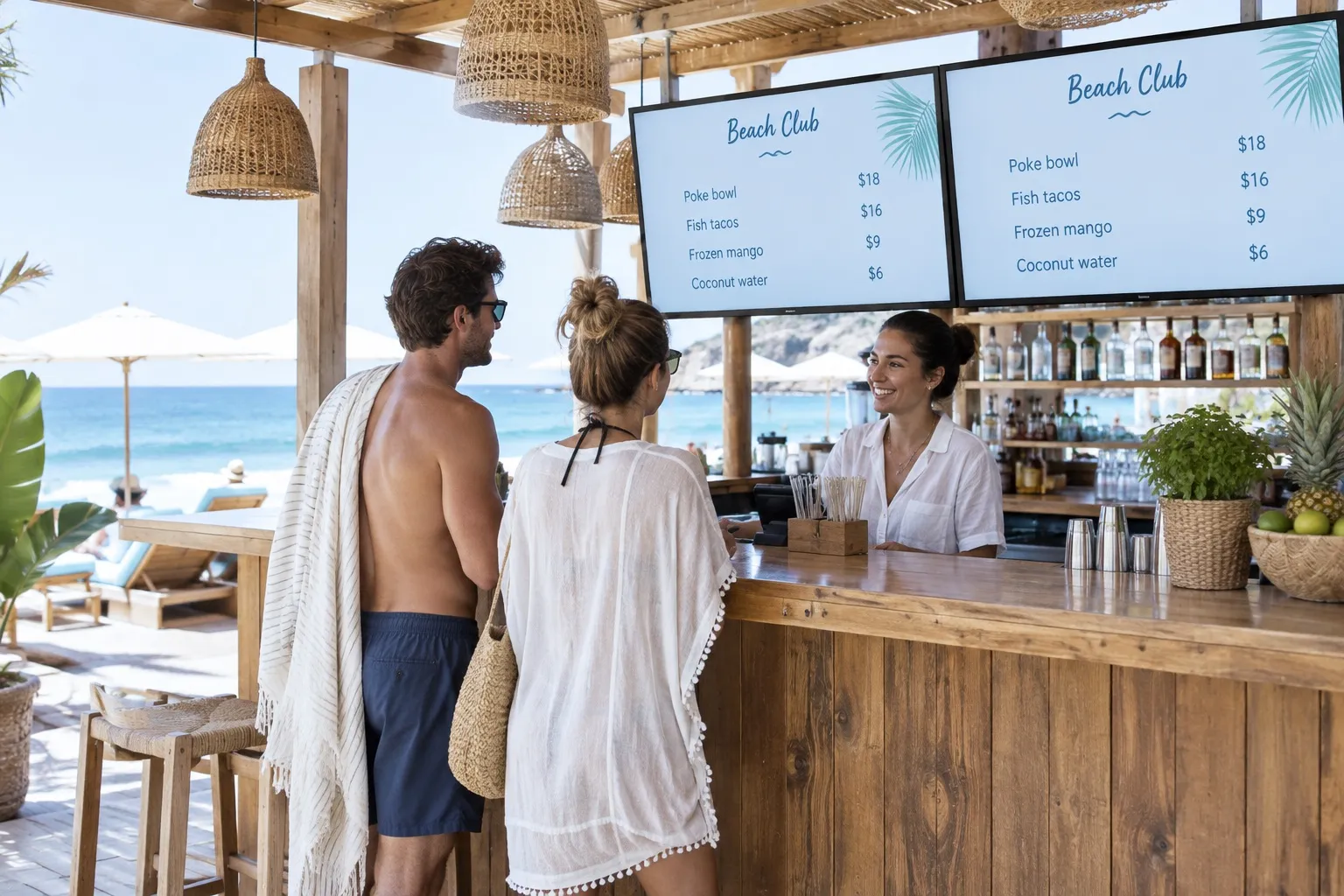
The beach club menu
Dishes and prices come from a Google Sheet, and switch from lunch to sunset drinks on a schedule (Pro).
02 · Getting around
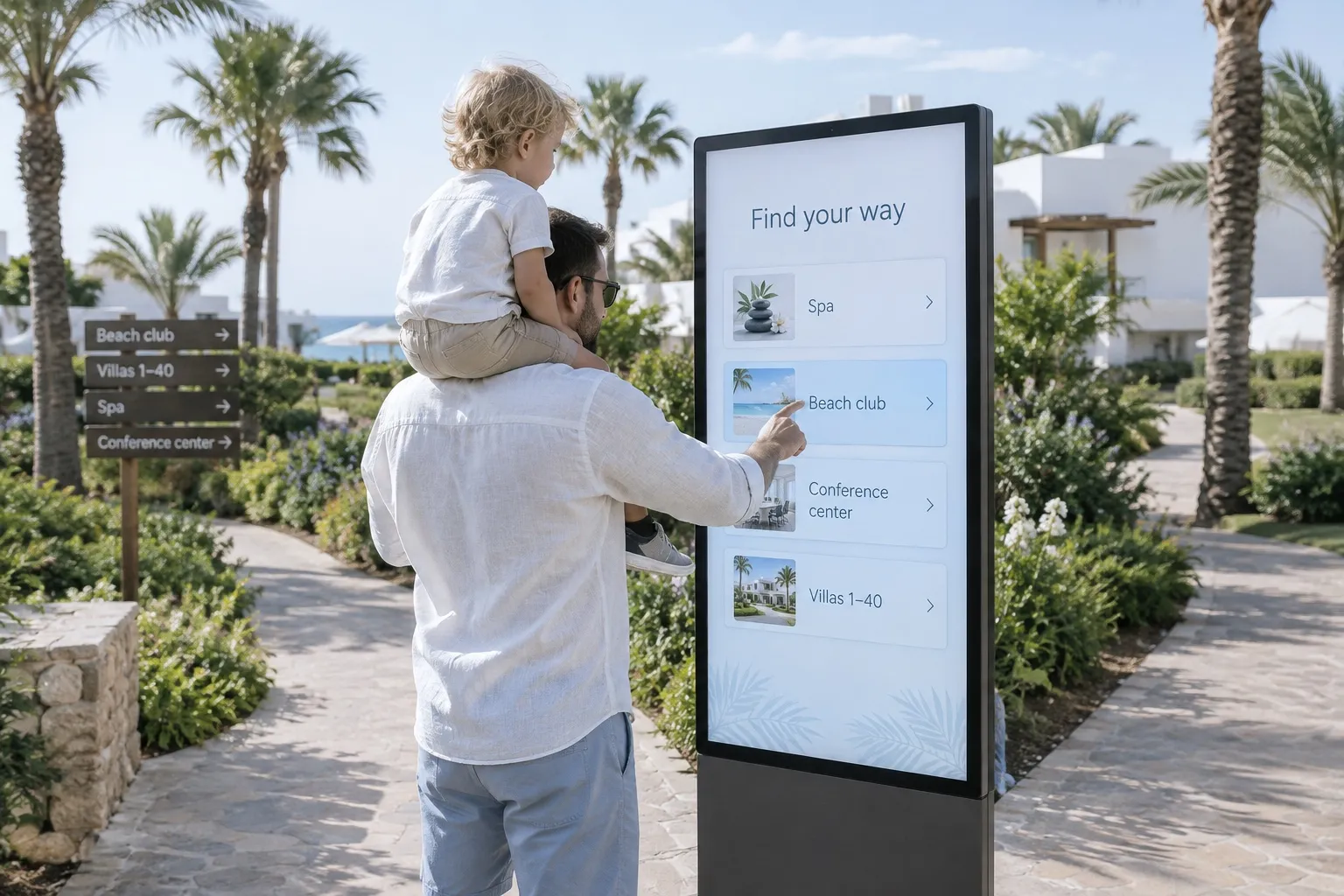
Find your way
A touch screen with big buttons for the spa, the beach club, the conference center and the villas (Pro). Buttons only, no swiping.

03 · Events
Welcome to the wedding
A screen at the terrace for the couple, the ceremony time and the place, scheduled for that afternoon only.
04 · Golf
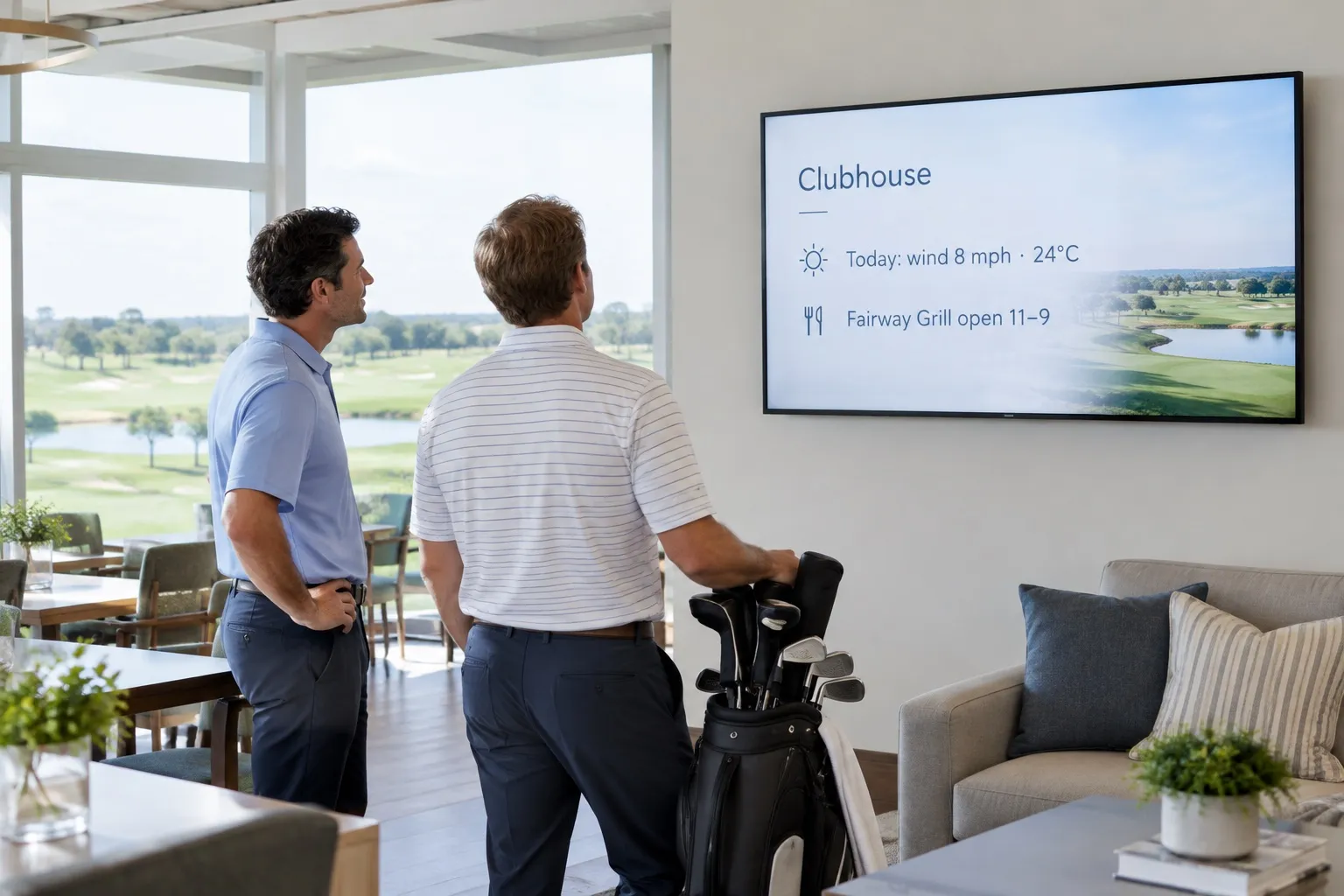
At the clubhouse
The weather and the grill’s hours at the golf clubhouse, with its own content through tags (Pro).

Free live demo
See your screens come alive in one hour.
A Play expert shows you the whole platform with your own content, and answers every question on the way.
- 1 hour
- Google Meet
- Free

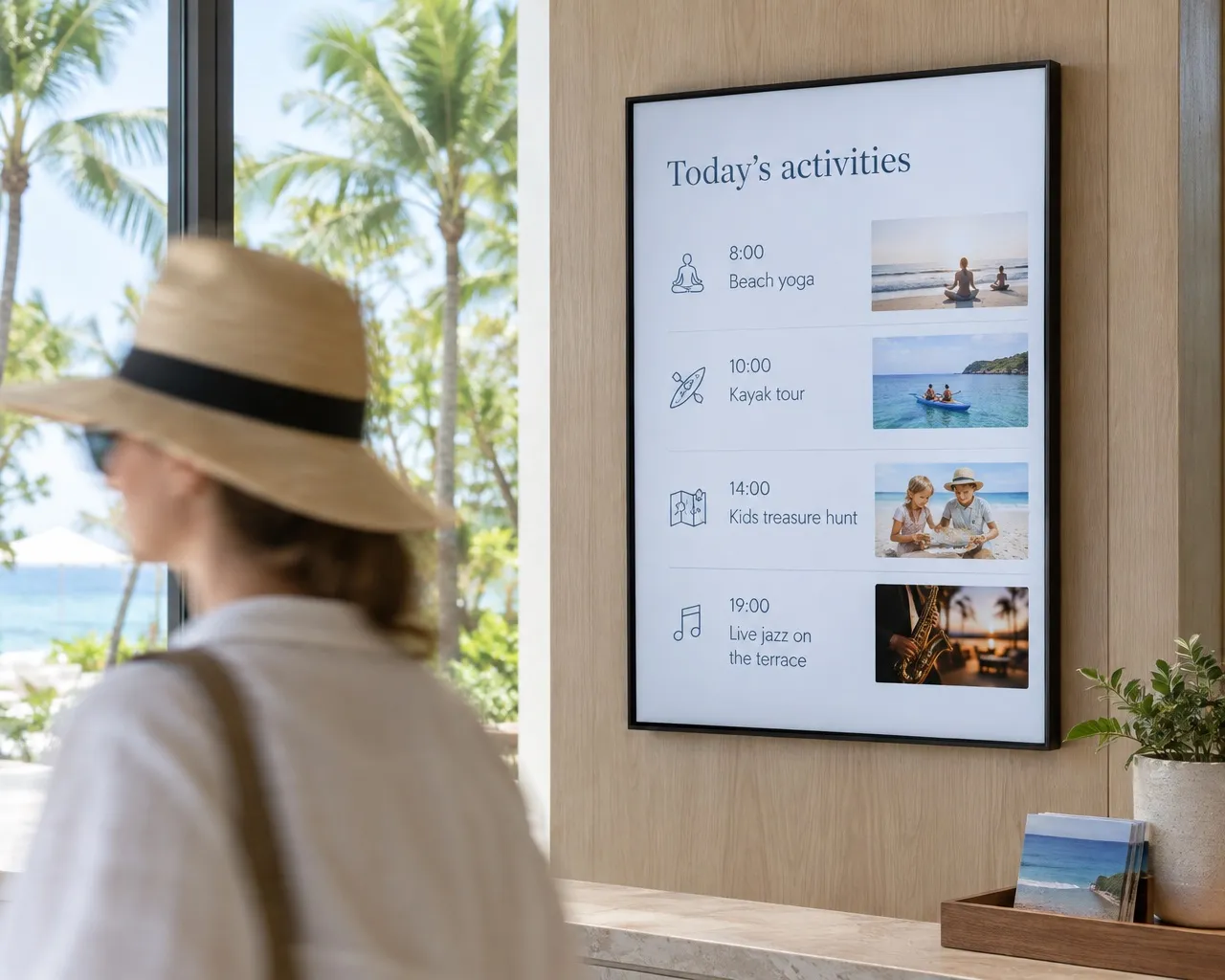
Activities straight
from your calendar
The Calendar app shows today’s activities from your Google Calendar, Outlook or any iCal link (Pro and Ultimate), and past items drop off by themselves. Or embed a public Google Calendar with the Website app.
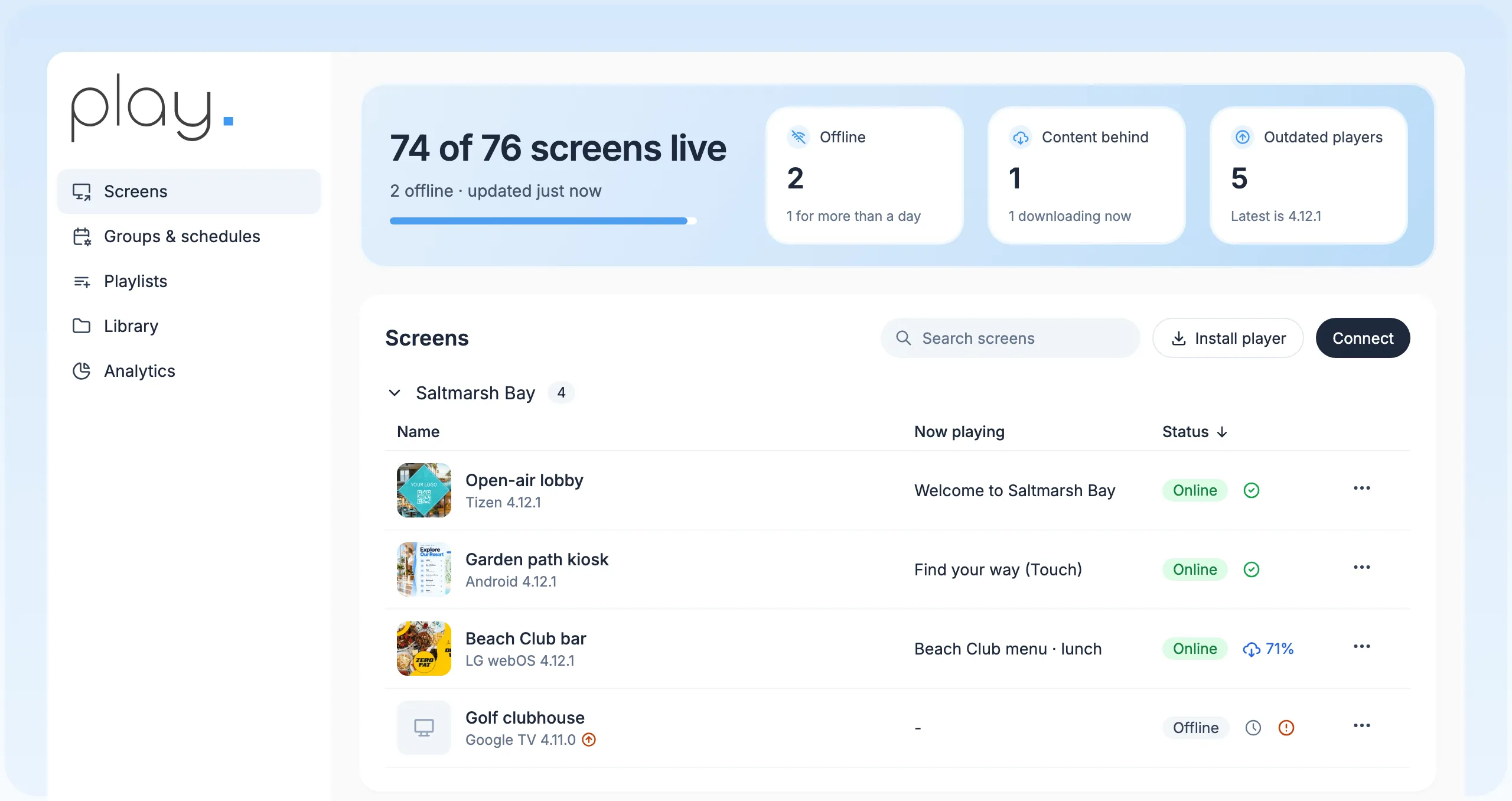
One dashboard for every
screen on the property
Manage lobby, beach club, kiosk and clubhouse screens across the whole resort from one web dashboard, and see at a glance which screens are online.
Resort templates
Welcome, activity and promo layouts, on every plan.
Living menus
The Menu Board widget and Dynamic Text from Google Sheets (Pro and Ultimate).
Tags per outlet
One playlist, with each building, spa or beach club’s own content (Pro).
Agendas on the wall
The Calendar app with an iCal link (Pro), or a public Google Calendar.
Keeps running offline
Screens keep playing if the resort Wi-Fi drops, and update when it’s back.
Urgent messages
The Emergency System and CAP alerts take over screens (Pro). Not a certified life-safety system.
Built for resort groups,
resellers and your screens.
Groups and schedules
Group screens and schedule once, on every plan, so one change reaches a region, a brand or every site.
A team per outlet
Sub-teams with roles (Pro and up) give each restaurant, the spa or the golf club its own workspace while you keep the overview.
Share and transfer
Share playlists across teams and move screens between teams you manage.
Reseller program
Resell Play under the Play brand to the resorts and hotels you work with.
About the reseller programWhite label
Your logo, your domain and the SignagePlayer app, for USD 99 a month plus reseller screen prices.
About white labelBring your own screens
Play runs on Android, Windows, Google TV, Fire TV, LG webOS, Samsung Tizen, BrightSign and more. We don’t sell hardware.
Find a media player
Up and running
in an afternoon.
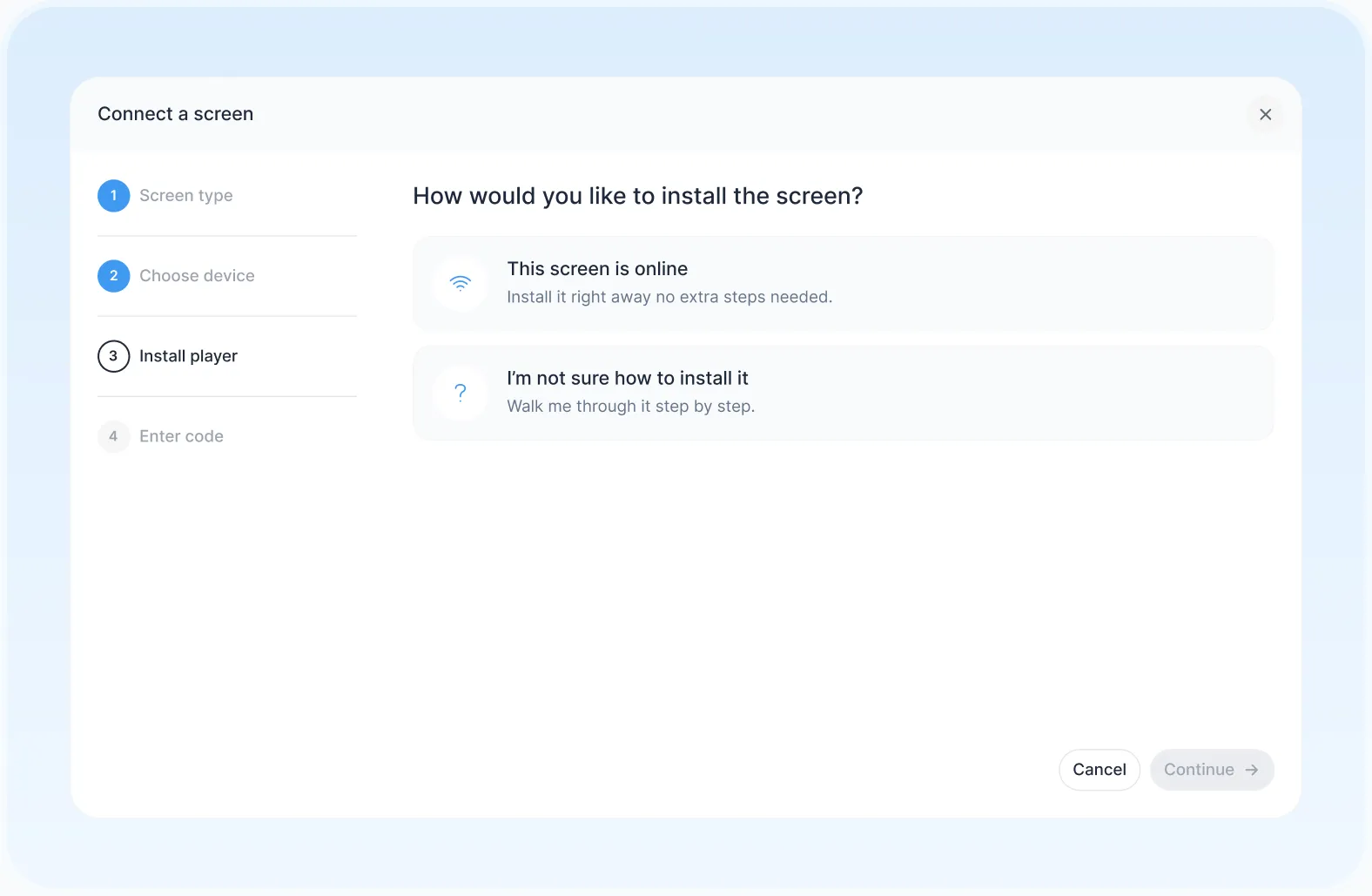
- 1
Connect a screen
Install Play on a supported player and pair it with your account.
- 2
Build and schedule
Start from a template, add your menus, activities and maps, and set when each one runs.
- 3
Publish everywhere
Send it to one screen, an outlet or the whole property at once.
Use templates
or design your own.
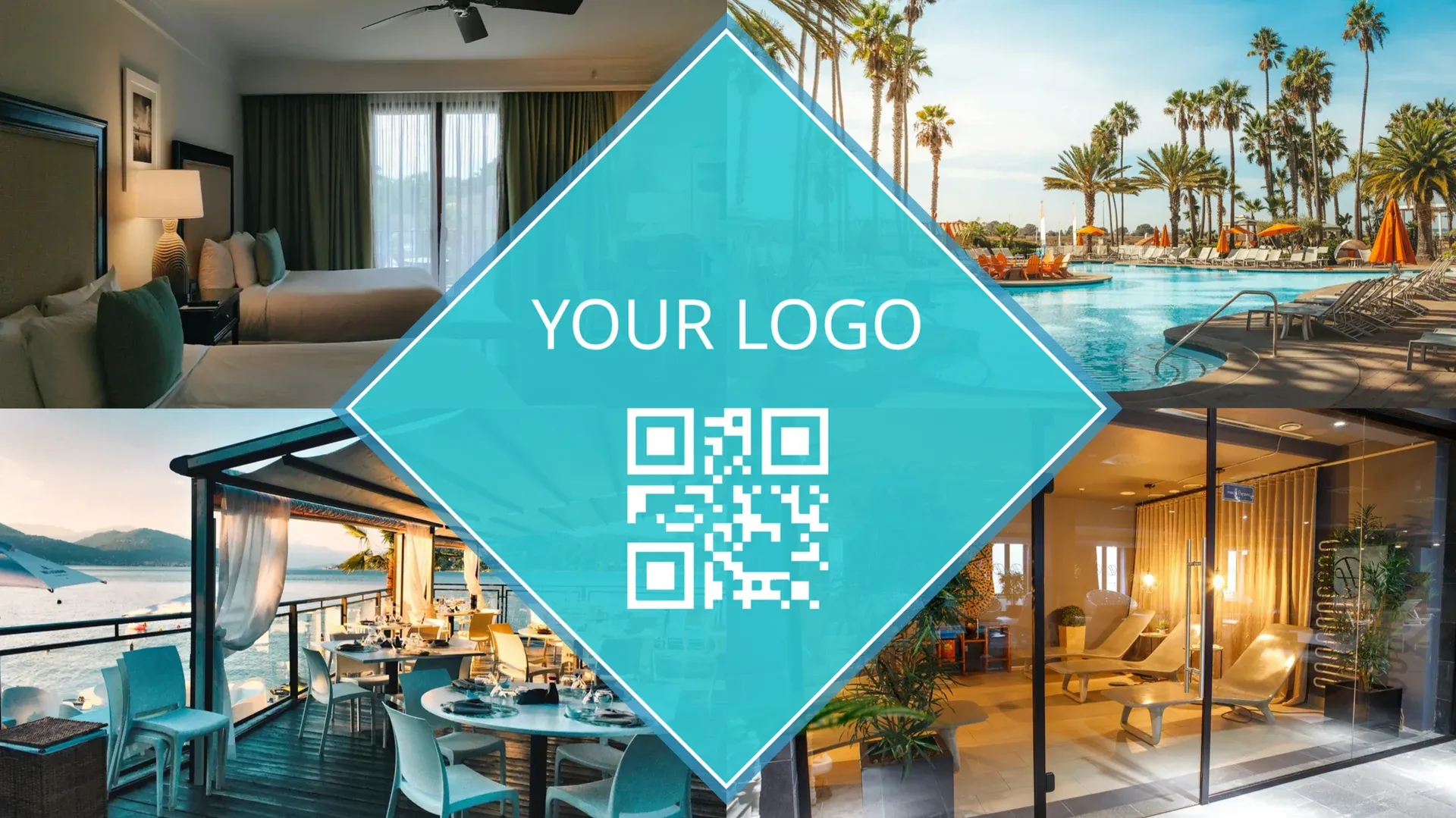
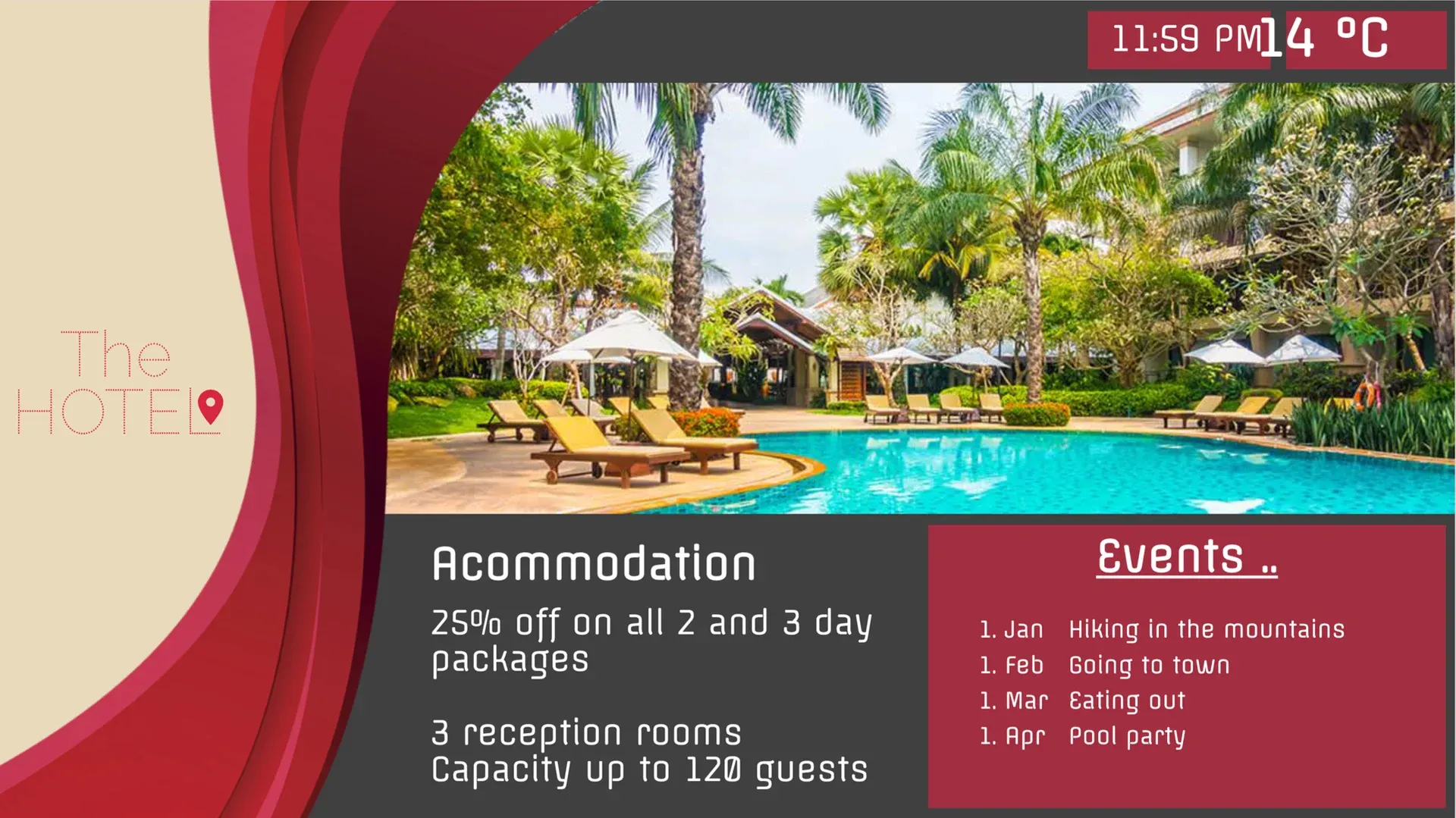
Start from Play’s templates for resorts, restaurants, weddings and events. Change the text, pictures and colors, then publish.

We found Play to be user-friendly and adaptable, seamlessly integrating into diverse use cases such as our shuttle buses, restaurants, concerts, and wayfinder screens.
- Organizations manage their screens with Play
- 2,500+
- Screens connected worldwide
- 25,000+
- Countries with Play-powered screens
- 100+
- Email and live chat support, every day
- 24/7
Any issues? We offer 24/7 human support to all our customers.
- 24/7We’re always here
- Human supportReal experts, not bots
- <2min average replyFast and helpful responses
Part of our solutions for

Frequently asked questions
Answers about digital signage for resorts. Can’t find yours? Our support team replies within minutes.
Which Play solution page fits you best?
This page is for resorts with many venues on one property. For hotels, see hotels; for casinos, casino venues.
Can each outlet show different content from one account?
Yes. Tags, sub-teams and screen groups (Pro and up) give every building, restaurant, spa or beach club its own content.
Do you connect to our PMS or booking system?
No, there is no built-in PMS, Opera or booking connection. Show what you need with web pages, iCal calendars, Google Sheets or the API.
Which plan do I need for menus and calendars?
The Menu Board widget, Dynamic Text and the Calendar app are on Pro and Ultimate. Essential has the templates and the editor.
Do screens keep playing offline?
Yes. Screens keep playing the last content they downloaded. Alerts (Pro) tell you when a screen goes offline.
Can urgent messages take over every screen?
Yes. The Emergency System and CAP alerts (Pro) replace what’s playing on the screens you choose. They are product features, not a certified life-safety system, and a screen that is offline gets the message when it reconnects.
How much does it cost?
Essential is $8.00, Pro $12.00 and Ultimate $16.00 per screen per month for up to five screens. From the sixth screen the price per screen drops, paying annually saves 10%, and non-profits with a government-issued non-profit certificate save 20%. Running more than 10 screens? Ask for a personal quote.
Is there a free option?
Yes. Your first screen is free forever when you leave a review within 30 days on Capterra, G2, Trustpilot, Google, Software Advice or GetApp. No credit card is needed, and the free screen includes every Pro feature. App Store and Google Play reviews don’t count.
Can I resell or white label Play?
Yes. Resell Play under the Play brand through the reseller program, or run it under your own logo and domain with white label for a monthly fee of USD 99 plus reseller screen prices. Contact us for the screen prices.
What support do I get?
Email and live chat 24/7, and phone (+1 844 384 5554) from 8 AM to 4 PM Pacific Time, Monday to Friday.
Still have questions? Contact our support