Nvidia SHIELD Android TV 4K
A well-rounded entry-level media player.
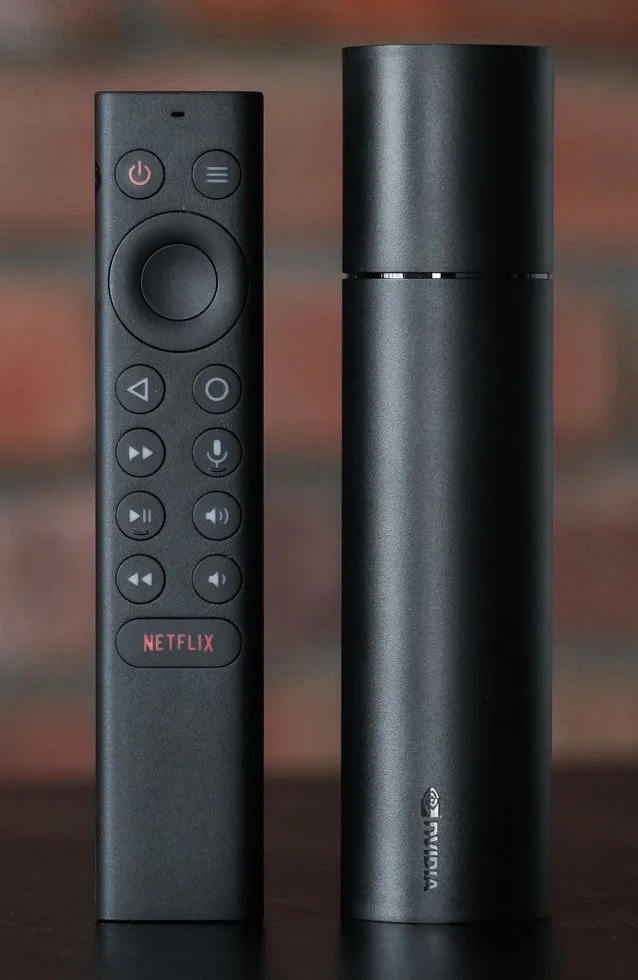
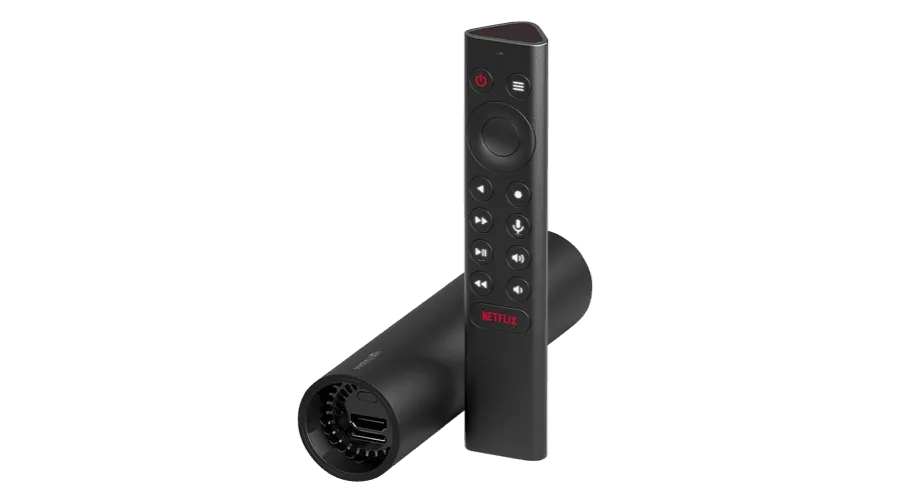
Small and sleek, but it surprised us in our tests: it plays a wide range of content smoothly.
 4K
4K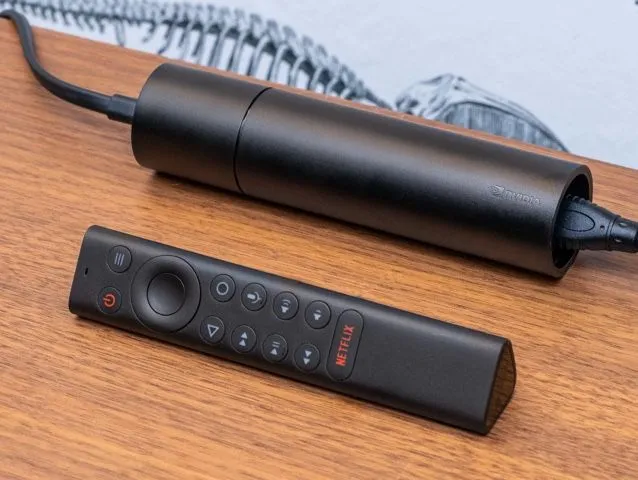
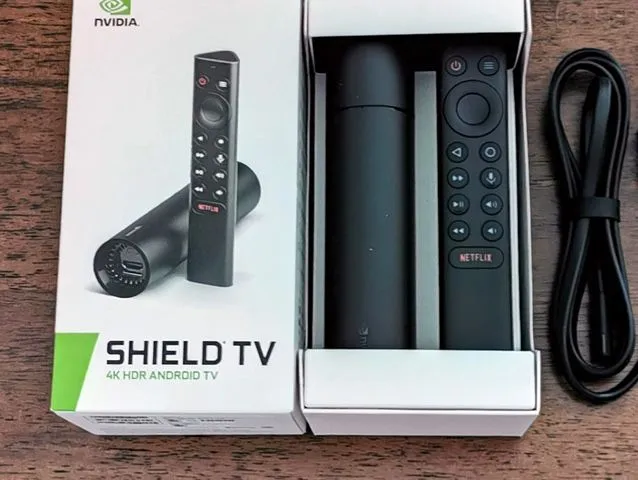
Nvidia SHIELD Android TV 4K Media Player for Digital Signage
As a compact and rather affordable digital signage media player, the Nvidia SHIELD impresses with its performance, smoothly handling most content formats such as videos, photos, transitions, animations, and tickers. Its reliability in playing most types of content makes it a persuasive choice for digital displays. However, while it excels in many areas, advanced playlists and multiple zones can be a limitation with the Nvidia SHIELD Android TV.
Information
- Operating System
 Android
- Brand
- Nvidia
- Memory (RAM)
- 2GB
- Storage
- 8GB
- Wi-Fi
- Ethernet
- 4K
- Price
- $100 - $300
- Performance
Performance
- Slide Transitions
- Element Animations
- Ticker Support
- Script Injection
- Screen Capture
- Touch Support
- HD Video
- 4K Video
- Playlist Simple
- Playlist Advanced
- Playlist in Playlist
- Zones
HD & 4K Video
The Nvidia SHIELD Android TV media player effortlessly handles both HD and 4K video, which is ideal for creating visually stunning digital signage. After all, crisp, vibrant images are just simply more appealing and attention-grabbing. Nvidia SHIELD also has what they call next-generation AI upscaling which turns HD video into 4K in real-time. HD and 4K video compatibility also ensures your media player is more future-proof as we move into 4K technology becoming more and more prevalent.
Simple Playlists
The Nvidia SHIELD Android TV media player rocks at handling simple playlists for digital signage! Imagine a playlist with cool images flaunting your promos, top products, or upcoming events – the Nvidia SHIELD ensures it runs exactly how you picture it. It's basically your go-to sidekick for creating awesome, simple playlists. However, it is important to note that media-heavy playlists like those with multiple long-form videos or hundreds of slides, which we call advanced playlists, may have some difficulty running smoothly though it will still get the job done.
Zones
In digital signage, a zone refers to a designated area on the display screen where specific content is showcased. The Nvidia SHIELD excels in managing digital signage with a single zone, offering a streamlined and effective solution for more focused content display. For example, a single zone might be dedicated to featuring promotional images for a product launch, while the rest of the screen displays your current sale. However, it's worth mentioning that the SHIELD does not support multiple zones.
Touch Support
The Nvidia SHIELD, while a powerhouse in other aspects of digital signage, does not support touch functionality. Unlike some other digital signage hardware, the SHIELD is not equipped for interactive displays where users can engage with content through touch. This makes it more suitable for applications that rely on traditional non-touch interfaces. Despite the absence of touch support, the SHIELD remains a top entry-level choice for delivering dynamic and engaging content in digital signage setups that do not require interactive capabilities.
Storage Expansion
Many may not know that digital signage media players store your content so that it may be displayed offline and load faster. With some media players, you are limited to the amount of storage included in the hardware components. The Nvidia SHIELD uniquely features a micro SD card slot, providing a convenient solution for storage expansion. This micro SD card slot allows users to easily increase the device's storage capacity, accommodating a larger volume of multimedia content such as images, videos, and other assets essential for more dynamic digital signage displays.
Ready to set up your player?
We think freedom of choice is a great concept, so we’ve made it possible to use Play Digital Signage with almost any player or Smart TV on the market. Below you’ll see which operating systems we support.

Android
Setup guide: Android
Windows
Setup guide: Windows
macOS
Setup guide: macOS
Amazon
Setup guide: Amazon
Chrome
Setup guide: Chrome
Samsung
Setup guide: Samsung
BrightSign
Setup guide: BrightSign
Linux
Setup guide: Linux
Raspberry Pi
Setup guide: Raspberry Pi

We Welcome Your Feedback
Since 2013, our strategy has been to follow your lead when we prioritize and develop new features, plugins and updates. Tell us what you would like to see, and we will listen and make digital signage even better suited to you and your company.
