Microsoft Windows PC and Laptop
Versatile hardware for digital signage.
Use any Windows PC or laptop and pick the hardware that fits your content and budget. A laptop can even be its own screen.
 4K
4K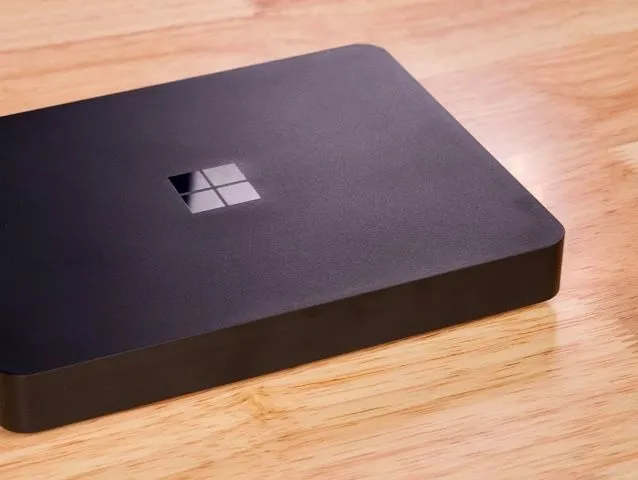
Microsoft Windows PCs and Laptops for Digital Signage
Microsoft Windows PCs and Laptops are an ideal choice for digital signage media players. Whether it's a PC, MiniPC, or Laptop running the Microsoft Windows OS, the options are limitless, offering a tailored solution for your digital signage needs. In our testing, we used a Dell Latitude Laptop that successfully passed all assessments, with the exception of 4K video playback and some minor difficulty with tickers. However, it’s crucial to emphasize that performance is directly linked to hardware capabilities, so you get the flexibility to choose the performance level that aligns with your requirements.
Information
- Operating System
 Windows
- Brand
- Microsoft
- Memory (RAM)
- 16GB
- Storage
- 256GB
- Wi-Fi
- Ethernet
- 4K
- Price
- $300 +
- Performance
Performance
- Slide Transitions
- Element Animations
- Ticker Support
- Script Injection
- Screen Capture
- Touch Support
- HD Video
- 4K Video
- Playlist Simple
- Playlist Advanced
- Playlist in Playlist
- Zones
Advanced Playlists
The majority of Microsoft PCs and Laptops offer support for both simple and advanced playlists in digital signage. These versatile devices can handle various content formats, making them suitable for a wide range of applications. For optimal performance with advanced content, consider hardware specifications such as a high-performance processor (e.g., Intel Core i7 or AMD Ryzen 7), dedicated graphics card for enhanced visual processing, ample RAM (16GB or more), and sufficient storage capacity (SSD for faster data access).
Zones
Microsoft PCs and Laptops shine in their ability to handle digital signage zones, including multiple zones for a dynamic display experience. With the flexibility to divide the screen into distinct areas, you can use multiple zones to showcase diverse content simultaneously. For instance, imagine a digital menu where one zone displays enticing food visuals, another features promotional offers, and a third highlights customer testimonials.
HD & 4K Video
Microsoft Windows PCs and Laptops have strong support for HD video playback, providing crisp and clear visuals for your digital signage content. However, it's important to note that the Dell Latitude in our testing did not support 4K video playback. However, again, the ability to achieve 4K performance depends on the chosen screen and hardware configurations.
Touch Support
Microsoft Windows PCs and Laptops elevate the digital signage experience by offering touch support, providing an interactive dimension to your displays. Some laptops even come equipped with touch-compatible screens, though of course, you can pair just about any Microsoft Windows PC or Laptop with a touchscreen display as well. Whether you're incorporating touch interactions for interactive menus, maps, or informational displays, Microsoft Windows PCs and Laptops bring a responsive and user-friendly element to your digital signage setup.
Sizing & Screen Options
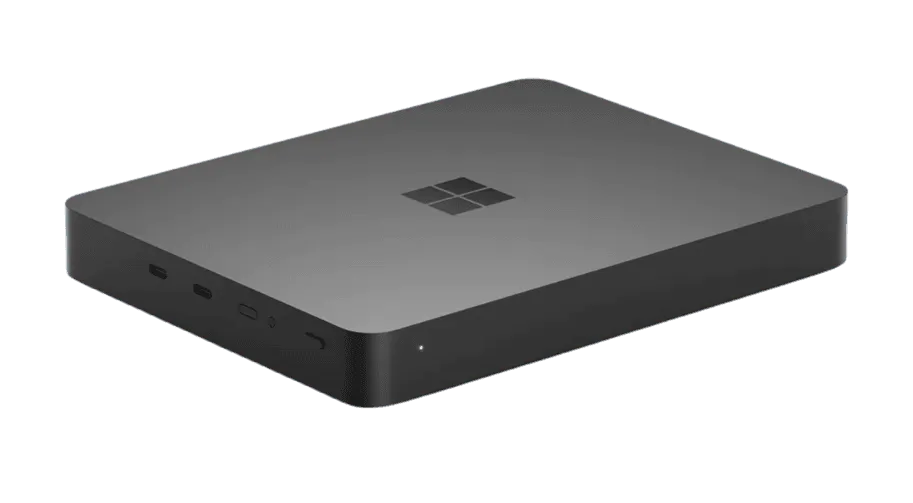
Microsoft Windows PCs and Laptops empower you with the freedom to tailor the size of hardware to suit your space and specific requirements. This flexibility allows you to choose from a diverse range of form factors, whether it's a compact MiniPC, a traditional desktop PC, or a versatile laptop. Additionally, some devices offer a two-in-one solution with a built-in screen, resembling a tablet or laptop. This integrated approach streamlines your digital signage setup, eliminating the need for additional screens. Moreover, you have the flexibility to pair these devices with almost any screen size, providing ultimate flexibility in designing and implementing your digital signage displays to perfectly fit your space and captivate your audience.
Ready to set up your player?
We think freedom of choice is a great concept, so we’ve made it possible to use Play Digital Signage with almost any player or Smart TV on the market. Below you’ll see which operating systems we support.
Android
Setup guide: Android
Windows
Setup guide: Windows
macOS
Setup guide: macOS
Amazon
Setup guide: Amazon
Chrome
Setup guide: Chrome
Samsung
Setup guide: Samsung
BrightSign
Setup guide: BrightSign
Linux
Setup guide: Linux
Raspberry Pi
Setup guide: Raspberry Pi

We Welcome Your Feedback
Since 2013, our strategy has been to follow your lead when we prioritize and develop new features, plugins and updates. Tell us what you would like to see, and we will listen and make digital signage even better suited to you and your company.
