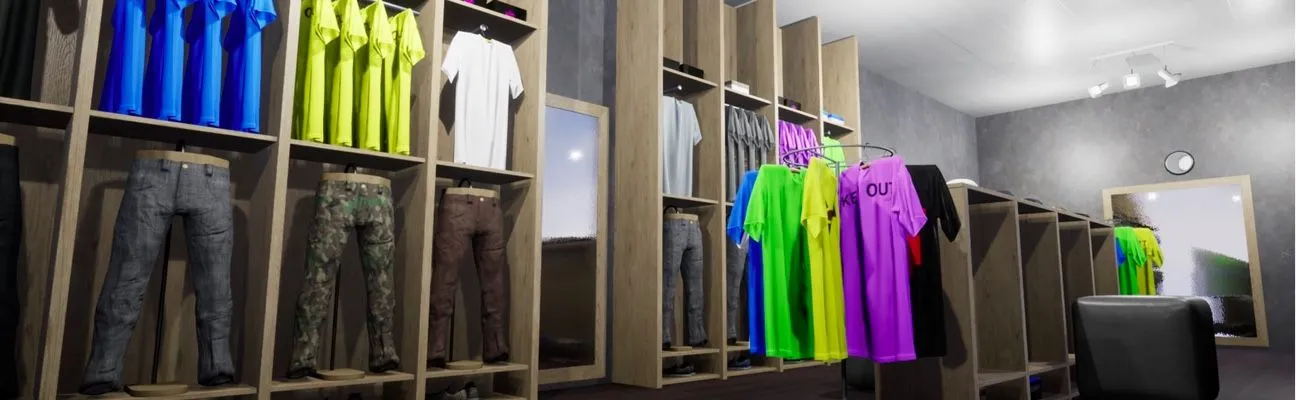
Banking
Engage customers while they wait and promote your financial products.
Improve communication, safety and efficiency on the factory floor with screens that are always up to date.
Reach employees on the factory floor, who rarely sit at a computer, with company news, shift information and announcements.
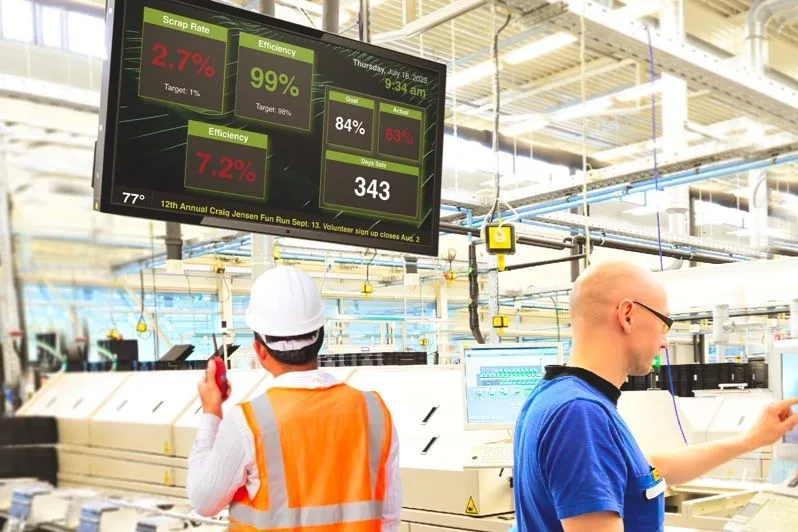
Keep safety rules visible, count the days without accidents, and switch every screen to emergency messages with the Emergency System.
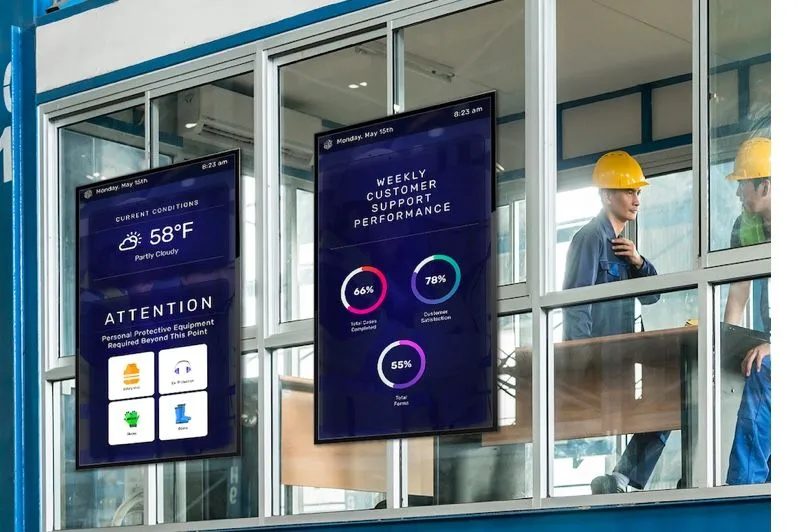
Show production targets and results from Power BI or Google Sheets, so teams see how they are doing during the shift.
Put step-by-step instructions, videos and checklists next to the machines where they are needed.
Display quality figures and defect rates as soon as your data updates, so problems are spotted and fixed sooner.
Engage customers while they wait and promote your financial products.

Schedules, campus news and emergency alerts on every screen.

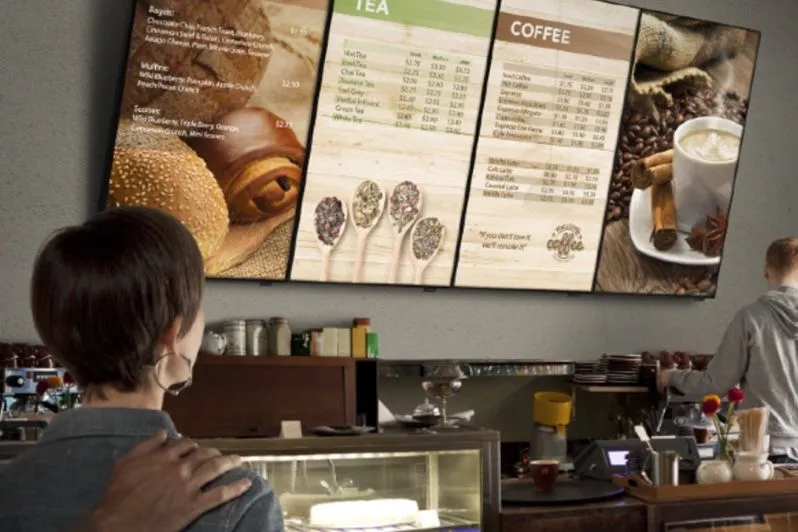
Menu boards that update in seconds and promote today’s specials.
Factories use screens for production figures, safety messages, work instructions, shift information and company news, on the floor and in break rooms.
Yes. Show Power BI reports (Pro), Google Sheets or web dashboards, and the screens update when the data does.
Yes. The Emergency System (Pro) switches screens to emergency content when it is activated, and CAP alerts are supported.
Yes. Script Injection (Pro) can log in to a website automatically and scroll to the right section.
Yes. Schedule playlists by time of day and day of the week, so each shift sees its own targets and messages.
No credit card required. Just start growing your business and we’ll grow together.
We use cookies to ensure that we give you the best experience on our website. Learn more about Privacy Policies