


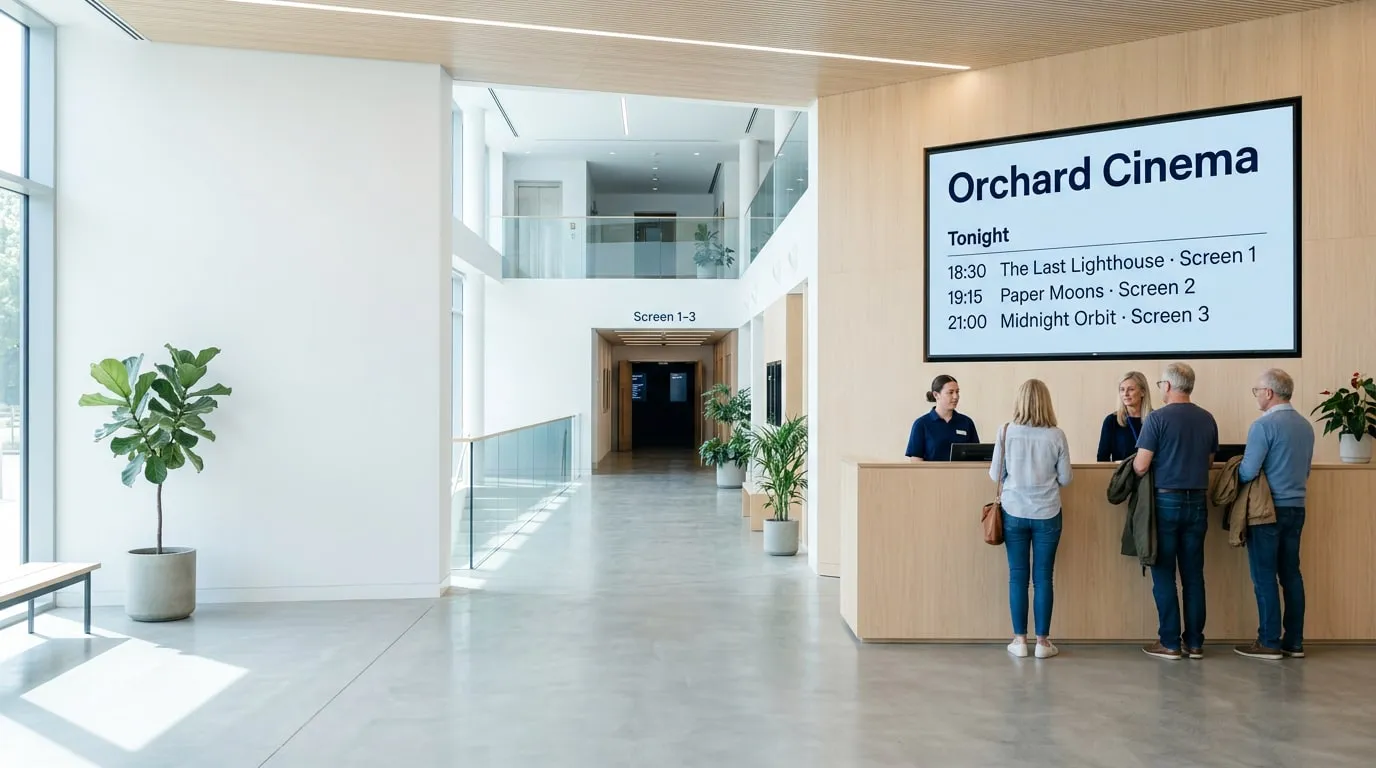
Guests at the ticket counter of a bright cinema lobby, below a wall screen showing tonight’s films at Orchard Cinema: 18:30 The Last Lighthouse, Screen 1; 19:15 Paper Moons, Screen 2; 21:00 Midnight Orbit, Screen 3

Digital signage software for cinemas

Digital signage for cinemas and theaters

Put showtimes, trailers, concession offers and ads on the screens you already have. Manage all from one dashboard.

Built for every cinema, big or small.

Whether you run a single-screen theater or a chain of multiplexes, Play adapts to how your cinema actually works.

  • Independent cinemas

    Run a lobby full of screens without a design team.

    • Showtimes from a Google Sheet
    • Digital posters and trailers
    • Concession menus and combo deals
    • Special screenings and events
  • Multiplexes & chains

    Keep every site up to date and on brand from one account.

    • Each site manages its own screens
    • Central campaigns for every lobby
    • Ad slots sold to local businesses
    • Screen health alerts for every site
  • Staff & back of house

    Keep the team informed between screenings.

    • Shift information
    • Safety notices
    • Team news
    • Emergency content on all screens

Guide moviegoers from the front door to their seat.

Put the right message on the right screen at every step, so guests know what’s on, where to go and what to grab on the way.

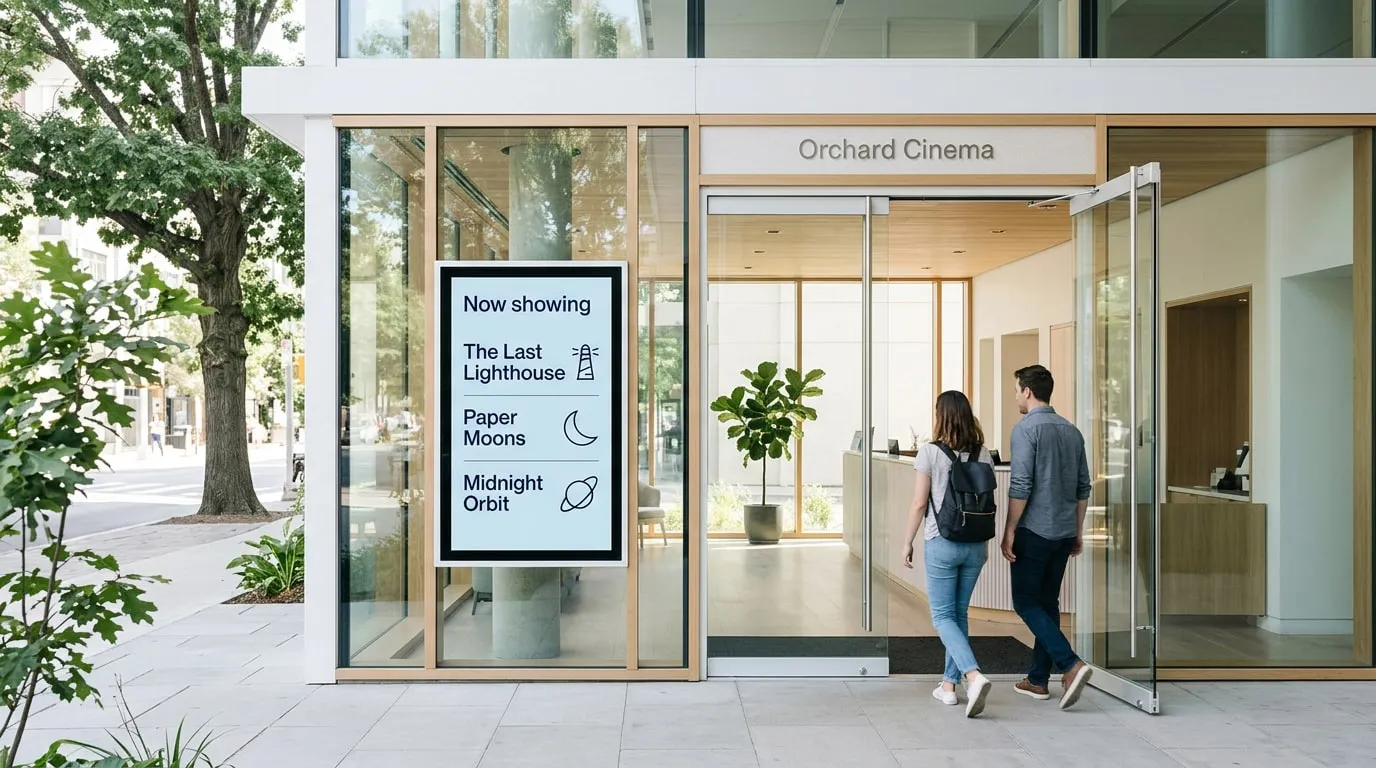
  1. Two guests walking through the glass doors of Orchard Cinema, past a portrait screen headed Now showing that lists The Last Lighthouse, Paper Moons and Midnight Orbit

    01 · Entrance

    Now showing

    Screens at the door show today’s films the moment guests walk in.

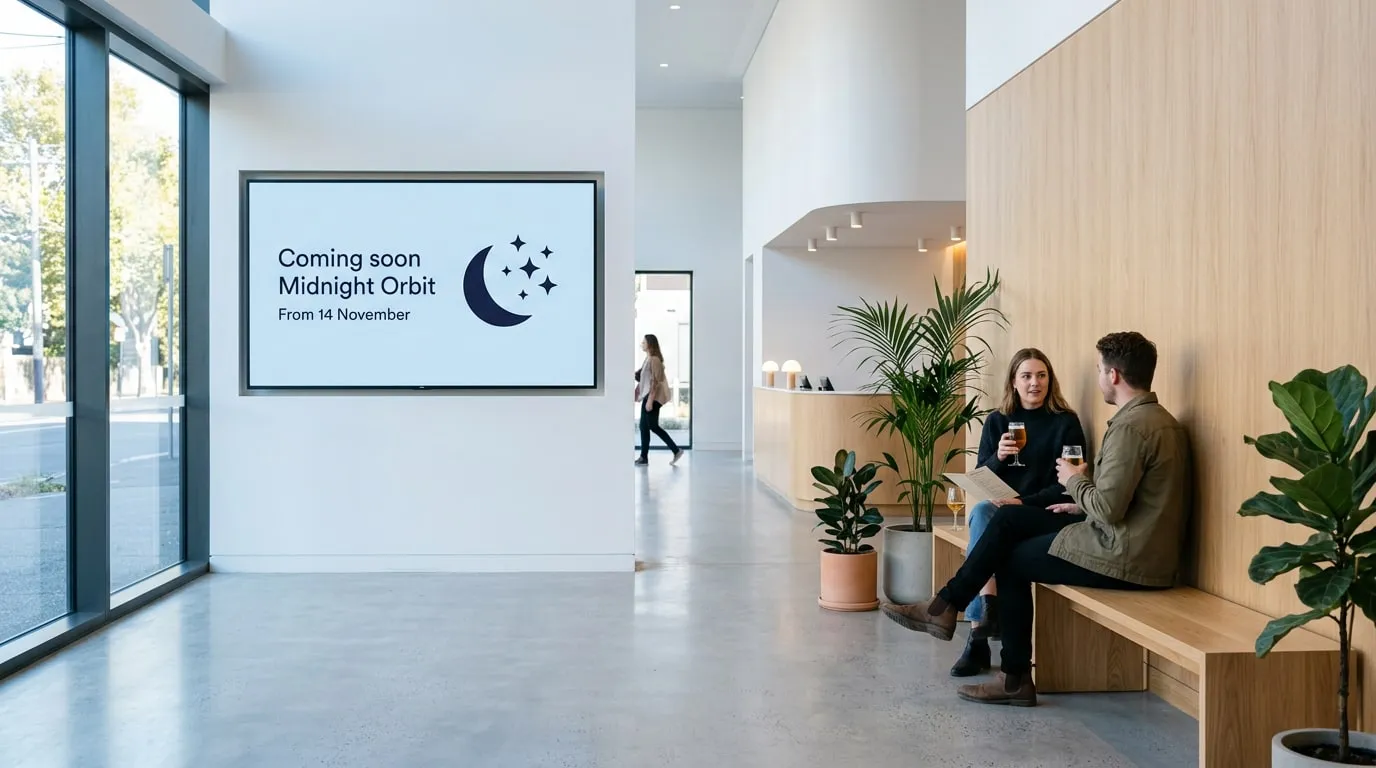
  2. Couple with drinks on a wooden bench in a cinema lobby, near a wall screen saying Coming soon: Midnight Orbit, from 14 November, with a moon and stars

    02 · Lobby

    Trailers and coming soon

    Trailers and digital posters for upcoming releases, scheduled to start and stop on the right dates.

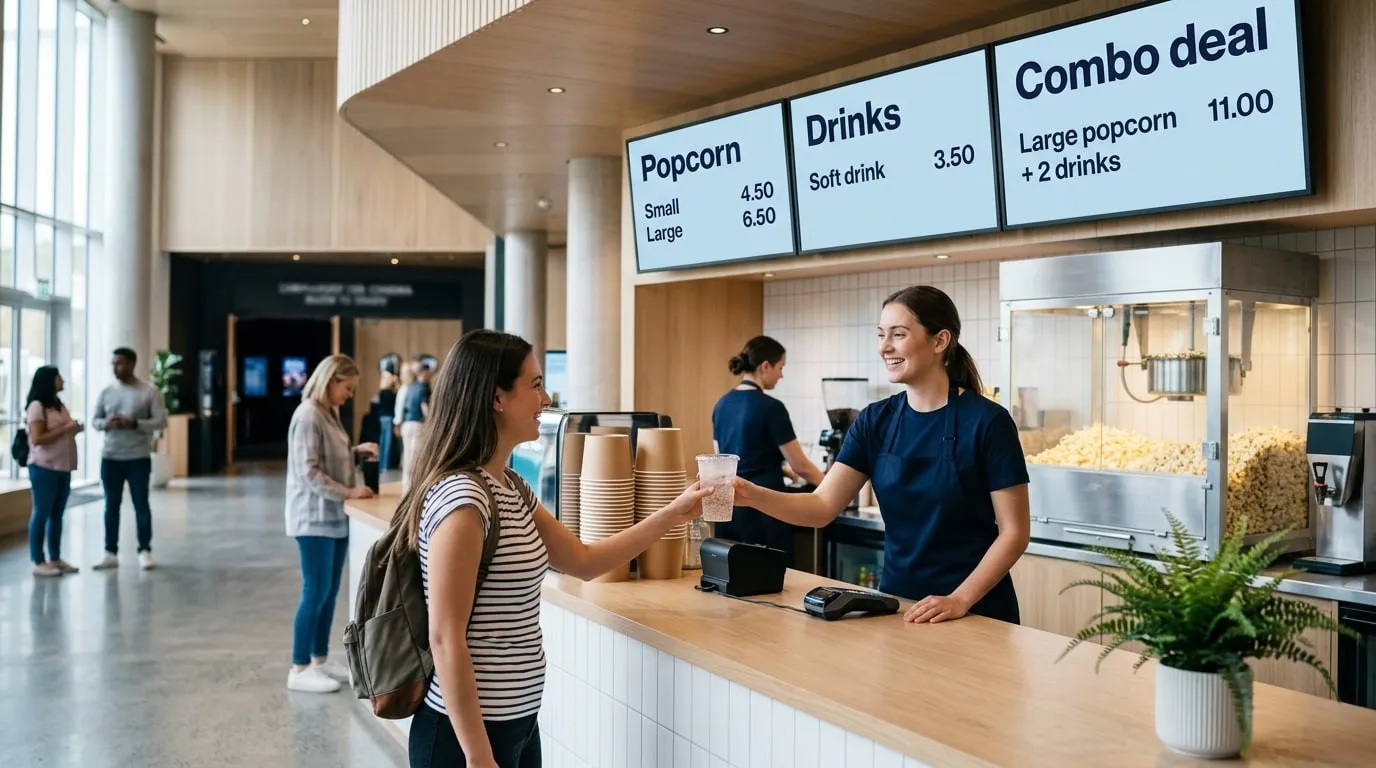
  3. Cinema concession stand where a staff member hands a guest a drink, below three menu screens: popcorn small 4.50 or large 6.50, soft drink 3.50, and a combo deal of large popcorn and 2 drinks for 11.00

    03 · Concessions

    Menus and combo deals

    Popcorn, drinks and combos that are quick to update, with offers at the times they sell best.

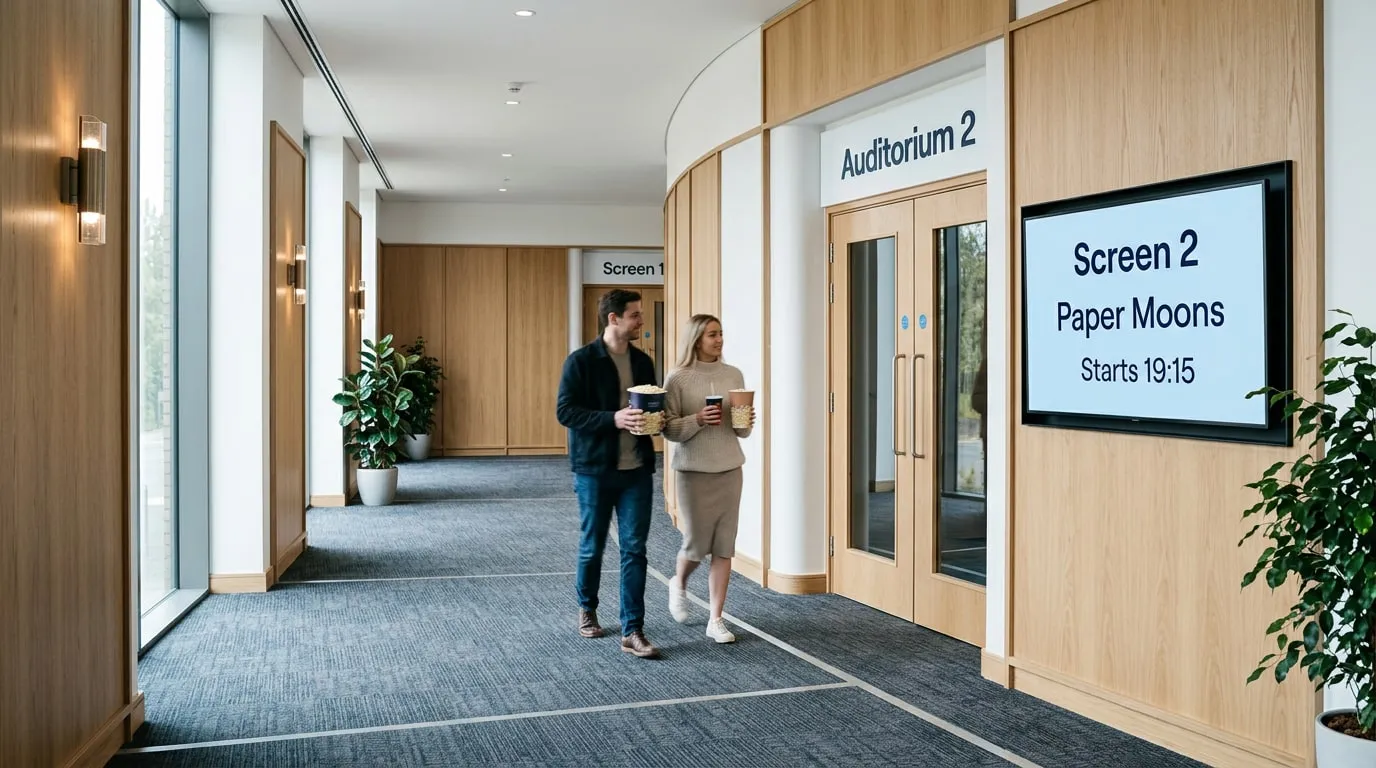
  4. Two guests with popcorn walking down a carpeted cinema corridor toward the doors of Auditorium 2, next to a screen saying Screen 2, Paper Moons, starts 19:15

    04 · Doors to the screens

    Screen numbers and start times

    Guests see which film plays in which screen and when it starts, straight from your Google Sheet.

Your first screen is free.

No credit card required. Just start growing your business and we’ll grow together.

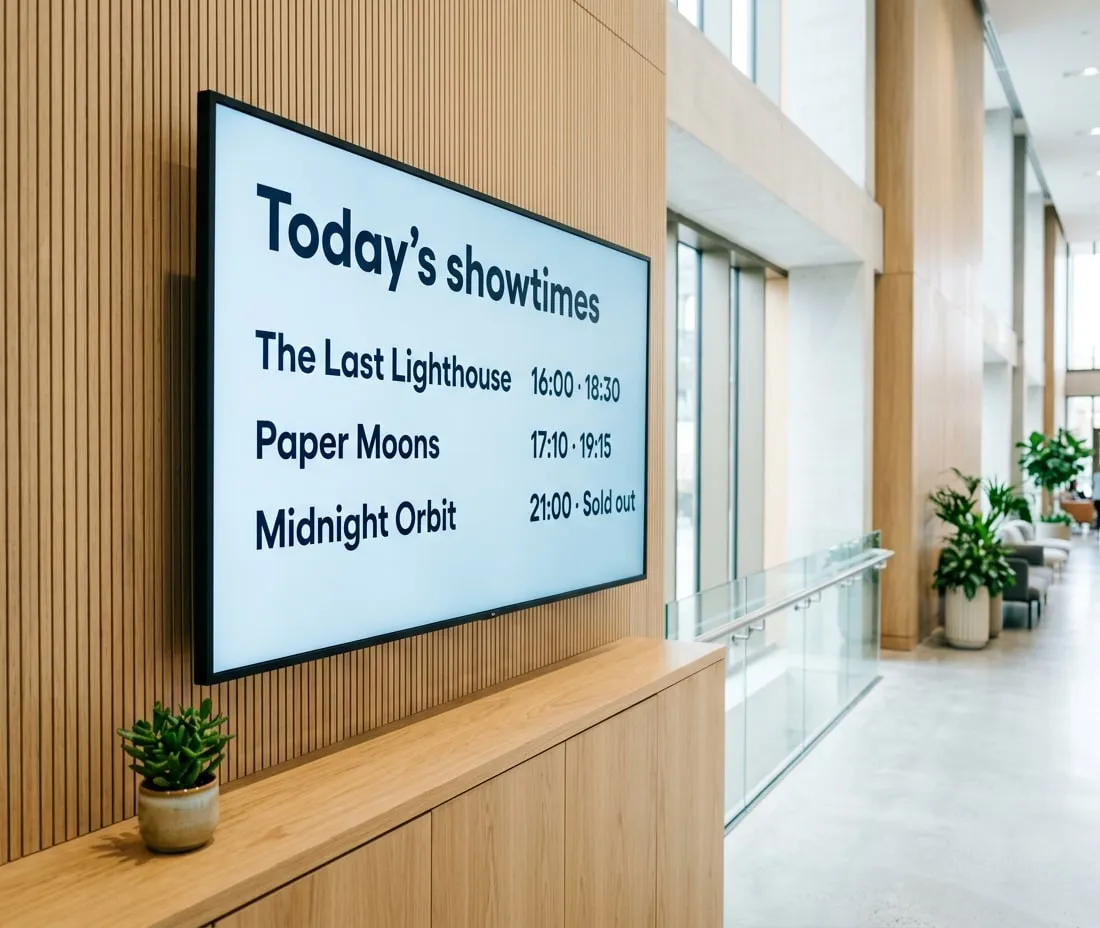
Showtimes that are always up to date

Pull live data from Google Sheets, Power BI, RSS feeds or your website and update every screen from one web portal. When it matters, the Emergency System switches every screen to an alert in seconds.

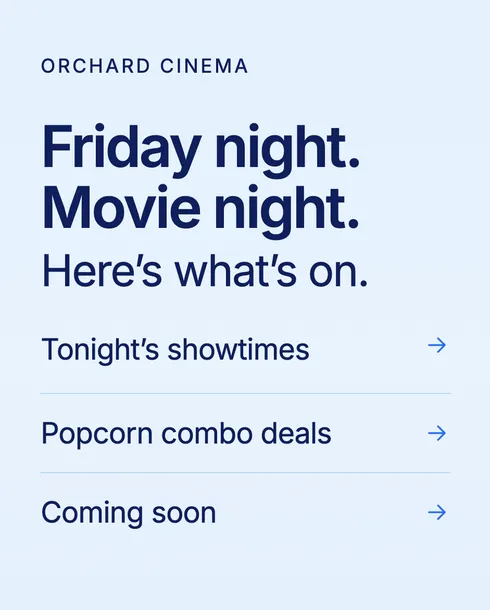
Wall screen in a cinema foyer showing today’s showtimes: The Last Lighthouse 16:00 and 18:30, Paper Moons 17:10 and 19:15, Midnight Orbit 21:00, sold out

One dashboard for every screen in your cinema

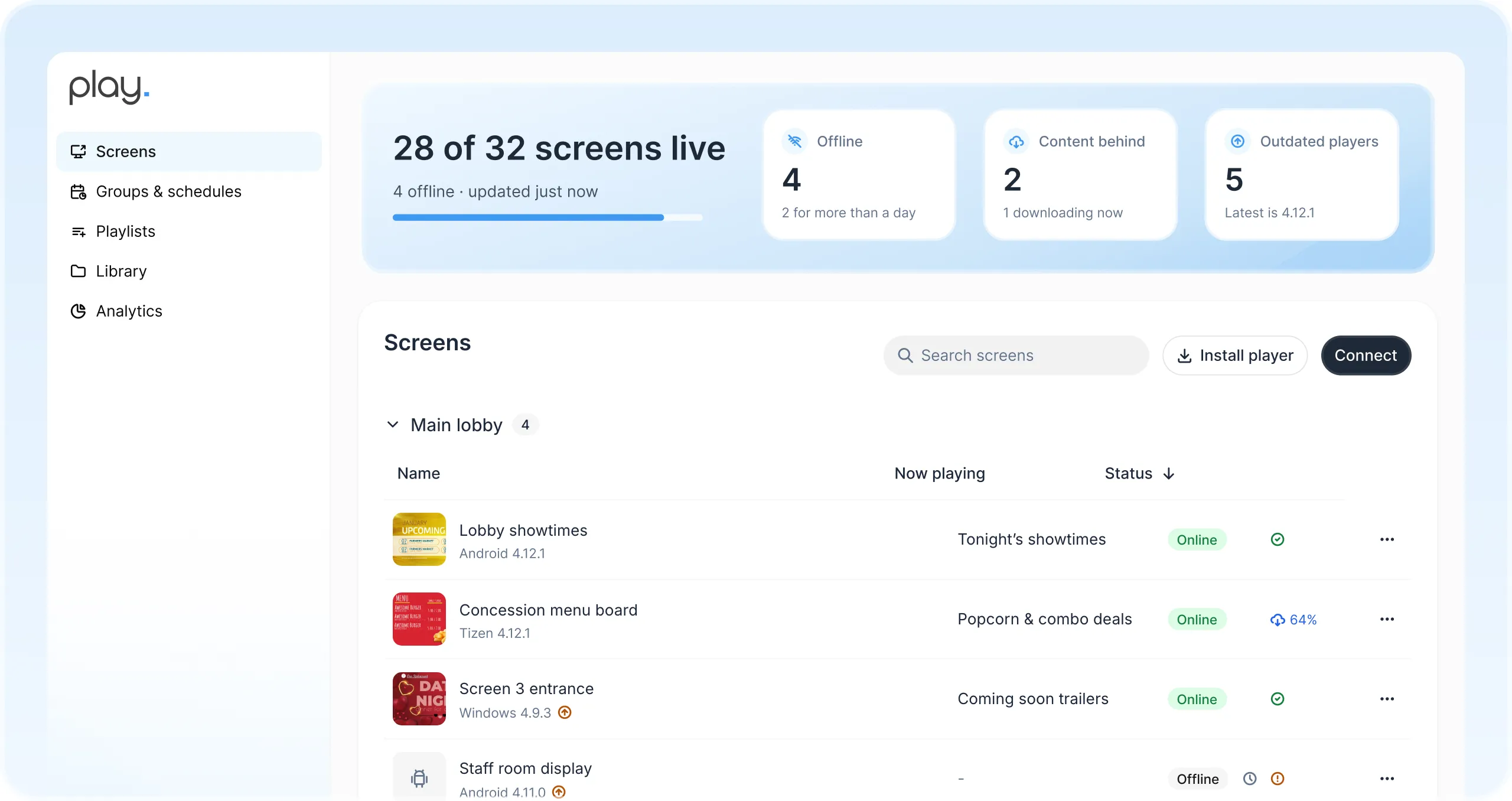
Manage every screen in every lobby and site from one web dashboard. Share playlists with your team and see at a glance which screens are online.

Play dashboard with 28 of 32 screens live and a list of the lobby showtimes, concession menu board, Screen 3 entrance and staff room screens with what each one is playing
  • Teams for every site

    Give each cinema its own team, so it publishes to its own screens without affecting the others.

  • On brand on every screen

    Your colors, fonts and templates, so every slide looks like your cinema.

  • Flexible scheduling

    Plan content by day and time, and let trailers start and stop on their release dates.

  • Ad slots & Proof of Play

    Ad Cycle plays each advertiser’s ads a set number of times, and Proof of Play reports show when they ran.

  • Offline playback

    Content is stored on every player and keeps running through network outages.

  • Screen health alerts

    Get notified when a screen goes offline, so you can quickly resolve any outages.

Up and running in an afternoon.

  1. 1

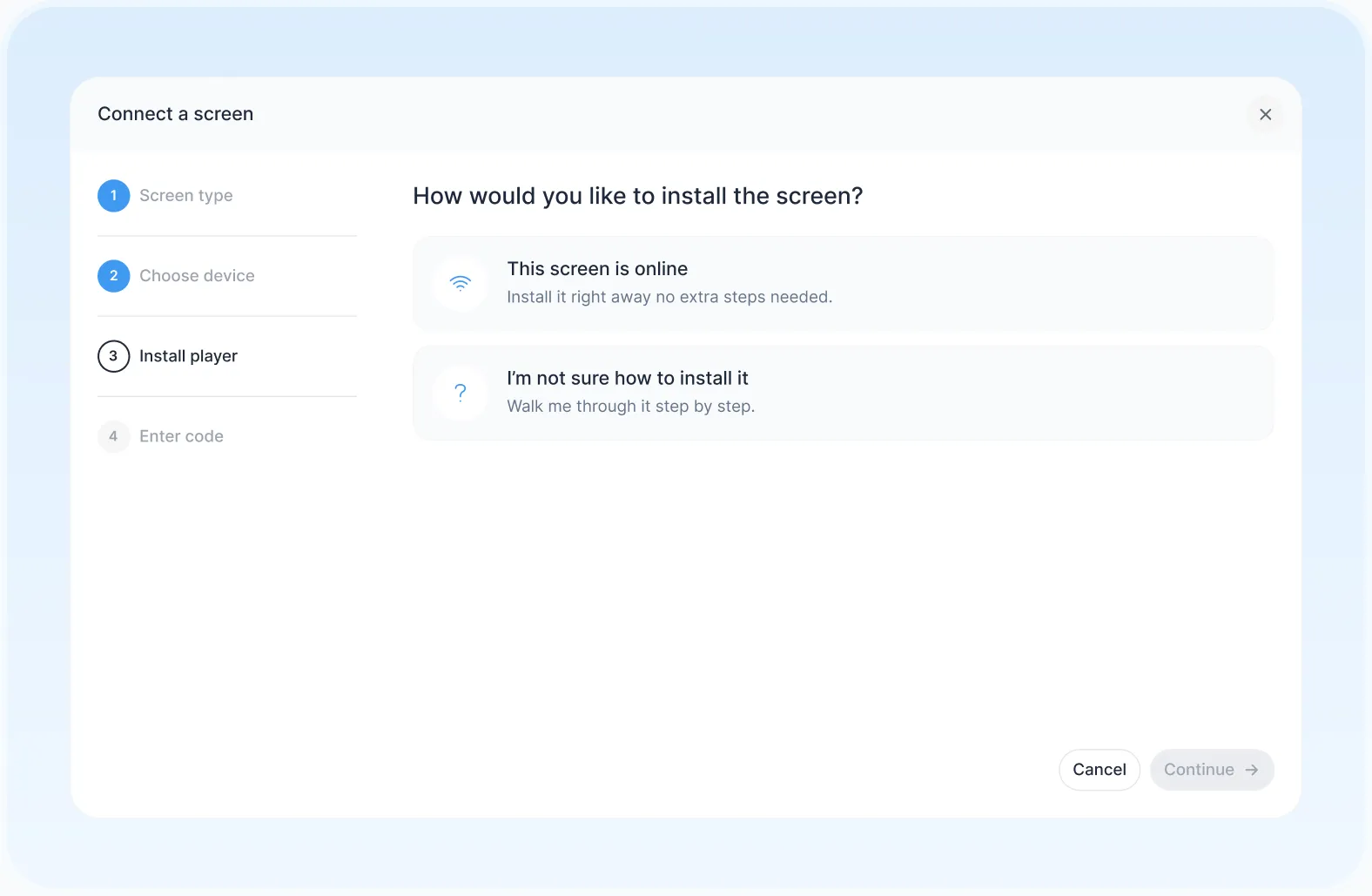
    Connect a screen

    Pair a smart TV, media player or LED wall you already own.

  2. 2

    Pick a template

    Start from a ready-made template or design your own.

  3. 3

    Publish everywhere

    Send it to one lobby screen or every cinema at once.

The Connect a screen window in Play, asking whether the screen is online or needs step-by-step help

Use templates or design your own.

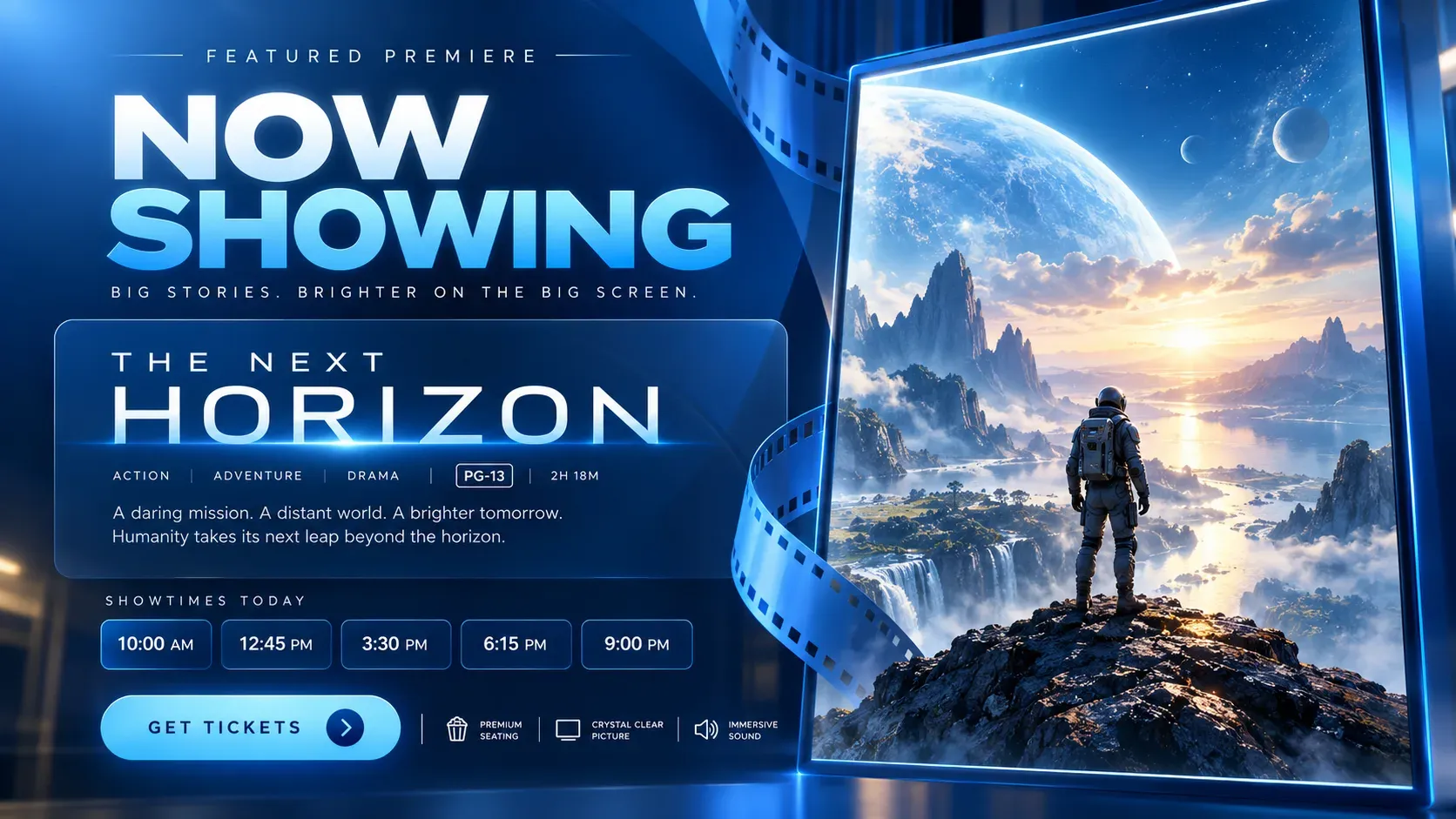
Use Play’s templates as a starting point for showtimes, coming soon posters, concession specials and family screenings. Change colors and text, then publish.

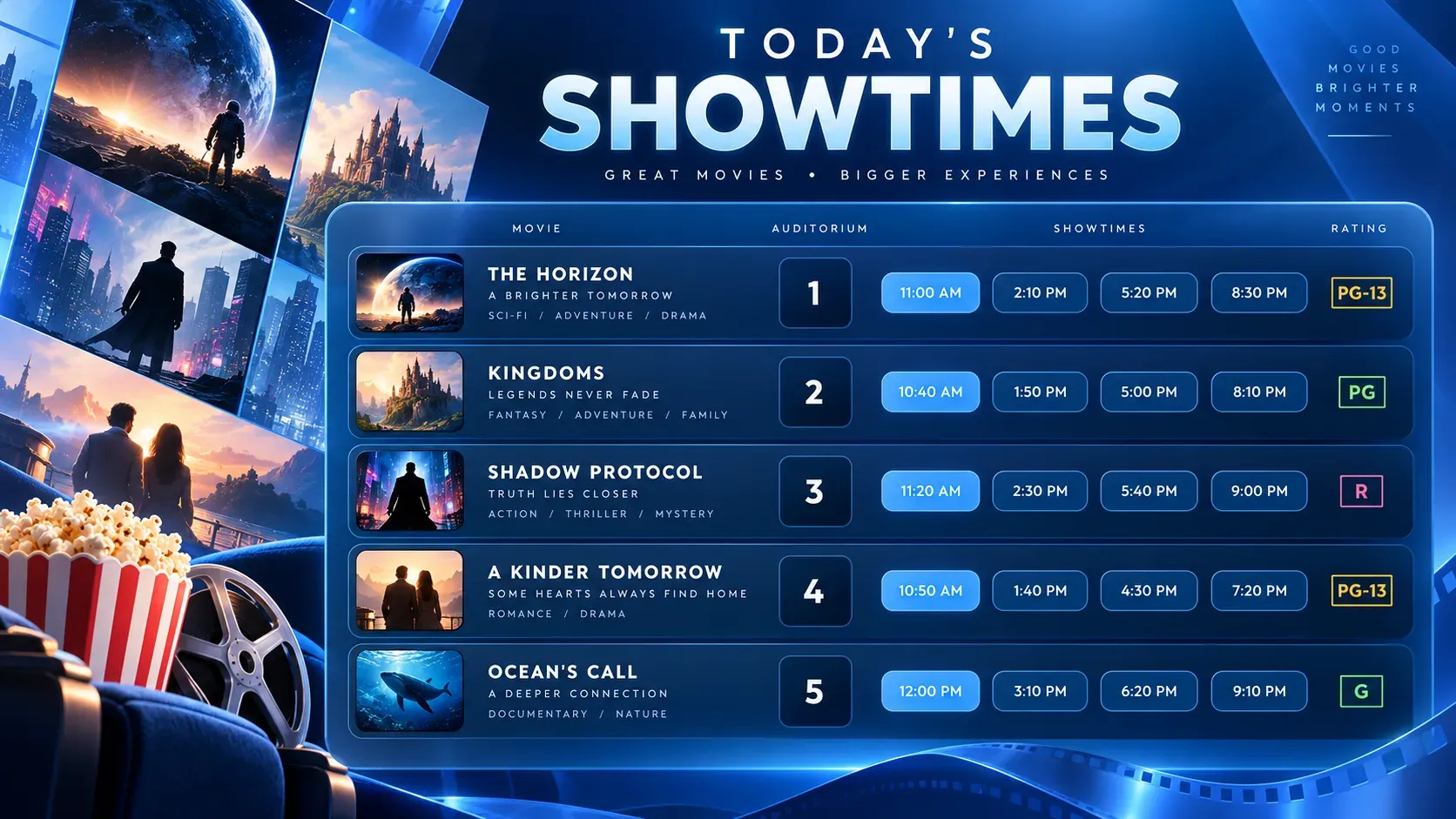
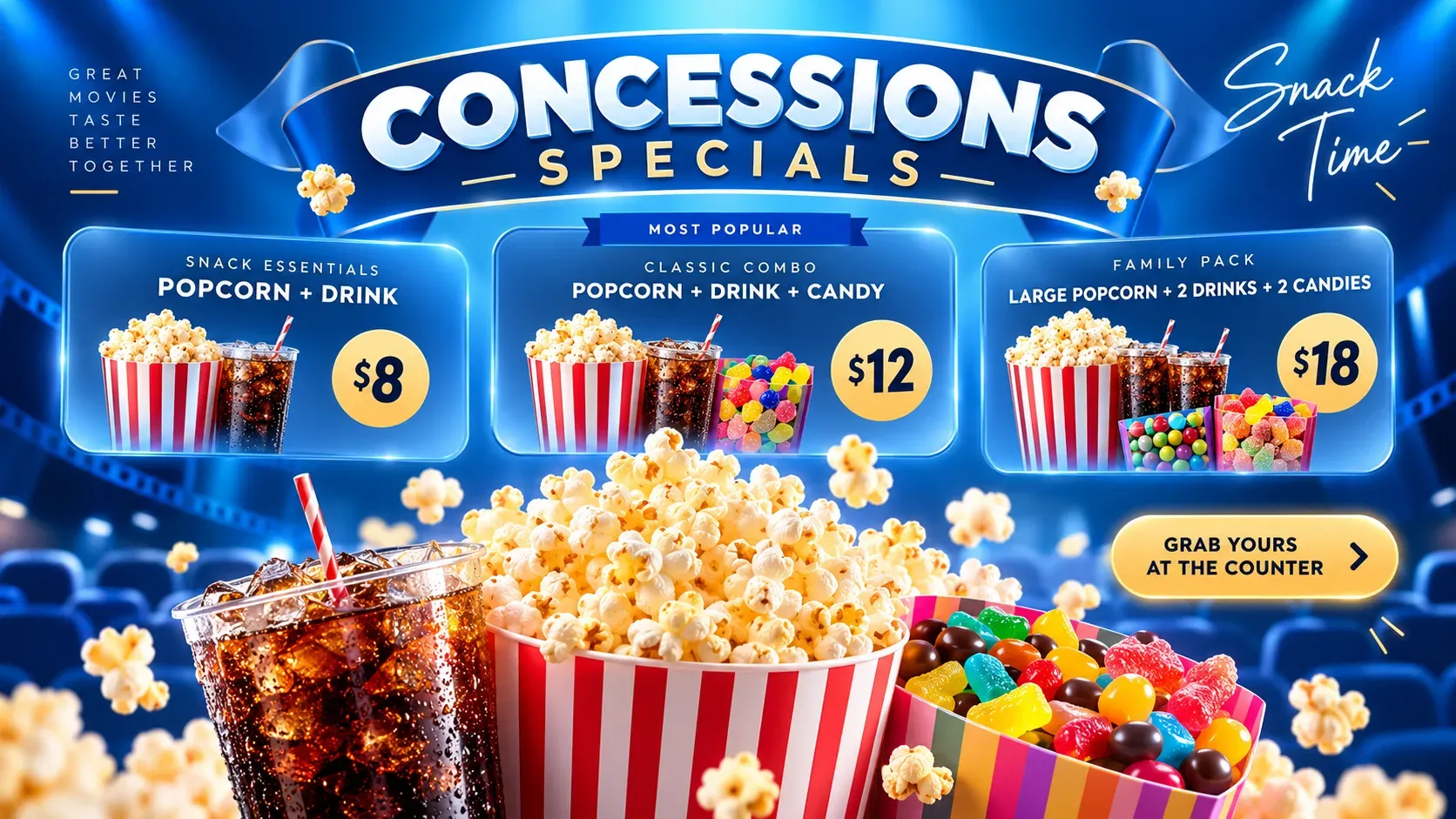
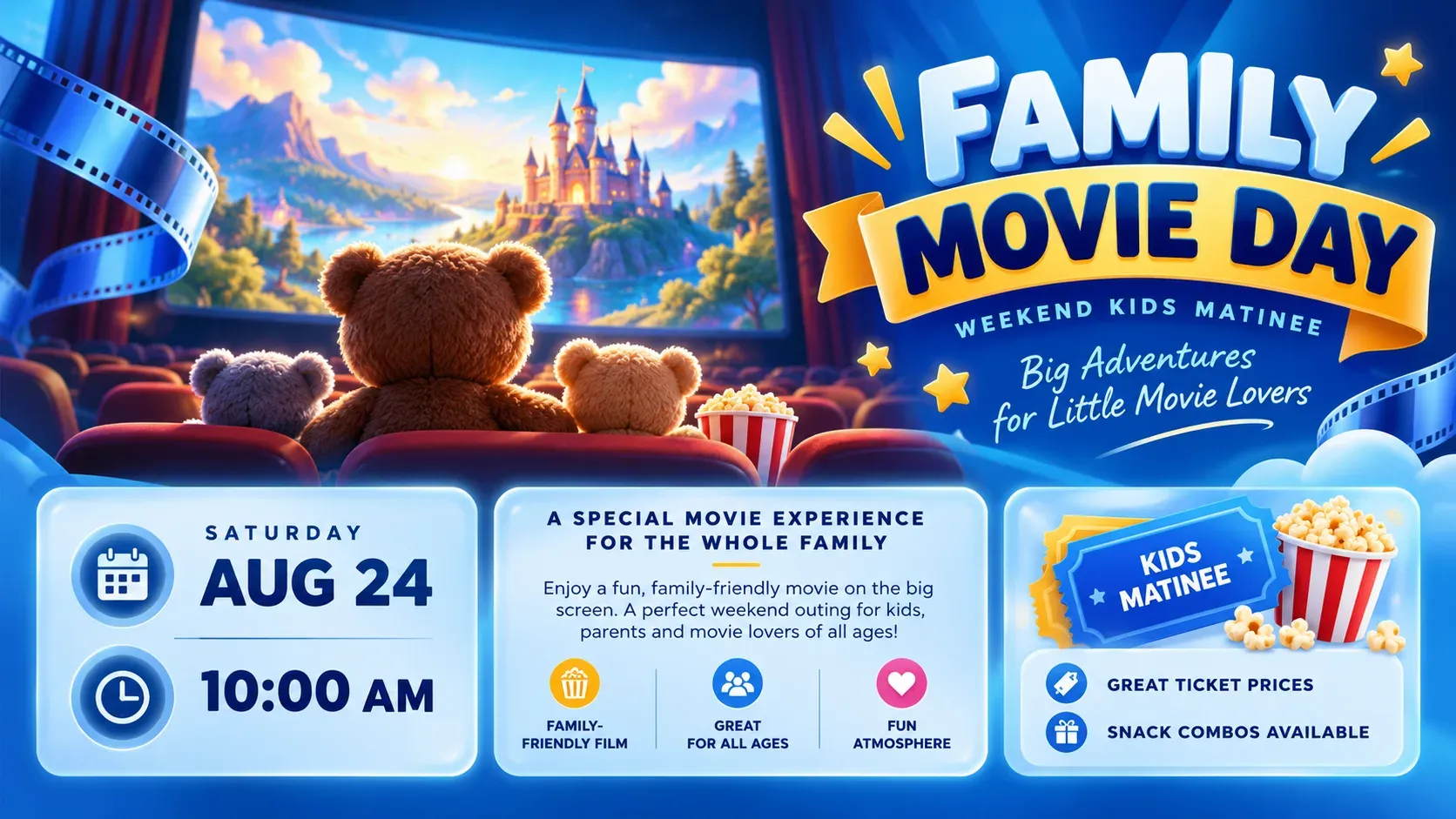
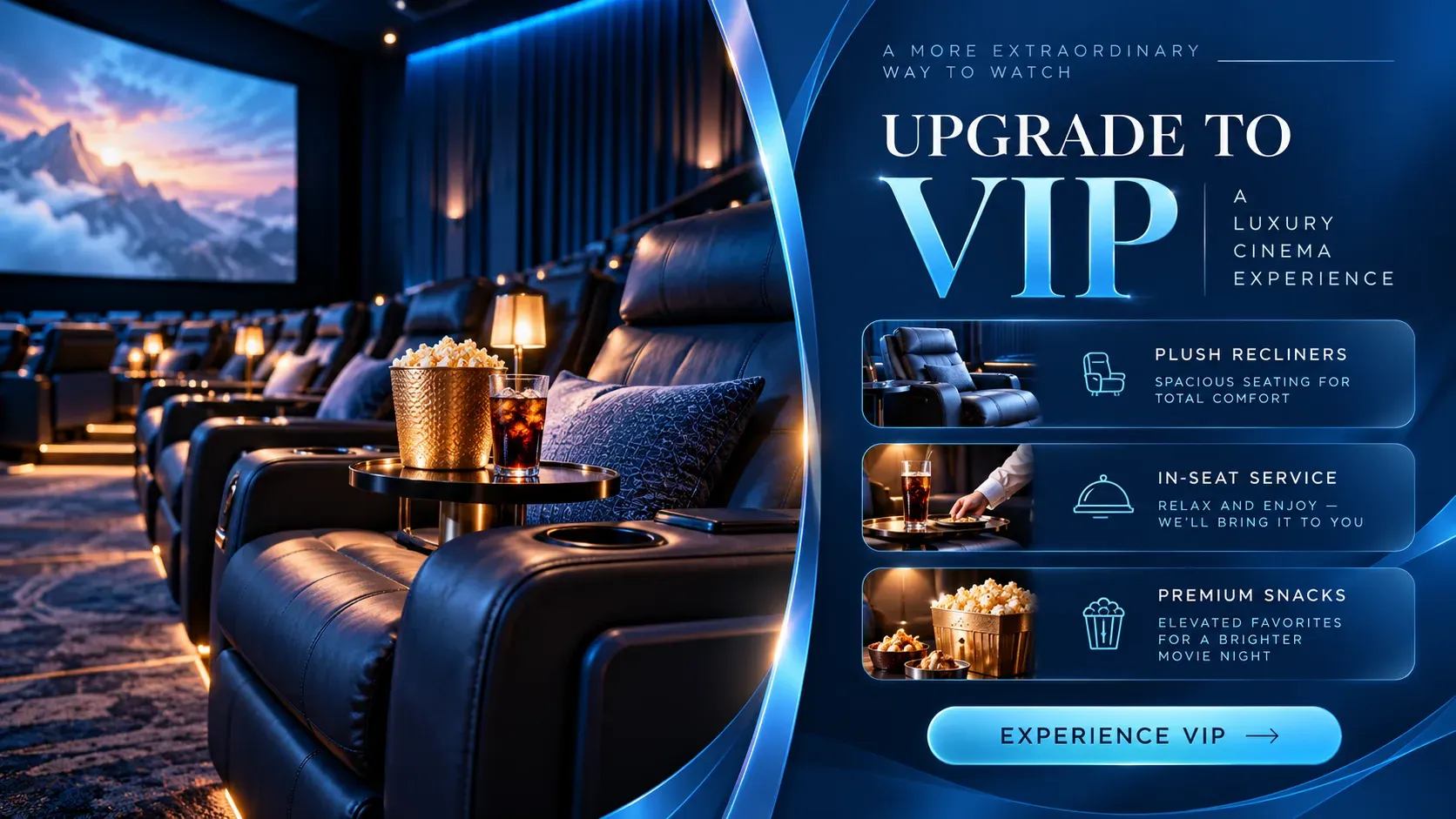
  • Now Showing: digital signage template for cinema
  • Today’s Showtimes: digital signage template for cinema
  • Coming Soon: digital signage template for cinema
  • Concessions Specials: digital signage template for cinema
  • Family Movie Day: digital signage template for cinema
  • VIP Upgrade: digital signage template for cinema
Browse all templates
Visitors need information at the right moment.
Roy WatanabeDirector, IT Infrastructure & Operations, The Kennedy Collective
Organizations manage their screens with Play
2,500+
Screens connected worldwide
25,000+
Countries with Play-powered screens
100+
Email and live chat support, every day
24/7

Any issues? We offer 24/7 human support to all our customers.

  • 24/7We’re always here
  • Human supportReal experts, not bots
  • <2min average replyFast and helpful responses

Other Solutions

  • People reviewing financial charts at a desk with a calculator

    Banking

    Engage customers while they wait and promote your financial products.
  • Graduation caps thrown in the air

    Education

    Schedules, campus news and emergency alerts on every screen.

  • Smiling doctors and nurses in a hospital

    Healthcare

    Wayfinding, health information and shorter perceived wait times.

  • Hotel receptionist helping guests at the front desk

    Hospitality

    Welcome guests and promote your services, events and offers.
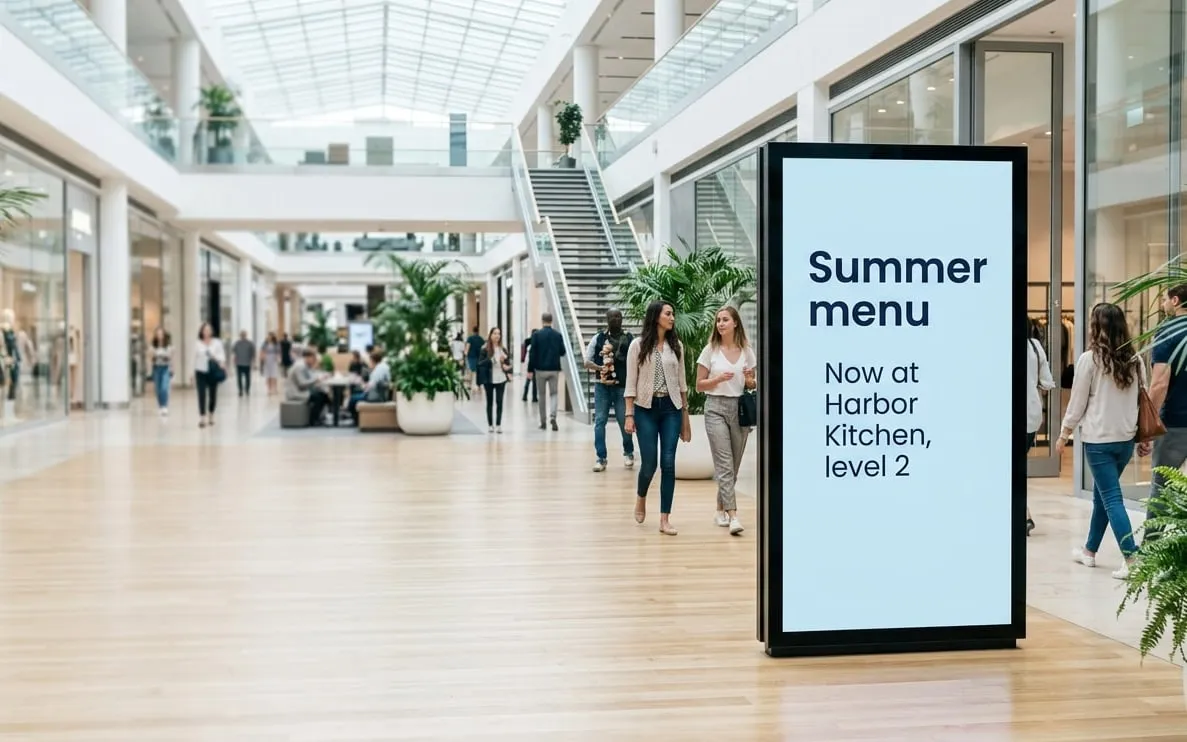
  • Shopping mall with a large portrait screen advertising a summer menu at Harbor Kitchen

    Advertising

    Ad campaigns you can update in seconds and target to your audience.
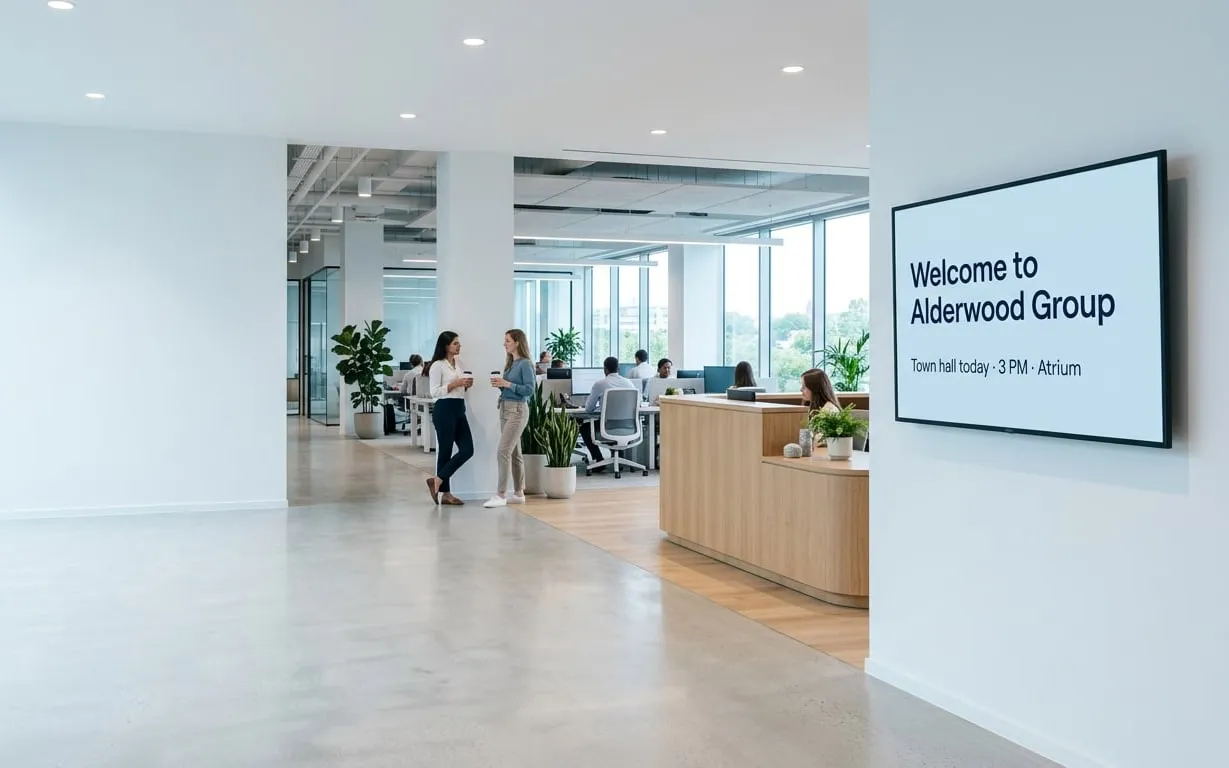
  • Office reception with a wall screen welcoming visitors to Alderwood Group

    Offices

    Company news, results and celebrations for the whole team.
  • Robot arms on a car production line

    Manufacturing

    Production figures, safety messages and work instructions.
  • Driver filling up a silver car next to a pump screen saying Coffee + pastry $3

    Gas stations

    Fuel prices, store offers and extra ad revenue.
  • Clothing store with colorful shirts on display

    Retail

    Promotions and wayfinding right where shoppers buy.

  • Monorail train covered in colorful graffiti

    Transportation

    Real-time travel updates wherever passengers wait.

  • People running on treadmills in a gym

    Gyms and spas

    Class schedules, workout tips and member offers.

  • Small white church with a steeple in the countryside

    Churches

    Share announcements and bring your congregation together.

Frequently asked questions

Find answers to common questions about our platform. If you need further assistance, feel free to reach out to our team.

What can a cinema show on digital signage?

Showtimes, trailers, digital movie posters, concession menus, offers and ads from local businesses, plus information for staff.

Can the screens play trailers?

Yes. Upload video files or use YouTube and Vimeo. Play converts uploaded files to a format that plays well on your screens automatically.

Can menu prices change at certain times?

Yes. Schedule different menus by time and day, or use Slide Conditions (Pro) to show an offer only during matinees, for example.

Can I make money from the screens?

Yes. With Ad Cycle (Ultimate) you can sell ad slots to advertisers and prove every showing with Proof of Play reports.

Can showtimes update without retyping them on every screen?

Yes. Keep your showtimes in a Google Sheet and add it to a playlist. The screens show the latest version of the sheet.

Still have questions? Contact our support

Book a free demo

Loading free times…