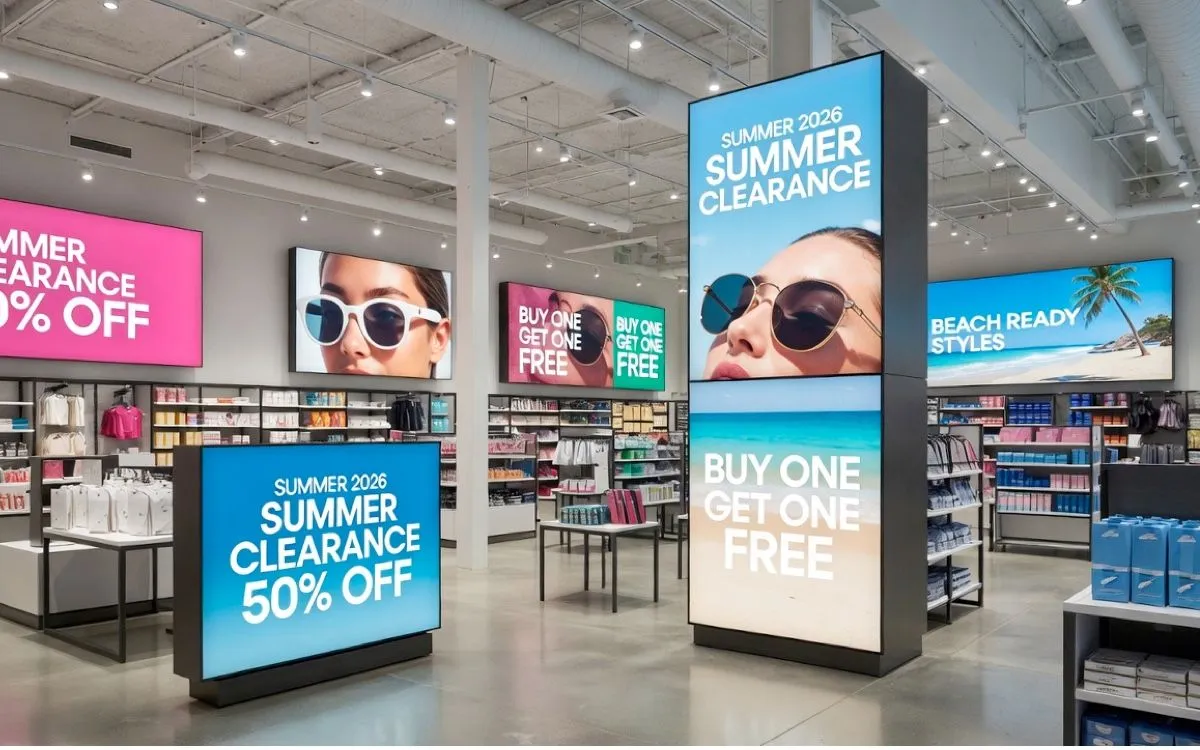
Digital signage consists of three components. The first is a screen, the second is digital signage software. The third component connects the two which is a digital signage player.
There are many digital signage players to choose from, but the one thing they all have in common is that they all work and do their job using an operating system. Which operating system they use varies as there are several popular ones.
One of the most powerful is Microsoft Windows which is the digital signage player operating system we will discuss here. Check out what Microsoft Windows has to offer in the world of digital signage.
What is Windows?
Windows, designed and managed by Microsoft, is a huge player in the technology industry in general, but also in digital signage and its operating system can fit almost any need.
You are already familiar with the Windows operating system used on a home computer, but Microsoft also offers “naked” versions for other uses like digital signage, where they’ve removed most of the fancy extra stuff to make the operating system more efficient and focused on stability.
Versions of the trimmed-down operating system are utilized in Windows digital signage players.
Who Should Use Windows?
With as many products as Windows is integrated into and how many versions they have, it would be hard to find someone who shouldn’t use it. However, in relation to digital signage, there are a few instances that Windows is perfect for.
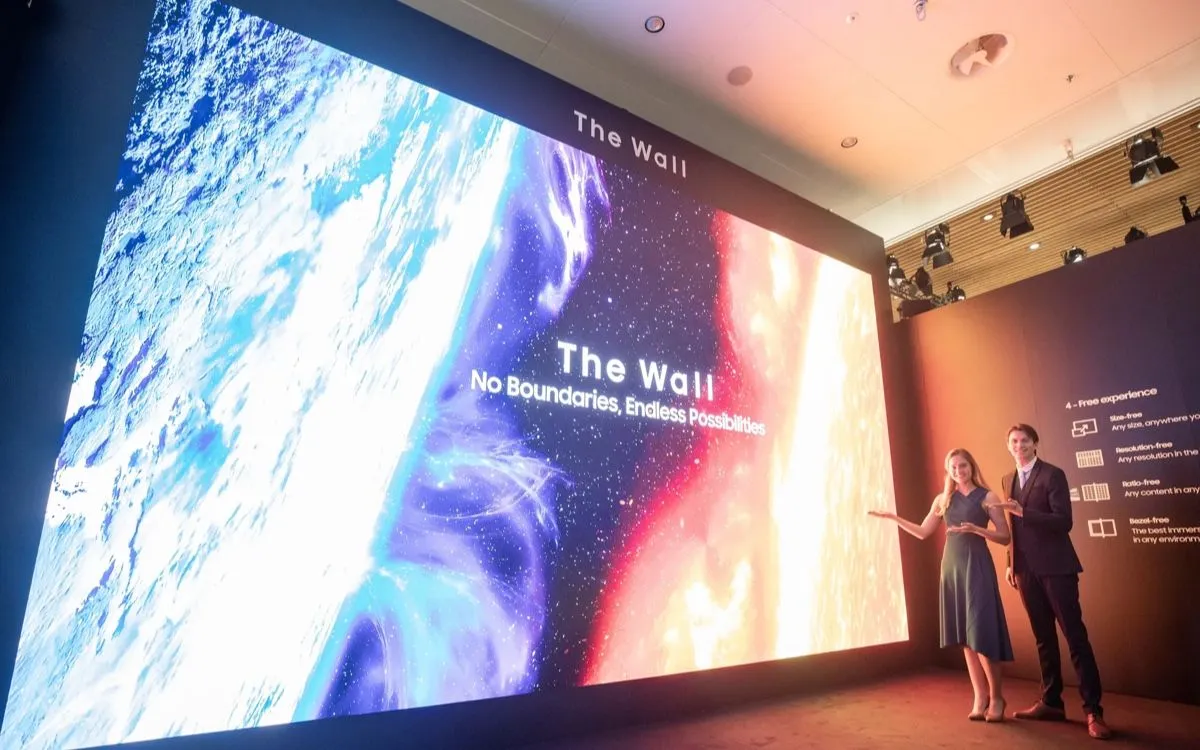
For years, Windows has been used to power larger digital signage networks with multiple screens as well as lots of larger area screens such as LED walls and billboards.
However, even if you aren’t looking to have an expansive digital signage setup, Windows digital signage players are still an excellent option.
Troubles with Windows
Windows has, however, had a lot of downsides, related to automation. For example, updates, security blocks, and other stuff.
But in most cases of trouble, there was a problem because the people buying and using the Microsoft Windows operating system didn’t get the right version or didn’t have the knowledge to “modify” the operating system to do what they wanted.
Most trouble can be prevented by using a suitable Windows digital signage player, like the examples below.
Benefits of Windows Operating System
Despite a few kinks, there are several wonderful benefits that Windows operating systems have to offer especially for digital signage.
Highly Supportive of Interactive Digital Signage
Many Windows 10 digital signage players support touch screens quite well. Interactive digital signage isn’t supported by all players, so if that is an important feature for your vision, Windows digital signage players are a great choice.
Unlimited Power and Scalable
Digital signage setups with Microsoft Windows operating systems have almost unlimited power and are scalable to your highest imagination. This means that you have as many screens as you would like and multiple players too since the Microsoft Windows network is immense.
Secure
The Windows operating system has its own security that consistently updates to solve any flaws that may arise. This is in addition to the security that Play Digital Signage offers as well to ensure that your content and screens are protected from every angle.
Windows Digital Signage Players
Though there are many Windows digital signage players to choose from, here are three current examples that suit Play Digital Signage well, from a tiny mini PC to a full outdoor display. Our tested player list has more options.
ASUS NUC 15 Pro Mini PC
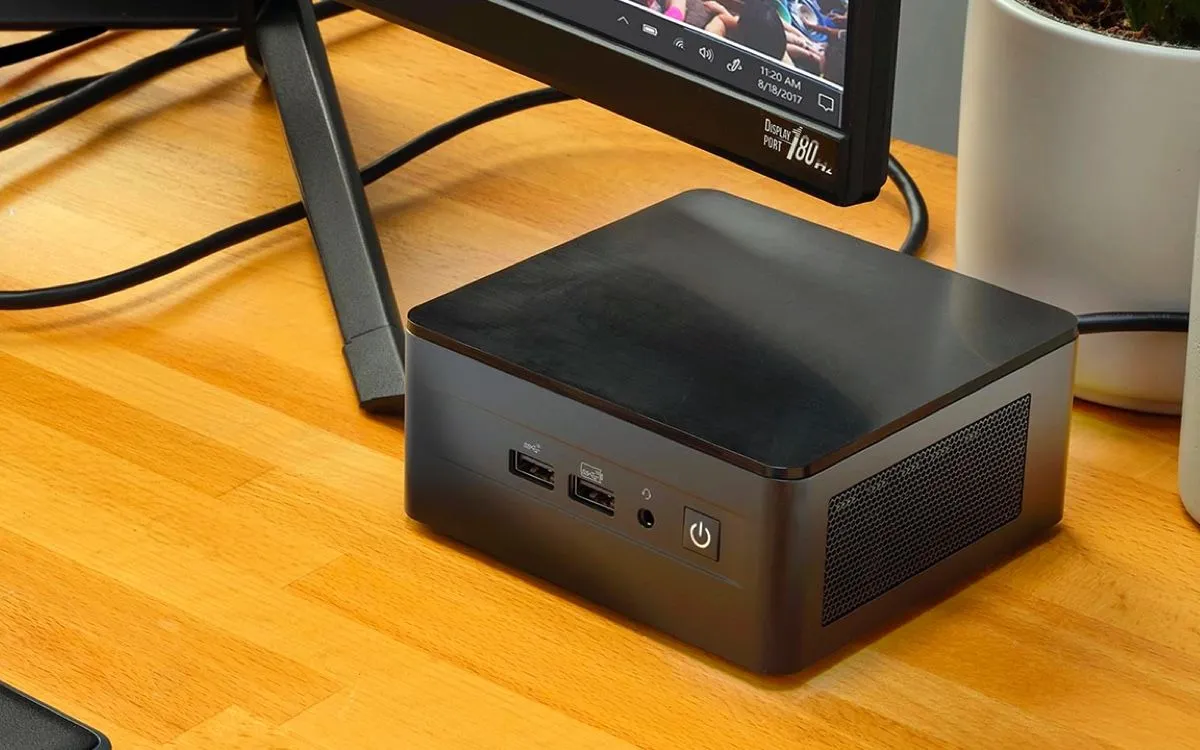
The ASUS NUC 15 Pro is the current generation of the NUC mini PCs that Intel handed over to ASUS. It has the power of a traditional PC tower in a box that fits in your hand, with two HDMI outputs and Thunderbolt 4, which makes it easy to conceal behind any screen.
Microsoft Windows PC & Laptop
Almost any current business PC or laptop works as a Windows digital signage player, for example a Dell Pro Micro desktop or a current Dell business laptop. How well it handles demanding content, like 4K video, depends on the hardware, so pick a recent model with a modern processor. Read more about Microsoft Windows PCs and Laptops as players.
Infinitus imotion G7
The Infinitus imotion G7 is still Infinitus’ extreme outdoor display, made for temperatures from -40°C to +55°C. It is the star of outdoor digital signage, with built-in climate control that keeps the internal temperature regulated even in the most extreme conditions.
Windows Operating System with Play Digital Signage
Dynamic Content
Using Windows digital signage players with Play Digital Signage software allows you to use the full capabilities that our built-in content editor has to offer. From plugins to playlists in playlists and zones, Microsoft Windows digital signage can handle the most dynamic content which of course is good for business. The more dynamic your content, the more engaging it is for your customers, and the more your message, whatever that might be, will be absorbed.
Extensive Support
As we have mentioned, trouble only comes with Microsoft Windows digital signage when there is nowhere to ask questions, and not every company has a well-rounded in-house technical support team. We understand that everyone needs help sometimes which is why we have included multiple support options with Play Digital Signage at no additional cost. Take advantage of our detailed help section, YouTube channel, and 24/7 live chat support located at the bottom of every screen on our website.
Compatibility with Multiple Versions
Play Digital Signage works on Windows 11 and 10, and is compatible with Windows 7 and 8 as well. Having a wide range of compatibility allows you to choose any Windows digital signage player whether that be Windows 10 digital signage player or an older Windows 7 player.
Get Started with Play Digital Signage
Getting started with Play Digital Signage is as easy as three steps. You can test on free trial screens (they show a watermark), and we will never collect any credit card or billing information until you are ready to go live. Take that time to design your content and see all of the features Play Digital Signage has to offer.
Sign Up Today
- First, sign up at playsignage.com. We will only collect some basic information and never any credit card or billing information until you are ready to go live.
- Then pick your screen. It can be as big as a video wall or as small as a tablet. You also have the choice of whether it needs to be a touchscreen or just visual.
- Finally, choose your player. Though you can choose a media player with any of the most common operating systems with Play Digital Signage, you can also utilize Microsoft Windows. If you need help deciding between players, our tested list may help.
How we write and check our articles:Editorial Policy